Top 12 Project Management Tools for Agencies in 2026
For any digital agency, the line between profitable growth and operational chaos is razor-thin. It’s the difference between hitting deadlines and chasing them, delighting clients and managing their frustrations. The secret weapon? Choosing from the best project management tools for agencies designed specifically to handle client work, track profitability, and streamline complex workflows.
Standard, one-size-fits-all tools often miss the mark. They typically lack the critical, agency-specific features needed for success, such as client portals, integrated retainer management, and granular resource utilization reporting. This guide dives deep into 12 leading platforms, moving beyond generic feature lists to provide a comprehensive analysis of what truly matters for your agency's bottom line. We'll cover everything from all-in-one Professional Services Automation (PSA) suites to highly flexible work management hubs.
Our goal is to help you select the right system to scale your operations, not your stress levels. Each entry in this list includes a detailed breakdown of core features, ideal agency use cases, honest pros and cons, and specific pricing information. You'll also find screenshots and direct links to help your evaluation. We’ll analyze each tool's unique strengths and, most importantly, show you how to integrate them with powerful automation to reclaim valuable hours. For a deeper dive into tools specifically tailored for creative and digital agencies, consider exploring a detailed review of the best digital agency project management software options. Let's find the platform that will stop the chaos and transform your agency’s productivity.
1. Teamwork.com
Teamwork.com stands out as one of the best project management tools for agencies specifically because it’s built from the ground up for client-facing work. Unlike general-purpose tools that require extensive customization, Teamwork uses agency-centric language and features right out of the box, such as native time tracking, profitability reporting, and resource management. This focus significantly reduces setup time, allowing agencies to manage client retainers, track billable hours, and monitor project budgets efficiently without needing multiple third-party apps.

The platform excels at providing visibility into both project health and team utilization. Its robust reporting tools help agency owners and project managers quickly identify at-risk projects and prevent team burnout by visualizing workloads. The ability to grant granular, client-level permissions ensures transparent collaboration without exposing internal communications or other clients' data.
Key Details & Pricing
- Best For: Agencies of all sizes needing a unified platform for client management, project delivery, and profitability tracking.
- Pricing: Offers a limited Free Forever plan for up to 5 users. Paid plans start at $5.99 per user/month (Starter), with more advanced features in the Deliver ($9.99/user/month) and Grow ($17.99/user/month) tiers.
- Pros:
- Agency-focused features are built-in, not bolted on.
- Excellent client access and collaboration tools.
- Scalable from small teams to enterprise-level with robust security.
- Cons:
- Advanced financial features like retainers are locked behind higher-priced plans.
- The user interface can feel dense for new users.
Website: https://www.teamwork.com
2. Teamwork.com
Teamwork.com stands out as one of the best project management tools for agencies specifically because it’s built from the ground up for client-facing work. Unlike general-purpose tools that require extensive customization, Teamwork uses agency-centric language and features right out of the box, such as native time tracking, profitability reporting, and resource management. This focus significantly reduces setup time, allowing agencies to manage client retainers, track billable hours, and monitor project budgets efficiently without needing multiple third-party apps.
The platform excels at providing visibility into both project health and team utilization. Its robust reporting tools help agency owners and project managers quickly identify at-risk projects and prevent team burnout by visualizing workloads. The ability to grant granular, client-level permissions ensures transparent collaboration without exposing internal communications or other clients' data.
Key Details & Pricing
- Best For: Agencies of all sizes needing a unified platform for client management, project delivery, and profitability tracking.
- Pricing: Offers a limited Free Forever plan for up to 5 users. Paid plans start at $5.99 per user/month (Starter), with more advanced features in the Deliver ($9.99/user/month) and Grow ($17.99/user/month) tiers.
- Pros:
- Agency-focused features are built-in, not bolted on.
- Excellent client access and collaboration tools.
- Scalable from small teams to enterprise-level with robust security.
- Cons:
- Advanced financial features like retainers are locked behind higher-priced plans.
- The user interface can feel dense for new users.
Website: https://www.teamwork.com
3. Productive.io
Productive.io carves out its space among project management tools for agencies by integrating project delivery with financial operations. It’s an all-in-one platform where project management, sales, time tracking, resource planning, and invoicing coexist, giving agency leaders a real-time view of profitability. Instead of just tracking tasks, every action is connected to a budget, allowing managers to see how scope changes and resource allocation impact the bottom line directly within the project interface.
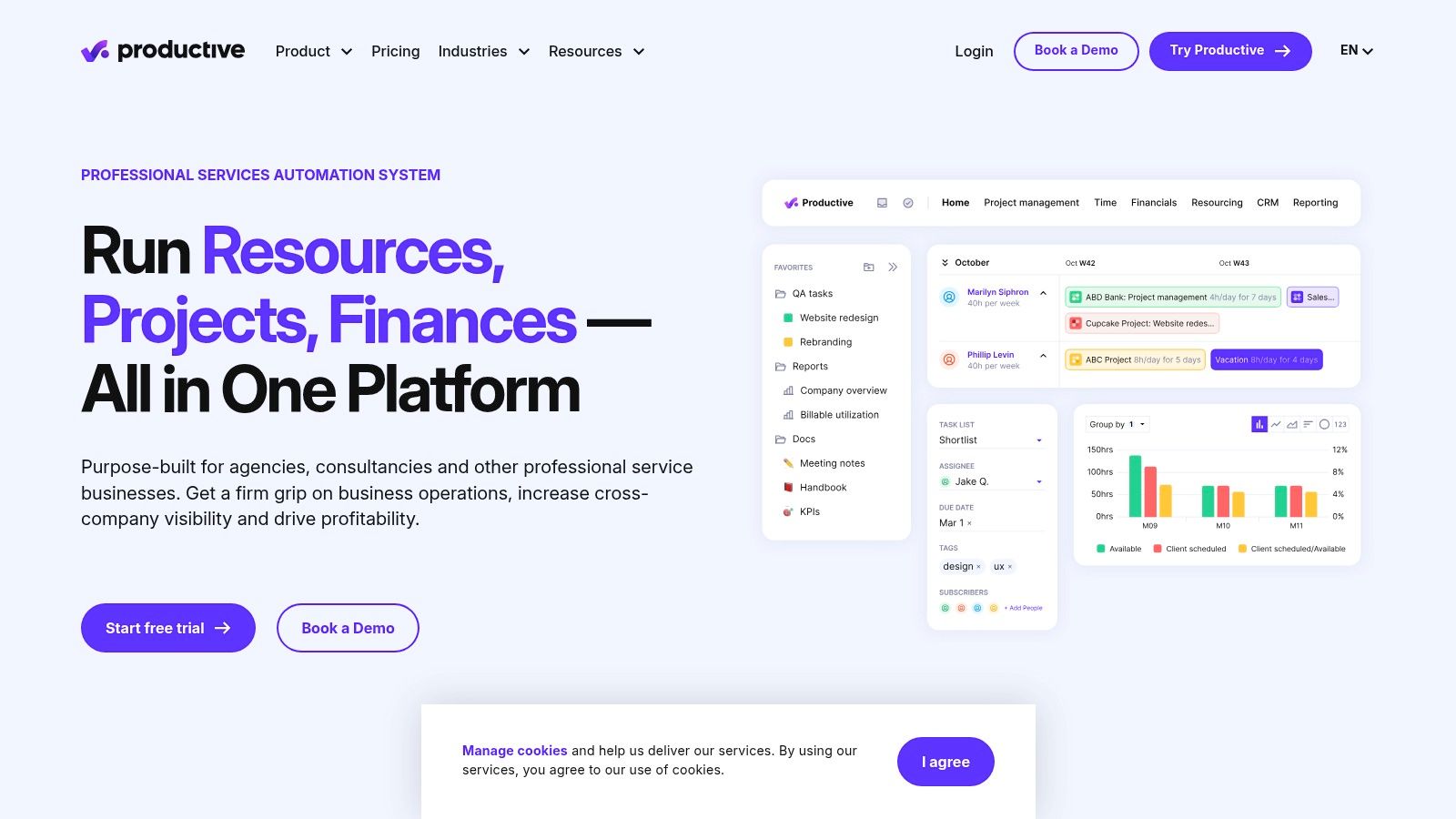
The platform is designed to eliminate the need for separate spreadsheets and financial software to gauge agency health. Its robust resource planning and forecasting tools help prevent overbooking and ensure teams are utilized effectively, while its advanced reporting provides clear insights with agency-specific templates. The integrated client portal allows for transparent communication on project progress and approvals without oversharing internal financial data.
Key Details & Pricing
- Best For: Financially-focused agencies that want to connect project delivery directly to profitability and resource management.
- Pricing: The Standard plan starts at $12.50 per user/month and includes core PM and budgeting features. The Premium plan ($20 per user/month) adds resource planning and advanced reporting. An Enterprise tier is available for custom needs.
- Pros:
- Combines project delivery and financial management in one tool.
- Excellent resource planning and profitability forecasting features.
- Broad integrations with key tools like HubSpot, QuickBooks, and Slack.
- Cons:
- The extensive feature set can require a structured onboarding process.
- Advanced features like forecasting are limited to higher-priced tiers.
Website: https://www.productive.io
4. Scoro
Scoro positions itself as end-to-end work management software, making it a powerful choice for agencies that want to connect project delivery directly to financial performance. It goes beyond typical task management by integrating CRM, quoting, billing, and advanced reporting into one system. This allows agencies to track a project’s entire lifecycle, from the initial sales quote to the final invoice, providing unparalleled visibility into profitability and resource utilization.
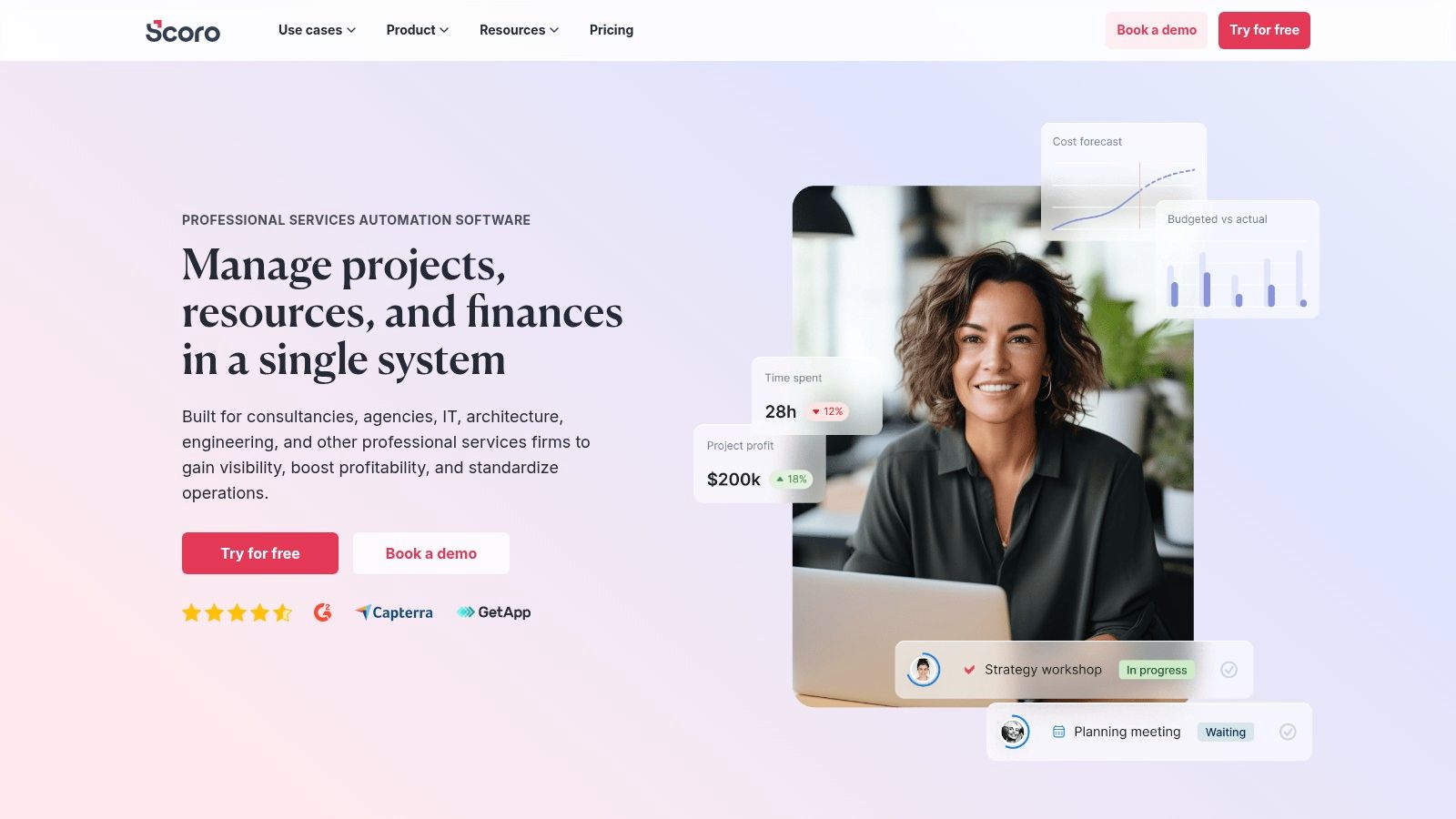
The platform’s strength lies in its real-time financial dashboards and reporting. Agency leaders can easily compare quoted estimates against actual results, monitor work-in-progress (WIP), and forecast revenue with high accuracy. For agencies struggling to manage multiple complex projects, Scoro’s structured approach helps maintain tight control over budgets and timelines. For more insights into this area, learn how to manage multiple projects simultaneously.
Key Details & Pricing
- Best For: Financially-driven creative and professional service agencies needing a single source of truth for projects, sales, and billing.
- Pricing: Plans start from €26 per user/month (Essential), with more comprehensive features in the Standard (€37/user/month) and Pro (€63/user/month) plans. Note there is a 5-user minimum.
- Pros:
- End-to-end visibility from sales pipeline to final invoice.
- Robust financial and profitability reporting capabilities.
- Multi-currency support is ideal for agencies with global clients.
- Cons:
- The 5-user minimum makes it less accessible for very small teams or freelancers.
- Can be complex to set up; its full value is realized when all finance features are adopted.
Website: https://www.scoro.com
5. Accelo
Accelo positions itself not just as a project management tool, but as a complete professional services automation (PSA) platform. This makes it a strong contender for agencies looking to unify their entire workflow from quote to cash. Its integrated modules for projects, sales, retainers, and billing eliminate the need for separate CRM and invoicing software, providing a single source of truth for client work and financial health. This end-to-end visibility is Accelo’s key differentiator, allowing agency leaders to forecast revenue accurately based on active projects and sales pipelines.
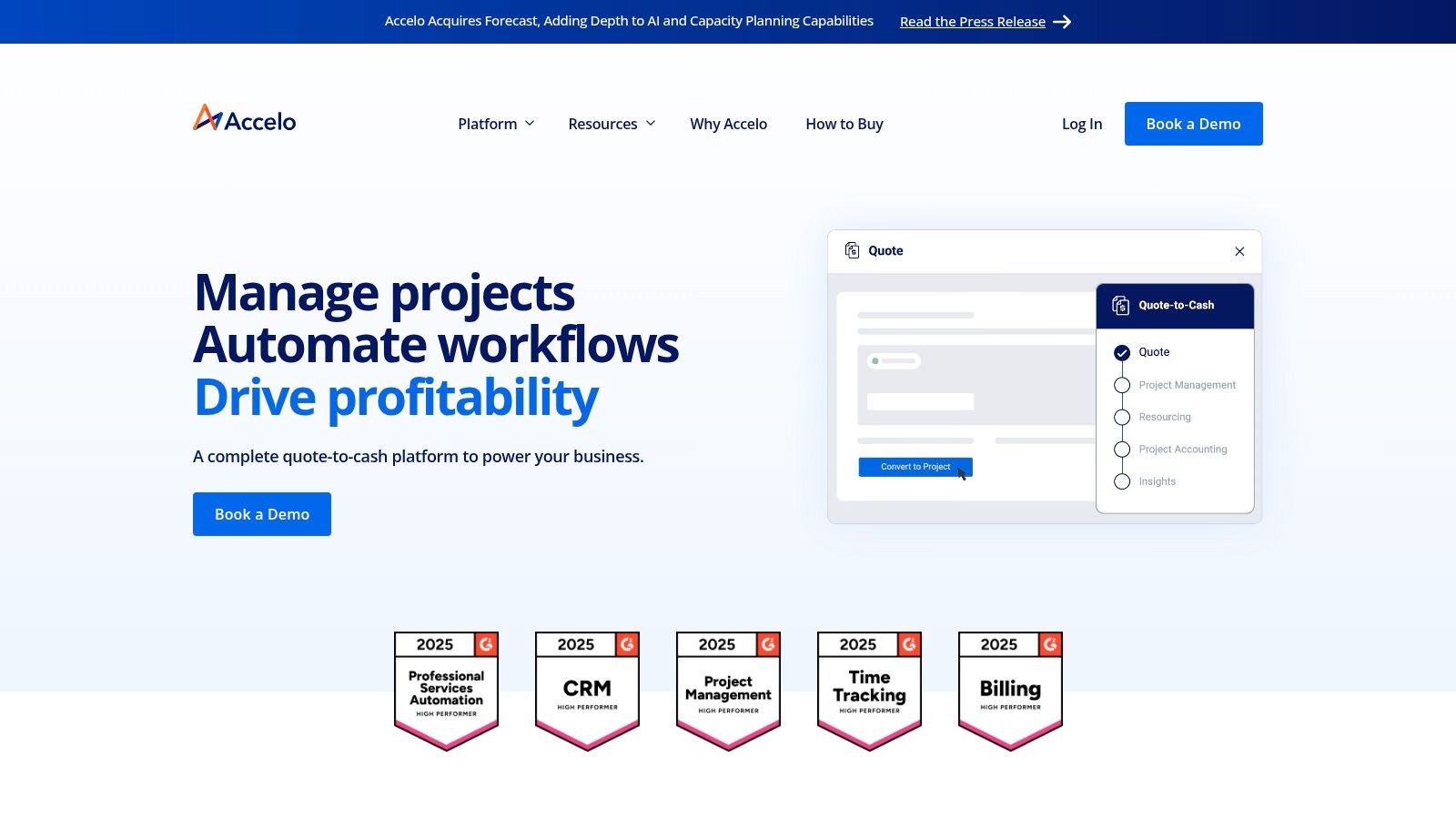
The platform is built to handle the complexities of service-based businesses, with features like automated time and expense capture, client portals for approvals, and sophisticated rate management. For agencies tired of patching together different tools, Accelo provides a cohesive operating system. Its built-in payment processing further streamlines the billing cycle, reducing administrative overhead and improving cash flow, making it one of the most comprehensive project management tools for agencies focused on operational efficiency.
Key Details & Pricing
- Best For: Medium to large agencies needing a unified platform to manage sales, projects, billing, and retainers in one place.
- Pricing: Pricing is not publicly listed and requires a custom quote based on user count and required modules. Plans historically started around $39 per user/month, but contacting their sales team is necessary for current figures.
- Pros:
- True end-to-end solution from sales pipeline to final payment.
- Powerful automation for billing, retainers, and time tracking.
- Reduces tool sprawl by integrating CRM, project management, and invoicing.
- Cons:
- Lack of transparent pricing makes initial evaluation difficult.
- Can be overly complex and expensive for smaller agencies or those with simpler needs.
Website: https://www.accelo.com
6. Kantata
Kantata, born from the merger of Mavenlink and Kimble, is a professional services cloud designed for large agencies and service organizations managing complex, large-scale projects. It moves beyond standard task management to provide a powerful engine for resource planning, financial forecasting, and profitability analysis. This makes it one of the most robust project management tools for agencies that require enterprise-grade control over utilization rates, project margins, and revenue recognition across an extensive portfolio.
The platform's strength lies in its ability to connect project delivery with financial performance in real time. For agencies juggling numerous high-value clients, Kantata offers unparalleled visibility into how resource allocation impacts the bottom line. Its advanced forecasting capabilities allow leadership to predict revenue, anticipate staffing needs, and make data-driven decisions to ensure sustained profitability. Extensive pre-built connectors also simplify integration with enterprise systems like CRM and ERP platforms.
Key Details & Pricing
- Best For: Mid-market and enterprise agencies requiring sophisticated resource management, financial controls, and business intelligence.
- Pricing: Kantata does not offer public pricing. Access is provided through a custom quote and a sales-led process tailored to enterprise needs.
- Pros:
- Unmatched depth in resource forecasting, utilization, and margin control.
- Strong focus on the professional services industry and its specific workflows.
- Scales effectively to handle complex, multi-faceted project portfolios.
- Cons:
- The feature set and pricing model are likely overkill for smaller agencies.
- Lack of transparent pricing requires a significant commitment to the evaluation process.
Website: https://www.kantata.com
7. Workamajig
Workamajig positions itself as a comprehensive, all-in-one agency management system, designed specifically for creative agencies that want to consolidate their entire operations into a single platform. Unlike tools that focus solely on project delivery, Workamajig integrates project management with full accounting, CRM, and resource management. This unified approach eliminates the need to stitch together multiple apps, providing a single source of truth from project intake and quoting all the way through to final invoicing and financial reporting.
The platform is purpose-built for the agency workflow, featuring tools like digital proofing, client approvals, and vendor management directly within the system. Its strength lies in connecting project tasks and timelines directly to financial data, giving agency leaders unparalleled insight into profitability, client ROI, and resource utilization. For established agencies tired of data silos and integration headaches, Workamajig offers a robust, albeit complex, solution to streamline every facet of their business.
Key Details & Pricing
- Best For: Established creative, advertising, and marketing agencies seeking a single, integrated system to manage projects, finances, and client relationships.
- Pricing: Custom pricing based on user count and required features. Pricing typically starts around $50 per user/month, with a minimum of 5-10 users often required to get started.
- Pros:
- Truly all-in-one platform, bundling project management with full accounting (AP/AR).
- Reduces overhead and data sync issues from using multiple integrations.
- Offers agency-specific onboarding, training, and support.
- Cons:
- The user interface is dated and has a significant learning curve compared to modern PM tools.
- The high seat minimum and price point make it less accessible for smaller or new agencies.
Website: https://www.workamajig.com
8. ClickUp
ClickUp positions itself as the "one app to replace them all," and for many agencies, it lives up to that promise by combining tasks, documents, chat, goals, and whiteboards into a single, unified platform. Its core strength lies in its extreme customizability, allowing agencies to build tailored workflows for everything from content creation to complex web development projects. This flexibility makes it one of the most versatile project management tools for agencies that want to consolidate their tech stack and avoid paying for multiple disparate apps.
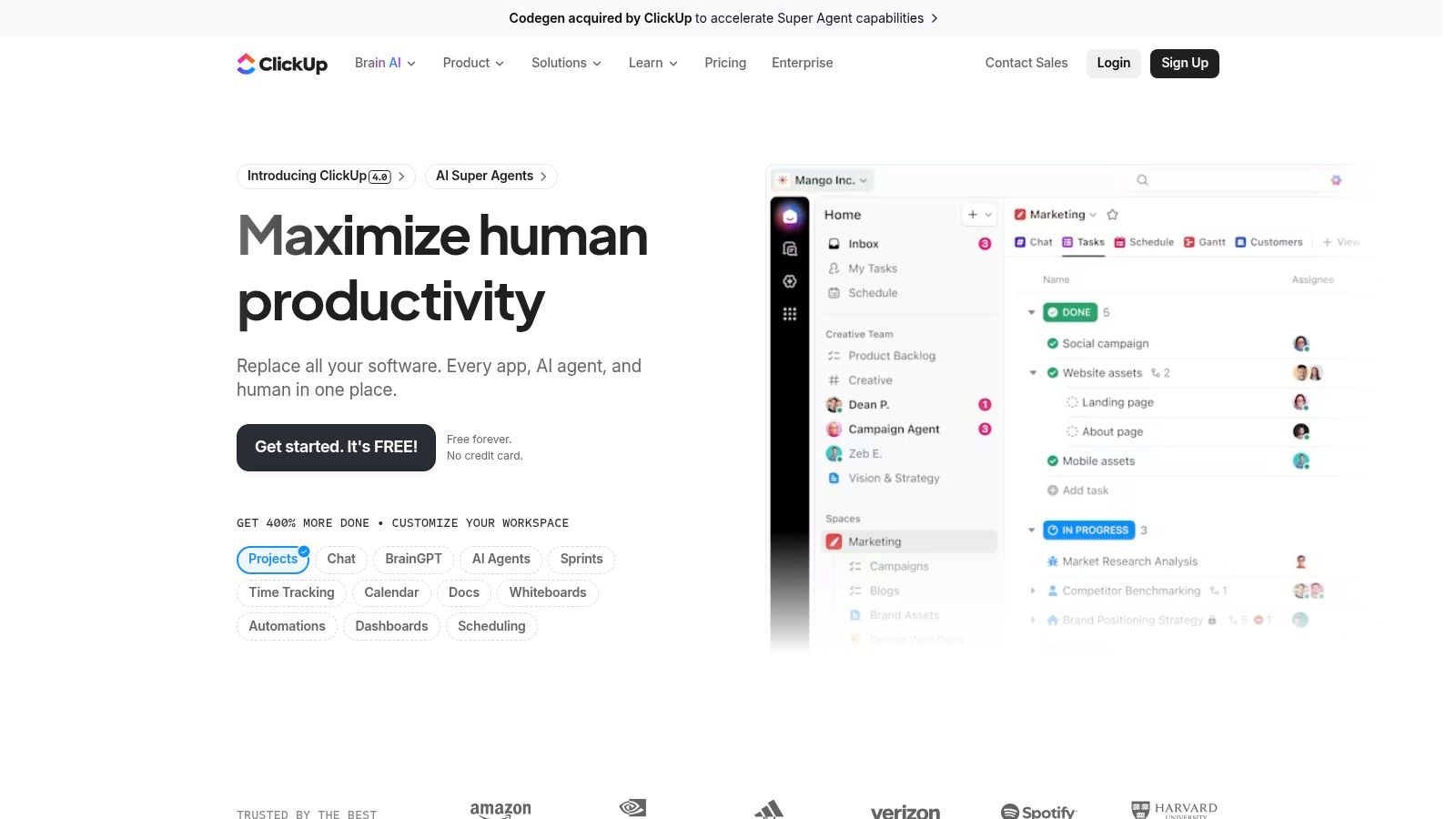
The platform’s affordability and generous feature set on lower-tier plans make it highly attractive for growing teams. With multiple project views like List, Board, Calendar, and Gantt, every team member can work in the way that suits them best. Native features such as time tracking, custom fields, and robust automation rules allow agency managers to build efficient systems for tracking progress and managing resources without needing extensive add-ons. Its expanding AI capabilities further streamline processes by summarizing tasks and generating project content.
Key Details & Pricing
- Best For: Small to mid-sized agencies looking for an affordable, all-in-one platform with deep customization options.
- Pricing: A robust Free Forever plan is available. Paid plans include Unlimited ($7 per user/month), Business ($12 per user/month), and an Enterprise plan with custom pricing for advanced security and support.
- Pros:
- Extremely competitive pricing offers an incredible feature set for the cost.
- All-in-one functionality reduces the need for other software.
- Highly customizable views, statuses, and fields fit any agency workflow.
- Cons:
- The sheer number of features can be overwhelming and requires a dedicated effort to set up and maintain.
- Some key administrative and security features are locked behind the highest-priced plans.
Website: https://clickup.com
9. monday.com
monday.com has evolved from a simple task tracker into a powerful and highly visual Work OS that many agencies favor for its sheer flexibility. Its strength lies in customizable "boards" that can be adapted to manage anything from creative asset pipelines and content calendars to complex web development sprints. The platform’s colorful, intuitive interface makes it one of the more approachable project management tools for agencies, lowering the barrier to adoption for non-technical team members and clients.
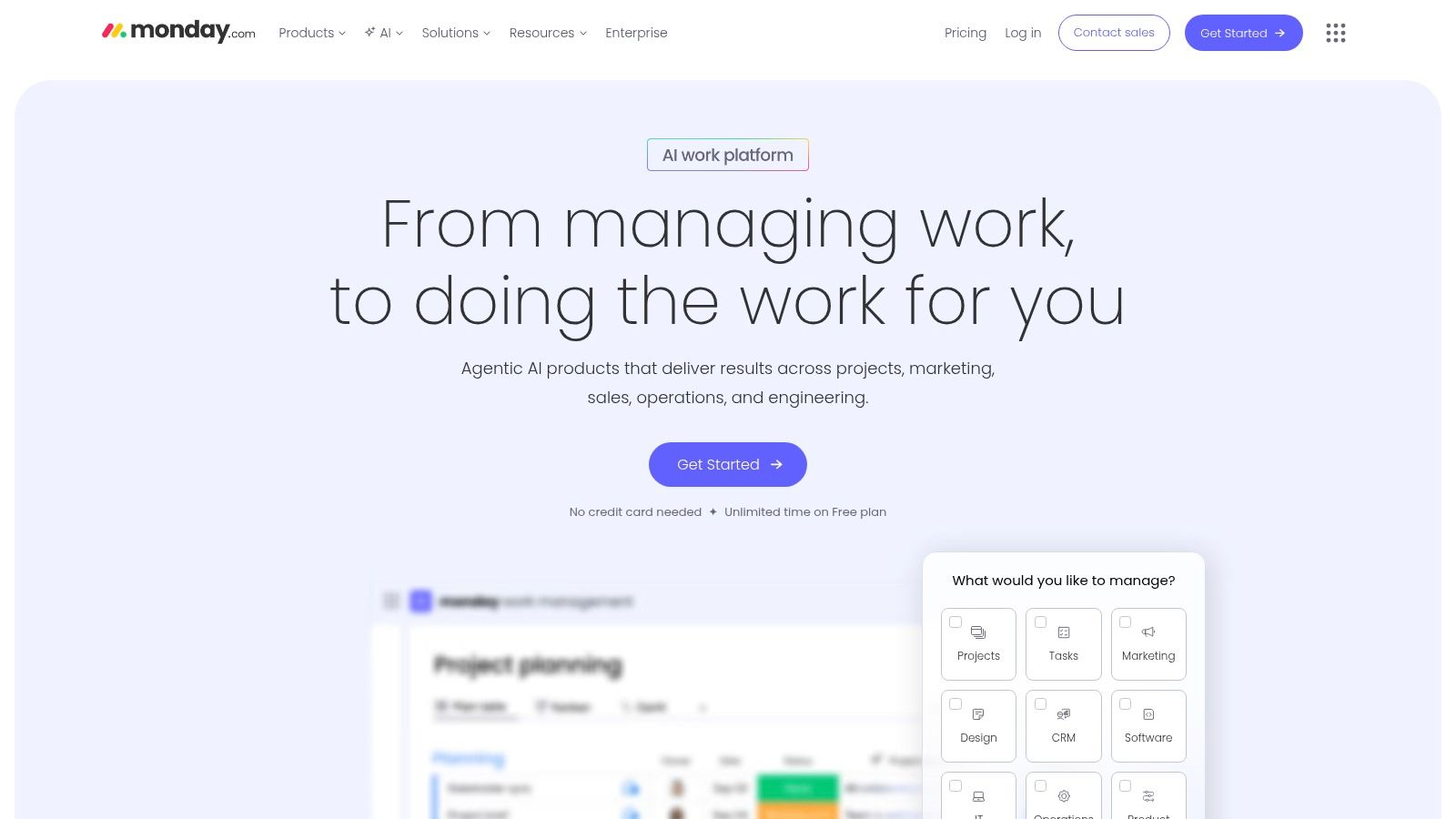
The automation and integration capabilities are central to its appeal for agency operations. Agencies can create "recipes" to automate repetitive tasks, such as notifying account managers when a client task is complete or moving items between boards as they progress. Dashboards provide high-level, real-time views of project statuses, team workloads, and budget tracking, which are crucial for maintaining profitability and client satisfaction. Its guest access feature allows for seamless collaboration with clients on specific project boards without revealing internal agency data.
Key Details & Pricing
- Best For: Creative and marketing agencies that need a highly visual, flexible platform to manage diverse project types and workflows.
- Pricing: A limited Free plan is available for up to 2 users. Paid plans start at $9 per user/month (Basic), with more features in the Standard ($12/user/month) and Pro ($19/user/month) tiers. All paid plans have a 3-seat minimum.
- Pros:
- Extremely flexible and customizable to support various agency service lines.
- Highly visual and intuitive interface that is quick to adopt.
- Extensive template library for common agency workflows.
- Cons:
- Per-seat pricing with minimum seat packs can be costly for smaller teams.
- Automation and integration quotas are limited on lower-tier plans.
Website: https://www.monday.com
10. Asana
Asana is a powerhouse among project management tools for agencies that need to manage a high volume of projects with clear visibility and standardized processes. While not exclusively for agencies, its flexibility shines with features like custom templates for client onboarding or campaign launches, and its visual Timeline view simplifies complex project planning. The ability to add unlimited free guests is a huge plus for agencies, allowing seamless client collaboration on tasks and milestones without extra license fees.
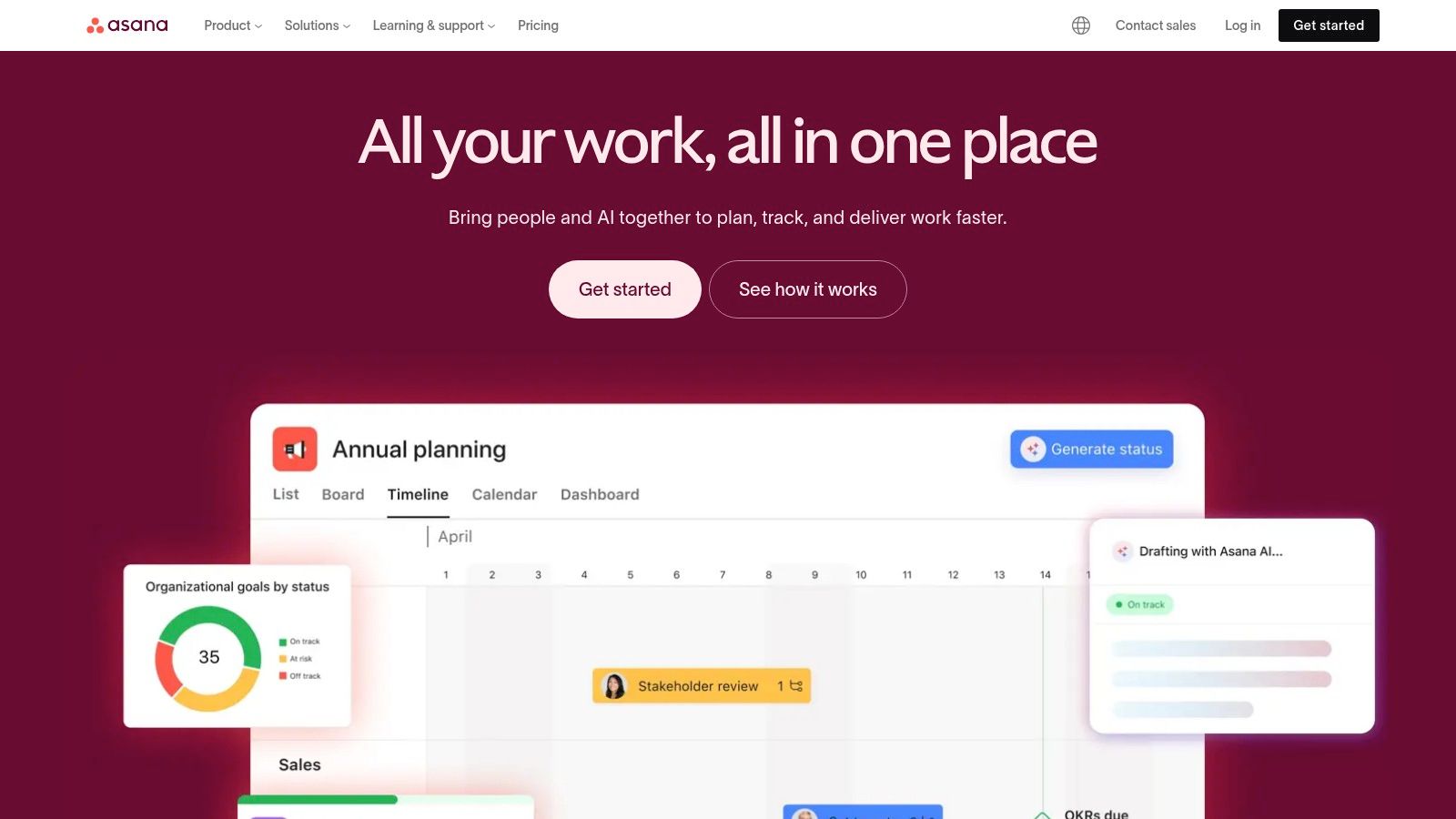
The platform truly excels at scale. Its Portfolio and Goals features, available in higher tiers, allow agency leaders to track progress across all client accounts against strategic objectives. This macro-level view is critical for resource allocation and ensuring team efforts align with business goals. Asana's automation builder also reduces manual work by creating rules to auto-assign tasks or update project statuses, and its reporting dashboards offer real-time insights into team productivity. Exploring how to integrate AI in project management can further enhance these capabilities.
Key Details & Pricing
- Best For: Growing agencies that require a scalable, intuitive platform with strong cross-project visibility and client collaboration features.
- Pricing: Offers a generous Free plan for up to 10 users. Paid plans start with Starter ($10.99 per user/month) and Advanced ($24.99 per user/month), which unlocks portfolios, goals, and advanced reporting.
- Pros:
- Highly intuitive interface leads to quick user adoption.
- Excellent for managing multiple projects with Portfolios.
- Unlimited free guests for client collaboration.
- Cons:
- Lacks native time tracking, budgeting, and invoicing.
- Key agency features like portfolios and approvals are locked in higher-priced tiers.
Website: https://asana.com
11. Wrike
Wrike is a highly configurable project management tool for agencies that need to standardize processes across multiple clients and teams. Its strength lies in features like "Blueprints," which allow agencies to create repeatable project templates, ensuring consistency in service delivery. This is complemented by dynamic request forms that streamline client intake and automatically trigger workflows, significantly reducing manual setup for new projects and retainers.
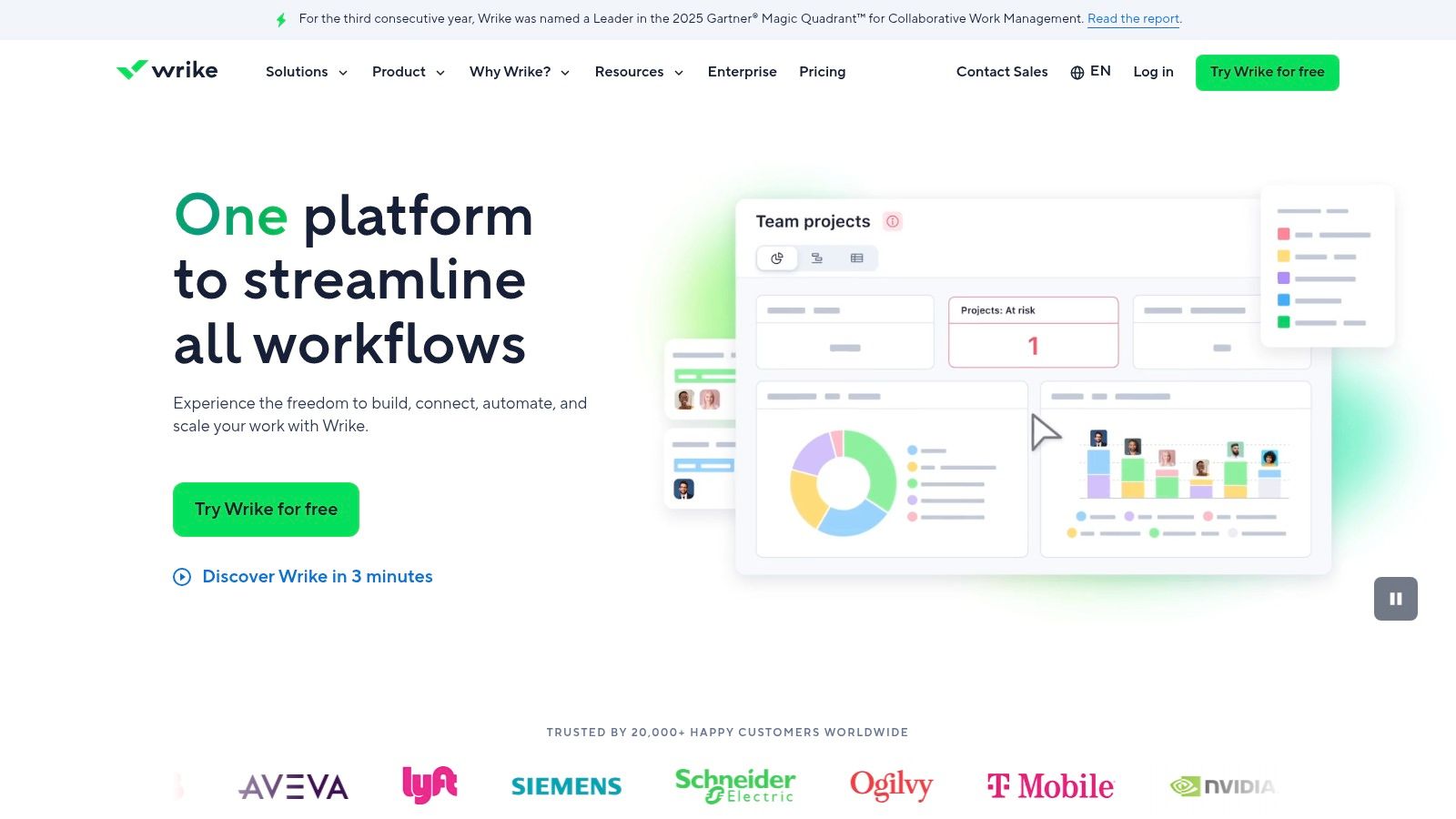
The platform also offers robust resource and capacity planning tools, giving managers clear visibility into team workloads to prevent burnout and optimize allocation. With features like guest approvals, agencies can easily involve clients in the review process without giving them full system access. Wrike's structured approach makes it an excellent choice for agencies looking to implement a specific project management methodology and scale their operations efficiently.
Key Details & Pricing
- Best For: Mid-sized to large agencies that manage complex, multi-stage projects and require standardized workflows and approvals.
- Pricing: Offers a Free plan with basic task management. Paid plans start with the Team plan at $9.80 per user/month, while agency-centric features like request forms and resource management are in the Business plan at $24.80 per user/month.
- Pros:
- Powerful automation and workflow standardization with Blueprints.
- Excellent for managing complex projects with many dependencies.
- Scales effectively for large teams and enterprise-level agencies.
- Cons:
- The most valuable features for agencies are locked in higher-tier plans.
- The interface can be complex and may have a steep learning curve for new users.
Website: https://www.wrike.com
12. Basecamp
Basecamp positions itself as a refreshingly simple, client-friendly hub for project management and team communication. It intentionally avoids the feature overload of more complex project management tools for agencies, focusing instead on a core set of tools that facilitate clear communication and organization. Its major appeal is its straightforward approach: projects are self-contained spaces with everything needed to get work done, including to-do lists, schedules, file storage, and message boards. This simplicity makes it exceptionally easy to onboard clients and freelancers without extensive training.

The platform's standout feature is its pricing model. The flat-rate "Pro Unlimited" plan is particularly attractive for growing agencies, as it allows for unlimited users, projects, and clients for one fixed monthly fee. This removes the per-user cost barrier that often hinders scaling with other platforms. Agencies can grant clients access to relevant projects at no extra charge, fostering transparency and reducing endless email chains by centralizing all discussions and approvals.
Key Details & Pricing
- Best For: Creative and digital agencies that prioritize simplicity and client collaboration over granular financial and resource planning features.
- Pricing: Offers a limited Free plan for up to 20 users. The main paid plans are a standard tier at $15 per user/month and the Pro Unlimited plan for $299/month (billed annually) for unlimited users.
- Pros:
- Extremely intuitive and easy for clients and non-technical team members to use.
- Flat-rate pricing on the Pro plan offers excellent value for large or growing teams.
- Centralizes all project communication, reducing reliance on email and chat apps.
- Cons:
- Lacks native time tracking, invoicing, and advanced budgeting tools.
- Offers fewer granular controls and reporting features compared to all-in-one agency platforms.
Website: https://basecamp.com
Top 12 Agency Project Management Tools — Feature Comparison
| Product | Core features | Target audience | UX / Quality | Value / ROI | USP / Price |
|---|---|---|---|---|---|
| MakeAutomation — Services | AI & automation optimization, lead gen, CRM automation, SOPs, Voice AI, end-to-end implementation & docs | B2B / SaaS growth-stage companies aiming for scalable, 7-figure growth | Hands‑on implementation; production‑ready handoff; requires change management | Saves time, reduces manual work, measurable ROI and ongoing optimization | Outcome‑driven + Voice/Conversational AI; custom pricing |
| Teamwork.com | Project management, native time tracking, budgeting, resource planning, agency templates | Agencies managing multiple clients, retainers, utilization | Agency‑centric UX; reduces setup overhead; scalable with SSO | Improves utilization, billing accuracy and client reporting | Strong agency templates & built‑in time/billing; free tier limited |
| Productive.io | Project + budgeting, profitability tracking, resource forecasting, client portal | Agencies wanting delivery and profitability in one tool | Fast support; structured onboarding often needed | Centralizes financials and delivery for better margins | Deep financials + broad integrations; tiered pricing |
| Scoro | Project budgets, quoted vs actuals, timesheets, utilization, advanced reporting | Professional & creative services needing tight financial control | Structured onboarding; multi‑currency support; 5‑user min | End‑to‑end visibility from sales to billing improves forecasting | Finance‑focused PSA; pricing mainly in EUR |
| Accelo | Projects, retainers, tickets, sales, billing and built‑in payments | Agencies seeking quote‑to‑cash and integrated payments | Centralized workflows; designed for scale | Reduces tool sprawl and speeds billing/cash collection | Built‑in payments (processing fees); custom quote required |
| Kantata | Advanced utilization, forecasting, enterprise billing, large data handling | Mid‑market / enterprise professional services and agencies | Enterprise‑grade; sales‑led onboarding and deployment | Handles complex portfolios and financial controls at scale | PS cloud for large orgs; no public pricing |
| Workamajig | Project intake → billing, resourcing, digital proofing, built‑in accounting | Creative agencies and in‑house creative teams | All‑in‑one reduces integrations; steeper UI/learning curve | Single system for delivery + accounting reduces overhead | Bundled accounting + agency training; tiered per‑user pricing |
| ClickUp | Work OS: Lists/Boards/Gantt, docs, automations, time tracking, AI | Small to mid digital agencies wanting low cost and flexibility | Wide feature set; affordable but needs admin discipline | Replaces many tools; strong value per seat | Highly competitive pricing; free tier; expanding AI features |
| monday.com | Visual boards, Timeline/Gantt, automations, integrations, dashboards | Agencies needing customizable boards and guest collaboration | Quick adoption with many templates; visual UX | Flexible across service lines; speeds onboarding | Template library + automations; per‑seat packs (Pro/Enterprise for full features) |
| Asana | Timeline/Gantt, forms, reporting, goals, portfolios, integrations | Agencies scaling project portfolios and goal tracking | Easy adoption; robust cross‑project reporting; free guests | Improves visibility and cross‑project coordination | Strong reporting & portfolio features; limited native finance tools |
| Wrike | Project blueprints, request forms, approvals, capacity planning | Agencies standardizing intake, approvals and resource allocation | Configurable structure; scales to multi‑team orgs | Standardizes processes and intake for consistent delivery | Blueprints & request forms; best features on Business/Enterprise |
| Basecamp | To‑dos, message boards, schedules, chat, client access, flat pricing | Creative/digital agencies wanting simple client collaboration | Extremely easy for clients; low friction UX | Predictable costs; simple collaboration reduces overhead | Flat‑rate Pro Unlimited; lacks native budgeting/invoicing |
Beyond the Software: Implementing an Automated Project Management Ecosystem
Navigating the landscape of project management tools for agencies can feel overwhelming. We've explored a wide range of platforms, from comprehensive, all-in-one solutions like Scoro and Productive.io to flexible, work-OS giants like ClickUp and monday.com. Each offers a unique combination of features designed to tackle the specific challenges agencies face: managing client work, tracking profitability, and fostering team collaboration.
The core takeaway is that the "best" tool doesn't exist in a vacuum. The ideal choice for your agency depends entirely on your unique structure, client types, and operational maturity. A large, full-service agency might thrive with the robust financial and resource management of a tool like Kantata, while a smaller, agile creative team could find the simplicity and focus of Basecamp more effective. The key is to move beyond feature lists and deeply consider your core operational workflows.
From Tool Selection to Operational Excellence
Choosing your software is just the starting point. The real competitive advantage lies in how you implement and integrate that tool into a seamless operational ecosystem. The true power of modern project management software is unlocked when it acts as a central hub, connected to the other critical applications your agency relies on daily.
Think beyond simple task management. Imagine a workflow where a client signing a proposal in your CRM automatically triggers a sequence of events:
- A new project is instantly created in Asana or Teamwork.com from a pre-defined template.
- The project team is assigned based on capacity data pulled from your resource planning module.
- A client folder is set up in Google Drive and a dedicated Slack channel is created, with key stakeholders invited automatically.
- Initial invoices are generated in your accounting software, and time-tracking is initiated.
This level of automation eliminates hours of manual administrative work, drastically reduces the potential for human error, and provides a unified, real-time view of project progress and profitability. It transforms your project management tool from a simple to-do list into the engine of your agency's operations.
Key Considerations for a Successful Rollout
As you prepare to implement your chosen platform, focus on these critical factors to ensure a smooth transition and long-term success:
- Phased Implementation: Avoid a "big bang" rollout. Start with a single team or a pilot project to work out kinks, gather feedback, and build internal expertise before deploying agency-wide.
- Workflow Automation First: Before migrating data, map out your ideal automated workflows. Identify the most time-consuming manual processes and prioritize connecting your PM tool with your CRM, financial software, and communication platforms to solve those first.
- Invest in Training: True adoption requires more than just an invitation link. Invest in proper training that goes beyond features and focuses on how the tool facilitates your agency's specific processes and best practices.
- Integrate Beyond Projects: Don't forget that agency efficiency extends beyond project delivery. For instance, integrating automation into your client acquisition and marketing efforts can be a game-changer. For a deeper look into this area, exploring resources on the best Facebook Ads automation tools can provide valuable insights into streamlining your ad campaigns and lead flow.
Ultimately, selecting from the many excellent project management tools for agencies is a strategic decision that shapes your team's efficiency and your business's scalability. By choosing a platform that aligns with your processes and committing to building an automated ecosystem around it, you empower your team to focus less on administration and more on what they do best: delivering exceptional results for your clients.
Ready to transform your chosen project management tool into a fully automated operational hub? At MakeAutomation, we specialize in designing and building the custom, high-ROI workflows that connect your apps and eliminate manual work for good. Schedule a discovery call with MakeAutomation to see how we can build the integrated ecosystem your agency needs to scale.