Master: how to manage multiple projects simultaneously for maximum productivity
When you're juggling multiple projects, the natural tendency is to dive into firefighting mode. But that's a recipe for burnout and missed deadlines. The only way to get ahead is to shift from being reactive to building a proactive system. It really boils down to three core principles: Systemize how you take on new work, Prioritize what truly matters, and Automate everything you possibly can.
Moving From Project Chaos To Strategic Control
Let's be honest—managing a portfolio of projects often feels like a high-wire act. You're constantly switching gears, losing focus, and dropping balls. This is the daily reality in most B2B, SaaS, and agency environments, where a flood of client demands, internal initiatives, and unexpected tasks creates a tangled mess of competing priorities.
This isn't just a feeling; it's a statistical reality. Research shows that 59% of project managers are responsible for two to five projects at any given time, with a mere 15% getting to focus on just one. This isn't a minor detail; it’s a fundamental challenge that multiplies complexity and kills productivity through constant context switching. It's no wonder the project management software market is expected to hit USD 12.02 billion by 2030—everyone is desperately looking for a better way to manage the chaos.
The Three Pillars of Multi-Project Management
The solution isn't some abstract theory that falls apart in the real world. It's a practical, three-part framework designed to move you from a reactive task-doer to a strategic leader who gets things done consistently, project after project.
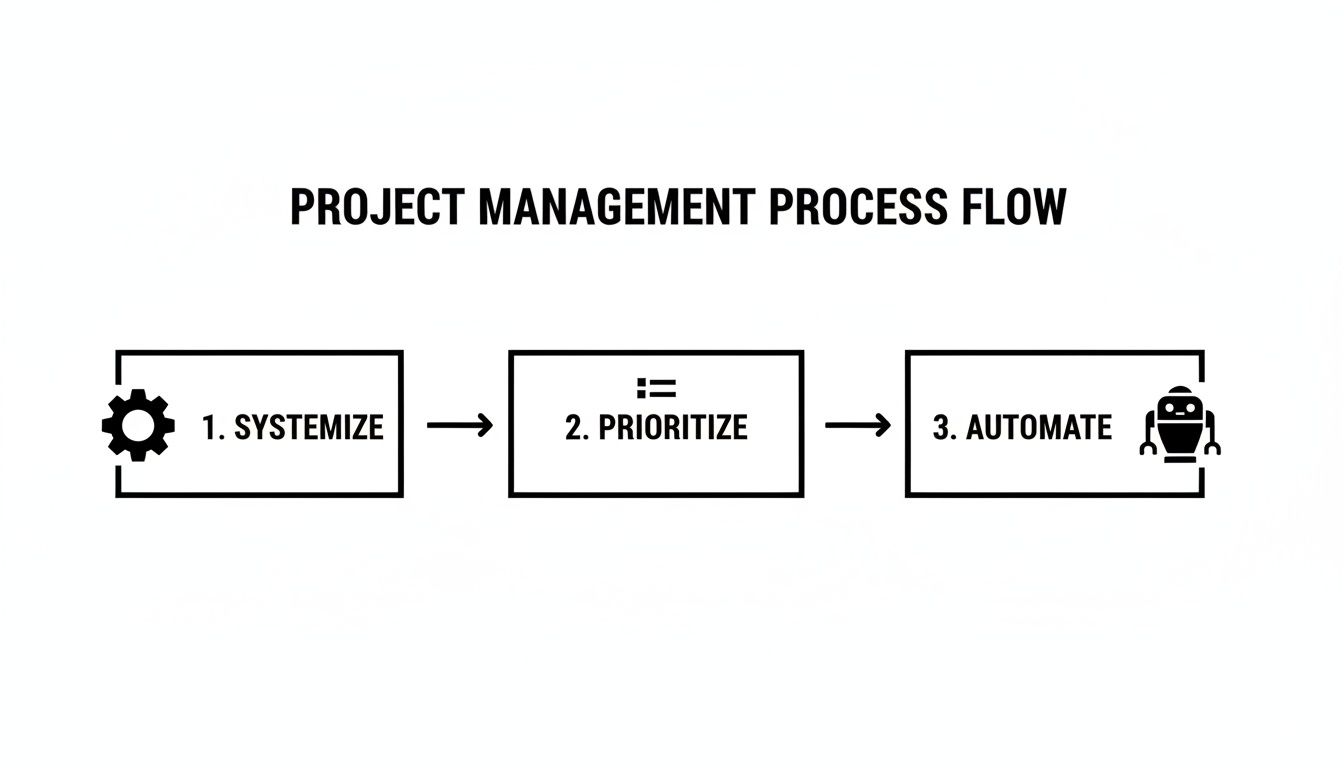
This workflow is your roadmap. It starts with creating a structured system, moves to ruthless prioritization, and finishes by using automation to amplify your impact without adding to your workload.
To get started, it's helpful to think of these concepts as interconnected pillars supporting your entire project portfolio.
The Three Pillars of Multi-Project Management
| Pillar | Key Action | Primary Outcome |
|---|---|---|
| Systemize | Standardize project intake, scoping, and workflows. | Clarity, consistency, and predictable execution. |
| Prioritize | Use frameworks (RICE, Eisenhower) to rank projects by impact. | Focus on high-value work that moves the needle. |
| Automate | Implement SOPs and tools to eliminate repetitive manual tasks. | More time for strategic work and less human error. |
By building your management process on this foundation, you can regain control and focus your energy where it counts. For more deep-dive strategies, this guide can help you master managing multiple projects simultaneously.
The goal is to stop treating your projects like a flat to-do list and start managing them like a strategic portfolio. Each project should have a clear purpose, a defined priority, and a structured path to completion.
Throughout this guide, we'll get into the nitty-gritty of how to put this into practice, including:
- Nailing project intake and scoping to set clear expectations from the start.
- Using prioritization frameworks like RICE and the Eisenhower Matrix to make tough decisions.
- Getting real about resource and capacity planning to keep your team from burning out.
- Building a library of SOPs and automations to handle the grunt work for you.
Creating Your Project Prioritization System
Let’s be honest: when everything is a priority, nothing gets done well. If you’re treating all your incoming projects like a flat to-do list, you’re setting yourself up for resource conflicts, blown deadlines, and a team that’s constantly underwater. The absolute first step in juggling multiple projects is to stop the chaos before it starts by building a solid system to filter, scope, and rank every single request.
This all starts with a standardized project intake form or brief. Don't mistake this for bureaucratic red tape; it’s your best defense against scope creep and fuzzy requests. A well-designed brief forces stakeholders to actually think through what they want, define what success looks like, and clarify requirements from the get-go. Trust me, this saves countless hours of back-and-forth later.
Standardize Your Project Intake
Make this non-negotiable. Whether it’s a tiny client ask or a massive internal project, every initiative needs to go through the same intake process. It establishes a single source of truth and ensures you're capturing the same critical data points for every project, which is the only way to make fair comparisons.
Your brief should nail down the essentials:
- The Goal: What business outcome are we actually trying to achieve here?
- Success Metrics: How will we know we’ve won? What KPIs should move?
- Key Stakeholders: Who needs to be in the loop, and what's their role?
- Timeline: What’s the dream deadline? Are there any drop-dead dates?
- Resources Needed: What's the budget? Who from the team is required? What tools do we need?
Once you have this information standardized, you can shift from making gut-feel decisions to running a structured, data-informed process. This is where a couple of proven frameworks can make all the difference.
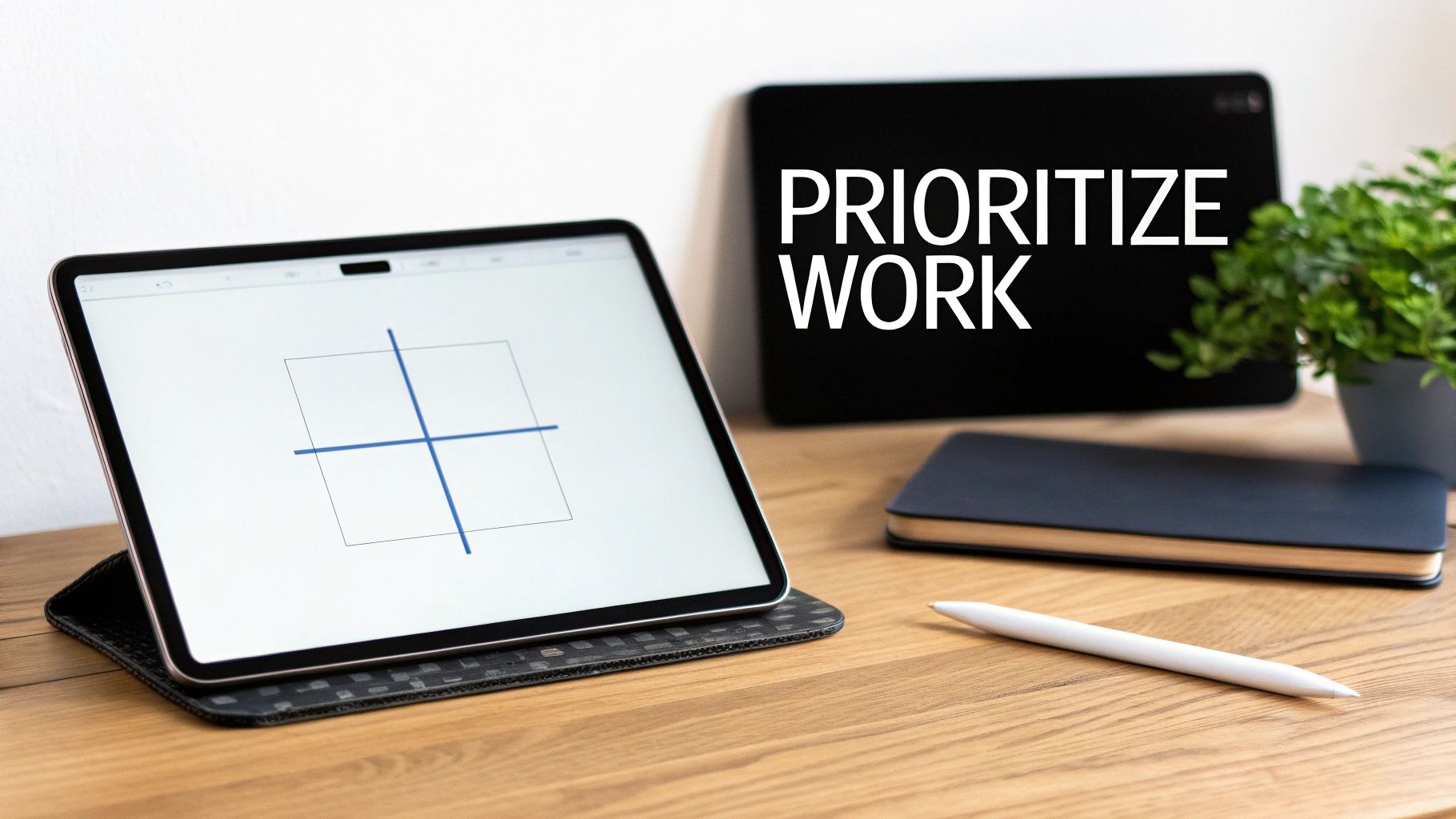
Use The Eisenhower Matrix for Quick Triage
For sorting through the daily and weekly noise, the Eisenhower Matrix is a lifesaver. It’s a simple but incredibly effective way to separate what feels urgent from what is genuinely important—a critical skill when your project portfolio is overflowing.
The matrix breaks down all your work into four buckets:
- Urgent & Important (Do First): These are the fires you have to put out. Think major client deadlines, a critical bug fix, or a time-sensitive proposal.
- Important & Not Urgent (Schedule): This is where the magic happens. We're talking long-term planning, process improvements, and strategic initiatives. You must get this work on the calendar, or it will never, ever get done.
- Urgent & Not Important (Delegate): These are the interruptions that can derail your day but don't need your specific skills. Think routine reports or scheduling meetings. Delegate these aggressively.
- Not Urgent & Not Important (Eliminate): The time-wasters. Be ruthless here. Get them off your plate and your team's.
The real win with the Eisenhower Matrix is that it trains you to stop living in the constant firefighting mode of Quadrant 1 and start investing your energy in the high-impact work of Quadrant 2. That's what drives real, long-term success.
Apply The RICE Model for Data-Driven Decisions
While the Eisenhower Matrix is fantastic for day-to-day tasks, the RICE scoring model gives you a more objective, quantitative way to stack-rank big, competing projects. It’s a go-to in the SaaS world but works just as well for agencies and B2B service teams.
RICE is an acronym for:
- Reach: How many people will this project touch in a given timeframe? (e.g., number of customers, users, etc.)
- Impact: How much will this project move the needle for each person? (Use a simple scale: 3 for massive impact, 2 for high, 1 for medium, 0.5 for low).
- Confidence: How sure are you about your estimates? Be honest. (Use percentages: 100% for high confidence, 80% for medium, 50% for a total shot in the dark).
- Effort: How much time will this take from your team? (Estimate in "person-months" or another unit you can use consistently).
The final score comes from a straightforward formula: (Reach x Impact x Confidence) / Effort.
You can visualize this process using a decision matrix, where different criteria are weighted to produce a final, objective score for each option.
By turning qualitative factors into hard numbers, you can systematically see which project delivers the most bang for your buck. The project with the highest RICE score is your winner, giving you a clear, defensible reason to put your resources behind the initiatives with the greatest potential ROI.
Getting Real: Resource and Capacity Planning
Alright, so you’ve prioritized your projects. That's a great first step, but it’s only half the battle. Even the most perfectly organized project list will completely fall apart if you don't have the actual people or hours to get the work done.
This is where so many teams stumble. They overcommit, piling on projects without a realistic view of who can do what. The result? Burnout, blown deadlines, and work that just isn't up to par. This is where resource and capacity planning stops being a "nice-to-have" and becomes absolutely essential. It’s about getting brutally honest about your team's real-world bandwidth.
Let's face it, this challenge is only getting tougher. The project management world is staring down a potential talent gap of 25–30 million professionals by the 2030s. That’s a massive shortfall, putting serious pressure on companies to be smarter about how they assign work and use their available talent.
Calculate Your Team’s True Capacity
First things first: forget the 40-hour workweek myth. No one is available for project-specific work 40 hours a week, and planning as if they are is setting your team up to fail. You have to account for the time that gets eaten up by everything else.
Start by subtracting all the non-project work:
- Admin Time: All those internal meetings, endless email threads, and general company overhead.
- Time Off: Vacation, holidays, and sick days.
- Growth & Development: Training, workshops, and other non-billable learning.
A realistic rule of thumb is that most people have about 70-80% of their time available for focused project work. For a standard 40-hour week, that gives you a much more grounded 28-32 hours to play with.
Pro Tip: Don't just guess. Open a simple spreadsheet and map this out for every single person on your team. It’s your new source of truth for who can actually take on more work.
Visualize Who’s Doing What
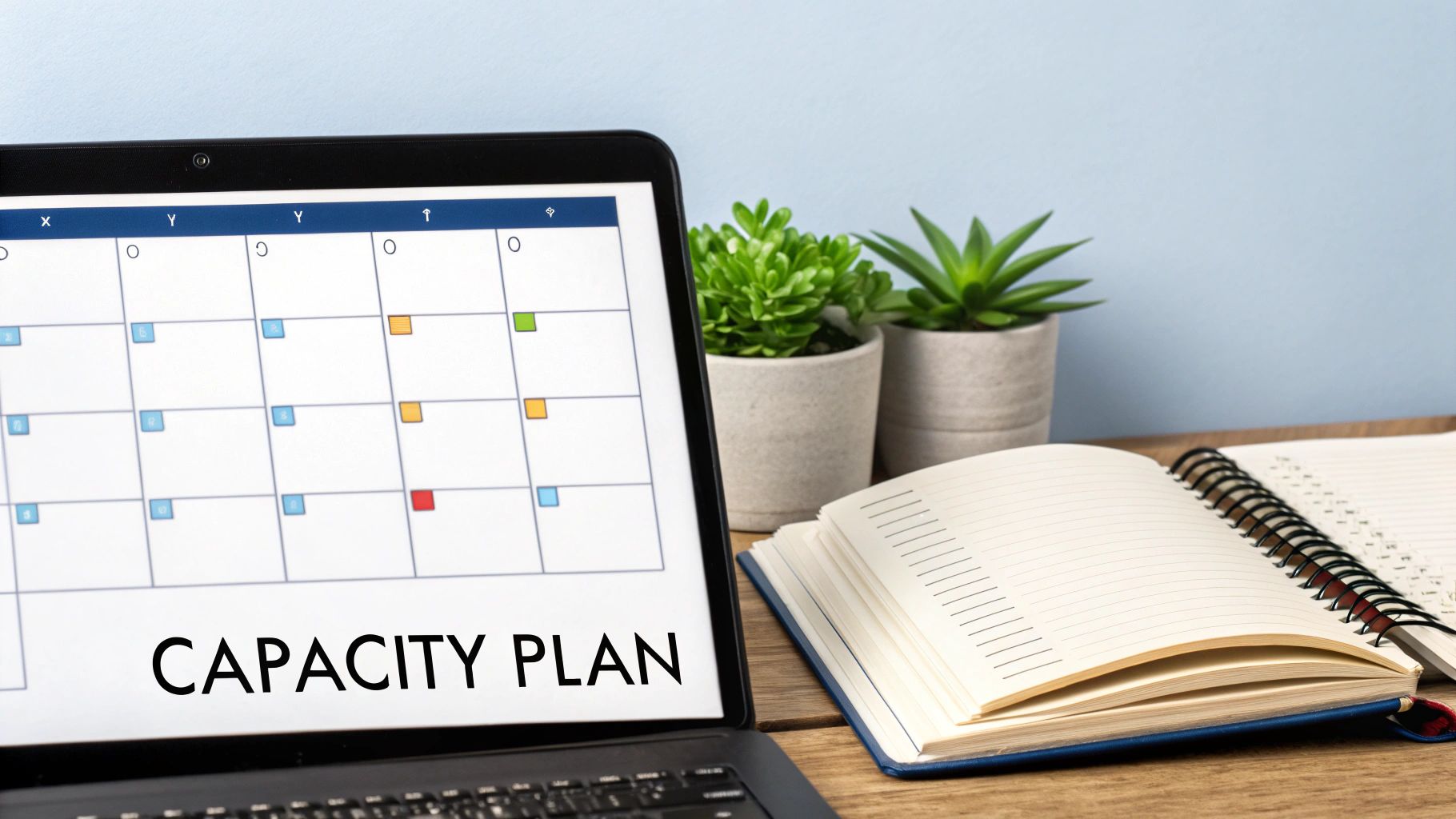
Once you know your total capacity, you need a way to see it all in one place. This is where visual tools like a shared resource calendar or a Gantt chart are game-changers. They give you a bird's-eye view of your entire team’s workload across every single project.
Suddenly, you can spot the problems before they happen. For example, a quick glance might show your lead developer is allocated at 110% for the next three weeks. That's a data-backed red flag. It instantly tells you a tough conversation is needed—either a deadline has to shift, another dev needs to jump in, or a project gets put on the back burner.
This moves the conversation from a vague "I feel swamped" to a factual "Here's the data showing we're overcommitted." For a deeper dive into these strategies, our guide on https://makeautomation.co/resource-allocation-optimization/ is a great next read.
Always Build in a Buffer
Let’s be honest: no project goes exactly according to plan. Scope creep is real, people get sick, and unexpected problems always pop up. If your resource plan is booked to 100%, you have zero wiggle room when things go sideways.
A smarter approach is to build a buffer directly into your schedule. Aim to schedule your team for no more than 80% of their true capacity. That leftover 20% becomes your strategic reserve for dealing with:
- Unexpectedly urgent tasks
- Additional client requests or scope changes
- Time for creative thinking and problem-solving
This buffer is what allows your team to absorb shocks without derailing everything. To really get a handle on juggling multiple projects, you have to start by understanding your team's skills and availability. For a more comprehensive look at this, check out this guide on mastering workforce capacity planning. When you map out your resources with real data, you stop guessing and start executing with confidence.
Building a Flexible Scheduling and Delegation Process
Once you've got a handle on your team's capacity, it's time to build a schedule that can actually survive contact with reality. Let’s be honest: those rigid, long-term project plans look great on paper but often shatter the moment a client changes their mind or a technical issue pops up. If you want to juggle multiple projects without dropping any, you need a system that bends without breaking.
Forget the idea of a single, year-long master plan. The best project managers I know use more adaptive methods. They blend a high-level vision with sharp, short-term execution. This keeps the team focused on what matters right now while giving you the wiggle room to navigate the chaos of a busy project portfolio.
Embrace Rolling Wave Planning
One of the best techniques for this is rolling-wave planning. The concept is simple but incredibly effective: plan the immediate future in painstaking detail and keep the distant future at a high level. You pour your energy into mapping out the next few weeks or the coming month, because those details are the clearest.
For work that's months away, you just define the major milestones and general goals. As you knock out the near-term work, the "wave" rolls forward, and you start filling in the details for the next phase. This is a huge time-saver, preventing you from getting bogged down in planning things that are almost guaranteed to change.
Run Agile-Inspired Sprints
To put rolling-wave planning into practice, borrow a page from the Agile playbook: sprints. Break down your huge, complex projects into smaller, bite-sized chunks of work that can be completed in fixed timeframes—usually one to four weeks.
This gives your team a predictable rhythm and comes with some serious perks:
- Laser Focus: During a sprint, everyone knows exactly what they need to deliver. No distractions.
- Morale Boost: Short-term goals are way less intimidating and hitting them regularly creates a real sense of accomplishment.
- Built-in Checkpoints: Sprints wrap up with a review, giving you a natural moment to check progress and tweak the plan for the next cycle.
This loop of planning, doing, and reviewing provides just enough structure to keep multiple projects moving forward without anyone feeling completely overwhelmed.
Clarify Ownership with a RACI Matrix
Of course, a flexible schedule is useless without crystal-clear delegation. When people aren't sure who owns what, tasks get dropped, decisions stall, and you end up with two people doing the same work. The RACI matrix is a brilliantly simple tool to stop this confusion before it starts.
RACI is just an acronym for four key roles:
- Responsible: The person (or people) actually doing the work.
- Accountable: The one person who is ultimately on the hook for the task being completed correctly. There can only be one "A."
- Consulted: The experts you need to get input from. This is a two-way conversation.
- Informed: The folks who need to be kept in the loop on progress but aren't directly involved in the work. Think of it as a one-way update.
Creating a RACI chart for your projects wipes out the ambiguity that kills productivity. It forces you to answer the simple but crucial question, "Who is doing what?" before it ever becomes a problem.
Here’s what this looks like for a "New Feature Launch" project:
| Task | Marketing Manager | Content Writer | Lead Developer | CEO |
|---|---|---|---|---|
| Write Blog Post | A | R | I | I |
| Develop Feature | I | I | A/R | I |
| Approve Budget | C | I | C | A |
| Send Launch Email | R | C | I | A |
This simple chart makes ownership instantly clear. For a deeper dive, our guide on how to delegate tasks effectively walks through using frameworks just like this one. When you pair adaptive scheduling with clear-as-day delegation, you build a powerful system for managing even the most complex project load.
Using Technology and Automation to Scale Your Efforts
Let's be honest: you can't juggle multiple projects effectively with spreadsheets and email alone. It's a recipe for burnout. Manual tracking, endless email threads, and the constant hum of administrative tasks are the biggest enemies of efficiency and clear thinking. If you're serious about getting more done with less stress, building a smart tech stack isn't a "nice-to-have"—it's foundational.
The real goal here isn't just to buy software. It's to build a system where technology does the grunt work for you. This is how you cut down on the mental exhaustion of switching between projects and free yourself up for what actually matters: thinking strategically, solving tough problems, and leading your team.
Establish a Single Source of Truth
First things first: you absolutely must have a single source of truth. Pick a project management tool—whether it's Asana, Jira, Trello, or something else—and make it the undisputed hub for everything. All tasks, files, decisions, and conversations related to a project live there. Period. No more digging through Slack DMs or old email chains to find out what was decided last Tuesday.
When everything is in one place, you get instant clarity. Anyone on the team can see project status, deadlines, and dependencies at a glance. It's a simple concept, but it radically reduces miscommunication and makes sure everyone is working from the same playbook.
It’s surprising how many teams still resist this. The project management software market is projected to hit USD 12.02 billion by 2030, yet some studies show only about 23% of organizations truly use these tools to their full potential. This is a huge missed opportunity and a place where a well-organized team can easily pull ahead of the competition.
Automate Your Repetitive Workflows
Once you have your central hub, it's time to start killing off the repetitive, low-value tasks that eat up your day. This is where workflow automation tools like Zapier or Make become your best friends. They act like glue, connecting your different apps and making them work together automatically. And no, you don't need to be a coder to make it happen.
Think about the little things you and your team do over and over again:
- Daily Status Updates: Instead of someone manually compiling a report, set up an automation to post a summary of completed tasks from Asana directly into a dedicated Slack channel every afternoon.
- New Task Creation: Create a rule where an email with a specific subject line, like "New Client Request," automatically generates a new task card on your project board.
- File Wrangling: Have an automation that spots new attachments in emails from a key client and instantly saves them to the correct project folder in Google Drive.
These small wins add up fast. They save countless hours over the course of a month and practically eliminate the chance of human error on boring administrative work.
Automation isn't about replacing people. It's about freeing up your most valuable resource—your team's brainpower—to focus on the high-impact work that actually drives results.
To make this more concrete, let's look at the key pieces of technology that can form the backbone of your multi-project management system.
Essential Tech Stack for Multi-Project Management
Here’s a breakdown of the tool categories that are indispensable for automating and managing multiple projects efficiently.
| Tool Category | Primary Function | Examples |
|---|---|---|
| Project Management Hub | Centralize tasks, timelines, and communication. | Asana, Trello, Jira, Monday.com |
| Workflow Automation | Connect apps and automate repetitive tasks. | Make, Zapier, n8n |
| Communication Platform | Facilitate real-time team collaboration. | Slack, Microsoft Teams |
| Document & File Storage | Store and organize all project assets centrally. | Google Drive, Dropbox, SharePoint |
| Voice AI & Transcription | Capture notes, update tasks, and transcribe meetings. | Fireflies.ai, Otter.ai, Tactiq |
Having a tool from each of these categories creates a powerful, interconnected system that keeps work flowing smoothly, even when you're managing a dozen projects at once.
Explore Emerging AI and Voice Technology
Beyond basic workflow automation, new technologies are giving us even more powerful ways to handle project updates and communication. AI and Voice AI are no longer just buzzwords; they are practical tools you can start using today. Smart teams are already exploring a range of AI-powered project management tools to get an advantage.
Just imagine how these scenarios could change your day-to-day:
- Hands-Free Updates: A technician finishes a job on-site. Using just their voice, they update the task in your PM tool, attach a photo of the completed work, and notify the project manager—all without touching a keyboard.
- AI-Powered Reporting: An AI assistant sifts through your project data overnight and generates a progress report that's waiting in your inbox in the morning, complete with highlighted risks and budget warnings.
- Smarter Meetings: Voice AI not only transcribes your project kickoff meeting but also identifies action items and automatically creates them as tasks assigned to the right people in your project hub.
By thoughtfully weaving these technologies into your process, you build an incredibly efficient operational flow. Your team spends less time on manual data entry and more time doing the work that matters, which is the ultimate key to successfully managing a demanding project load.
How to Monitor Performance and Mitigate Risks Proactively
Once your projects are prioritized, planned, and in motion, your job shifts from being the architect to the air traffic controller. Your focus is no longer just on building the plan, but on monitoring progress across every single project and spotting turbulence long before it turns into a crisis.
This isn’t about micromanaging. It’s about creating a system that gives you a clear, real-time view of project health, so you can step in decisively when needed. Effective tracking is more than just asking, "Are we on schedule and on budget?" Those are important, but they’re lagging indicators—they tell you what’s already happened. To really get a handle on multiple projects, you need leading indicators that can signal future problems.
Establish Your Key Performance Indicators
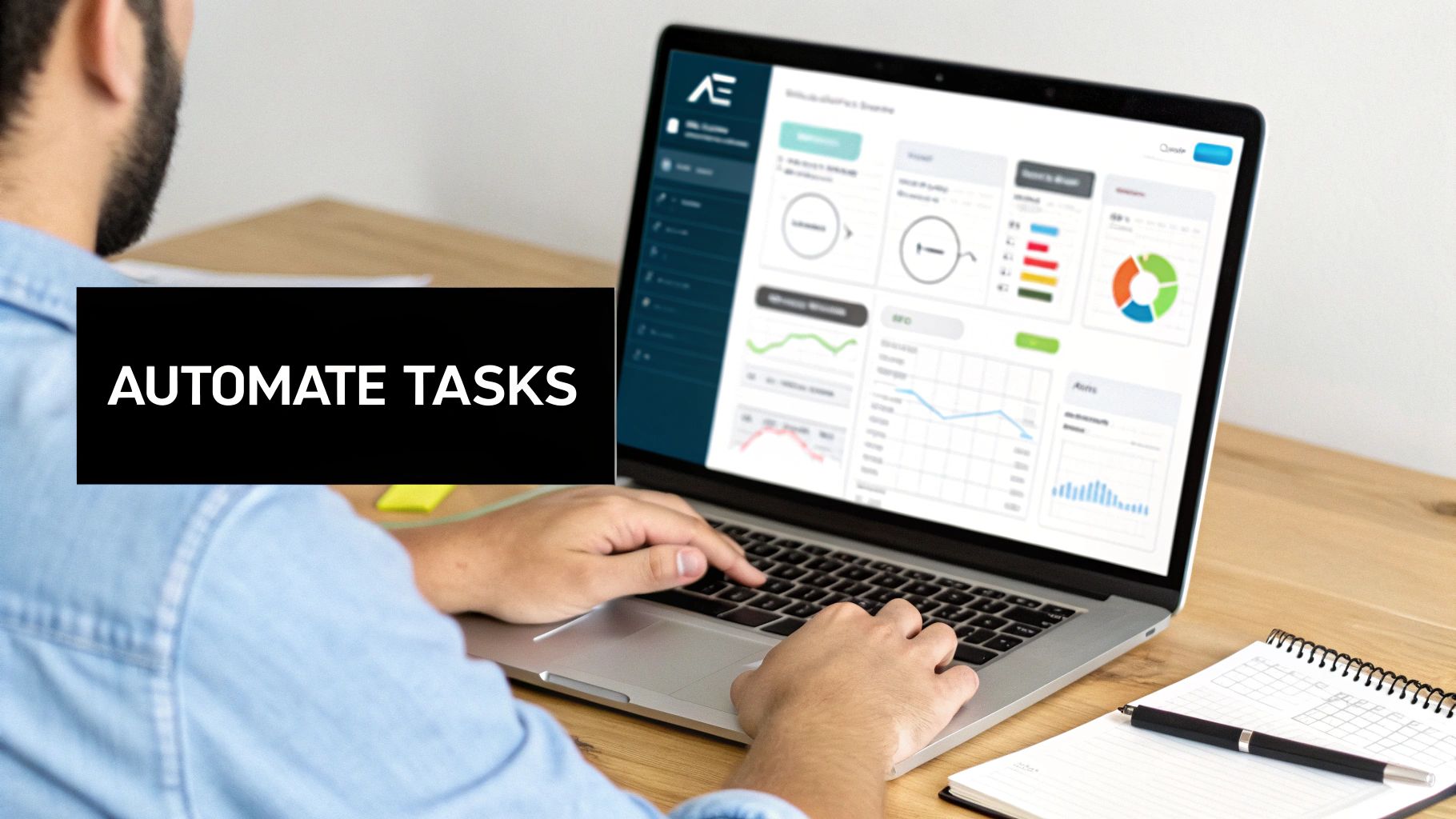
To get ahead of issues, you need to be tracking metrics that measure the health of your process, not just the final outcome. These Key Performance Indicators (KPIs) act as your early-warning system.
Think about adding these to your dashboard:
- Team Velocity: A classic from the Agile world, this metric shows how much work a team gets done in a single sprint. If velocity suddenly drops, it’s a massive red flag. It could mean anything from burnout and new roadblocks to unchecked scope creep.
- Resource Utilization: Are your key people consistently booked at 110%? I see this all the time. Tracking this metric helps you spot burnout risks and resource conflicts before they derail a project.
- Task Cycle Time: How long does it actually take for a task to move from "To Do" to "Done"? If you notice cycle times are getting longer, you might have a hidden bottleneck somewhere in your workflow that needs to be addressed.
Keeping an eye on these KPIs gives you hard data to work with. It transforms that vague feeling of being overwhelmed into specific, solvable problems.
Your goal is to move from being a project firefighter to a strategic leader. A consistent monitoring rhythm gives you the foresight to prevent fires altogether, rather than just putting them out.
Implement a Proactive Risk Management Framework
The final piece of the puzzle is actively hunting for what could go wrong. Trust me, waiting for problems to find you is a losing game. A simple risk register is one of the most powerful tools you can use for this.
It doesn't have to be complicated. A basic spreadsheet with four columns is all you need to get started:
- Risk Description: What could go wrong? Be specific. (e.g., "Key stakeholder may be unavailable for final sign-off during their vacation period.")
- Likelihood & Impact: Score each on a simple 1-5 scale. This immediately helps you focus your energy on the biggest threats first.
- Mitigation Plan: What are you going to do now to stop it from happening? (e.g., "Schedule the final review meeting two weeks in advance to avoid the conflict.")
- Contingency Plan: If the risk becomes a reality anyway, what’s your backup plan?
By setting up a regular cadence for reviewing both your KPIs and your risk register—say, a weekly check-in—you create a proactive loop of monitoring and mitigation. This structured oversight is what truly separates successful multi-project managers from those lost in the chaos.
Got Questions? We’ve Got Answers.
Even with the best framework in place, the reality of juggling multiple projects always throws up a few curveballs. Let's tackle some of the most common questions that pop up when you're in the thick of it.
What's the Single Biggest Mistake People Make?
Hands down, it's the lack of a single, unified "front door" for new work. When there isn't one clear intake and prioritization system, projects get started based on who makes the most noise or who you spoke to last. This inevitably leads to chaos, resource clashes, and a team that’s constantly putting out fires instead of making real progress.
How Can I Realistically Say "No" to a New Project?
The trick is to avoid a hard "no." Instead, use the data from your capacity planning to say, "not right now."
You can frame the conversation around clear trade-offs. For example, try saying something like: "We can absolutely take this on, but to start this week, we'd need to pause either Project X or Project Y. Which one should we de-prioritize?" This immediately changes the dynamic. It's no longer about your team's limitations; it's a strategic decision about what's most important for the business right now.
Your project management software is only as good as its adoption rate. It doesn't matter how many features it has if your team doesn't use it consistently. The tool you choose must become the undisputed single source of truth for everything project-related.
What's the Best Software for Managing Multiple Projects?
There really isn't a one-size-fits-all answer. The "best" tool is the one your team will actually use every single day.
- For highly visual, Kanban-style workflows, tools like Trello or Asana are fantastic. They make it easy to see progress at a glance.
- For more complex software development projects that need deep integrations, Jira is often the go-to choice.
Ultimately, the most important feature is consistent team-wide adoption. Whatever you pick, it has to be the one place everyone goes for project updates, tasks, and documentation.
At MakeAutomation, we build the automated systems and airtight SOPs that let your team manage a heavy workload without the burnout. Get in touch today to see how we can streamline your project management workflows.