The 12 Best AI Tools for Small Business to Scale in 2026
For small businesses, 'doing more with less' isn't just a goal; it's a daily reality. The constant juggle between generating leads, delighting clients, and managing operations leaves little room for error or wasted time. This is where AI transforms from a buzzword into your most valuable team member. The right AI tools don't just automate tedious tasks; they unlock new levels of efficiency, intelligence, and growth that were once exclusive to large enterprises. From refining data in familiar programs to deploying sophisticated autonomous agents, the impact is immediate and scalable.
This guide cuts through the noise to showcase the definitive list of the best AI tools for small business owners looking to scale smartly. We move beyond generic feature lists to provide a comprehensive resource tailored for B2B and SaaS companies. Inside, you will find a categorized breakdown of platforms designed to enhance every aspect of your operations, including:
- Lead Generation and Outreach
- CRM Automation
- Hiring and Recruitment
- Operations Management
- AI Voice Agents
Each entry includes a direct link, key feature analysis, practical implementation steps, and an honest look at its pros and cons. We also provide specific guidance on how platforms like MakeAutomation can help you integrate and optimize these tools for maximum impact. For businesses still grounded in traditional software, integrating AI can start small. For example, many don't realize the analytical power now available within their existing spreadsheets. For many small businesses, Excel remains a foundational tool for data management and analysis. Discover a comprehensive practical guide to using Artificial Intelligence in spreadsheets to see how you can begin leveraging AI with tools you already use. Our goal is to help you build a more streamlined, data-driven, and profitable business.
1. MakeAutomation
MakeAutomation isn't a single software tool; it's an end-to-end AI and automation implementation partner, making it a standout first choice on our list of the best AI tools for small business. It’s designed for B2B and SaaS companies that need to implement scalable, revenue-driving systems without the high cost and steep learning curve of hiring a dedicated in-house team. The service combines expert-led strategy with hands-on development to replace manual workflows across sales, marketing, operations, and hiring.
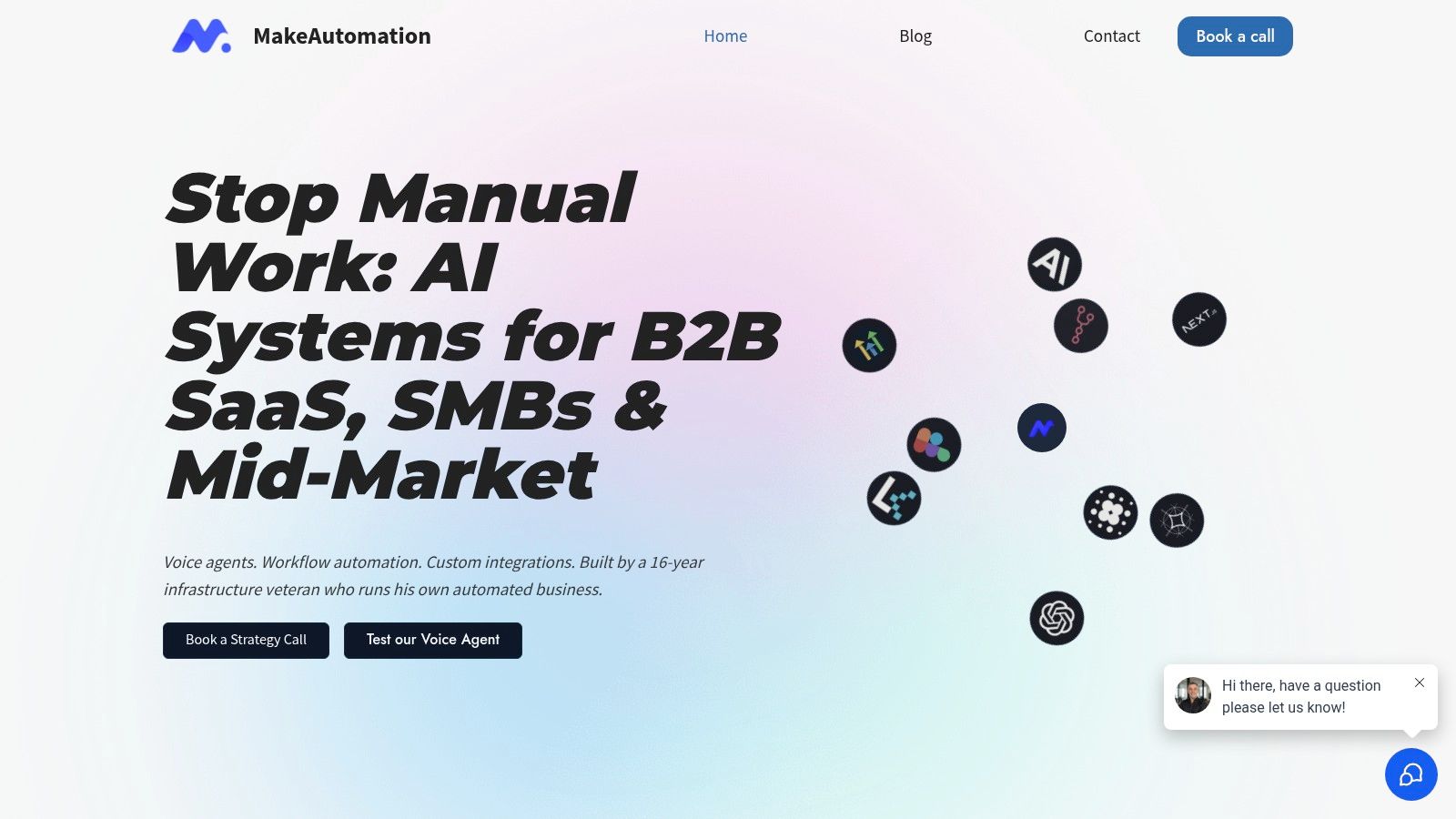
The core value lies in its subscription model. For a flat monthly fee, businesses get unlimited access to automation specialists who handle everything from initial strategy and workflow design to final implementation and documentation. This approach delivers the expertise of a senior infrastructure veteran directly to your team, focusing on concrete, measurable outcomes like boosting outreach reply rates and improving operational efficiency.
Key Strengths and Use Cases
MakeAutomation excels in deploying sophisticated systems tailored to specific business needs. Its comprehensive service addresses several critical areas for growth-stage companies.
- Lead Generation & Outreach: They build systems that achieve impressive metrics, citing a 97.8% open rate and a 7.35% reply rate. This is ideal for sales teams needing to scale personalized outreach without sacrificing quality.
- Operations & CRM Automation: The service automates repetitive tasks within your CRM and other core systems, leading to an estimated 22% improvement in team efficiency. This frees up your team to focus on high-value activities instead of manual data entry or follow-ups.
- AI-Powered Recruitment: For HR teams, MakeAutomation can build automated pipelines for sourcing, screening, and communicating with candidates, streamlining the entire hiring process.
- Voice AI Agents: They implement both inbound and outbound Voice AI agents, capable of handling customer service inquiries, qualifying leads, or conducting initial outreach calls, operating 24/7.
Why It Stands Out
What makes MakeAutomation unique is its "done-for-you" subscription model paired with a high level of expertise. Instead of just selling software, it provides the strategic and technical talent to make that software work for your specific goals. The emphasis on clear documentation, client collaboration, and a satisfaction guarantee ensures the systems are not only powerful but also sustainable. You can learn more about their approach to AI automation for small business on their website.
Pricing and Access
MakeAutomation operates on a transparent subscription basis, positioning itself as a cost-effective alternative to a full-time hire.
- Monthly Subscription: $6,200 per month
- Quarterly Subscription: $5,200 per month (paid quarterly)
The service includes unlimited requests and users, with a straightforward onboarding process. They also offer a suite of free tools like an ROI calculator and workflow builder to help businesses assess their needs before committing.
| Feature Summary | Details |
|---|---|
| Service Type | Done-For-You Automation & AI Implementation |
| Core Technology | n8n, Custom Integrations, Voice AI, CRM Automation |
| Best For | B2B/SaaS Founders, Sales & Ops Leaders, HR Teams |
| Key Metrics | 97.8% Open Rate, 7.35% Reply Rate, ~22% Efficiency Gain |
| Pricing | Subscription-based ($5,200-$6,200/month) |
Pros:
- Hands-on, expert-led implementation as a subscription service.
- Proven performance metrics provide clear ROI justification.
- Comprehensive capabilities across sales, ops, and hiring.
- Includes full documentation and a satisfaction guarantee.
Cons:
- Premium pricing may be a significant investment for very early-stage startups.
- Lacks formal, third-party case studies or certifications on its public site.
2. G2
While not an AI tool itself, G2 is an indispensable starting point for any small business vetting new software. It’s the largest and most trusted B2B software marketplace, acting as a comprehensive directory powered by verified user reviews. For businesses seeking the best AI tools for small business, G2 provides a crucial layer of social proof and comparative data that cuts through marketing hype.
Its strength lies in the sheer volume and freshness of its user feedback. Unlike generic review sites, G2’s anti-gaming policies and verification process ensure the insights are authentic. You can filter AI software categories specifically for small businesses, comparing top contenders side-by-side using their proprietary Grid® reports.
Key Features & How to Use Them Effectively
- Verified User Reviews: Don't just read the 5-star reviews. Focus on the 3 and 4-star reviews for a more balanced perspective on a tool's capabilities and limitations.
- Comparison Grids: Use the Grid® reports for categories like AI-powered project management tools to visually map out market leaders versus niche innovators based on user satisfaction and market presence.
- Small-Business Filter: Always apply the "Small-Business" filter when searching. This tailors results to show which AI tools are truly resonating with companies of your size, not just enterprise giants.
| Pros | Cons |
|---|---|
| In-depth, verified reviews from real users. | Sponsored placements can give certain tools more visibility. |
| Transparent comparison tools (Grids, reports). | Navigating the numerous subcategories can be overwhelming. |
| Direct links to vendor websites and free trials. | Interpreting all the data points requires a bit of a learning curve. |
Website: G2 – Artificial Intelligence Category
3. Capterra
Similar to G2, Capterra serves as a vital B2B software discovery platform rather than a direct AI tool. For small businesses on the hunt for the best AI tools for small business, it offers a streamlined, user-friendly marketplace with over 1,000 AI solutions. Its interface is particularly effective for getting quick, high-level snapshots of software features and pricing models.
Capterra's strength lies in its simplicity and powerful filtering capabilities. The platform allows users to quickly narrow down vast categories by specific features, pricing models (e.g., free, subscription), and target business size. This makes it an excellent resource for creating an initial shortlist of potential AI vendors without getting bogged down in excessive detail, saving valuable research time for busy founders and managers.
Key Features & How to Use Them Effectively
- Feature & Price Filters: Use the sidebar filters to immediately screen for essential features you need, like API access or mobile compatibility, and to see only tools that fit your budget. This is the fastest way to build a viable list.
- Buyers' Guides: Before diving into individual listings, check Capterra’s buyers' guides for the AI category you're exploring. These guides summarize key considerations, average costs, and common pitfalls.
- Small-Business Focus: Capterra provides a "Top 20" report specifically for AI software popular among small businesses. Start there to see which tools are already proven and trusted by your peers.
| Pros | Cons |
|---|---|
| Easy-to-scan feature filters and price model snapshots. | Sponsored placements can appear at the top of results. |
| Free to browse with many direct vendor links. | Reviews can be thinner or less detailed in niche AI subcategories. |
| Helpful buyers' guides provide category-level insights. | The sheer number of options can still feel overwhelming initially. |
Website: Capterra – Artificial Intelligence Software
4. GetApp
As part of the Gartner Digital Markets family, GetApp is a powerful software comparison site designed to help small businesses make smarter tech decisions. Like G2, it’s not an AI tool itself but a crucial discovery platform. For businesses looking for the best AI tools for small business, GetApp provides a structured, data-driven environment to build shortlists and compare solutions based on specific operational needs.
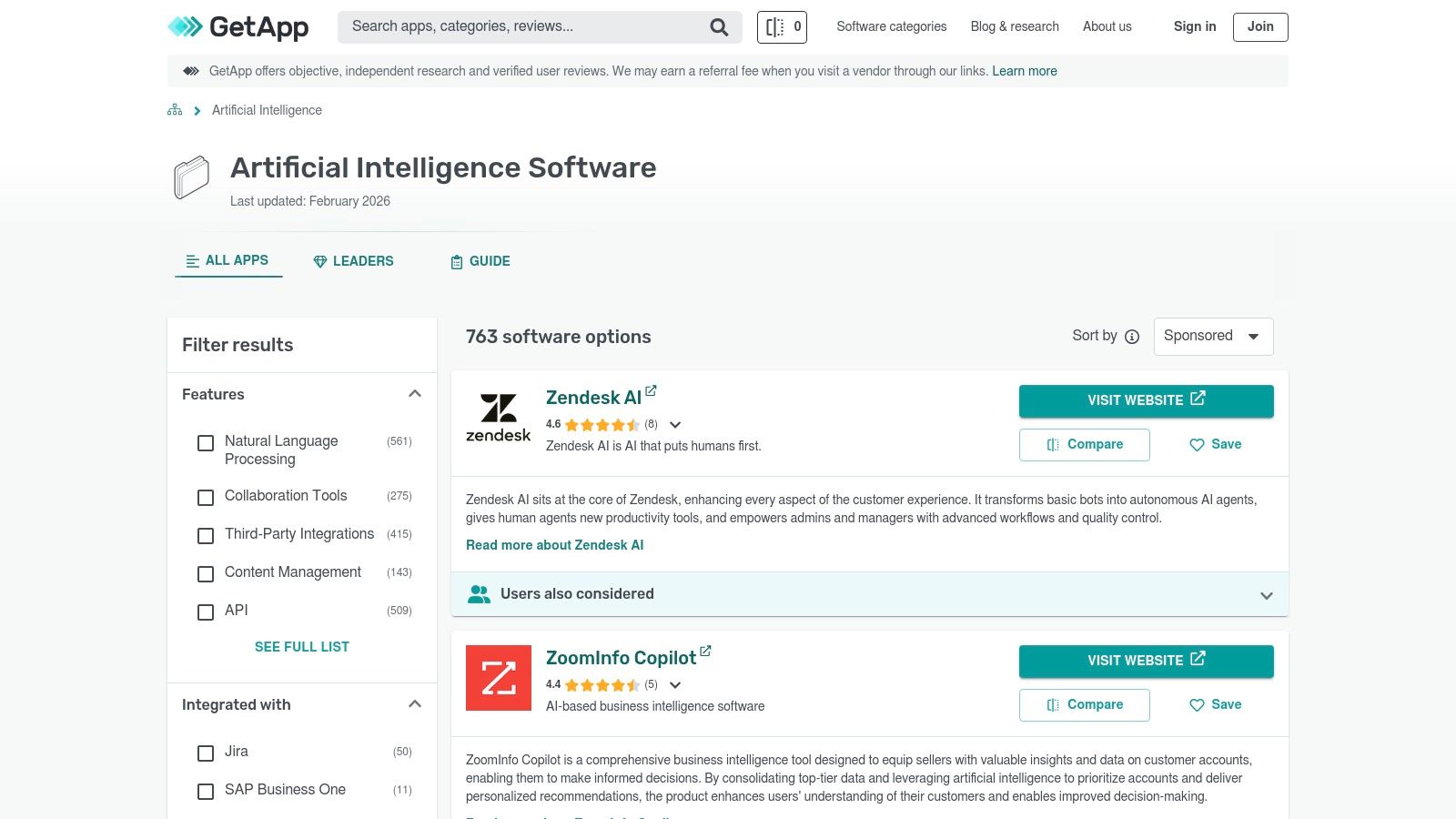
Its main advantage is its robust filtering system and "Category Leaders" rankings, which use a consistent methodology to highlight top-performing tools. This allows you to quickly sift through a vast marketplace and focus only on AI software that meets your specific criteria, from pricing models to essential features like workflow automation or mobile access.
Key Features & How to Use Them Effectively
- Category Leaders Rankings: Start here to see which AI tools are consistently rated highest by users for functionality, value, and support. It’s a great way to identify established and reliable options.
- Strong Filtering: Use the filters to narrow your search aggressively. Filter by pricing models (e.g., "Free Trial," "Subscription") and essential features like "workflow capabilities" to find tools that fit your budget and technical requirements.
- Side-by-Side Comparisons: Once you have a shortlist, use the comparison feature to view up to four tools head-to-head. This makes it easy to spot key differences in features, integrations, and pricing that might not be obvious otherwise.
| Pros | Cons |
|---|---|
| Quick shortlist building with specific feature tags. | Some pages and rankings may include sponsored results. |
| Consistent, data-backed methodology for leader rankings. | The "AI" category can sometimes be broad, including non-core AI tools. |
| Clear filters for pricing, device support, and features. | User reviews may not be as in-depth as on more specialized platforms. |
Website: GetApp – Artificial Intelligence Category
5. Product Hunt
While G2 is the go-to for established software, Product Hunt is where you discover the future. It’s a discovery platform for new and innovative products, making it an essential resource for small businesses seeking cutting-edge, often more affordable, AI solutions. For finding the best AI tools for small business, Product Hunt offers a direct line to emerging tech before it becomes mainstream, complete with unfiltered feedback from an early-adopter community.
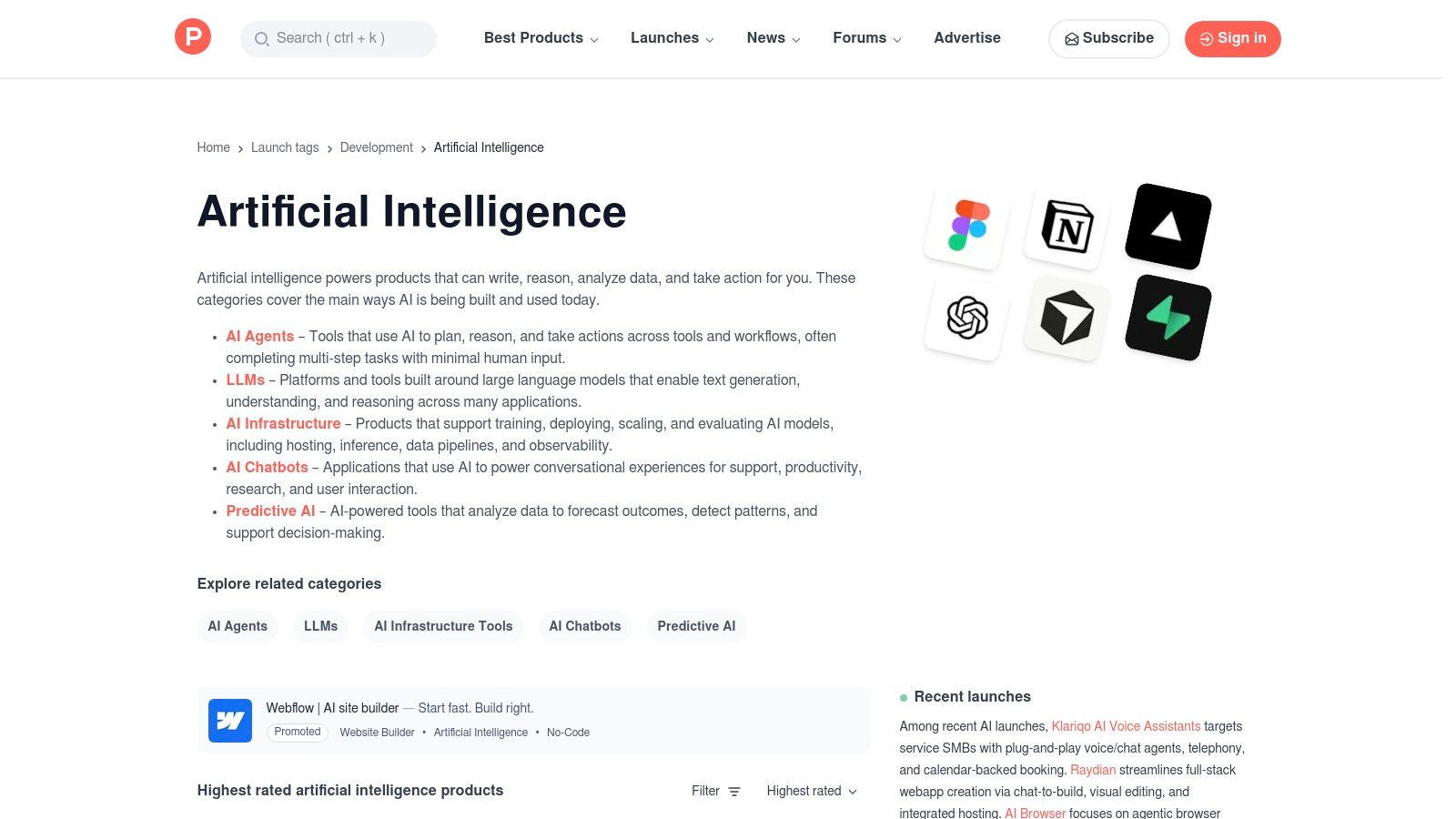
Its strength lies in its community-driven curation and the direct access it provides to the makers of the tools. You can see what’s trending daily, read launch-day discussions, ask founders questions directly, and uncover niche AI tools that solve very specific small business problems. This makes it a goldmine for finding agile, budget-friendly tools that larger directories might overlook.
Key Features & How to Use Them Effectively
- Curated AI Collections: Explore user-created and official collections under the "Artificial Intelligence" topic. This is a great way to find lists of tools for specific functions like "AI for Marketing" or "AI Productivity Tools."
- Launch Day Discussions: When a new tool launches, its page becomes a forum. Read the comments to see real-world questions, potential use cases, and feedback from other tech-savvy users. This provides context that a simple feature list cannot.
- "Alternatives" Feature: Found a promising but expensive AI tool? Check its Product Hunt page for a community-sourced list of alternatives, which often includes more SMB-friendly or open-source options.
| Pros | Cons |
|---|---|
| Excellent for discovering emerging, budget-friendly tools. | Early-stage tools may lack maturity or long-term stability. |
| Community comments provide real-world context. | The platform has limited enterprise-level vetting or reviews. |
| Direct interaction with founders is often possible. | Hype can sometimes overshadow a product's actual utility. |
Website: Product Hunt – Artificial Intelligence Topic
6. AppSumo
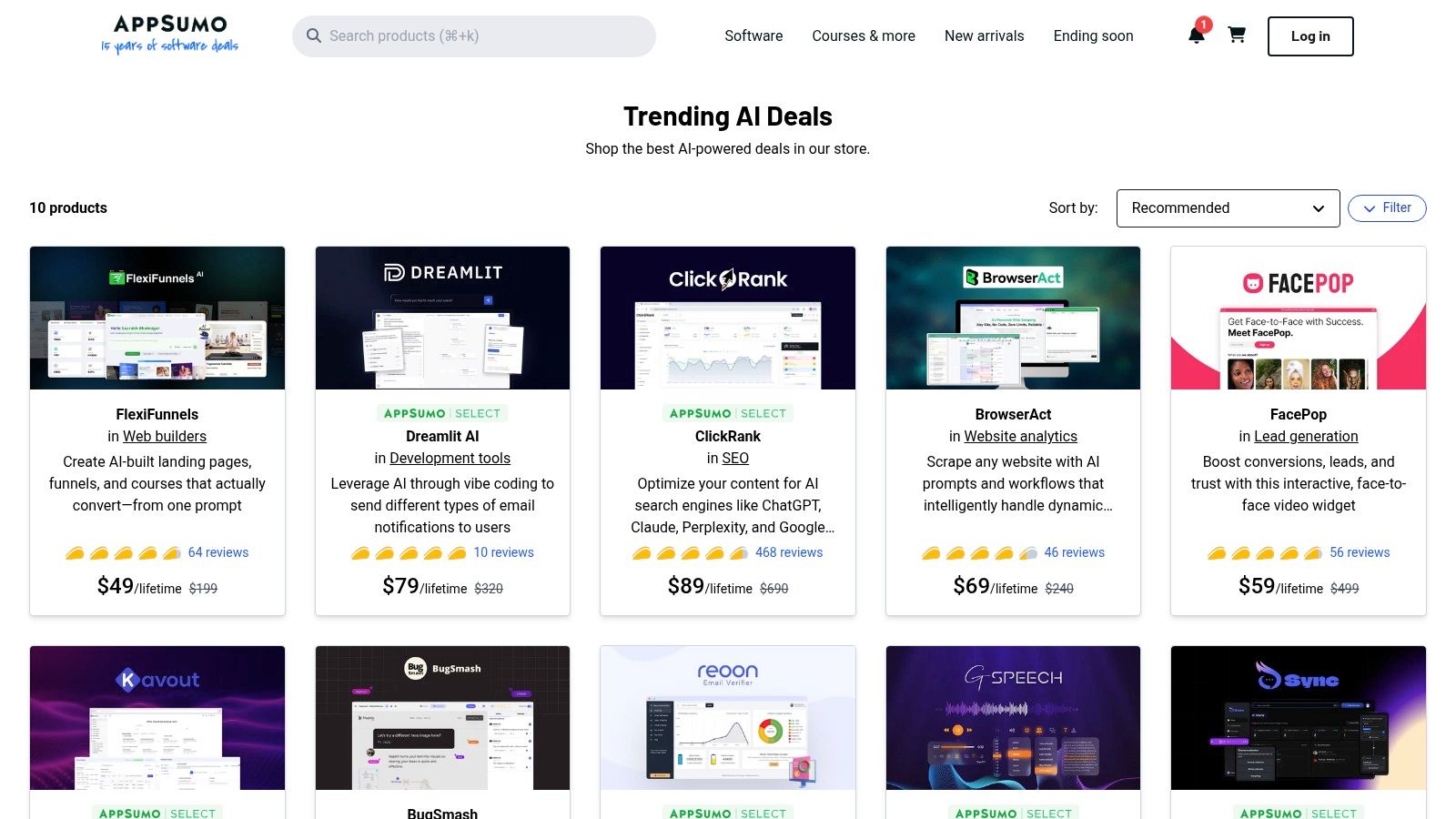
For the cost-conscious small business owner, AppSumo is a treasure trove for discovering and testing emerging AI tools without a significant financial commitment. It's a deals marketplace that offers lifetime or heavily discounted access to new software, making it an ideal platform for experimenting with the best AI tools for small business on a budget. Rather than being a single tool, it’s a launchpad for affordable innovation.
The platform's value lies in its low-risk entry point. Solopreneurs and SMBs can access powerful AI capabilities, from content generators to automation platforms, for a one-time fee. This allows you to vet a tool’s real-world utility for your business before committing to a recurring subscription, all while benefiting from a community-driven review system on each deal page.
Key Features & How to Use Them Effectively
- “Trending AI” Collection: Start here to see the most popular and vetted AI deals currently available. Pay close attention to the user questions and founder responses on the deal page.
- Clear Guidance on Usage Limits: Scrutinize the deal terms, especially for AI tools. Understand the monthly credit limits, if you need to bring your own API key (BYO-API-key), and how many "codes" you might need to stack for higher usage.
- Refund Window: Most deals come with a 60-day money-back guarantee. Use this period as an extended trial to thoroughly test the software and ensure it integrates with your existing workflow and delivers on its promises.
| Pros | Cons |
|---|---|
| Extremely low entry cost to trial and own AI tools. | Lifetime deals can be risky if vendors pivot or shut down. |
| Community reviews and Q&A on deal pages help evaluate offers. | Deal availability is temporary and terms can change frequently. |
| Generous refund policy allows for risk-free testing. | The quality of tools can be inconsistent; vetting is essential. |
Website: AppSumo – Trending AI Collection
7. AWS Marketplace
For small businesses already integrated into the Amazon Web Services ecosystem, the AWS Marketplace is a powerful procurement channel for AI and ML software. It functions as a digital catalog where you can find, buy, and immediately start using software and services that run on AWS. This makes it one of the best AI tools for small business discovery platforms if you value centralized billing and governance.
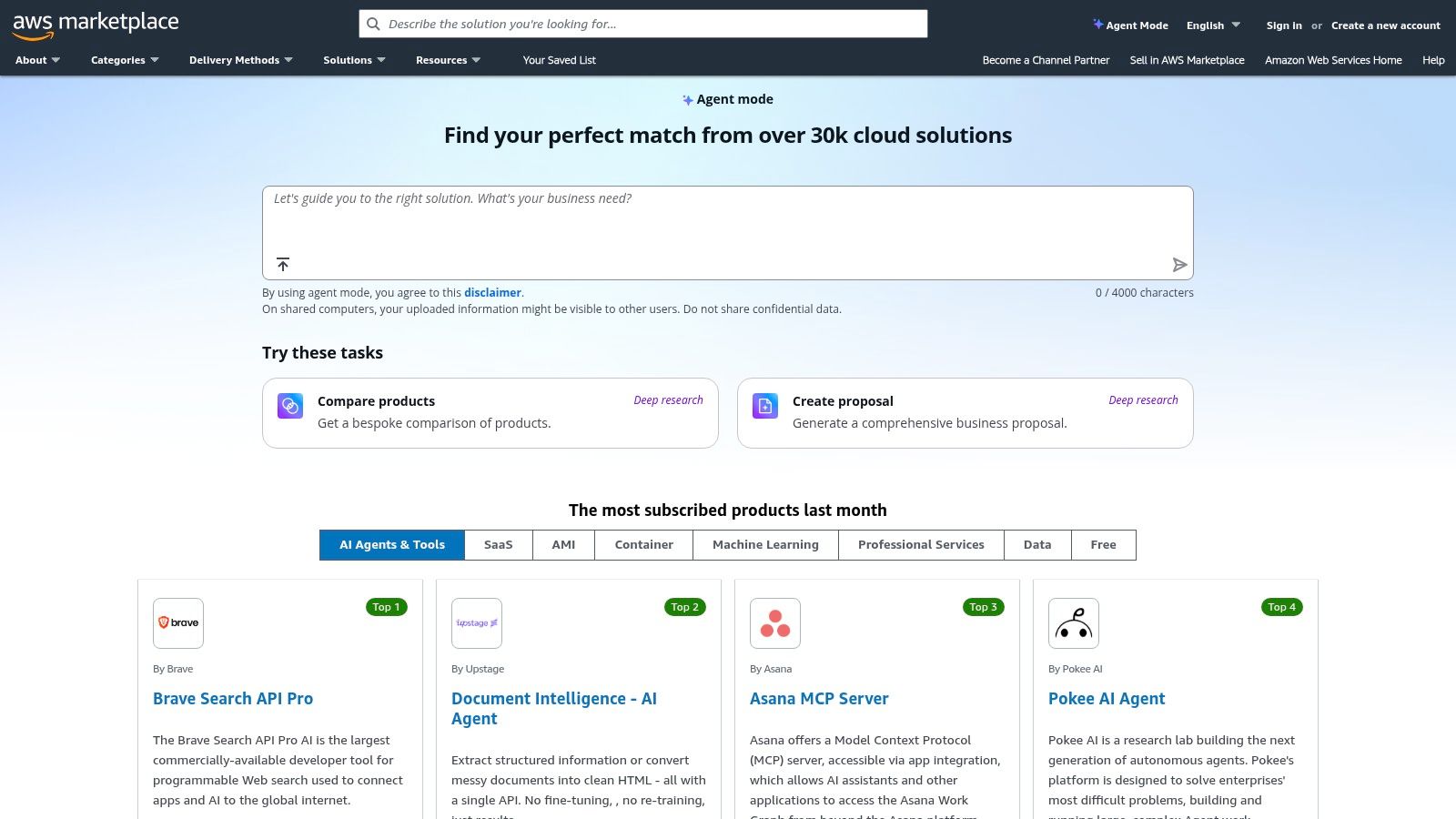
The primary advantage is consolidating all your software subscriptions onto a single AWS bill, simplifying budget management and vendor oversight. You can explore a vast range of tools, from ready-to-deploy SaaS solutions to more complex machine learning models and datasets, all vetted for compatibility with the AWS environment.
Key Features & How to Use Them Effectively
- Centralized Procurement: Use the marketplace to subscribe to AI tools and have the costs appear directly on your AWS bill. This is ideal for maintaining financial control and simplifying expense reporting.
- AI-Powered Discovery: Leverage the AI-generated product summaries and comparisons within listings to quickly understand a tool's purpose and how it stacks up against alternatives without leaving the platform.
- Filter for Deployment Type: Look for "SaaS" or "AMI" (Amazon Machine Image) deployment types. SaaS is typically a simple click-to-subscribe, while AMIs may require more technical setup but offer greater control.
| Pros | Cons |
|---|---|
| Centralized billing and permissions through AWS accounts. | Many listings target technical buyers, may require IT assistance. |
| Wide range of technical and packaged service offerings. | Pricing is often usage-based or requires a "request offer." |
| Streamlines software procurement for existing AWS users. | The user interface can feel less intuitive than dedicated B2B marketplaces. |
Website: AWS Marketplace
8. Google Workspace Marketplace
For small businesses already embedded in Google’s ecosystem, the Workspace Marketplace is the most direct path to augmenting familiar tools with AI. Rather than a standalone platform, it’s an app store that brings AI-powered enhancements directly into Gmail, Docs, Sheets, and Slides. This makes it one of the best AI tools for small business users who want to add capabilities without disrupting established workflows.
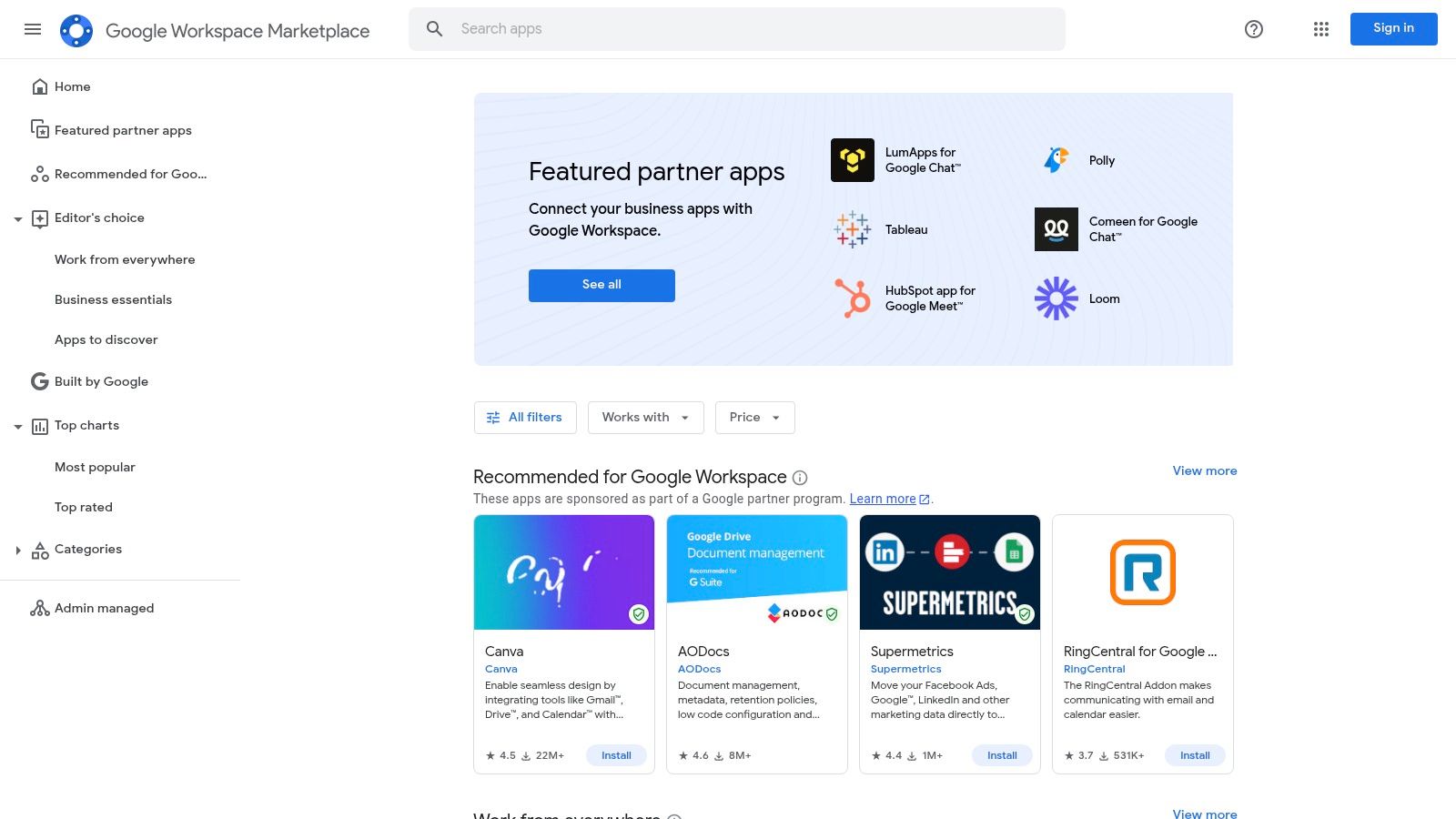
Its core value is seamless integration. Instead of switching between multiple applications, your team can access AI assistants for writing, data analysis, or summarization right where they work. This reduces context-switching and accelerates adoption, as the user experience remains native to the Google Workspace environment they use daily.
Key Features & How to Use Them Effectively
- Embedded AI Add-ons: Search for specific functions like "AI email assistant" for Gmail or "AI presentation designer" for Slides. Install them with a single click to instantly add new features.
- Centralized Admin Controls: Use the Google Admin console to deploy specific add-ons to your entire organization or select teams, ensuring consistent tool access and security oversight.
- Review and Install Counts: Vet add-ons by carefully checking their user ratings and the total number of installs. A high install count often indicates a more stable and trusted tool.
| Pros | Cons |
|---|---|
| Seamless integration into existing Google workflows. | Add-on quality and reliability can vary significantly. |
| Centralized deployment and permissions via Google Admin. | Many powerful add-ons require a separate subscription. |
| Familiar UI minimizes the learning curve for teams. | Discovering the best tools can require trial and error. |
Website: Google Workspace Marketplace
9. Microsoft AppSource
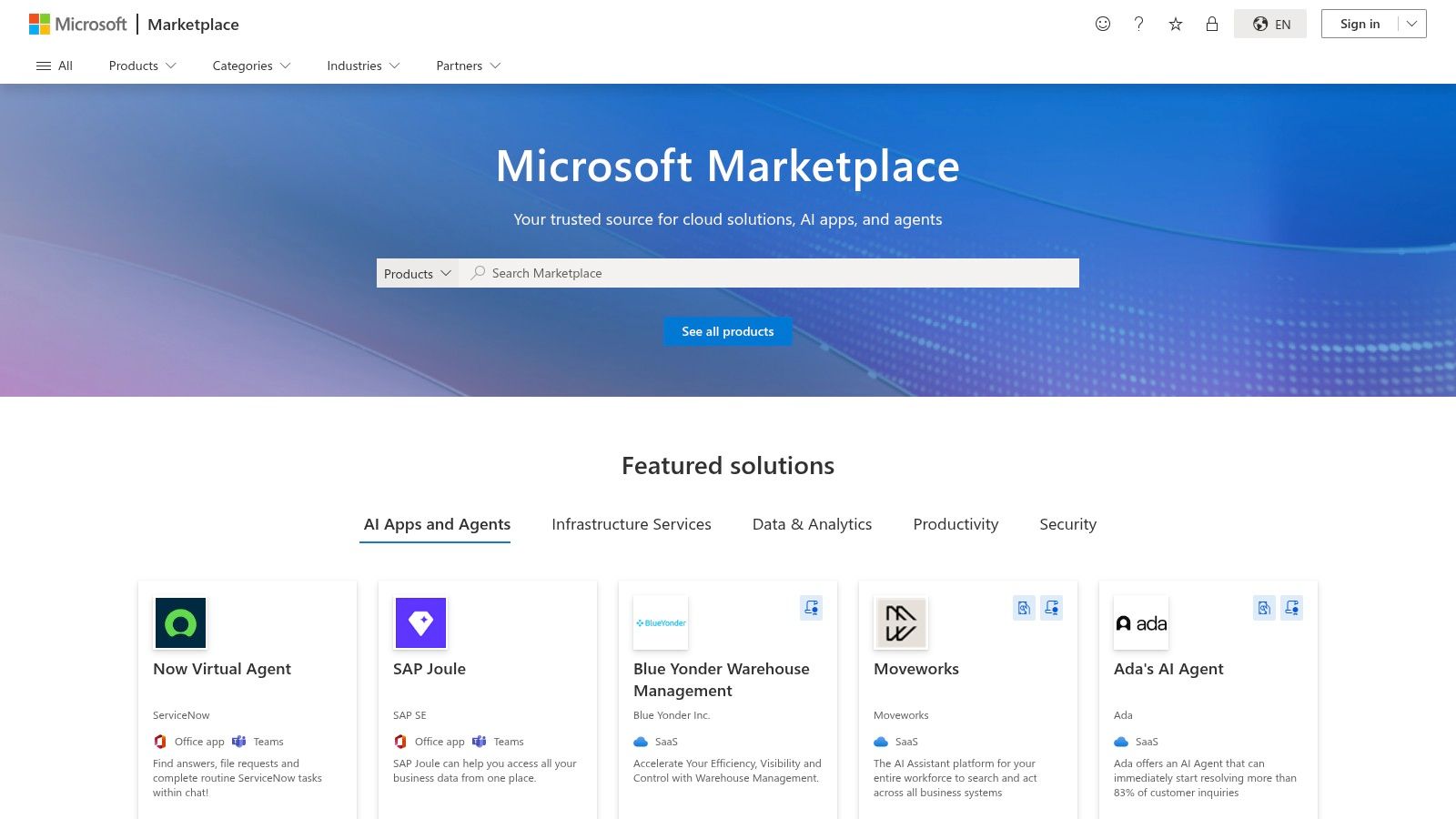
For small businesses deeply integrated into the Microsoft ecosystem, AppSource is the essential marketplace for discovering AI tools. It functions as a specialized app store for solutions that embed directly into Microsoft 365, Dynamics 365, and the Power Platform. For companies looking for the best AI tools for small business that guarantee compatibility with their existing stack, AppSource eliminates integration guesswork by featuring applications built specifically for their environment.
Its unique value lies in its focus on seamless tenant integration. Apps found here are designed to work with familiar tools like Teams, Outlook, and Power Automate, often leveraging single sign-on (SSO) for a frictionless user experience. It's the go-to source for finding AI-powered copilots and add-ins that extend the functionality of the software you already use daily.
Key Features & How to Use Them Effectively
- Filter by Product: Start your search by filtering for the Microsoft product you want to enhance, such as "Teams" or "Dynamics 365 Sales." This narrows down the results to relevant, pre-vetted AI integrations.
- Industry-Specific Solutions: Use the "Industries" filter to find AI tools tailored to your specific market, from financial services to retail, ensuring the solution understands your unique operational challenges.
- Test Drive and Free Trials: Prioritize listings that offer a "Test Drive" or "Free Trial." This allows you to experience the app's functionality within a sandboxed or your own environment before committing.
| Pros | Cons |
|---|---|
| Seamless tenant integration and SSO for Microsoft users. | Navigation can be dense across regional or localized pages. |
| Mix of turnkey SaaS and consulting offers for faster setup. | Some listings are services requiring scoping, not instant software. |
| Certified apps ensure security and compatibility. | Less variety for businesses not using the Microsoft ecosystem. |
Website: Microsoft AppSource
10. Shopify App Store
For small businesses operating in the e-commerce space, the Shopify App Store is a critical resource, not just a marketplace. It’s the official ecosystem where merchants find tools to enhance their stores, and it has become a major hub for AI-powered solutions. For businesses seeking the best AI tools for small business specifically for online retail, this is the most direct and integrated place to look.
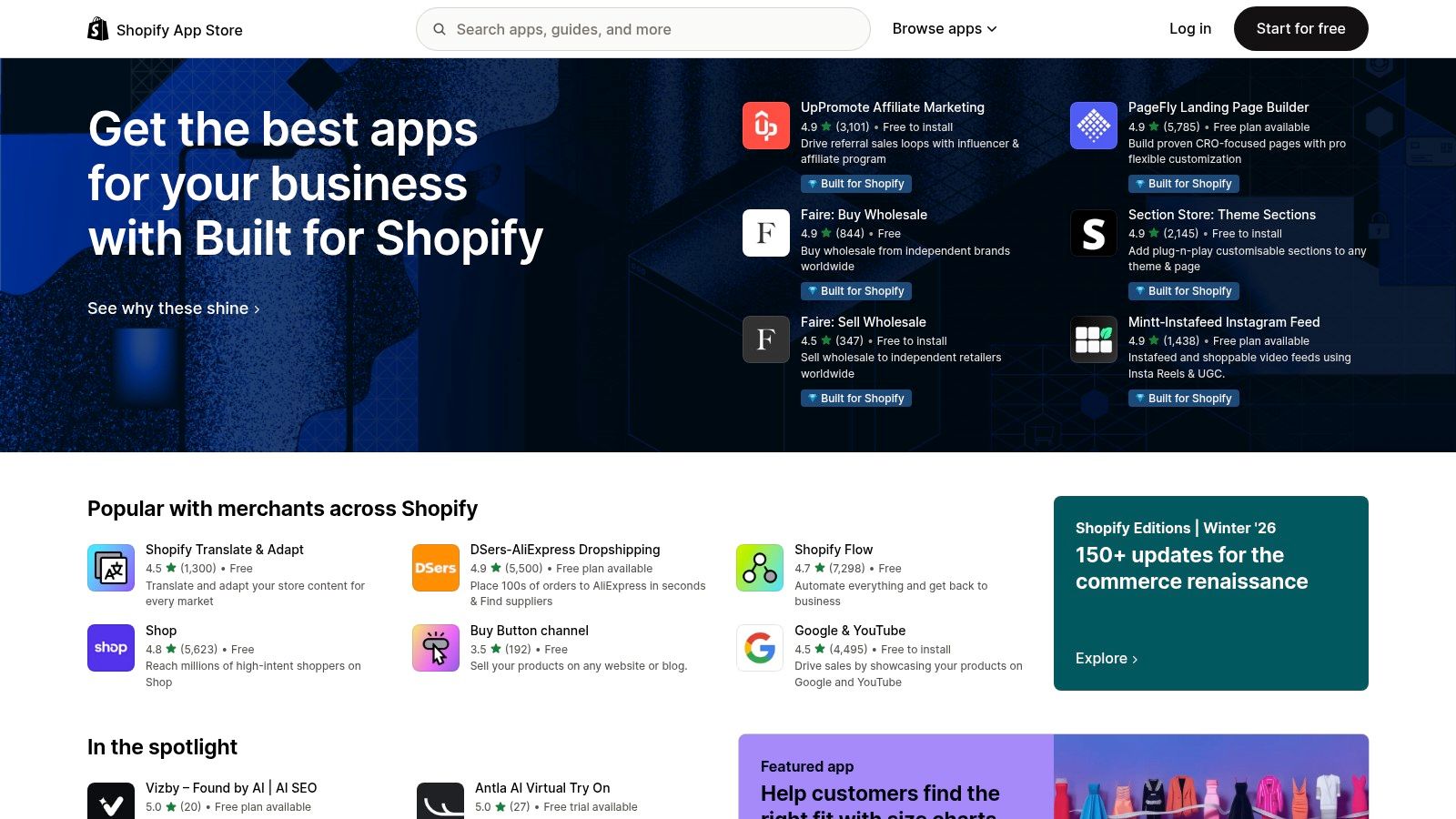
The platform's primary advantage is its native integration. Apps installed from the store connect directly into the Shopify admin, streamlining workflows for everything from generating product descriptions and personalizing customer recommendations to automating customer support. Shopify is also heavily investing in its own AI features and acquiring partners, ensuring merchants have access to cutting-edge capabilities.
Key Features & How to Use Them Effectively
- AI-Powered App Catalog: Search for specific functions like "AI product description generator" or "AI search and discovery" to find apps that solve precise e-commerce challenges. This is far more efficient than a generic web search.
- Check Reviews and Install Counts: Social proof is crucial. Prioritize apps with a high number of positive, recent reviews and a significant install base, as this indicates reliability and effectiveness.
- Review Pricing Tiers: Most apps offer a free plan or trial with tiered pricing based on usage or features. Analyze these tiers against your store's order volume or traffic to find the most cost-effective solution.
| Pros | Cons |
|---|---|
| Tight, native integration into Shopify admin and storefronts. | Mainly beneficial only if your business runs on Shopify. |
| Clear monthly pricing and metered usage on most listings. | Quality varies widely; it's vital to check reviews and last-updated dates. |
| Directly addresses e-commerce-specific AI needs. | The sheer number of options can feel overwhelming to sort through. |
Website: Shopify App Store – AI Apps
11. Salesforce AppExchange
For small businesses already invested in the Salesforce ecosystem, the AppExchange is the definitive starting point for finding natively integrated AI solutions. It's not just an app store; it’s a highly curated marketplace of AI-powered applications, components, and certified experts designed to extend the functionality of your existing CRM. When looking for the best AI tools for small business, the AppExchange guarantees that any solution you find is pre-vetted for security and compatibility with your core Salesforce data.
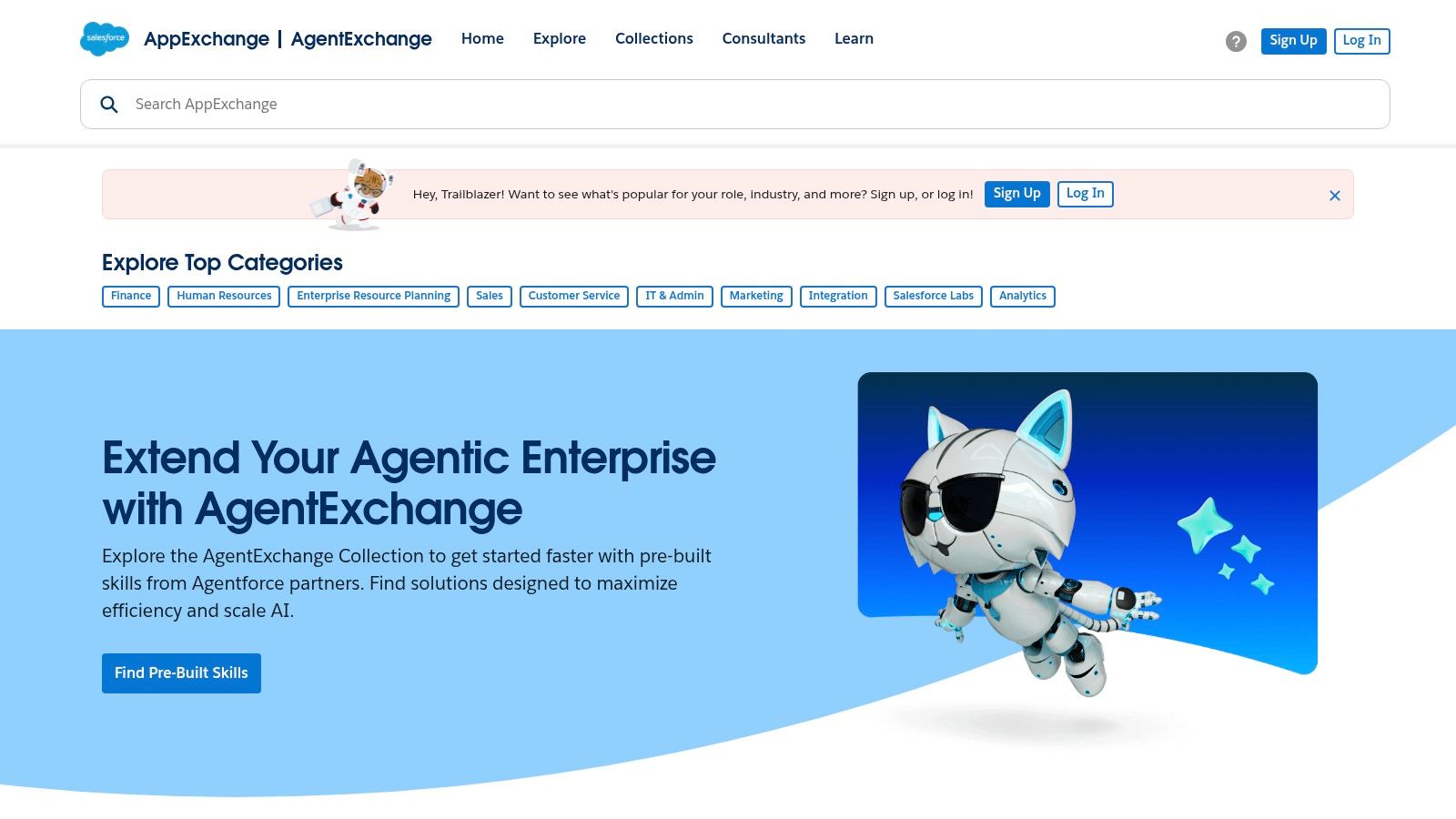
The platform’s key advantage is seamless integration. Instead of patching together disparate systems, you can find AI tools that embed directly into your sales, service, and marketing workflows. This allows you to leverage your CRM data more effectively, enhancing everything from lead scoring to customer support with AI that understands your business context from day one.
Key Features & How to Use Them Effectively
- Curated AI Collections: Don't just browse randomly. Use the curated collections for specific functions like sales, service, or marketing to quickly find relevant AI apps that solve a particular business problem.
- Certified Experts: If you lack the in-house expertise for a complex AI implementation, use the marketplace to find certified consultants who specialize in deploying AI within a Salesforce environment.
- Enterprise-Grade Security Reviews: Leverage the fact that every app undergoes a rigorous security review. This saves you significant time in the vetting process, as you can trust the solutions listed meet high compliance standards.
| Pros | Cons |
|---|---|
| High-quality ecosystem with vetted partners and experts. | Many offers target mid-market or enterprise budgets. |
| Solutions tuned for Einstein/GPT and CRM data workflows. | Requires Salesforce licenses/org to realize full value. |
| Guarantees deep, native integration with your CRM. | Can feel overwhelming without a clear idea of your needs. |
Website: Salesforce AppExchange – AI & Machine Learning Collection
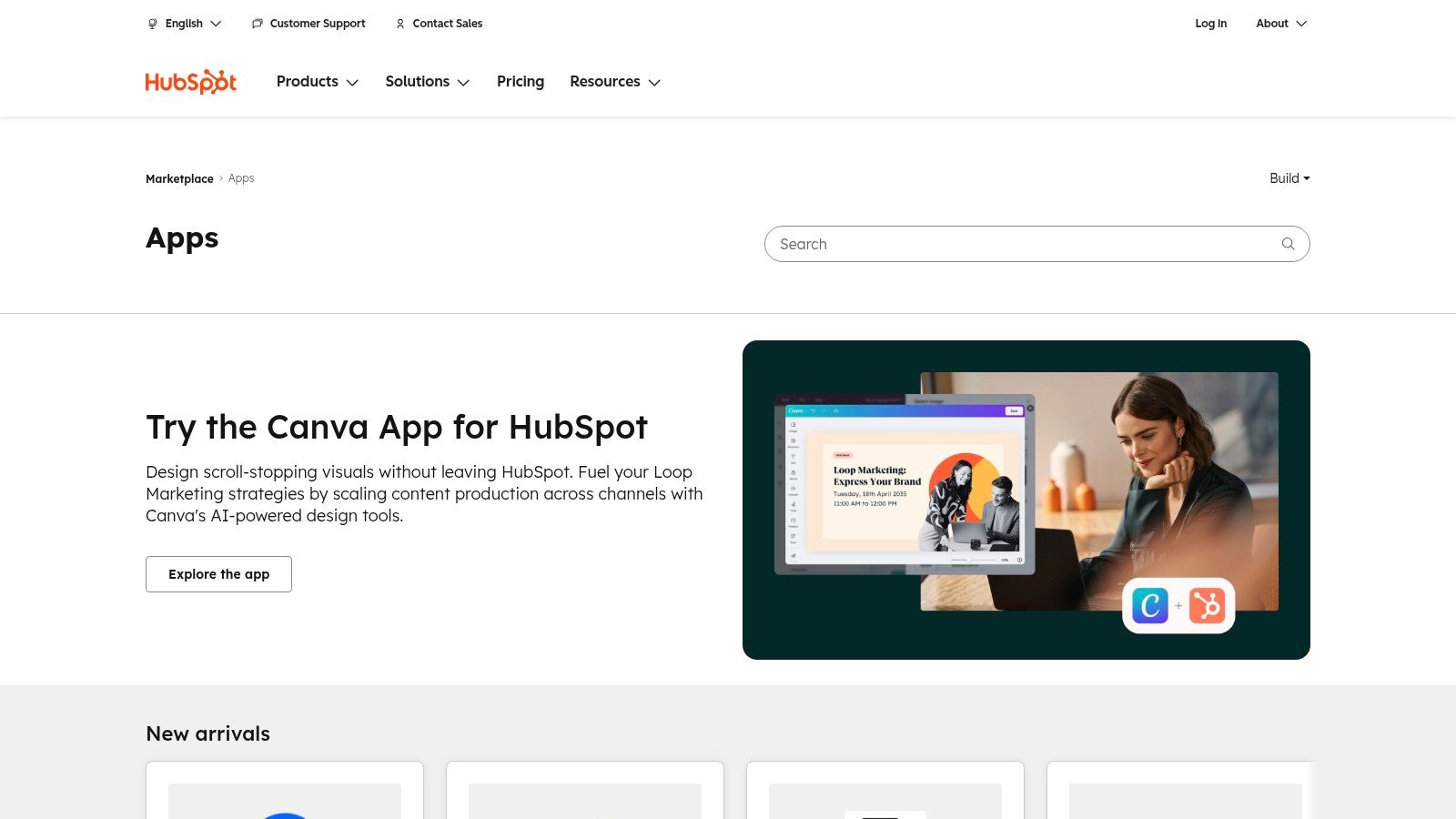
12. HubSpot App Marketplace
For small businesses already invested in the HubSpot ecosystem, the App Marketplace is the most direct route to finding and integrating new AI capabilities. Rather than a standalone tool, it's a centralized hub for vetted, third-party applications specifically designed to enhance HubSpot’s Marketing, Sales, and Service Hubs. This makes it a go-to resource for companies seeking the best AI tools for small business that guarantee seamless data flow and workflow integration.
Its primary advantage is the plug-and-play nature of its listings. The marketplace simplifies the often-complex process of connecting AI-powered tools for content, video, and chat directly into your existing HubSpot objects and automated workflows. This eliminates the technical hurdles that can prevent smaller teams from adopting powerful AI solutions.
Key Features & How to Use Them Effectively
- AI-Specific Collections: Start your search by browsing curated collections for "AI," "Content," or "Automation." These categories group relevant apps, making it easier to discover tools that solve a specific business challenge.
- Check HubSpot Plan Requirements: Before installing, always review the "Requirements" section on an app's listing page. Many powerful AI integrations require a Professional or Enterprise HubSpot subscription to function correctly.
- Review Installation Metrics: Pay attention to the number of installs and recent reviews. This data provides social proof and indicates which apps are actively maintained and popular among businesses similar to yours.
| Pros | Cons |
|---|---|
| Smooth data flow directly into HubSpot objects. | Some of the best apps require higher-tier HubSpot plans. |
| Clear install metrics and compatibility notes on listings. | Pricing and feature sets vary widely across different listings. |
| Discover new tools by specific use case and category. | Quality can be inconsistent between different third-party apps. |
Website: HubSpot App Marketplace
Top 12 AI Tool Marketplaces Comparison
| Platform / Service | Core offering | Best for | Key benefits | Unique differentiator | Pricing |
|---|---|---|---|---|---|
| MakeAutomation (Recommended) | Hands-on AI & workflow automation (n8n, custom integrations, Voice AI, CRM automation, SOPs, docs) | Founders, growth-stage sales/marketing, ops & HR at B2B/SaaS | On-demand automation specialists (unlimited requests/users); measurable KPIs (97.8% open, 7.35% reply; ~22% efficiency) | End-to-end subscription + owner-led engineering, free ROI/readiness tools, iterative money-back policy | $6,200/mo or $5,200/quarter (3‑mo commit); 50% deposit; refund/iteration policy |
| G2 | Verified user reviews, category pages, grids/badges | SMBs comparing AI products via user feedback | Large, recent review volume; awards help shortlist; direct vendor links | Grids & badges for side-by-side comparison; anti-gaming policies | Free to browse; vendor pricing/trials via links (sponsored placements possible) |
| Capterra | AI software directory with buyers’ guides and filters | Quick category narrowing and pricing snapshots for SMBs | Easy feature/price filters; buyer guides summarize costs | SMB-focused filters and generative AI directory | Free to browse; vendor pricing varies |
| GetApp | Comparison site with Category Leaders and robust filters | SMBs building quick shortlists and side-by-side comparisons | Feature tags, device support, consistent leader methodology | Category Leader rankings and clear pricing-model filters | Free to browse; vendor pricing varies |
| Product Hunt | Discovery platform for launches, trending AI collections | Teams seeking emerging, budget-friendly AI tools | Early discovery, community feedback and launch discussion | Launch pages with community comments and trending lists | Free; product maturity and pricing vary by vendor |
| AppSumo | Deals marketplace offering discounted/lifetime AI tools | Solopreneurs and SMBs wanting low-cost trials | Low entry cost, community deal reviews, refund windows on many offers | Lifetime/steep-discount deals and deal-specific terms | Deal-based pricing (one-time or limited-time); terms vary |
| AWS Marketplace | Procurement channel for AI/ML software, services, datasets | SMBs already on AWS needing centralized billing/governance | Consolidated AWS billing, broad technical & services catalog | AWS-integrated billing/permissions and enterprise procurement flow | Usage-based or request-offer pricing; varies by listing |
| Google Workspace Marketplace | AI add-ons embedding into Gmail, Docs, Sheets | Teams standardized on Google Workspace | One-click install, familiar UX, admin controls/SSO | Direct Workspace integration and embedded AI features | Free to browse; many apps require separate subscriptions |
| Microsoft AppSource | AI apps & copilots for M365, Dynamics, Power Platform | Organizations on Microsoft tech stack | Tenant integration, Copilot-aligned solutions, turnkey and services | Seamless Microsoft tenant/SSO integration and Power Platform plugs | Varies; some offers require scoping or licenses |
| Shopify App Store | AI apps for storefronts (SEO, descriptions, search, support) | Merchants running Shopify stores | Tight storefront/admin integration; clear monthly pricing/tiers | Shopify-native apps with install metrics and merchant focus | App-specific monthly or metered pricing; requires Shopify store |
| Salesforce AppExchange | CRM-focused AI apps, data tools, certified experts | Companies whose GTM stack is Salesforce | Vetted partners, enterprise-grade security/reviews, CRM-tuned solutions | Certified experts and Einstein/GPT integrations | Often mid-market/enterprise pricing; vendor-dependent |
| HubSpot App Marketplace | Apps integrating AI into HubSpot Marketing, Sales, Service | SMBs standardized on HubSpot wanting fast integrations | Smooth data flow into HubSpot objects; discoverability by use case | HubSpot-specific integrations and workflow compatibility | Varies; some apps need higher HubSpot tiers |
Ready to Build Your AI-Powered Future?
Navigating the vast landscape of AI solutions can feel overwhelming, but the journey to a more automated and intelligent business is a marathon, not a sprint. This guide has equipped you with a curated list of the top marketplaces and platforms where the best AI tools for small business are discovered, vetted, and acquired. From the enterprise-level integrations on Salesforce AppExchange to the innovative new launches on Product Hunt, your starting point is now clear.
The key takeaway is that the "best" tool is rarely a one-size-fits-all solution. It is entirely dependent on your unique operational bottlenecks, your existing tech stack, and your specific growth goals. A B2B SaaS startup will find immense value in CRM-native apps from the HubSpot App Marketplace, while a digital agency might prioritize project management and operational efficiency tools found within the Google Workspace Marketplace.
From Discovery to Strategic Implementation
Identifying the right platform is only the first step. True transformation begins when you move from simple adoption to strategic integration. Before committing to a new AI tool, it is crucial to map out precisely how it will fit into your current workflows.
Consider these critical factors as you move forward:
- Problem-First Approach: Don't chase shiny new technology. Instead, identify your single biggest pain point. Is it inconsistent lead qualification? Time-consuming candidate screening? Repetitive administrative tasks? Let the problem dictate the solution.
- Integration is Everything: An AI tool that doesn't communicate with your existing CRM, project management software, or communication platforms will create more work, not less. Prioritize solutions with robust, well-documented APIs and native integrations.
- Scalability and Cost: Evaluate the pricing tiers carefully. A tool that seems affordable today might become prohibitively expensive as your team grows or your usage increases. Look for predictable pricing models that align with your projected growth.
Your Next Actionable Steps
Armed with this knowledge, your path forward should be deliberate and focused. Don't try to overhaul your entire operation at once. Start with a single, high-impact area where AI can deliver a measurable return on investment quickly.
- Audit Your Bottlenecks: Dedicate time to mapping your most inefficient processes.
- Shortlist 2-3 Tools: Using the resources in this article, identify a few potential solutions that directly address your primary bottleneck.
- Run a Pilot Program: Before a company-wide rollout, test your chosen tool with a small, dedicated team. Measure the impact on key performance indicators (KPIs) like time saved, leads generated, or tasks completed.
The era of AI is not about replacing human ingenuity but augmenting it. By strategically selecting and implementing the best AI tools for small business, you empower your team to focus on what they do best: building relationships, innovating, and driving growth. This strategic adoption of technology is what separates businesses that merely survive from those that truly thrive in the modern digital ecosystem.
Ready to move beyond discovery and start building a custom AI and automation engine for your business? The experts at MakeAutomation specialize in designing, deploying, and optimizing integrated systems-including advanced Voice AI agents-that solve the unique challenges of B2B and SaaS companies. Book a free consultation to see how we can turn your AI ambitions into measurable results.