10 Project Management Automation Tools for 2026
Your agency wins a new client, and the delivery team immediately starts duplicating a project template, assigning tasks, updating the CRM, chasing approvals in Slack, and preparing a status message for the client. None of those actions is difficult. Together, they create the coordination load that keeps project managers away from planning, risk management, and client work.
That's why choosing among project management automation tools requires more than comparing feature lists. The practical questions are simpler and harder: how complex is the workflow, where does the source data live, which systems need to exchange information, what automation quotas apply, and who governs exceptions when the rule fails?
The project management software market's expansion from USD 6.59 billion in 2022 to a projected USD 20.47 billion by 2030 indicates that these platforms have become core business infrastructure, not optional productivity add-ons (project management market context). This comparison focuses on the workflows each platform can realistically automate, its CRM and communications compatibility, AI-assisted actions, usage limits, implementation effort, and the measurement path from a reusable template to measurable efficiency. For broader operational context, you can also browse project management insights.
1. Asana
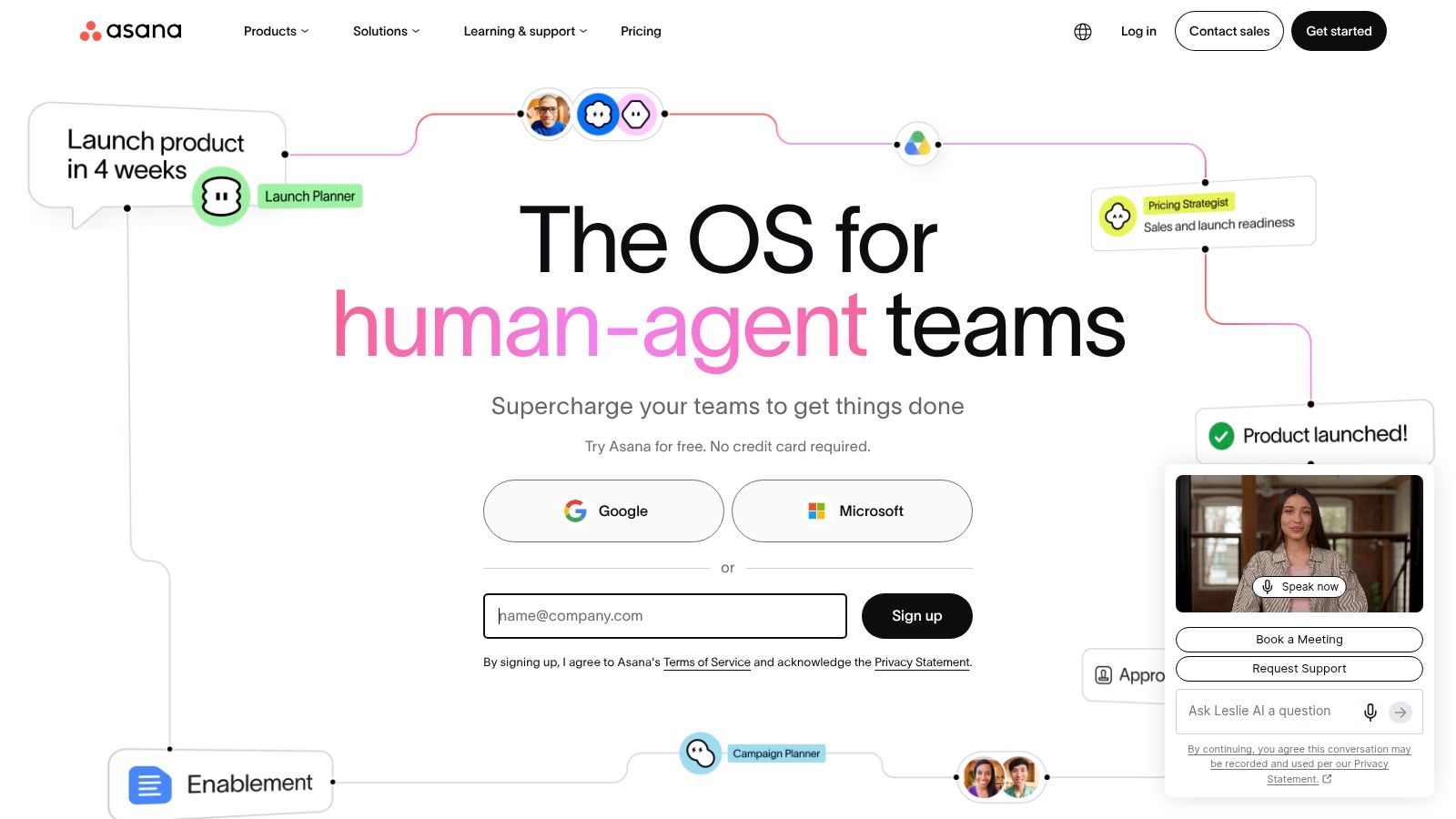
Asana is a strong fit when an agency needs consistent delivery across creative, marketing, client services, and operations without turning every workflow into a technical project. Its no-code Rules can assign work, move tasks, update fields, and respond to changes across projects. That makes common agency sequences practical to automate, such as moving a brief into production after approval, assigning a reviewer when a task enters quality control, or notifying an account lead when a milestone slips.
Portfolio-level rules matter for growth-stage teams managing several client programs. They let operations leaders apply logic across projects instead of rebuilding the same automation repeatedly. Custom field Formulas can also calculate values such as durations or budget-related fields, giving project leads more reliable operational views before they export a report.
Where Asana earns its place
Asana's automation model works best when the team has already agreed on project stages, ownership fields, and approval states. Its Rules gallery lowers the setup barrier, while custom builders support more specific triggers and multiple actions. AI Studio extends the model with AI-powered rule actions, including tasks such as generating briefs or routing work. Usage is metered through credits on paid plans, so teams need to treat AI actions as a governed capacity rather than an unlimited background service.
Starter and higher plans provide unlimited automations for SMB scaling, while advanced portfolio rules and AI Studio access are restricted to higher tiers. That difference can shape the implementation path, especially when an agency wants to begin with project-level templates and later introduce cross-client orchestration.
Practical rule: Standardize field names and rule ownership before adding portfolio-wide automation. Otherwise, one team's shortcut can become another team's hidden dependency.
Asana is less suitable when the primary need is relational data modeling or highly customized database behavior. For a wider view of comparable platforms, use this project management tools comparison, then test one client onboarding template against actual approval and handoff data. A visual example of its board approach is available in this Asana Kanban board walkthrough.
2. monday.com
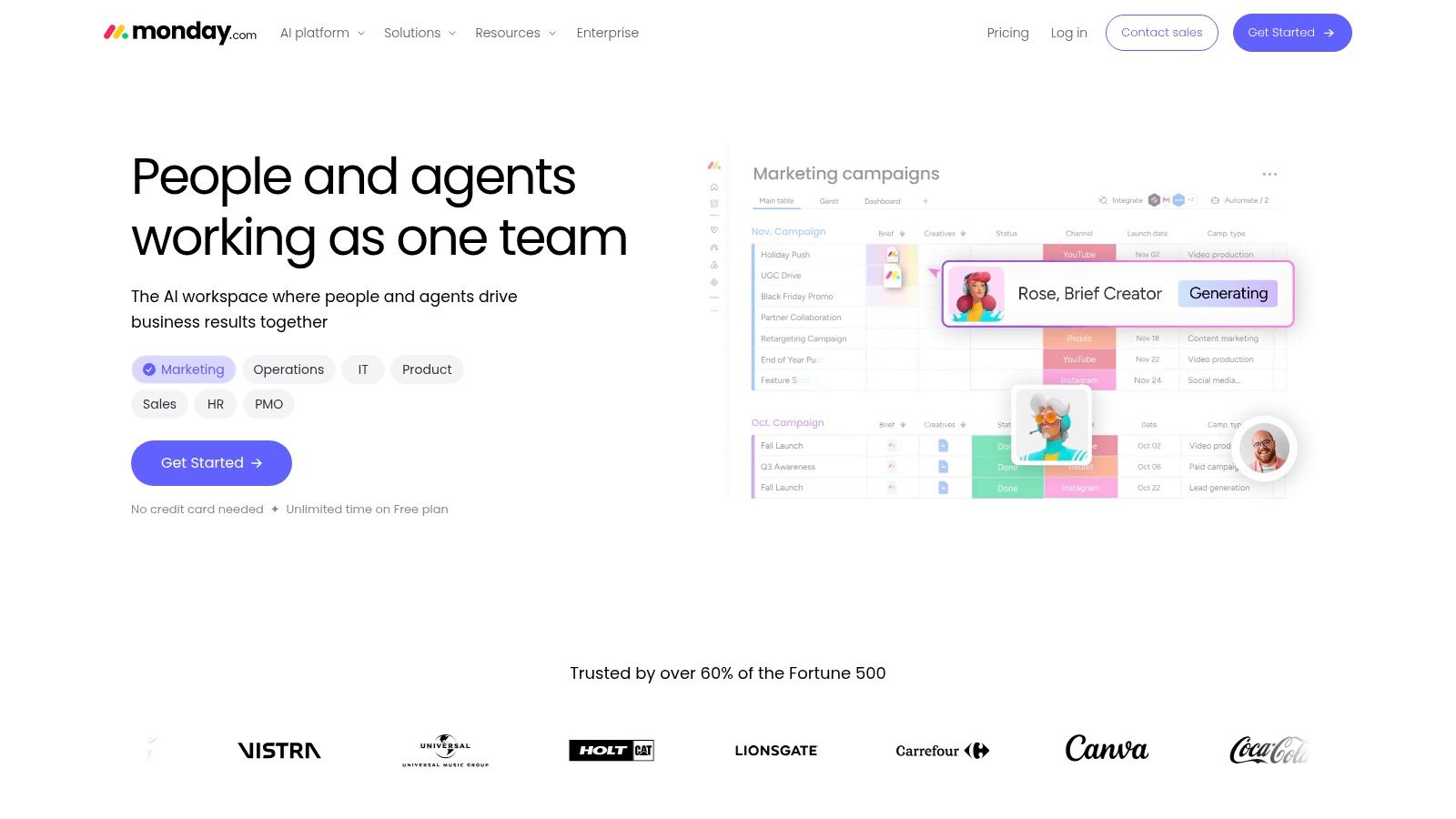
monday.com suits teams that want a visual operating layer for marketing, sales operations, professional services, and client delivery. Its boards make the work easy to inspect, while automation recipes handle familiar events such as status changes, dates, assignments, notifications, and recurring handoffs. A team can create a campaign board, connect a new deal or client request to the delivery process, and trigger updates as work progresses.
The advantage is speed. Teams can start with templates rather than designing every rule from scratch, then adapt the workflow to match their approval chain. Multiple views, including Kanban, Gantt, and dashboards, sit alongside the automation layer, so a project manager can inspect the same operational data from different perspectives without maintaining separate reporting files.
Quotas change the economics
monday.com's automation and integration actions use shared allowances. Higher tiers provide very high monthly ceilings, which reduces throttling risk for busy teams, but heavy API workflows can still consume the pooled balance quickly. That makes usage monitoring part of governance, not an optional administrative task.
A common failure mode is connecting every board to every system before measuring event volume. A CRM sync, Slack notification, status change, and mirrored update may each consume an action. If the team hasn't defined which system owns the record, monday.com can become a costly relay for duplicate information.
Use the platform for high-volume, repeatable coordination, such as routing intake requests, notifying account owners, and updating delivery statuses. Keep judgment-heavy decisions, such as changing scope or approving a strategic exception, with a named human owner.
3. ClickUp
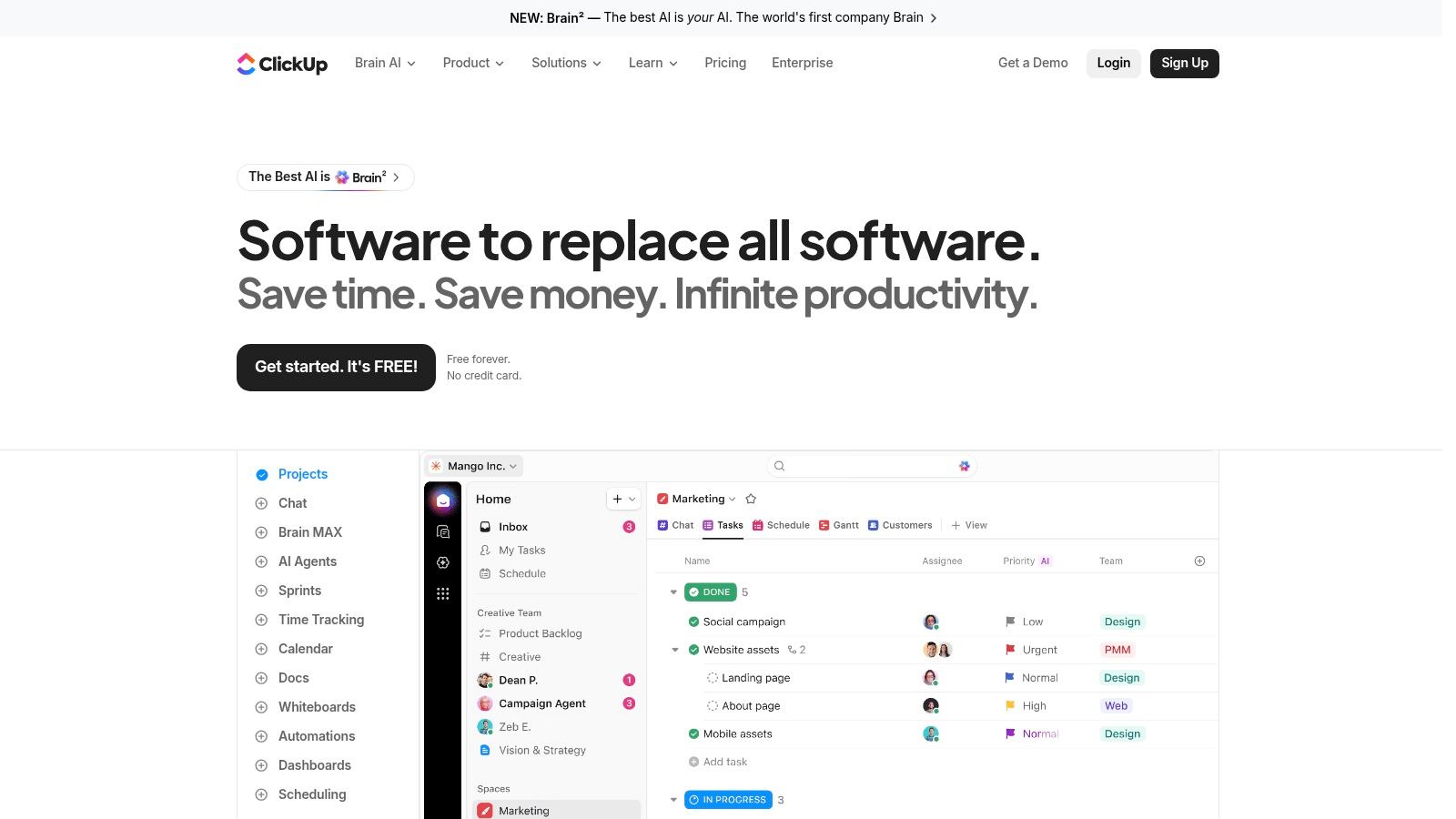
ClickUp is built for teams that want a broad work-management environment with detailed control over tasks, Lists, statuses, assignees, and custom fields. Its Automations engine can respond to status changes, assignee changes, field updates, and time-based events. That gives operations teams enough granularity to model workflows such as intake classification, delivery-stage transitions, escalation reminders, and post-project closeout.
The platform's flexible object model is useful when one agency needs different structures for retainers, launches, content production, and internal initiatives. Prebuilt recipes provide a starting point, while custom multi-action flows let teams chain several outcomes from one trigger. Webhooks and integration actions can pass project events to downstream systems, including CRM or communications tools.
Flexibility needs active administration
ClickUp's flexibility is also its main implementation risk. A workspace can accumulate inconsistent statuses, duplicate custom fields, and overlapping rules that appear reasonable in isolation but create confusing behavior together. Before automating, define the minimum shared vocabulary for project status, priority, owner, client, and completion criteria.
Included automation actions vary by plan. Teams can purchase workspace-level action packages when usage grows, but that option doesn't remove the need to monitor consumption. A rule that fires on every field change can use capacity much faster than one that runs only when a project reaches a controlled milestone.
“Automate the handoff, not the decision.” Use ClickUp to move information and create visibility, while leaving scope changes, budget exceptions, and client commitments to accountable people.
ClickUp AI can support writing and work-context tasks, but generated content still needs review when it affects client communication or delivery commitments. For a broader comparison of platform models, see this project management tools comparison.
4. Wrike
Wrike is better suited to organizations where project automation must cross departments, reporting structures, and complex approval processes. Its no-code rules and central Automation Bot can reduce repetitive updates across spaces and projects. For an agency, that might mean routing a completed creative asset to legal review, notifying finance when a billable milestone is accepted, and updating leadership reporting without asking each project manager to maintain separate routines.
The enterprise orientation shows up in how Wrike handles planning and reporting. Teams can build structured workflows around intake, resource coordination, delivery, and review, then connect those workflows to broader operational dashboards. That model is useful when project data needs to support portfolio conversations rather than only task-level execution.
AI access requires plan discipline
Wrike's AI Essentials and AI Elite capabilities vary by plan. Depending on the package, teams may access actions for generating, summarizing, routing, or more agent-style workflow support. Wrike Integrate and Sync add bi-directional integration options on higher tiers, which can help connect project records with CRM, finance, or other enterprise systems.
The trade-off is packaging complexity. Automation limits, AI capacity, and integration access can differ by plan, and pricing or packaging changed in 2026, so buyers should verify the current allowance before committing to a design. A workflow that looks feasible in a demonstration may require a higher tier once it includes cross-system synchronization or frequent AI actions.
Wrike works best with a governance group that owns templates, permissions, naming standards, and exception handling. It's excessive for a small team seeking only a few reminders, but valuable when fragmented departmental workflows need a controlled operating model.
5. Jira Software Cloud
Jira Software Cloud is the natural choice when engineering work remains the system of record and business teams still need dependable visibility. Its automation builder supports project, multi-project, and global rules, with JQL-driven triggers, branching, and detailed governance analytics. That makes it possible to route issues by component, update related work when a release changes, and escalate blockers based on controlled conditions.
Jira's model rewards teams that understand their data structure. JQL can target precise issue populations, while branching lets one rule handle related tasks or linked work. The result is more than a simple “if this, then that” setup. A release workflow can update engineering issues, notify product stakeholders, and create follow-up work when a defined condition is met.
Metering and AI need monitoring
Jira uses pooled monthly rule-run quotas that scale by plan. Lower tiers can reach their caps in high-volume environments, while Premium and Enterprise plans increase or remove some limits. Rule-run metering complicates designs that trigger on frequent issue events, so administrators should estimate event volume before enabling global rules.
Rovo AI agent actions can be included in automation flows on eligible paid plans. AI can help with classification, summaries, or routing, but it shouldn't independently approve production changes, alter commitments, or resolve ambiguous ownership without review. Teams should define which actions are reversible and which require approval.
Governance matters most at the global level. A rule that works for one project can create noise across every project if its scope and exclusions aren't documented.
Jira is less approachable for nontechnical teams that need a polished client-facing workflow from day one. It's strong where development history, auditability, and issue relationships matter. For a practitioner's perspective on AI-assisted project work, read this AI in project management guide.
6. Smartsheet
Smartsheet works well for PMO and operations teams that still think in rows, columns, owners, dates, and approvals. Its spreadsheet-style interface lowers the adoption barrier, while the visual workflow builder can automate alerts, approvals, updates, row moves, row copies, clearing actions, and Slack or Teams notifications.
That combination is practical for processes such as vendor onboarding, campaign approval, resource requests, and project stage gates. A row can represent the work item, a status can control the next step, and an approval response can trigger a downstream update. Teams that don't want to force every stakeholder into a task-centric interface often find this model easier to introduce.
Strong for standardization, risky for sprawl
Business and higher plans provide unlimited automations, which reduces concerns about hitting a basic automation ceiling. The more serious risk is architectural. Once a workflow spans multiple sheets, reports, forms, and copied templates, teams can lose track of where a record originated and which automation owns the next action.
Create a small number of authoritative sheets and document every cross-sheet movement. Use stable identifiers for projects and clients, and decide whether Slack or Teams is a notification surface or a place where work is approved. If both systems become sources of truth, reconciliation work will return.
AI helpers can assist with formulas, summaries, and dashboards where available by plan. Those features can reduce setup effort, but they don't replace the need to validate formulas, permissions, and reporting definitions. Advanced enterprise capabilities may require higher-tier or custom plans, so procurement should map the full workflow before selecting a package.
7. Airtable
Airtable is a database-first option for operations teams whose project workflows depend on relationships between clients, campaigns, deliverables, people, approvals, and systems. Automations can trigger when records change or on a schedule, then update Airtable data or call external applications. That makes Airtable more suitable than a conventional task board when the team needs a connected operational model.
An agency could use linked records to connect a client to multiple projects, deliverables, contacts, and approval records. A new intake record might create related work, notify an account owner, and send structured data to a CRM. API and scripting actions extend the workflow when standard triggers and actions aren't enough.
Data design comes before automation
Airtable gives teams clear run history and searchable logs, which helps troubleshoot failed actions and understand capacity usage. Automation limits are pooled at the workspace level and scale by plan. Free and Team plans have lower monthly run caps, so high-volume workflows may require Business or Enterprise Scale.
The important governance question is whether Airtable should be the system of record or merely an orchestration layer. If the CRM owns client status and Airtable owns delivery status, define the fields that may synchronize in each direction. Don't mirror every field just because the integration allows it.
Airtable is a strong choice for structured intake, resource registers, approval databases, and operational reporting. It's less suitable when the team needs deep native sprint behavior or wants project members to work primarily through a simple board. Its flexibility rewards a capable builder, but careless schema design can make every later change expensive.
8. Trello
Trello remains useful when the workflow is visual, lightweight, and easy for nontechnical users to understand. Butler provides rules, card and board buttons, scheduled commands, and triggers that can move cards, add checklists, send emails, or post to Slack. For a small agency, that's enough to automate a meaningful part of content production, campaign review, or internal request handling.
The strongest Trello automations are local and predictable. A card moving into “Ready for review” can add a standard checklist and notify the reviewer. A due-date condition can move a card into an escalation list. A scheduled command can create a recurring planning card or send a status digest without requiring a project manager to remember the step.
Keep Butler workflows narrow
Trello's simplicity becomes a constraint when teams need complex dependencies, relational reporting, or portfolio-level resource planning. Workspace automation quotas and operation limits vary by plan. Lower tiers may be adequate for modest board activity but can become restrictive when every card movement triggers several downstream actions.
Premium and Enterprise plans increase or relax many limits, but teams should still verify current fair-use constraints before scaling. Count the operations generated by a typical card lifecycle, not just the number of rules. A rule with several actions can consume capacity faster than its name suggests.
Trello is a good starting point for automation maturity because the first templates are easy to explain and test. It's not the right foundation for a multi-system operating model unless the organization is prepared to add integration controls, data standards, and a more structured reporting layer.
9. Notion
Notion is a sensible choice when project work, documentation, meeting notes, and team knowledge already live together. Database buttons can run multi-step updates, create related records, change properties, and send notifications. That lets a team turn a project page into an operational control surface instead of separating instructions from execution.
For example, a launch database can include a button that changes the stage, creates a review record, and alerts a Slack channel. A project closeout button can update the status, create a retrospective page, and assign an owner for lessons learned. These are small automations, but they work because the context and the action stay close together.
Agents are promising but early
Notion's emerging Custom Agents add AI-assisted automation that can interact with documents and databases. Availability, documentation, and pricing may vary by plan, and some capabilities remain early access. Teams should treat agents as assistants for retrieval, summarization, and routine updates until they've tested behavior against real permissions and ambiguous requests.
Notion's advantage is a low barrier to useful buttons and notifications. Its limitation is that project control can become informal if databases lack defined properties, ownership, and lifecycle rules. A page that looks complete isn't necessarily a reliable system of record.
Use Notion for knowledge-heavy project work, editorial planning, lightweight approvals, and recurring internal operations. Don't make an AI agent the final authority for client commitments, budget changes, or sensitive personnel decisions. Those actions need explicit ownership and an auditable approval path.
10. Zoho Projects
Zoho Projects is attractive for cost-conscious teams that already use Zoho CRM, Sprints, or other products in the Zoho ecosystem. Its automation toolkit includes Workflow Rules, Macros, Webhooks, Custom Functions, and Blueprint. Blueprint is particularly useful for enforcing task lifecycles because it models statuses and permitted transitions rather than relying only on informal team conventions.
That approach fits structured agency workflows. A task can move from intake to estimation, approval, production, review, and completion only when required conditions are met. Webhooks and Custom Functions can pass approved information to CRM or other operational systems, while macros handle repeatable administrative actions.
Credits make capacity visible
Zoho Projects governs combined automation executions through a credits model that caps monthly usage by plan. The model is relatively easy to reason about, but teams must monitor credits because reaching the ceiling can pause automations until the allowance resets or the organization upgrades.
Design Blueprints around meaningful state transitions instead of every minor field edit. This reduces unnecessary executions and keeps the workflow readable. Assign an owner to review credit consumption, failed runs, and exceptions as part of normal operations.
Zoho Projects won't feel as flexible as Airtable for database-style modeling or as development-centric as Jira. Its strength is process enforcement inside a connected business suite. It's a practical shortlist candidate when CRM continuity matters more than building a highly bespoke project platform.
Top 10 Project Management Automation Tools, Feature Comparison
| Tool | Core automation features | Target audience | Unique selling point | Limits & pricing model |
|---|---|---|---|---|
| Asana | No-code Rules, portfolio-level automation, custom field Formulas, AI Studio actions | Cross-functional teams & enterprises needing scalable workflow logic | Enterprise-grade automations inside a mature task mgmt platform; portfolio orchestration | Advanced portfolio rules & AI Studio gated to higher tiers; AI credits metered; unlimited automations on Starter+ |
| monday.com | Hundreds of IF-THEN automation recipes, visual boards, multiple work views integrated | Marketing, sales ops, professional services with frequent repetitive updates | Fast setup with templates and visual views tied to automations | Automation/integration actions pooled by plan; high quotas on upper tiers; pricing by seat/tier |
| ClickUp | Prebuilt recipes + custom multi-action flows, time-based triggers, webhooks, buyable action packages | Teams wanting an all-in-one suite with granular control | Flexible object model (Lists/Tasks/Custom fields) and ability to purchase extra actions | Included automation counts vary by plan; workspace action packs available for growth |
| Wrike | No-code rules with central Automation Bot, AI Essentials/Elite, enterprise integrations | Organizations needing complex, governed workflows and advanced reporting | Strong governance, planning/reporting, and enterprise integration path | Automation/AI allowances vary by plan; packaging/pricing changes require plan review |
| Jira Software (Cloud) | No-code rules with branching, JQL-driven triggers, optional Rovo AI agent steps | Engineering teams and business units that integrate with dev workflows | Deep dev workflow integration with governance and analytics | Pooled rule-run quotas by plan; Premium/Enterprise increase or remove limits |
| Smartsheet | Drag-and-drop visual workflow builder, alerts/approvals, row actions, Slack/Teams notifications | PMO and ops teams standardizing end-to-end processes | Spreadsheet-style UX that eases adoption; Business+ offers unlimited automations | Unlimited automations at Business+; advanced enterprise features require higher-tier/custom plans |
| Airtable | Record-change & scheduled automations, API/scripting actions, run history/logs | Ops teams needing relational data modeling with integrated automations | Database-first platform with clear logs for troubleshooting and relational workflows | Workspace-level pooled run limits that scale by plan; Free/Team have lower caps |
| Trello | Butler rules, card/board buttons, scheduled commands, email/report automations | Lightweight Kanban teams wanting quick, simple automations | Very easy, non-technical adoption for card-based workflows | Workspace quotas apply by plan; Premium/Enterprise raise limits and fair-use applies |
| Notion | Database buttons, property updates, notifications, emerging AI Custom Agents | Teams consolidating docs, wikis and light project management | Unifies docs + tasks so automation runs where context lives | AI agents and pricing are emerging/early access; limits and availability evolving |
| Zoho Projects | Workflow Rules, Macros, Webhooks, Blueprint state-machine, custom functions | Cost-conscious teams and organizations in the Zoho ecosystem | Blueprint lifecycle modeling and tight integration with Zoho suite | Automation credits cap monthly executions by plan; hitting ceilings pauses automations |
Turn the Shortlist Into a Controlled Rollout
The best tool is the one that removes a specific recurring workflow without creating a second layer of coordination. Start with one process, not an enterprise-wide automation program. Good candidates include approval routing, issue intake classification, meeting-note extraction, standard status reporting, dependency updates, and routine CRM synchronization. These are repetitive, high-volume activities with clearer rules than strategic prioritization or sensitive escalation.
Document the workflow before opening the automation builder. Define the trigger, owner, system of record, downstream CRM or communications action, exception path, and success metric. For example, a new approved client request might trigger project creation, assign an account owner, update the CRM stage, post a Slack notification, and create an escalation task if required information is missing.
A practical rollout sequence
- Map the current handoff: Record where the request starts, which people touch it, which tools receive data, and where duplication occurs.
- Choose the system of record: Decide whether the project platform, CRM, Airtable base, or another system owns each important field.
- Build the smallest template: Automate one trigger and a limited set of actions. Avoid adding AI until the underlying fields and statuses are reliable.
- Pilot on a small project: Test the template with real users, real exceptions, and real integrations before expanding it to every client or department.
- Monitor capacity: Track rule runs, automation operations, AI credits, integration actions, or Zoho credits according to the selected platform.
- Measure operational change: Compare time reclaimed, handoff speed, error reduction, approval bottlenecks, throughput, and the number of manual interventions.
- Document governance: Name the automation, record its owner, define its scope, specify failure handling, and set a review process.
Adoption deserves as much attention as configuration. One industry report found that 80% of project management software users gave high or maximum satisfaction scores, but only 32% worked in companies where the software was fully adopted (G2 project management adoption report). Enterprise organizations showed the lowest full-adoption rate in that report, at 17%, while smaller companies reported full utilization at 39.46%. The practical lesson is clear: a tool can be well-liked and still fail to become the operating system for delivery.
AI should remain inside defined boundaries. Current market coverage describes a shift toward AI-assisted portfolio decision-making, but most tools still provide partial automation rather than reliable autonomous, end-to-end project management (project management software trends). Keep human review for decisions involving judgment, escalation, governance, scope, budgets, legal exposure, personnel, or client commitments. Let automation handle structured movement and preparation, not accountability.
Interoperability is the other major design issue. Trend coverage points toward platform-level orchestration, resource analytics, scenario planning, async collaboration, and smarter portfolio management, but multi-tool organizations still need clean handoffs, audit trails, and approval routing (project management tools trends). Connect systems deliberately. Every additional integration should remove duplicate work, not merely copy it into another interface.
The broader case for this discipline is strong. Knowledge workers spend about 60% of their time on “work about work,” including status chasing, unnecessary meetings, and tool switching, while 88% of organizations use AI in at least one business function, up from 78% a year earlier (AI and project management statistics). Those figures describe a reason to investigate automation, not permission to automate indiscriminately. Measure the work your team removes, then expand only when the process remains understandable and dependable.
MakeAutomation is relevant when the challenge is larger than selecting a subscription. Its project-management workflow consulting can help teams document and implement Waterfall, Agile, or hybrid frameworks, connect project operations with CRM and communications, and optimize AI or workflow automations. A structured engagement can turn a tool template into a governed process with owners, exception paths, and measurable operating outcomes.
MakeAutomation helps B2B and SaaS teams document, implement, and optimize project management, CRM, operations, and AI workflows, including Voice AI agents for inbound and outbound calls. If you're ready to replace manual handoffs with a controlled automation system, visit MakeAutomation to discuss your workflow.