Master UX: Top User Experience Design Resources
Your SaaS product is powerful, but new users are dropping off during onboarding. Churn is high, support tickets are piling up, and the engineering team is debating UI changes without data. That usually does not mean the product is weak. It means the team is handling user experience as a series of isolated fixes instead of a system.
In B2B and SaaS, that problem gets expensive fast. You are not designing a simple landing page. You are designing permissions, handoffs, dashboards, settings, data density, internal workflows, and recurring usage over months or years. Generic inspiration galleries do not help much when the underlying issue is a confusing account hierarchy or an approval flow that breaks trust.
That is why strong user experience design resources matter. The UX profession itself has grown dramatically, with projections expanding from about 1 million practitioners in 2017 to roughly 100 million by 2050, according to StudioRed’s UX statistics roundup. For product teams, that growth reflects a shift that already feels obvious in practice. UX is no longer decorative. It is operational.
The right resource depends on the design phase. Some are best for diagnosing workflow friction. Some help teams standardize design systems. Others are strongest when you need research methods, quantitative rigor, or stakeholder education.
I have curated this list for teams building complex software, not generic consumer apps. Each entry includes the practical trade-offs and the moment when it earns its place in your workflow.
If your team is still arguing about what users want, start by mapping what users do. This primer on Customer Journey Mapping is a useful companion before you dive into tools and reference libraries.
1. Nielsen Norman Group (NN/g)
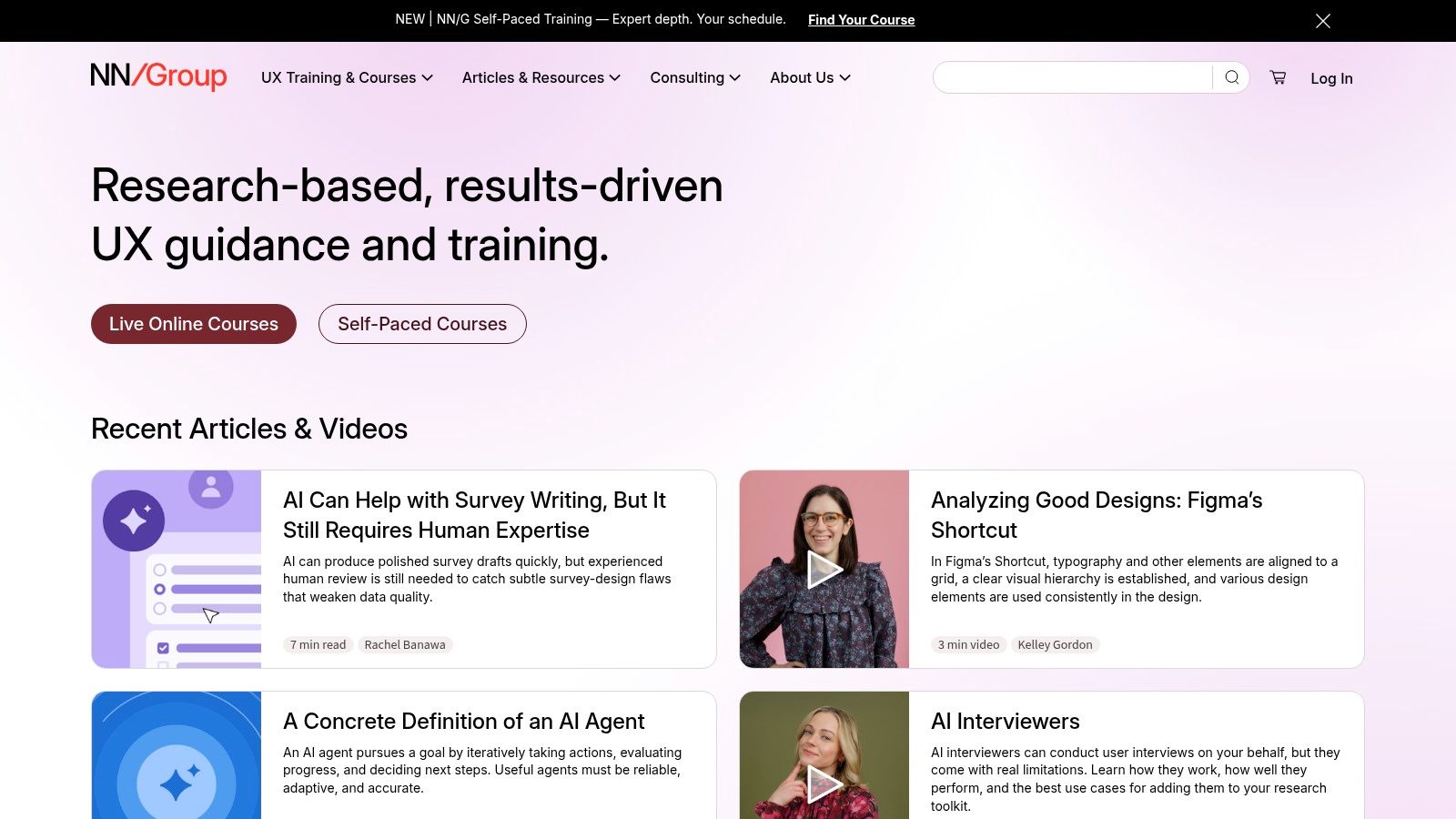
A familiar SaaS meeting goes like this. The team is debating whether to combine two settings pages, add another KPI card to the dashboard, or shorten a workflow by hiding advanced options. NN/g is the reference I use when that conversation needs to shift from preference to usability evidence.
It is especially useful for B2B products because the failure modes are predictable. Complex navigation, dense forms, weak information scent, unclear system status, and permission-heavy flows all show up again and again in enterprise software. NN/g gives teams a clear language for diagnosing those problems before they become expensive product habits.
When it works best
Use NN/g at two points. First, during discovery, when the team is framing the problem and needs shared standards for research, IA, and task flow design. Second, during redesign work, when stakeholders are pushing solutions and someone needs to ground the discussion in known usability principles.
It is a strong fit when:
- Your team needs a baseline: Designers, PMs, and engineers can align on heuristics and research methods without a lot of translation.
- You are handling enterprise complexity: NN/g is consistently useful for navigation depth, forms, error prevention, search, and dense admin experiences.
- You need stakeholder support: Its frameworks help explain why a recommendation matters, not just what should change.
- You are building team capability: Courses and certifications can help standardize practice across a growing product organization.
Trade-offs in use
NN/g is strongest as a decision-quality resource, not a pattern gallery. It helps teams explain problems well and choose a sound direction, but it will not always give the fastest answer for detailed UI implementation. In practice, that means I use it to sharpen problem framing and evaluation criteria, then pair it with more pattern-specific resources later in the process.
Cost is the other trade-off. The article library is generous, but paid training can be hard to justify for smaller teams or early-stage SaaS companies. Senior teams may also find parts of the content familiar. That does not make it less useful. It means the value often comes from giving cross-functional teams a shared reference point, not from teaching veteran designers something new.
If product reviews keep turning into opinion contests, NN/g is usually the fastest reset.
Website: Nielsen Norman Group
2. Baymard Institute
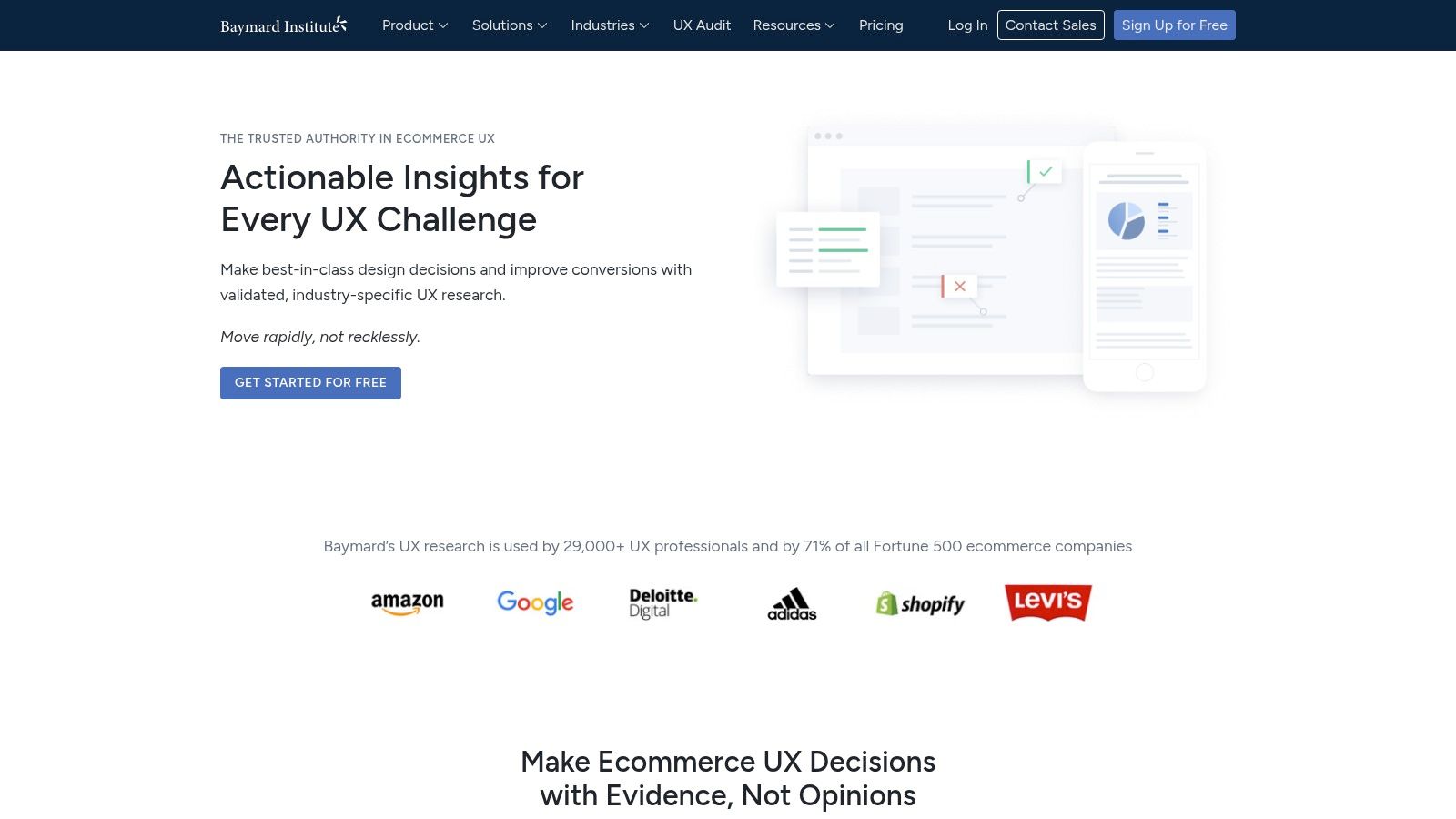
Baymard is known for e-commerce, but dismissing it on that basis is a mistake. A lot of B2B SaaS friction looks surprisingly similar to retail friction. Forms break momentum. Navigation hides the next step. Confirmation states are weak. Pricing and plan selection create uncertainty. Self-serve onboarding suffers from the same conversion problems as checkout.
What Baymard does better than most resources is show pattern quality with concrete examples. That makes it useful in design crits, audits, and stakeholder reviews where abstract UX principles are not enough.
Where Baymard fits in a SaaS workflow
Baymard is strongest in the middle of the process, after you have identified a problem and need practical pattern guidance.
It is particularly good for:
- Onboarding flows: Sign-up, trial activation, setup sequences, and upgrade moments.
- Forms and data entry: Long admin forms, billing configuration, and account setup.
- Navigation cleanup: Menus, filtering, search, and information hierarchy.
- Conversion screens: Pricing pages, demo requests, plan comparison, and checkout-like purchase steps.
The benchmark examples help teams move from “this feels confusing” to “this pattern is introducing unnecessary hesitation.”
The trade-offs
Baymard Premium is where the depth lives, so access can be a constraint for smaller teams. Its center of gravity is still commerce and conversion, not full service design or long-term account management.
That said, for product-led SaaS teams, the overlap is close enough to be valuable. If your trial-to-paid flow is underperforming, this resource often gives faster answers than broad UX theory.
One Baymard habit I like is using annotated examples during review sessions. Instead of arguing from preference, teams can compare multiple pattern implementations and talk through user risk. That shortens meetings and usually leads to better decisions.
Website: Baymard Institute
3. Interaction Design Foundation (IxDF)
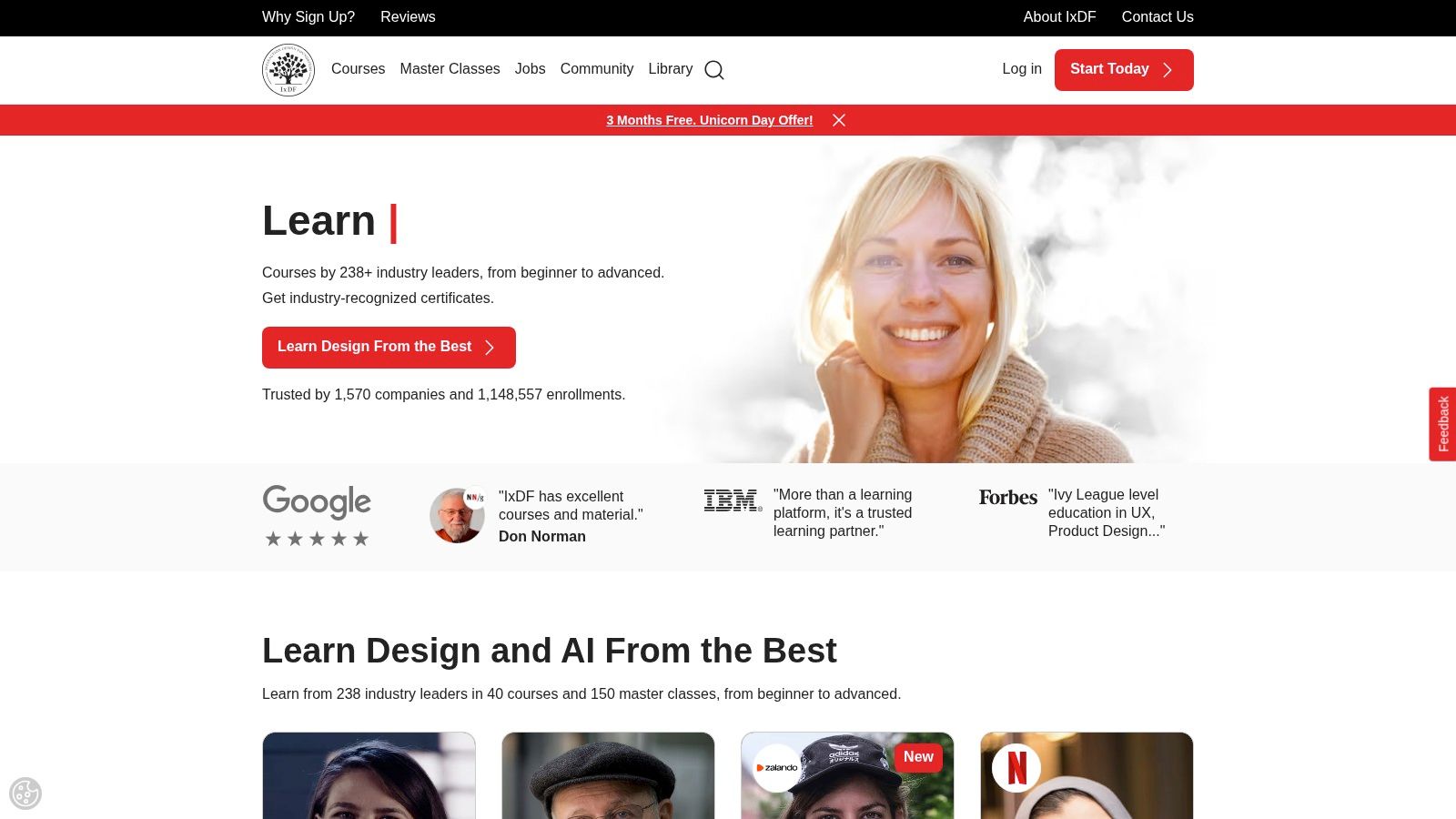
A familiar B2B SaaS problem: the product is getting more capable, but the team is not using the same UX vocabulary. PMs describe a workflow in business terms, designers frame it around user goals, engineers optimize edge cases, and support sees the friction after release. IxDF is useful in that situation because it raises the baseline across the whole team, not just the design function.
That makes it a good fit for organizations dealing with complex workflows, admin surfaces, and long-lived product areas where small misunderstandings turn into expensive rework.
When to use IxDF
Use IxDF when the bottleneck is shared understanding.
It is a strong choice for:
- Cross-functional onboarding: New PMs, junior designers, founders, and marketers can build a common foundation before they start shaping product decisions.
- Team leveling: It helps standardize how the team talks about flows, usability, research, accessibility, and interaction patterns.
- Career growth inside product teams: Designers who need stronger fundamentals, or want to move toward research or service design, can build those skills without stepping out of day-to-day delivery.
I have seen this pay off most in SaaS teams that are maturing from feature shipping to system thinking. If requirements are still messy, training alone will not fix that. It helps more when paired with better product documentation, clearer acceptance criteria, and implementation patterns such as web components in React-based design systems, where consistency depends on shared definitions.
What it does well
IxDF is affordable compared with formal training programs, and the self-paced format works for busy teams. The catalog is broad, so people can study interaction design, accessibility, UX strategy, research methods, and related topics without needing a separate budget line for each skill area.
For B2B teams, that breadth is the main advantage. Enterprise products rarely fail because of one isolated screen. They fail because navigation, permissions, data entry, feedback states, and onboarding all need to work together over time.
The trade-offs
Quality varies by course. Some are excellent. Some stay at an introductory level and will feel thin for senior practitioners working on advanced systems or specialized research problems.
I would not treat IxDF as the primary source of truth for a senior design team making high-stakes product decisions. I would use it to create a shared baseline, onboard adjacent functions, and give growing teams a practical way to build design judgment over time.
Website: Interaction Design Foundation
4. Material Design (Material 3)
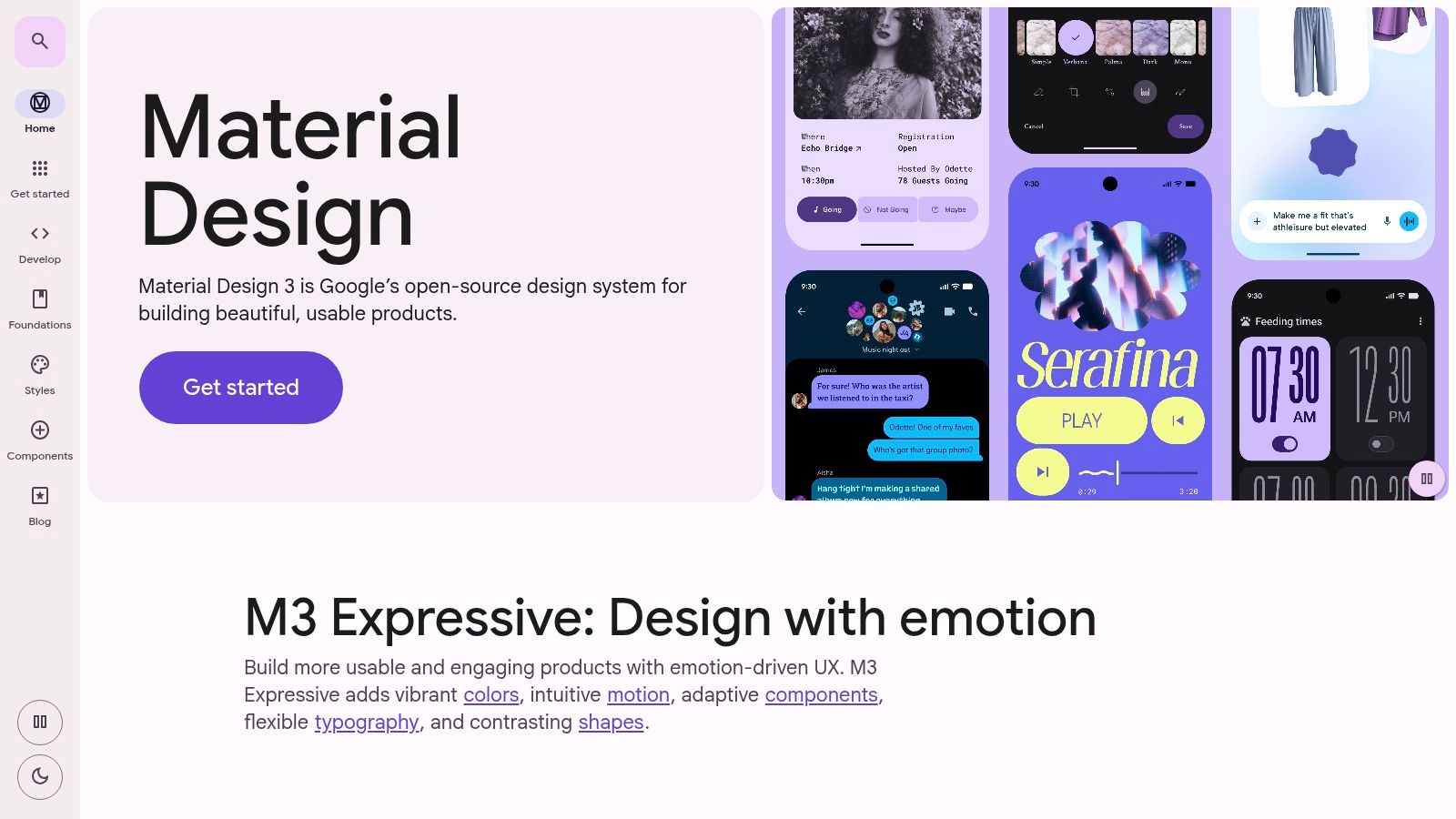
Material 3 is not just a visual style reference. For SaaS teams, it is a practical operating system for consistency. When multiple squads are shipping features into the same product, inconsistency spreads quickly through buttons, spacing, states, filters, dialogs, tables, and mobile breakpoints. Material gives teams a documented baseline before design debt gets expensive.
The strongest part is the system thinking. Components, motion, color, and tokens all connect. That is what makes it useful in products with lots of screens and many contributors.
When Material is the right choice
Use Material when your UI is growing faster than your standards.
It is especially effective for:
- New design systems: Teams can start with a mature pattern library instead of inventing everything from scratch.
- Multi-product consistency: Tokens and theming help align experiences across admin panels, customer portals, and companion apps.
- Designer to developer handoff: Reference implementations reduce ambiguity in component behavior.
If your team is already thinking in reusable patterns, this pairs naturally with implementation approaches such as web components with React, especially when you want UI standards to survive across products and teams.
The honest trade-off
Material can make a product feel generic if the team applies it directly. B2B products need clarity more than novelty, but brand still matters. The best teams use Material as infrastructure, then adapt the visual language to fit their product and audience.
Another practical issue is that not every platform area reaches the same level of completeness at the same time. You still need judgment. Design systems do not replace design decisions.
Cloud delivery trends also make this kind of systemization more relevant. Cloud-based UX platforms account for 62.30% of the market and are growing at a 17.60% CAGR, according to Mordor Intelligence’s user experience market report. Centralized systems and collaborative tooling are part of why structured design resources like Material become so valuable in distributed SaaS teams.
Website: Material Design
5. Apple Human Interface Guidelines (HIG)
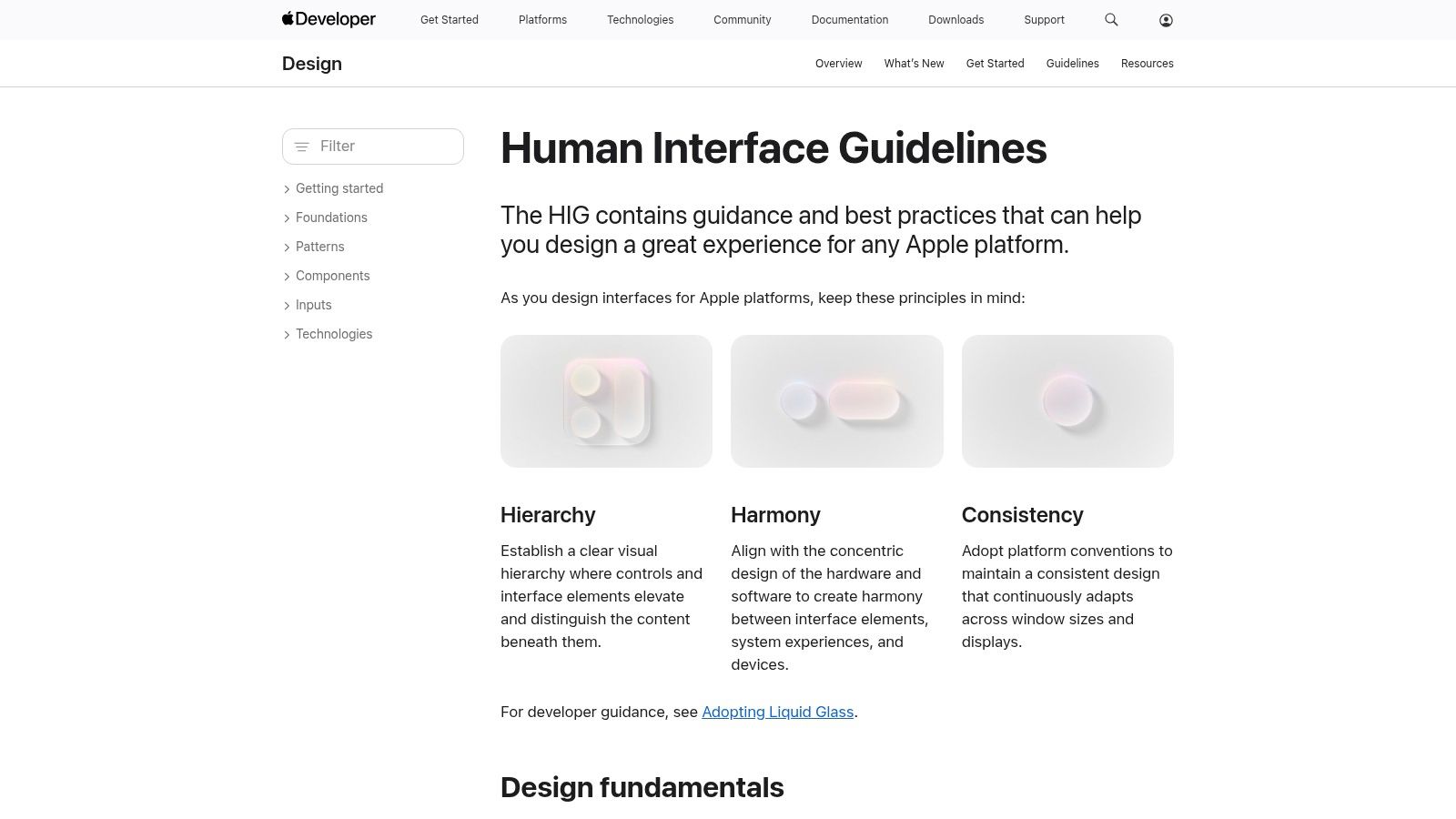
If your SaaS product has a native iOS, iPadOS, or macOS experience, Apple’s HIG is not optional reading. It is the reference that keeps your app from feeling like a web product awkwardly wrapped in native chrome.
B2B teams sometimes underestimate this. They assume business users will tolerate clunky native experiences because the product is “for work.” They will not. Users bring platform expectations with them, especially on Apple devices.
Where HIG helps most
HIG is most useful when:
- You are building a companion app: Mobile approvals, alerts, field workflows, or executive dashboards need to feel native.
- You are adapting a web workflow to mobile: Dense desktop flows often need restructuring, not shrinking.
- You are using new platform capabilities: Apple updates interaction patterns often enough that old instincts can age badly.
The guidance around navigation, touch targets, layout behavior, typography, and accessibility helps teams avoid expensive mistakes before development begins.
What teams often get wrong
The common mistake is treating HIG like a component catalog only. Its primary value is behavioral. It explains how controls should feel, how hierarchy should work, and where user expectations are already set by the platform.
That said, HIG is not broadly portable to generic web apps. If your product is browser-first, using Apple patterns as universal rules can create friction elsewhere. Teams need to separate platform-specific guidance from general usability principles.
A good native product often feels “obvious” to users. That usually means the design team spent time respecting platform conventions instead of trying to outsmart them.
Website: Apple Human Interface Guidelines
6. U.S. Web Design System (USWDS)
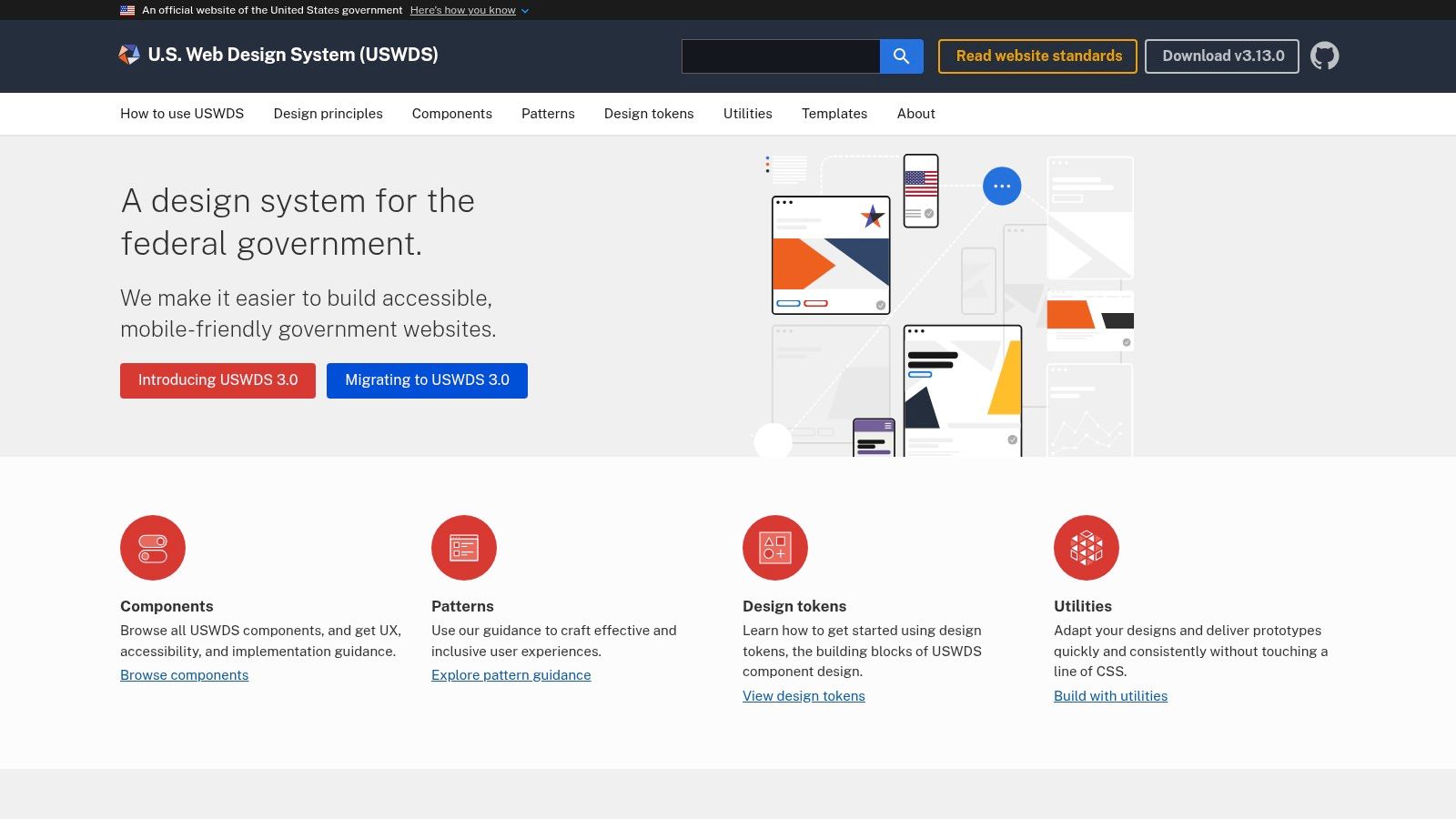
USWDS is one of the best underused user experience design resources for teams that need an accessibility-first baseline. It comes from government, but the lessons translate well to enterprise software, especially products with compliance pressure, broad user populations, and long-lived interfaces.
Its value is not visual excitement. Its value is disciplined clarity.
Best fit for B2B and regulated environments
USWDS is a strong choice when your product needs to work for a wide range of users under real operational constraints.
I reach for it when teams need:
- Accessible defaults: Components and patterns start from usability and compliance, not decoration.
- Performance-minded UI: Useful for internal tools, public portals, and enterprise workflows where reliability matters more than trendiness.
- A practical design token structure: Helpful when teams need consistency without building a giant system from zero.
It is also a smart baseline for teams that are rethinking inclusion more broadly. If accessibility conversations are still too narrow, this guide to the 7 principles of universal design gives useful context beyond simple compliance.
Limits you should expect
USWDS has a government voice and aesthetic. Most private-sector teams will need to adapt brand expression, tone, and some interface details. The component set is also smaller than some commercial systems, so you may still need custom work for advanced data-heavy interfaces.
If your product serves many roles, many ages, and many levels of technical confidence, a conservative design system is often a competitive advantage.
There is also a broader operational reason this matters. The source noted earlier on cloud UX infrastructure describes how large organizations use centralized systems to improve security and operational efficiency. USWDS fits that mindset well. It supports products that need consistency, maintainability, and strong governance rather than one-off design decisions.
Website: U.S. Web Design System
7. GOV.UK Service Manual
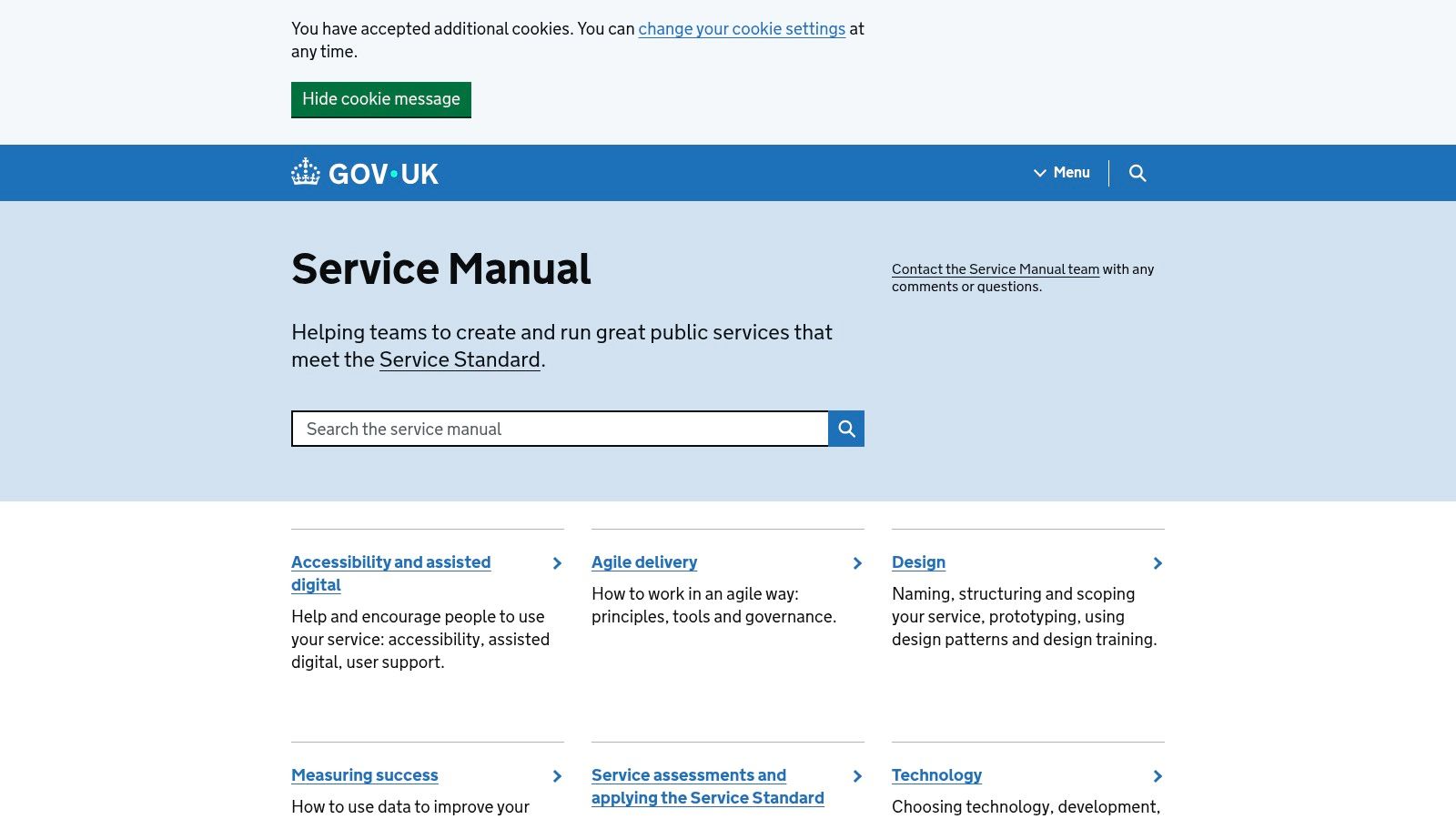
Some resources help you design screens. GOV.UK Service Manual helps you design services. That distinction matters a lot in SaaS.
A B2B product is rarely just interface. It is onboarding, permissions, documentation, approvals, billing, support, and content working together. When teams only optimize screens, users still get stuck in the service.
Why it is so useful for SaaS operations
This manual is strongest when the product experience crosses multiple touchpoints or teams.
Use it when:
- Discovery feels vague: The manual gives practical structure to research and problem framing.
- Your product spans teams: Designers, researchers, content people, operations, and engineers need a common delivery approach.
- The friction is outside the UI: Support processes, emails, forms, policies, and content often create more confusion than layouts.
It has unusually practical guidance around research, accessibility, content design, and iterative delivery. That makes it valuable for product organizations trying to build stronger habits, not just prettier interfaces.
The trade-off
It is UK-centric. Some policy references and standards need local interpretation. It also focuses more on service orchestration than pixel-level component guidance. If you need a button spec, look elsewhere. If you need a better way to run discovery on a complex workflow, this is excellent.
One reason I like it for SaaS is that it pushes teams to treat delivery as multidisciplinary work. In products, user frustration often comes from the gap between departments, not from one badly styled screen.
Website: GOV.UK Service Manual
8. Smashing Magazine (UX Design)
Smashing Magazine is useful because it sits close to the messy edge where design meets implementation. In SaaS teams, that matters. A recommendation that cannot survive engineering constraints is not very helpful.
The UX material is broad. You will find research, accessibility, IA, design systems, and front-end-adjacent thinking in one place. That makes it a strong ongoing reading source for product teams, especially when you want lunch-and-learn material or practical discussion starters.
How I would use it
Smashing is not a curriculum. It is a working library.
It is best for:
- Team learning habits: Good for regular reading and discussion across design and engineering.
- Applied problem solving: When you need practical techniques, examples, or implementation considerations.
- Bridging craft and code: Useful for teams that want designers and developers solving the same problems together.
The publication’s strength is range. Its weakness is the same. Some articles are excellent. Some are more lightweight or more introductory.
Why it stays in the toolkit
I would not use Smashing as the sole source of truth for a design org. I would use it to keep the team sharp between larger learning efforts. It is especially useful when you want to expose developers to UX thinking without handing them a theory-heavy training program.
The best product teams do not separate UX reading from engineering reading. They treat interface quality as shared work.
That mindset becomes more important as organizations mature. Earlier, I noted the broader growth of the UX field. The practical implication is that product quality now depends on wider UX literacy across teams, not just inside design.
Website: Smashing Magazine UX Design
9. Growth.Design
Growth.Design is the most immediately useful resource on this list for product-led SaaS teams trying to improve onboarding, activation, retention, and monetization. It teaches through short, visual case studies, which makes it easy to share with non-design stakeholders.
That format matters. Founders and PMs often engage faster with a well-explained product teardown than with a dense methods article. Growth.Design turns behavioral design into something people can discuss in a meeting without needing a UX background first.
Where it shines
Use Growth.Design when your team is working on:
- Onboarding sequences
- Plan and pricing decisions
- Habit loops and retention mechanics
- Upgrade prompts and paywalls
- Product education moments inside the UI
It is especially strong for self-serve and PLG motions, where small interaction decisions influence whether users find value quickly or drift away.
The key limitation
This is not a full research curriculum. It will not teach your team how to build a research repository, run a mature mixed-methods program, or develop a full design system. It is focused on product psychology and growth levers.
Still, that focus is useful because B2B teams often overlook the UX of automation and AI-assisted workflows. A 2025 UXtweak report notes that only 15% of UX resources cover AI-enhanced operations such as CRM automation and Voice AI agents, according to UXtweak’s roundup of UX resources. That gap shows up in products. Teams automate actions, but they do not design for user trust, control, or transparency.
Growth.Design helps product teams think more carefully about that layer of behavior. It is not enough to make an automated experience efficient. Users also need to understand what the system is doing and why.
Website: Growth.Design
10. MeasuringU
If your team keeps saying “users seem confused” but cannot prove where or how much, MeasuringU is the resource to bring in. It specializes in quantitative UX, benchmarking, sample size questions, reliability, and standardized instruments. For SaaS teams under pressure to connect design work to business outcomes, that is extremely useful.
Many design organizations overcorrect in one of two directions. They either rely only on qualitative insight and struggle to quantify impact, or they rely only on product analytics and miss the reasons behind behavior. MeasuringU helps teams handle the first problem without ignoring the second.
Best use cases
MeasuringU is strongest when:
- You need benchmarks: Good for tracking usability, perception, and change over time.
- You are running experiments: Strong support for data-driven product teams and CRO programs.
- Leadership wants evidence: Standardized measurement makes UX work easier to defend.
It is also helpful for teams maturing their research ops. Once you start measuring consistently, UX stops being “the design team’s opinion” and becomes part of product governance.
What it does not cover well
It is not where I would go for interaction craft, visual design nuance, or design system implementation. The lens is heavily quantitative. That is a feature, not a flaw, as long as you know what question you are trying to answer.
The broader business case matters too. Tenet’s summary of UX research notes that a well-designed user interface can increase website conversion rates by up to 200%, while broader UX improvements can increase conversions by as much as 400% in the right contexts. Those are strong reasons to measure what your UX work is changing. MeasuringU is one of the better resources for doing that with discipline.
Website: MeasuringU
Top 10 UX Design Resources Comparison
| Resource | Primary focus | Core offerings | Target audience | Unique strength | Pricing / access |
|---|---|---|---|---|---|
| Nielsen Norman Group (NN/g) | Evidence-based UX research & training | Articles, reports, live/self-paced courses, UX certification | Designers, researchers, PMs, execs; enterprise/SaaS teams | Highly credible frameworks & actionable checklists for enterprise workflows | Many free articles; paid trainings and certifications (can be costly) |
| Baymard Institute | E‑commerce UX & conversion research | Benchmark DB, guidelines, annotated examples, audits, training | E‑commerce teams; SaaS teams focused on onboarding/conversion | Large-scale usability observations with implementation-ready examples | Select free content; Baymard Premium subscription for full access |
| Interaction Design Foundation (IxDF) | Scalable online UX education | 100+ courses, certificates, learning paths, community | Teams upskilling at scale; cross-functional product orgs | Cost-effective, broad curriculum for team enablement | Membership subscription (affordable for teams); self-paced |
| Material Design (Material 3) | Design system & component guidelines | Components, design tokens, Figma kits, theme builder, reference code | SaaS/product teams standardizing UI and theming | Mature token system and tooling from Google; cross-platform consistency | Documentation, kits, and tools free to use |
| Apple Human Interface Guidelines (HIG) | Native Apple platform UX patterns | Platform-specific patterns, accessibility, typography, interaction guidance | Teams building iOS/iPadOS/macOS/watchOS/visionOS apps | Authoritative reference for native Apple UX and App Review alignment | Free official guidance |
| U.S. Web Design System (USWDS) | Accessibility-first design system | Accessible components, design tokens, templates, A11y guidance | Enterprise/B2B teams needing production‑grade accessibility | Production-tested, accessibility- and performance-focused patterns | Open-source and free |
| GOV.UK Service Manual | End-to-end service design & research playbooks | Playbooks, templates, discovery/prototyping guidance, content style | Service designers, product ops, multidisciplinary delivery teams | Practitioner-level, evidence-based service orchestration guidance | Free public resource |
| Smashing Magazine (UX) | Editorial UX & front-end practice | Curated guides, deep-dive articles, code snippets, workshops | Teams seeking practical techniques; designers + front-end engineers | Bridges UX and engineering with actionable, implementation-focused articles | Many free articles; paid books, workshops, and memberships |
| Growth.Design | Product psychology & conversion case studies | Bite-size visual case studies, tactics, optional product psychology course | PLG/growth teams, UX for onboarding and retention | Concise visual storytelling that educates stakeholders quickly | Many free case studies; some paid courses/assets |
| MeasuringU | Quantitative UX & benchmarking | UX metrics guides, calculators, bootcamps, standardized instruments (SUS, SUPR‑Q) | Data-driven product, CRO, and research teams | Strong focus on connecting UX metrics to business outcomes and ROI | Some free articles/tools; paid tools, reports, and training |
From Resources to Repeatable Results
Having a list of user experience design resources is useful. It is not enough.
Most B2B and SaaS teams do not struggle because they lack articles to read. They struggle because research is ad hoc, interface patterns drift, customer feedback gets trapped in support tools, and every redesign starts from scratch. Good resources only create value when they become part of a repeatable operating model.
That usually starts with choosing the right resource at the right phase.
If your team is still defining the problem, NN/g and GOV.UK Service Manual help structure discovery and decision-making. If the issue is conversion friction inside onboarding, Baymard and Growth.Design are often faster paths to practical action. If consistency is breaking down across squads, Material 3 or USWDS can provide a stronger system foundation. If leadership keeps asking for measurable proof, MeasuringU gives you the language and methods to quantify change. If your challenge is broader team education, IxDF and Smashing Magazine are strong support layers.
What does not work is trying to use one resource for everything.
I have seen teams lean too hard on design systems when the underlying issue was poor workflow research. I have also seen teams run research sprints repeatedly without ever standardizing the components and interaction patterns causing recurring usability problems. Both approaches waste effort. The better model is simple. Treat research, systems, and measurement as connected parts of the same product practice.
That is where operations thinking matters.
The strongest product teams create standard operating procedures around UX work. They define how discovery happens before major roadmap bets. They document how usability findings are tagged and stored. They establish rules for when a team can create a new pattern versus when it must use an existing component. They decide which metrics matter before shipping changes, not after. They automate the low-value admin around all of that wherever possible.
This is especially important in SaaS environments using AI and automation. Workflows now span product UI, CRM logic, support systems, onboarding sequences, and increasingly Voice AI or assistant-driven touchpoints. If those systems are efficient but hard to understand, users lose trust. If they are polished but operationally inconsistent, internal teams slow down. UX needs to sit inside the same optimization conversation as process design and automation.
A practical next step is to audit your current workflow against four questions:
- Research discipline: Do you know how insights are gathered, stored, and reused?
- System consistency: Do teams share the same components, states, and interaction rules?
- Measurement clarity: Can you show what changed after a UX improvement?
- Operational follow-through: Are insights turning into documented processes, or getting lost after workshops?
If you need a grounded companion resource for the broader practice, this practical guide to improving website user experience is a solid next read.
The true win is not collecting more bookmarks. It is building a product organization that knows when to research, what to standardize, how to measure, and where automation can remove friction without removing user control. That is how these resources stop being reference material and start becoming a growth system.
If your team wants to turn UX insight into a scalable operating system, MakeAutomation can help. MakeAutomation works with B2B and SaaS companies to streamline research workflows, standardize process documentation, optimize CRM and lead-generation automations, and build AI-enhanced operations that reduce manual friction without creating messy user experiences. If your product, ops, and growth teams need tighter systems behind the interface, it is a strong partner to bring structure to the work.