10 Best Interview Scheduling Software for SaaS in 2026
Stop Wasting Time on Calendar Tetris.
Your team finally gets a strong candidate through the funnel. Then the actual delay starts. A recruiter is chasing availability, a hiring manager is traveling, one interviewer is in Europe, another is in North America, and the candidate is waiting on an email thread that keeps getting longer.
That's where the best interview scheduling software earns its keep. It doesn't just send a booking link. It removes the admin drag around confirmations, reminders, reschedules, interviewer coordination, and handoffs between recruiter, coordinator, and panel. If you've ever had a hiring process stall because nobody could lock a panel, you already know this isn't a nice-to-have.
The category has matured fast. Market estimates place the global interview scheduling software market at about $520 million in 2024, with one projection reaching $1.38 billion by 2033 at 11.2% CAGR, while another projects $1.1 billion in 2025 to $17.1 billion by 2035 at 31.6% CAGR. That spread tells you something useful. Buyers need to look past category hype and evaluate whether they need coordination-only scheduling or broader recruiting workflow automation.
This guide gets to the point. It compares tools by hiring environment, implementation fit, and workflow design. If your team also manages appointment-heavy operations outside recruiting, the same scheduling principles show up in how to schedule tutoring sessions efficiently.
1. GoodTime
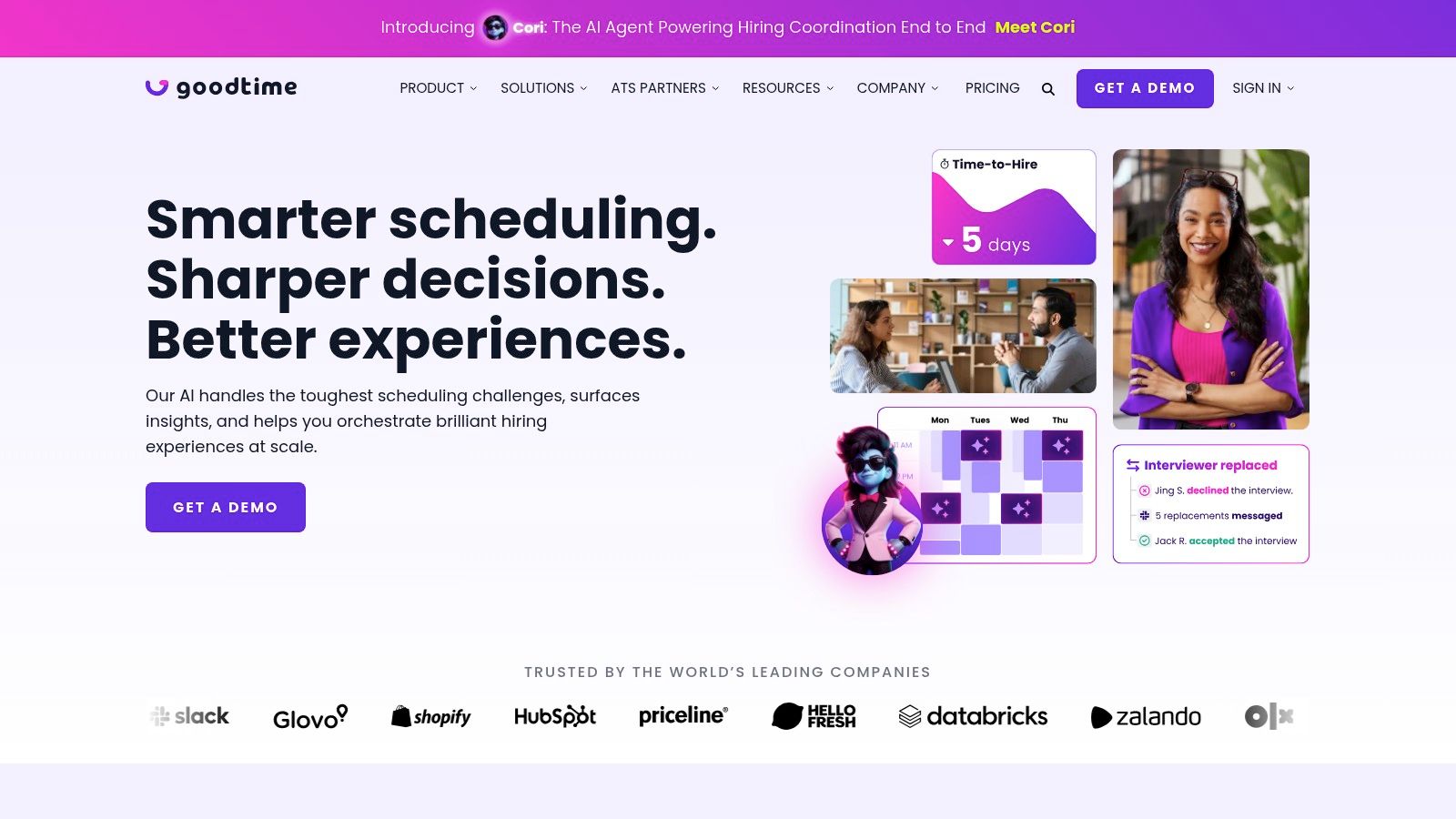
GoodTime is built for the kind of hiring process that breaks generic schedulers. If you're coordinating multi-stage loops, panel interviews, interviewer training, and debrief logistics, this is where recruiting-specific design matters.
The main reason teams buy GoodTime isn't “calendar sync.” It's control. You can standardize who gets pulled into which stage, protect interviewer capacity, automate reminders, and keep candidate communication tight without asking coordinators to manually babysit every step.
Where it fits best
GoodTime is strongest in enterprise TA teams and scaling SaaS companies that run a lot of structured interviews. It handles complexity better than general scheduling tools because it's designed around recruiting actors and recruiting rules, not just meetings.
A good implementation pattern looks like this:
- ATS-triggered interview creation: Move a candidate to onsite or final round in your ATS, then auto-create the interview plan.
- Interviewer pool logic: Assign from approved interviewer pools instead of relying on whoever happens to be free.
- Fallback replacement: If an interviewer declines, the system should replace them without restarting the process.
Practical rule: If your recruiters are still copying interview plans from old candidates to new ones, you haven't automated the real bottleneck.
What works and what doesn't
What works is the depth. GoodTime supports panels, auto-replacement, reminders, communication templates, and reporting on scheduling friction. That combination is what reduces coordinator workload at scale.
What doesn't work as well is using it for a very lean team with simple one-to-one screens. You can do that, but you won't get the full value unless you're running repeatable, multi-interviewer workflows and connecting it tightly to your ATS and calendar stack. It's also quote-based, so it usually makes more sense once recruiting ops is already formalized.
2. ModernLoop
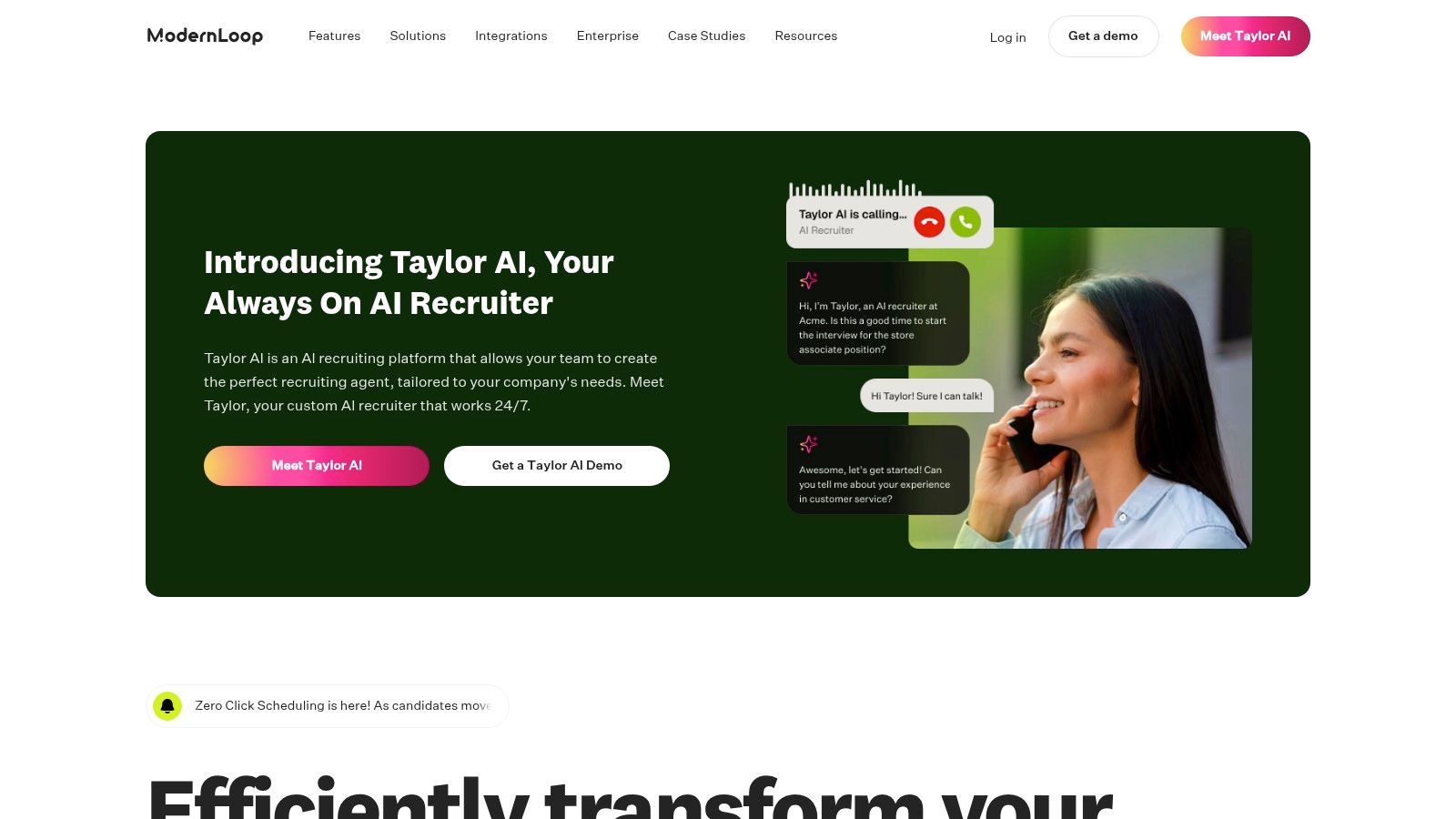
ModernLoop is one of the best interview scheduling software options for in-house talent teams that care about structured hiring, interviewer utilization, and ease of use. It feels closer to a recruiting ops product than a meeting tool.
What stands out is how it approaches scheduling logic. It's not just looking for open slots. It's trying to find workable combinations across availability, time zones, workload, and panel design. For teams running frequent loops across Greenhouse, Lever, or Ashby, that matters.
Best fit for structured in-house hiring
ModernLoop tends to fit companies that already have a defined interview architecture. If every role has a consistent plan, interviewer pools are documented, and recruiting wants less coordinator intervention, it slots in cleanly.
It's also a good option if your broader stack already leans into automation. Teams comparing schedulers alongside broader recruiting systems often also evaluate recruitment automation software options because scheduling only solves one layer of process friction.
Implementation strategy
The right rollout starts with your highest-volume repeatable loop, not every interview type at once.
- Start with one family of roles: For example, account executive or customer success hiring, where panel stages repeat.
- Define interviewer pools carefully: Bad pool hygiene creates bad schedules. Keep certified and active interviewers current.
- Map notifications end to end: Candidate invite, interviewer prep, cancellation handling, and debrief reminders should all be explicit.
The teams that get the most from ModernLoop don't treat it as a booking tool. They treat it as scheduling infrastructure.
The trade-off is price visibility. Like many recruiting-focused vendors, pricing is quote-based. That usually puts it in mid-market to enterprise territory, so it's not the easiest answer for a tiny talent team that only needs a few scheduling links.
3. Calendly
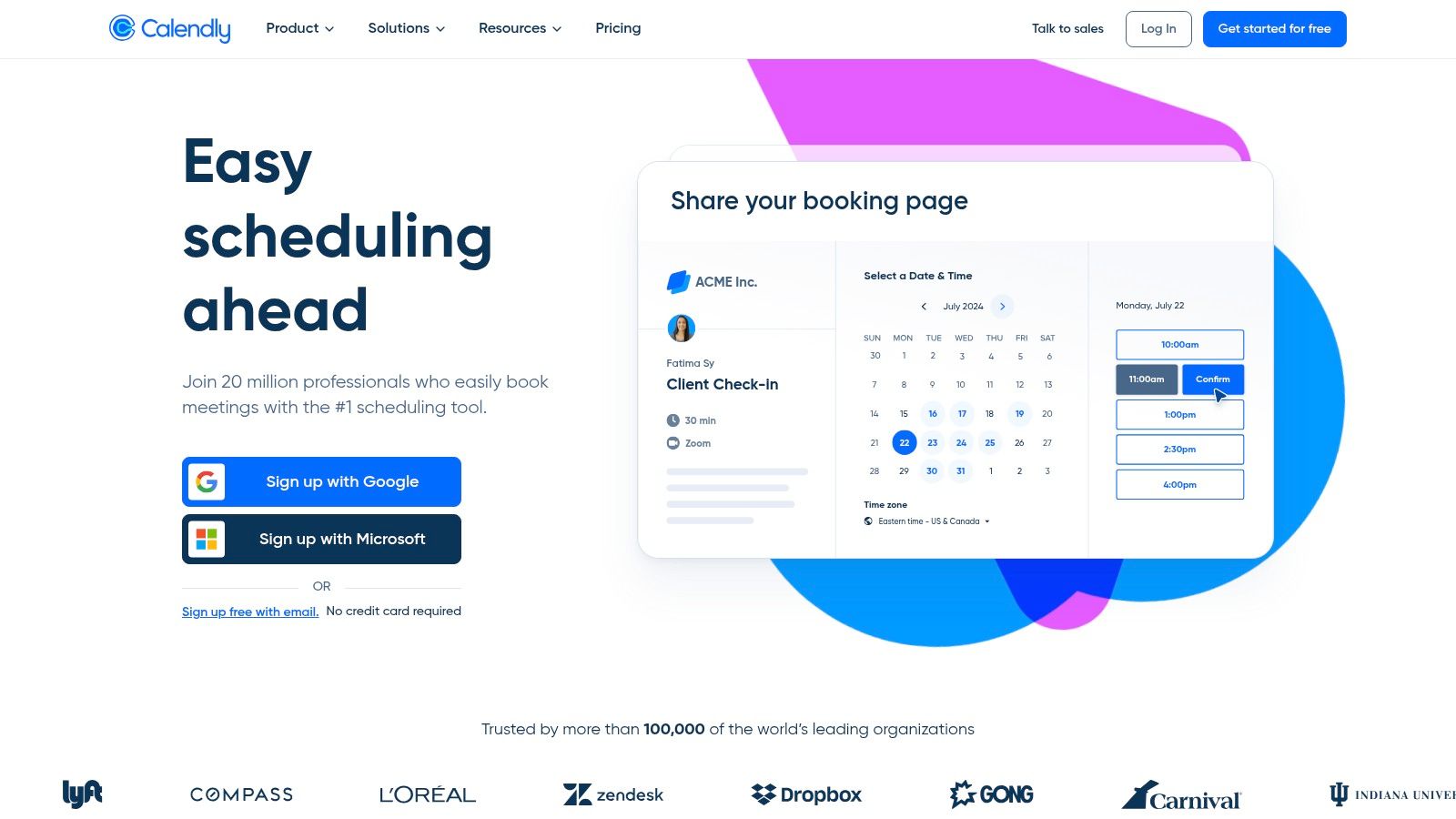
Calendly is the tool I'd recommend first when a team says, “We need to stop scheduling interviews manually, but we're not ready for an enterprise recruiting platform.” It's fast to deploy, familiar to candidates, and easy for hiring managers to understand.
That simplicity is the point. Lean SaaS teams often don't need advanced interviewer training support or deep recruiting analytics yet. They need candidates to book quickly, interviewers to avoid double-booking, and reminders to go out without someone remembering to send them.
Where Calendly wins
Calendly is best when your process is still relatively simple. One-to-one screens, recruiter handoffs, hiring manager calls, and basic panel coordination are all manageable through round-robin, collective, and standard event types.
There's also a real budget advantage for smaller teams. One pricing reference notes that simple tools like Calendly start at $10 per seat per month, while enterprise platforms can run from $20,000 to $100,000+. That gap is exactly why Calendly remains attractive for cost-conscious B2B teams.
The real trade-off
Calendly starts to strain when your process gets highly structured. It can support group coordination, but it doesn't naturally handle recruiting-specific concerns like interviewer load balancing, training status, or fallback replacement the way dedicated interview scheduling platforms do.
That doesn't make it a weak choice. It makes it a deliberate one.
- Use Calendly when speed of setup matters most
- Use it when your hiring team is small and non-technical
- Replace or augment it when panel complexity becomes a weekly pain point
If I were setting this up for a startup, I'd connect Calendly to the ATS stage transition, auto-generate video links, and trigger reminders through existing email workflows. That gets you most of the way to a good process without overbuilding too early.
4. Cronofy Scheduler
Cronofy Scheduler sits in a useful middle ground. It works for recruiting teams that want a strong scheduling layer, but it also works for product and ops teams that want scheduling embedded inside another system.
That flexibility is its biggest advantage. You can use it as a standalone scheduler, or you can make it part of your own recruiting stack if your ATS, CRM, or internal tooling needs a scheduling engine.
Why teams pick Cronofy
Cronofy is a practical option when schedule-on-behalf-of matters. Recruiting coordinators often need to act for interviewers, reserve slots, and coordinate multi-party availability without making candidates handle the complexity themselves.
It also fits organizations that care about infrastructure reliability more than vendor flash. If your team is juggling Google and Microsoft calendars across regions, that reliability matters more than a long AI feature list.
Best implementation model
Cronofy is strongest when you're clear about who owns the workflow.
- Coordinator-led model: Use schedule-on-behalf-of and reserved slots for executive or panel hiring.
- Candidate self-serve model: Send branded booking pages for screening or simple manager interviews.
- Embedded model: Put Cronofy behind your ATS or internal portal if you want one scheduling layer across systems.
The main drawback is that its recruiting analytics are lighter than platforms built solely for TA operations. If your VP of Talent wants reporting around time-to-schedule bottlenecks, interviewer utilization, and process friction, you may need a separate reporting layer or a more recruiting-specific product.
Still, for teams that need flexibility first, Cronofy is one of the more strategically useful tools in this category.
5. Paradox (Olivia)
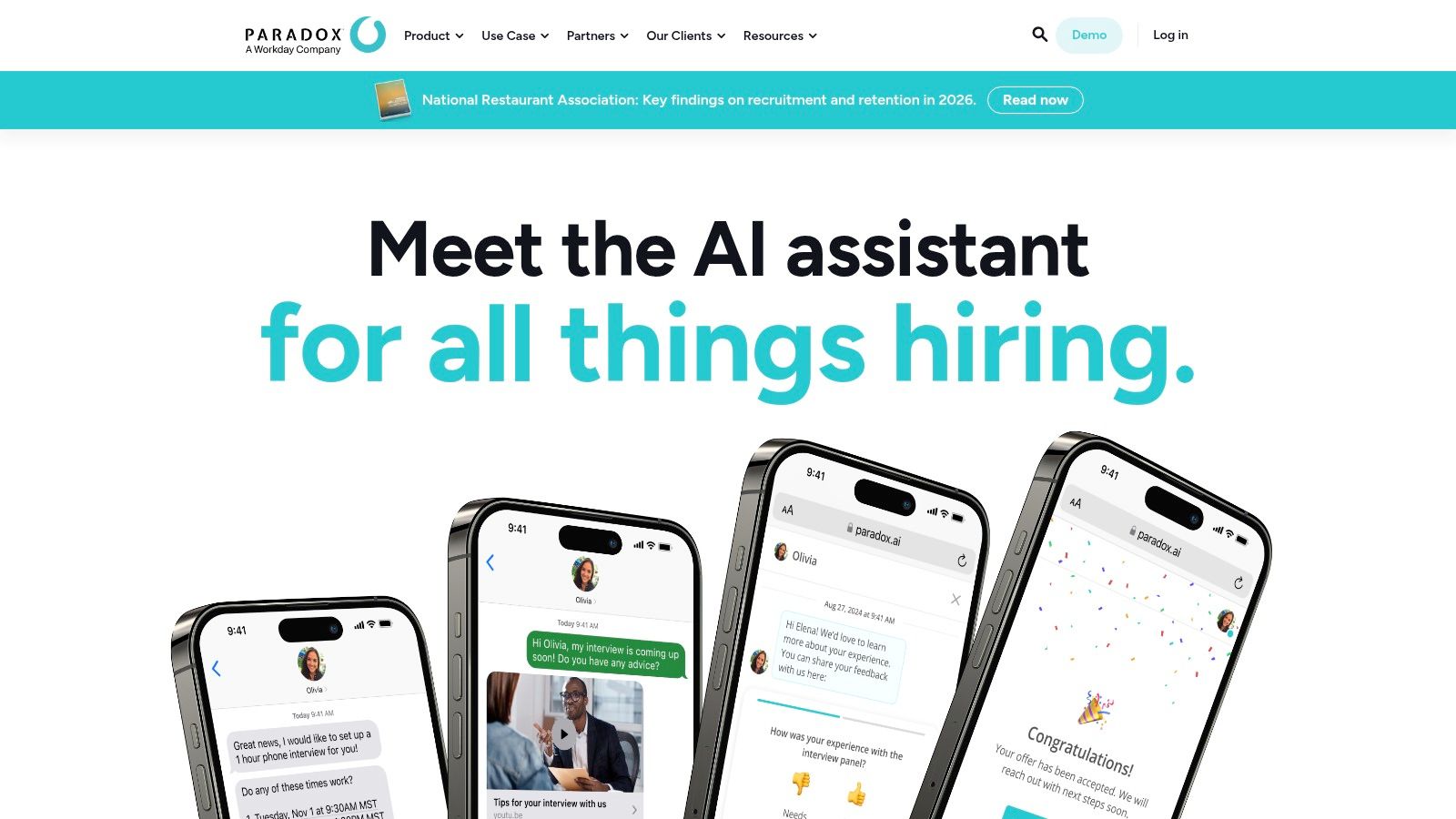
Paradox is the strongest fit in this list for high-volume, mobile-first hiring. If your candidates are applying on their phones, responding after hours, and expecting a fast answer, conversational scheduling changes the experience more than a cleaner booking link does.
Paradox describes its conversational scheduling product as an AI-powered system that syncs with hiring managers' calendars and lets candidates self-schedule through SMS, WhatsApp, chat, or email. That's the key distinction. It turns scheduling into a conversation instead of a form.
Where Paradox is the right answer
This is the tool for hourly hiring, distributed field hiring, and hiring environments where candidates may never sit at a laptop. In those cases, sending a calendar link can add friction. A text-based exchange often gets the interview booked faster.
It's also a strong fit for organizations investing in broader HR process automation systems because scheduling, screening, FAQs, reminders, and candidate updates can all live in one flow.
Candidates don't care whether your scheduling is “AI-powered.” They care whether they can book, change, or confirm without waiting on a recruiter.
What to watch before buying
Paradox usually makes sense when volume is high enough to justify a more involved implementation. It's not the first tool I'd buy for niche executive hiring or a low-volume startup.
The implementation work also matters. You need clear escalation rules, clean calendar permissions, approved messaging tone, and role-based workflows. If those pieces are messy, conversational automation can expose process problems faster than it solves them.
When it's configured well, though, it removes a huge amount of recruiter back-and-forth and makes hiring feel available outside normal office hours.
6. HireVue
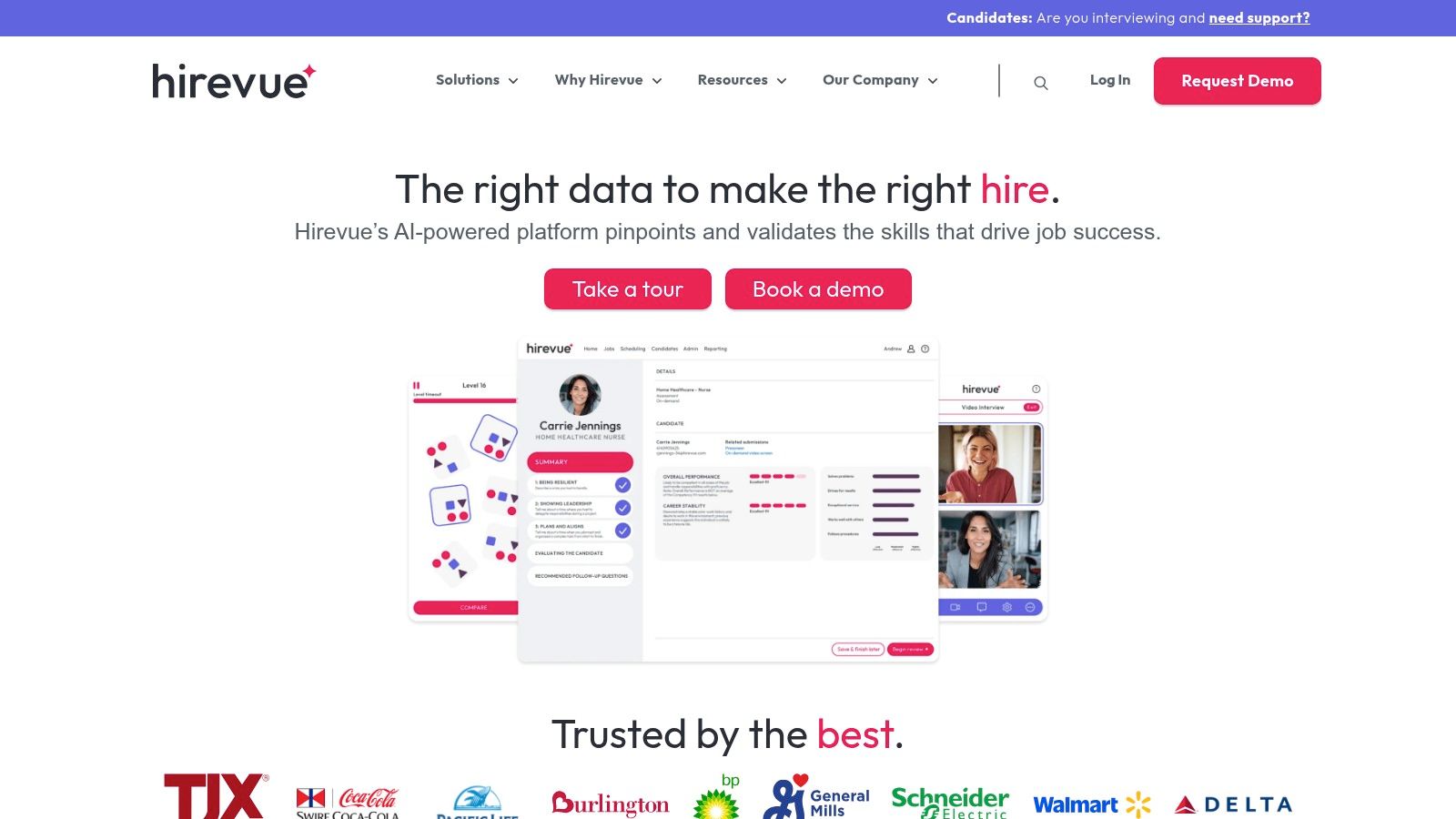
HireVue isn't just a scheduler. It's a broader interviewing platform, and that changes how you should evaluate it. If your team wants one vendor for video interviews, assessments, structured interviewing, and scheduling, the bundled approach can be attractive.
This usually comes up in larger organizations where early-stage screening, live interviews, and evaluation workflows all need to be connected. Instead of stitching several point tools together, HireVue can centralize more of the candidate journey.
Best fit for consolidated interview workflows
HireVue works well when scheduling is not the only problem you're trying to solve. If your candidate experience is fragmented across one tool for screening, another for live interviews, and a third for coordination, consolidation can reduce handoff friction.
That matters because candidate experience usually breaks at the seams. Missed reminders, unclear invites, inconsistent links, and disconnected stages all create avoidable confusion. Teams trying to improve candidate experience often end up fixing workflow design before they fix employer branding.
What works in practice
HireVue's self-scheduling and calendar integration are useful, but its primary value is process continuity. A practical setup often looks like this:
- Async screen first: Use on-demand or structured screening before live interviewer time gets booked
- Qualified candidate handoff: Trigger live scheduling only for candidates who pass the screen
- Unified comms: Keep invitations, reminders, and follow-up inside one interview workflow
The downside is that this approach can be heavier than what many mid-sized SaaS companies need. If all you want is better panel scheduling, HireVue may be more platform than you need. It tends to make the most sense when interview and assessment workflows are already part of the buying decision.
7. Ashby
Ashby is the tool many high-growth SaaS teams choose when they want fewer systems, not more. If your ATS, scheduling, and reporting can live in the same environment, you reduce integration overhead and keep workflow ownership simpler.
That's Ashby's appeal. Instead of bolting a scheduler onto an ATS, you're working inside one recruiting operating system. For teams that hate swivel-chairing between tools, that matters more than a long feature matrix.
Why Ashby works for growth-stage teams
Ashby is strongest when the recruiting team wants native scheduling embedded in the hiring process. Candidate self-scheduling, multi-stage coordination, auto-generated conferencing links, and interviewer pools are all more valuable when they sit next to your pipeline, scorecards, and reporting.
This setup is especially useful for teams without a large recruiting ops function. The fewer sync points you have to maintain, the less likely something breaks.
Best implementation approach
Ashby works best when you standardize your process before turning on advanced automation.
- Create role-specific interview plans: Don't use one generic template for every function.
- Build interviewer pools by competency: The software can automate assignment, but only if your pool logic is sound.
- Decide which stages should be self-serve: Screens usually should be. Final executive loops often shouldn't.
The trade-off is that some advanced scheduling capabilities may come through add-ons, and pricing is quote-based. So while Ashby reduces tool sprawl, you still need to evaluate total stack cost, not just the convenience of having scheduling inside the ATS.
For growth-stage SaaS, though, it's one of the cleanest operational choices on this list.
8. Yello
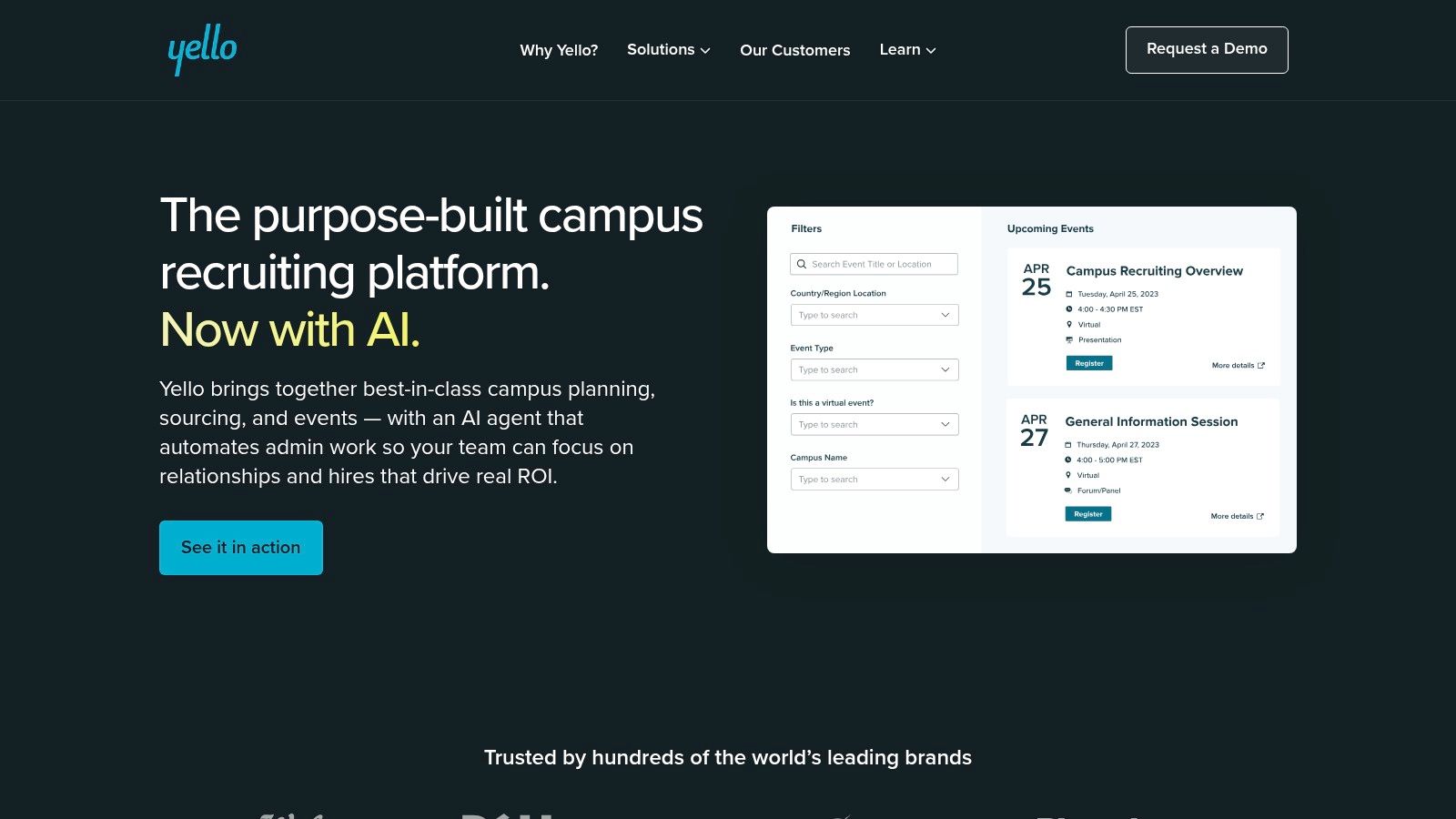
Yello is a niche pick, and that's a compliment. It's built for campus recruiting, early talent programs, and event-based hiring where the scheduling problem looks very different from a standard SaaS hiring loop.
If your recruiting calendar includes career fairs, structured interview days, or bursts of coordinated screens tied to hiring events, Yello belongs on the shortlist. Generic schedulers rarely handle that model well because the workflow is event-first, not candidate-first.
Where Yello stands out
The biggest advantage is compression. Early talent teams often need to move a lot of candidates through tightly organized interview windows, sometimes tied to on-campus or virtual events. That calls for scheduling software that understands batches, event timing, and candidate routing.
It also helps when early talent recruiting is run by a dedicated program team rather than a standard in-house recruiter model. Yello is better suited to that operating style than a general-purpose scheduler.
If your hiring happens in campaigns and events, buy for campaign logistics. Don't buy for one-off interviews and hope it scales sideways.
Trade-offs
Yello is less compelling for specialized senior hiring, executive search, or low-volume technical loops where each interview plan is bespoke. In those cases, a tool like GoodTime, ModernLoop, or Ashby will usually be a better operational fit.
Where Yello works, though, it works because it aligns to the true cadence of early talent hiring. That's worth more than feature breadth on paper. The best interview scheduling software isn't the one with the longest list. It's the one built for the scheduling problem you face.
9. Gem Scheduling (InterviewPlanner)
Gem Scheduling (InterviewPlanner) makes the most sense when your team already lives in the Gem ecosystem or wants stronger coordination between sourcing, ATS activity, and scheduling.
Its practical strength is workflow continuity. Candidate availability collection, self-scheduling, interviewer pools, and place-holds all support the messy middle of interview coordination. That's especially useful when recruiting teams need to reserve time before every interviewer is fully confirmed.
Why place-holds matter more than they sound
A lot of teams underestimate how much delay happens before an interview is “really” scheduled. Recruiters often know they want a loop next week, but they're still finalizing who will join, which stage order applies, or whether a technical interviewer is available.
Place-holds help protect likely time blocks without sending the process back to zero every time a detail changes. That's operationally valuable in busy SaaS hiring environments.
Best-fit setup
Gem Scheduling is usually strongest in these cases:
- You already use Gem heavily: Adding scheduling inside the same ecosystem reduces context switching.
- Your team relies on tentative scheduling: Place-holds are useful when loops move quickly.
- You run technical interviews: Integrations with live-coding tools can simplify handoff and coordination.
The trade-off is clear. If you're not already invested in Gem, the standalone value proposition may be less compelling than a dedicated scheduling-first vendor. Public pricing also isn't available, so this is another category where the buying process depends on broader platform fit, not just the scheduling module itself.
10. Rooster
Rooster is a specialist tool, and if you use Workday Recruiting, that specialization is exactly the reason to consider it. Rooster is purpose-built to automate scheduling inside a Workday-centric hiring environment.
That matters because Workday-heavy enterprises often struggle with disconnected scheduling workflows. Recruiters end up copying requisition data, rebuilding interview details in calendars, and managing invitations across multiple systems. Rooster is designed to reduce that swivel-chair work.
Best for Workday-first enterprises
Rooster pulls requisition and candidate data from Workday Recruiting, supports scheduling and rescheduling, and pushes events into Google or Outlook while connecting to common meeting platforms. If your enterprise hiring process already runs through Workday, that can remove a lot of manual translation between systems.
This is one of those cases where the “best interview scheduling software” depends almost entirely on stack fit. For a Workday enterprise, deep native alignment can matter more than broader market popularity.
Where it falls short
Rooster is much less relevant if Workday isn't your ATS anchor. Outside that environment, its niche focus becomes a limitation.
That doesn't mean it's too narrow. It means it's correctly narrow. The implementation logic is straightforward if Workday is the source of truth:
- Use Workday stage changes to trigger scheduling
- Keep calendar sync bi-directional where possible
- Standardize invite templates by interview type
- Define ownership between recruiting coordinators and recruiters early
When your ATS is the center of the process, specialist scheduling tools often outperform broader platforms that only integrate loosely. Rooster is a good example of that.
Top 10 Interview Scheduling Software Comparison
| Product | Key features | UX & quality | Value proposition | Target audience | Pricing |
|---|---|---|---|---|---|
| GoodTime | Multi-interviewer & multi-day scheduling; load balancing; SMS/WhatsApp; reporting | Enterprise-grade; strong candidate communications; reduces coordinator time | Built for TA complexity and large-panel workflows | Large recruiting teams / enterprise TA | Quote-based; typically higher than general schedulers |
| ModernLoop | Automated panel/group scheduling; ATS & calendar integrations; AI scheduling assistance | Usable UI; fast product iteration; responsive support | AI-driven optimal interview plans to cut coordination effort | In-house TA teams (mid-market → enterprise) | Quote-based; mid-market to enterprise focus |
| Calendly | Round-robin, collective (panel), one-to-one; routing forms; ATS & video links | Fast setup; widely adopted; good team analytics on paid tiers | Low-friction, affordable option for basic panel coordination | Small/lean TA teams and SMBs | Tiered (Free → Team/Pro); Team tier is cost-effective |
| Cronofy Scheduler | API/embed, schedule-on-behalf-of, multi-party booking, reliable infra | Flexible deployment (standalone or embedded); reliable at scale | Developer-friendly scheduler to power products or ATS integrations | Dev teams, ATS vendors, teams wanting embed/API flexibility | Competitive entry tiers; API/features may be priced separately |
| Paradox (Olivia) | Conversational self-scheduling (SMS/WhatsApp/chat); multilingual; reminders | Mobile-first, natural-language flows; reduces recruiter back-and-forth | Candidate schedules via conversation, ideal for high-volume hiring | High-volume/hourly hiring; mobile-first candidate pools | Quote-based; pricing often volume/module-based |
| HireVue | Video interviews + assessments + scheduling; analytics & structured interviews | Enterprise-proven; consolidates screening, assessment, and scheduling | One vendor for async interviews, assessments, and scheduling at scale | Large enterprises needing assessments + interviewing | Quote-based; enterprise-oriented pricing |
| Ashby | Native ATS + scheduling; self-scheduling; auto-generated conferencing links; automation add-on | Single-system UX reduces integrations; praised by in-house teams | Unified ATS+scheduling reduces tool sprawl and integration overhead | High-growth SaaS startups and teams wanting tight ATS integration | Quote-based; add-ons can increase total cost |
| Yello | Event-based scheduling; career fair & virtual event support; self-scheduling | Best-in-class for campus & event workflows; compresses interview days | Optimized for campus, early-talent, and event-driven hiring programs | Campus recruiters, universities, large early-talent programs | Quote-based; typically enterprise/program pricing |
| Gem Scheduling (InterviewPlanner) | Self-serve scheduling; place-holds; interviewer pools; live-coding integrations | Tight integration with Gem stack; helpful tentative scheduling flows | Scheduling tightly integrated with sourcing/ATS for streamlined workflows | Teams standardized on Gem (sourcing/ATS-centric) | Quote-based; best value when using Gem platform |
| Rooster | Deep Workday Recruiting integration; creates teams; calendar & conferencing sync | Seamless Workday fit reduces manual data work; reliable scheduling | Purpose-built to reduce swivel-chairing for Workday-centric enterprises | Enterprises using Workday ATS | Quote-based via vendor/partners |
How to Choose and Implement Your Scheduling Software
A recruiter opens Monday with 14 interviews to book, three hiring managers with limited availability, and a candidate waiting on a final-round confirmation. By Wednesday, one panel has slipped to next week because an interviewer declined after the invite went out. That is the point where scheduling stops being calendar admin and starts affecting pipeline speed, candidate experience, and offer close rates.
Interview scheduling software matters because it removes a large share of the manual coordination work. sapia.ai notes that automated interview scheduling can reduce planning time by up to 91%. The market is crowded for a reason. Tools such as GoodTime, ModernLoop, Paradox, Cronofy, HireVue, and Calendly are all trying to solve a problem that directly shapes hiring throughput.
Start with your operating model, not the demo.
A high-volume team usually needs candidate self-scheduling, SMS reminders, and reschedules that can happen without recruiter involvement. An enterprise panel environment usually needs interviewer pools, schedule-on-behalf workflows, load balancing, approval controls, and reliable ATS sync. A growth-stage team often sits in between. It needs enough structure to keep panels organized, but not so much process that implementation drags on for a quarter.
Before choosing a tool, map the workflow in plain language:
- What starts the scheduling process: ATS stage change, recruiter handoff, or candidate qualification
- Which interviews can be self-scheduled: recruiter screens, hiring manager screens, or selected stages only
- Who handles edge cases: recruiter, coordinator, hiring manager, or an automation rule
- How reminders and updates are sent: email, SMS, chat, calendar updates, or a mix
- What must write back to the ATS: scheduled time, interviewer, conference link, status changes
That design work matters more than teams expect. Scheduling software usually fails because ownership is fuzzy, interviewer pools are outdated, permissions are messy, or the ATS and calendar rules do not match the recruiting process. Buying a stronger platform does not fix a weak workflow.
It also helps to separate candidate convenience from operating control. Calendly is strong when speed and simplicity matter most. GoodTime and ModernLoop are better fits for structured panel coordination. Paradox is strongest when the hiring motion is mobile-first and conversational. Rooster makes the most sense inside Workday-heavy environments. The best product depends on the scheduling conditions you run.
Implementation strategy should be part of the buying decision. If your team is moving off spreadsheets and inbox scheduling, build the first automation around one high-volume workflow first, such as recruiter screen to hiring manager screen, then expand to panels, reschedules, and interviewer load balancing. If your stack already includes an ATS, Google or Microsoft calendars, Zoom or Teams, and an automation layer, confirm which system owns each field and status before launch. That avoids duplicate invites, broken handoffs, and reporting gaps.
For teams that need help connecting the scheduler to ATS, calendars, messaging, and workflow automation, a partner like MakeAutomation can be useful here. They can help document the recruiting workflow, connect the systems, and remove manual handoffs that slow scheduling down.
If you want the short version, buy for your actual scheduling complexity, not your aspirational process. A simple tool that is fully configured and adopted will outperform a more powerful platform that never gets implemented properly.
If your recruiting team is still losing hours to scheduling back-and-forth, MakeAutomation can help you design and implement an end-to-end hiring workflow that connects your ATS, calendars, candidate communications, and automation logic. That means fewer manual handoffs, faster interview booking, and a process your recruiters and hiring managers will use.