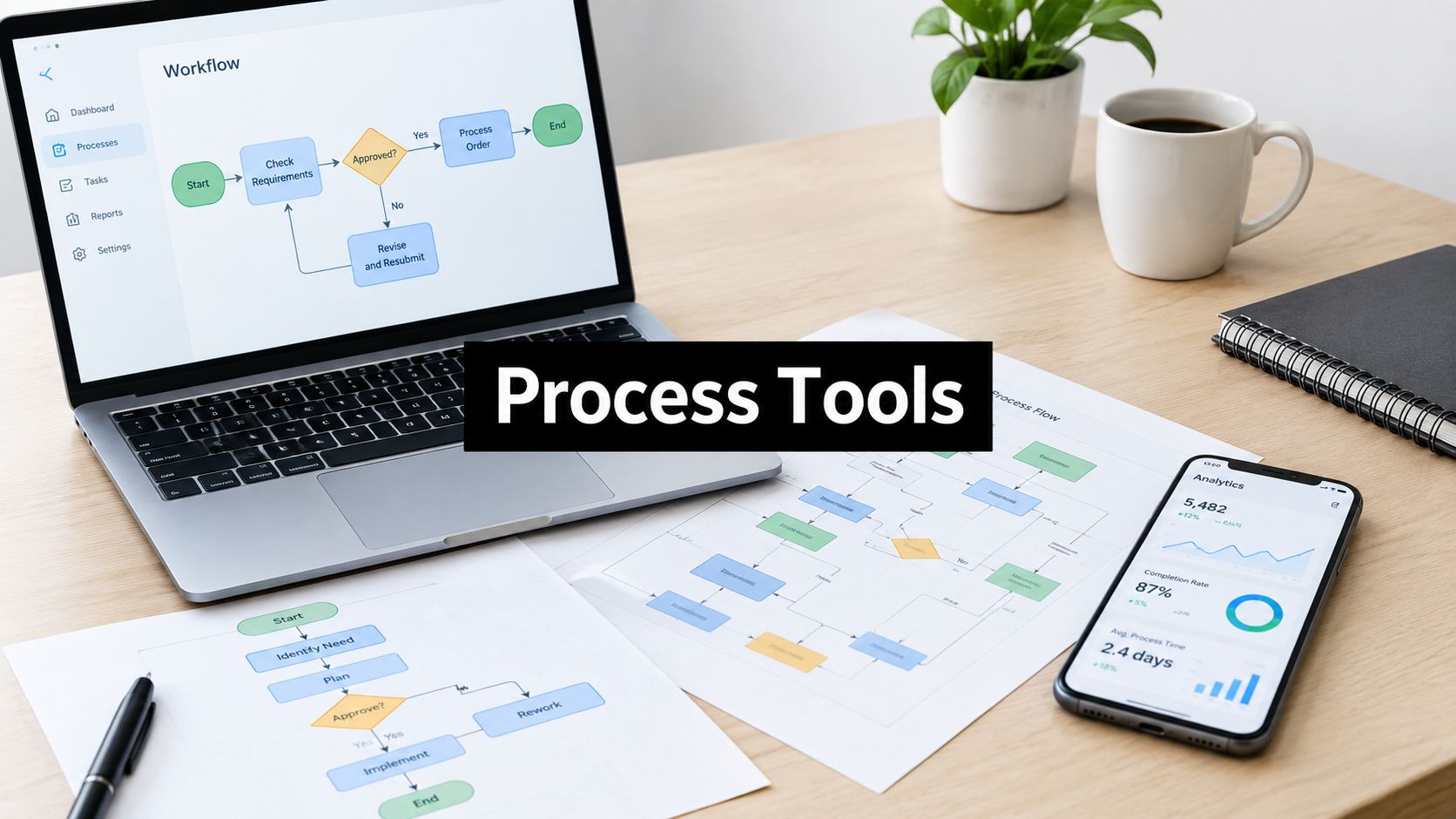
10 Business Process Optimization Tools Compared
The most popular advice about business process optimization tools is also the least useful: choose one platform and standardize everything around it. A lightweight SaaS automation tool can connect a CRM to an email platform in minutes, but it won't replace enterprise RPA for a legacy desktop application, process mining for discovering hidden workflow variants, BPM orchestration for long-running transactions, or AI augmentation for judgment-heavy tasks.
The right choice depends on the process. Start with process complexity, system connectivity, governance, technical ownership, scalability, and implementation effort. A B2B sales handoff, a finance approval, a customer onboarding workflow, and a claims process may all be called “automation,” but they create very different requirements.
This comparison is for B2B and SaaS teams choosing platforms for real operational workflows, not merely testing isolated integrations. The market is moving toward broader operating platforms. Workflow automation is valued at about USD 23.77 billion in 2025 and is projected to reach USD 40.77 billion by 2031, according to workflow automation market data from Mordor Intelligence. That growth makes tool selection more consequential, especially when integration delays, ownership gaps, and poor exception handling can create new bottlenecks.
For a finance-oriented view of the business case, see this finance leader's guide to business process automation.
1. Microsoft Power Automate
Microsoft Power Automate is a strong default when your operating environment already runs on Microsoft 365, Dynamics 365, Azure, and Entra identity controls. It handles cloud flows for API-connected work and desktop automation for applications that don't expose usable integrations. That combination makes it practical for tasks such as routing approvals, updating records, extracting information from documents, and automating legacy desktop actions.
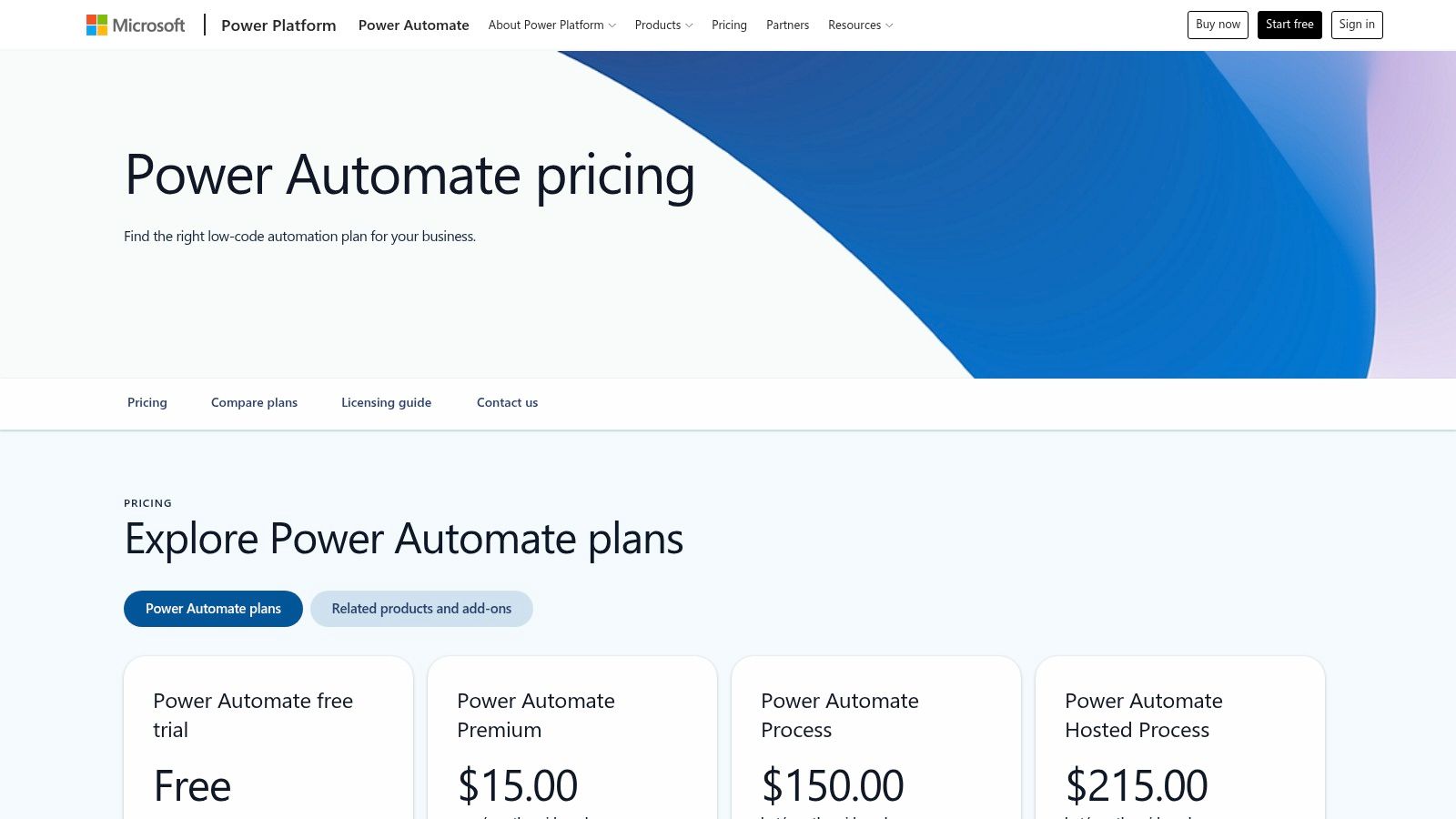
The platform also extends beyond simple trigger-and-action workflows. AI Builder, Copilot capabilities, and process mining dashboards support document processing, assisted workflow construction, and analysis of event data. Its native Microsoft connectors reduce the amount of custom authentication and integration work required inside a Microsoft-heavy stack. The Power Automate pricing and licensing information should be reviewed early, because the commercial model can involve per-user, per-flow, and add-on decisions.
Where ownership becomes important
Power Automate is accessible to business teams, but enterprise deployment still needs central governance. Someone must define environments, connector permissions, naming standards, credentials, monitoring, and escalation paths. Non-Microsoft systems may require premium connectors or more involved API work, so a quick prototype can become a licensing and support problem after adoption.
Practical rule: Choose Power Automate when Microsoft is already the system of identity and collaboration. Don't choose it solely because a single workflow is easy to build if your long-term stack is mostly outside Microsoft.
It becomes a poor fit when teams need highly portable orchestration across many clouds, complex software development practices, or a commercial model that stays simple as usage expands.
2. UiPath
UiPath is built for organizations that need enterprise RPA at scale, especially when critical work still depends on desktop applications, virtual environments, spreadsheets, or systems that are difficult to integrate through APIs. Its Studio and Studio Web environments support bot development, while Orchestrator manages attended and unattended robots across a controlled operating model.
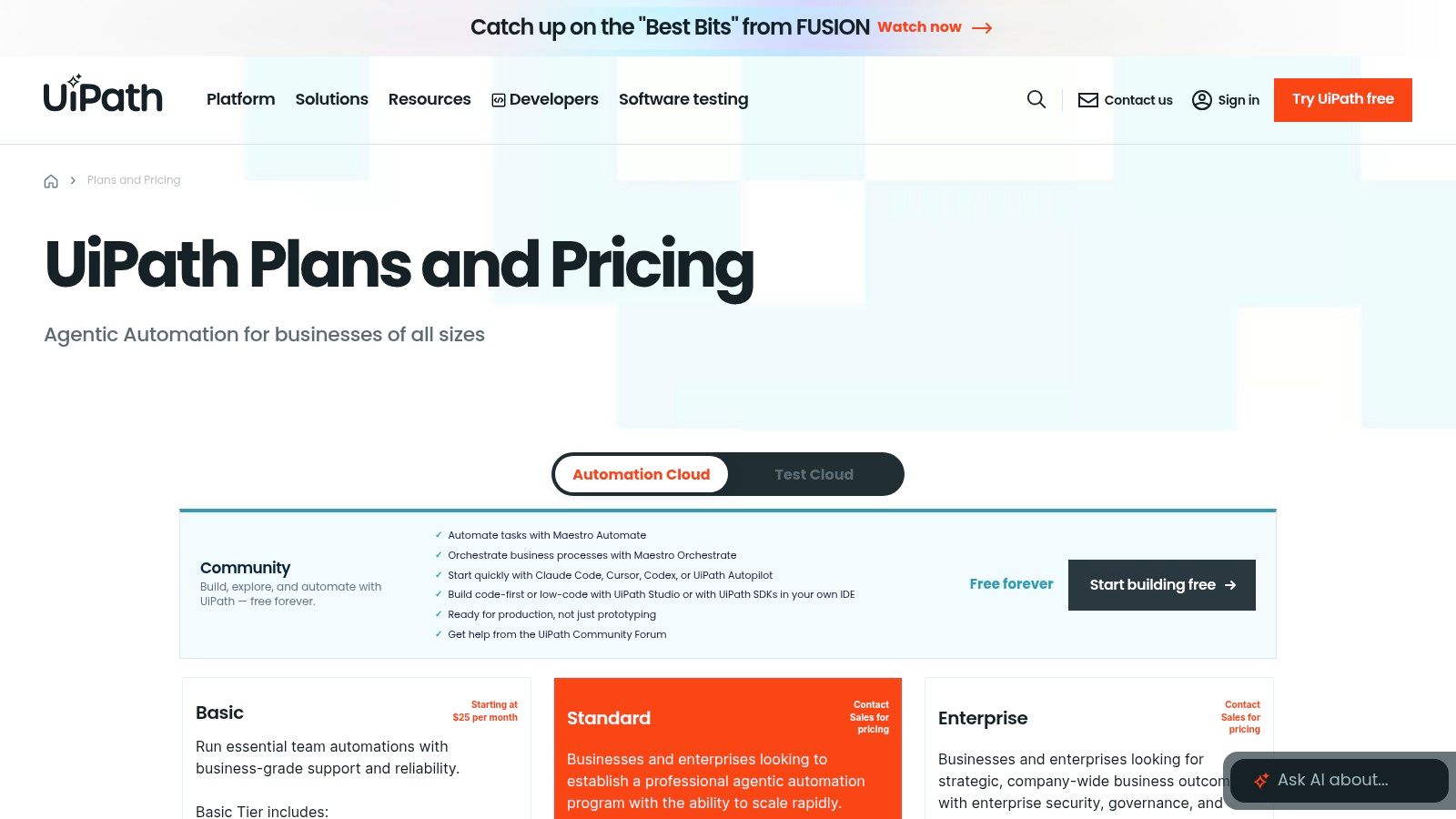
The platform's scope is broader than task automation. Process Mining and Task Mining help teams investigate how work is performed before automating it, while governance and lifecycle tooling support development, testing, deployment, credential management, and production monitoring. UiPath also has a broad enterprise pricing and packaging model, so buyers should expect a sales-led evaluation rather than a simple self-serve comparison.
What it solves, and what it demands
UiPath works well where the process is repetitive, rules-based, high-volume, and constrained by systems that can't be replaced quickly. It also suits organizations that need a formal automation center of excellence, partner support, training resources, and separation between bot builders, reviewers, and operators.
The trade-off is ownership. Teams need people who understand selectors, queues, credentials, exception paths, testing, and bot recovery. RPA that depends on screen layouts can be fragile when an application changes, so the implementation should include a maintenance plan from the start. These RPA implementation best practices are relevant before a bot reaches production.
UiPath is usually excessive for a small SaaS team that only needs straightforward CRM notifications. It becomes more attractive when API access is limited, process governance matters, and unattended execution must be reliable.
3. Automation Anywhere
Automation Anywhere's Automation 360 takes a cloud-first approach to enterprise RPA, combining bot development, orchestration, governance, and security controls in one platform. It targets organizations that want to automate work across business applications while keeping administration and execution within a centrally managed environment.
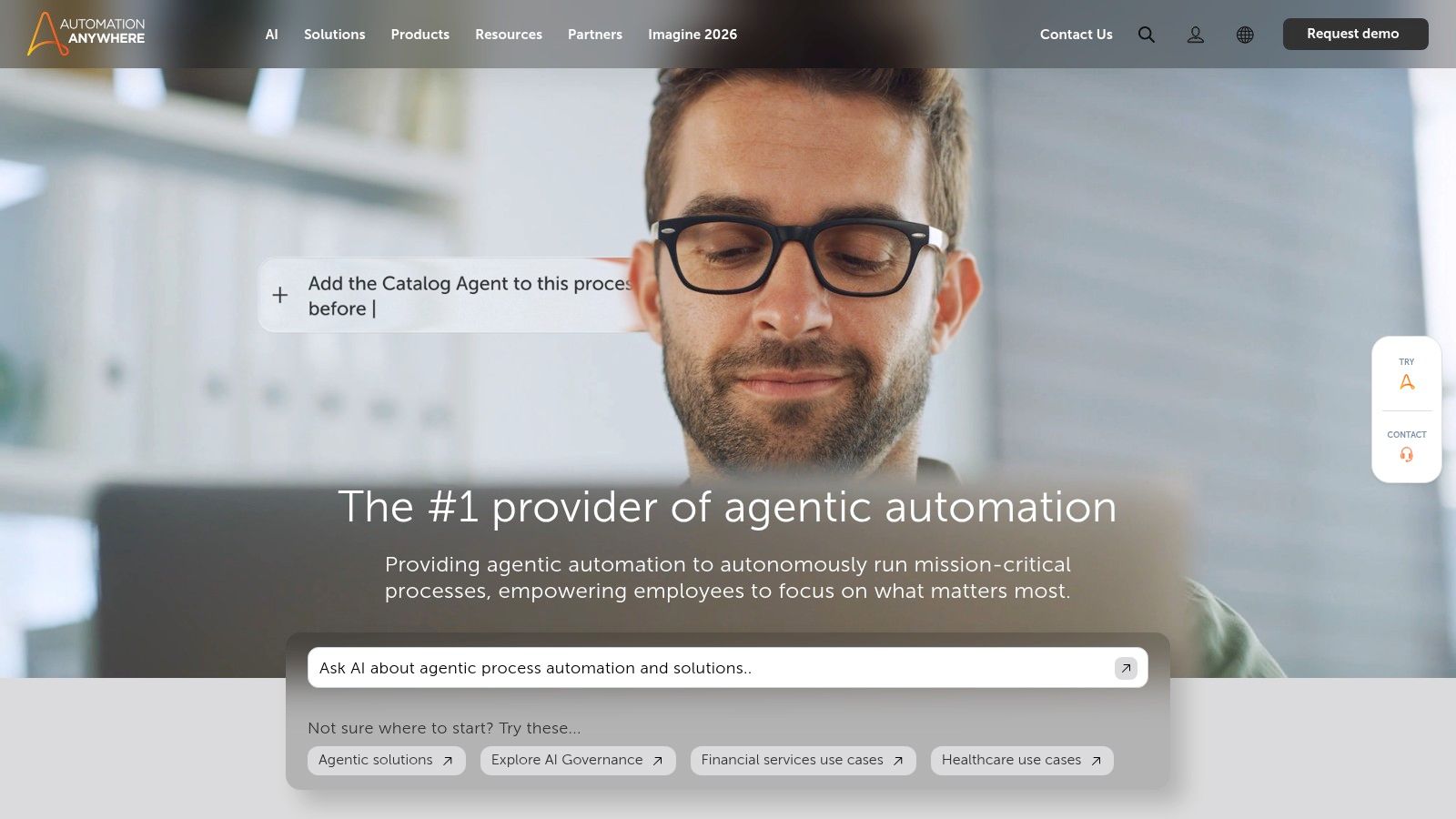
The platform is suited to repetitive back-office workflows, structured data movement, and processes that involve a mixture of browser, desktop, and enterprise applications. Its governance model and responsible AI controls matter for companies introducing AI-assisted automation into regulated or security-conscious environments. Builders and learners can also use the Automation Anywhere platform through its Community Edition, which provides a route for evaluation and skills development.
The fit depends on scale
Automation Anywhere is most compelling when a business wants centralized control without giving up cloud delivery. Security teams can focus on access, bot permissions, auditability, and data handling, while automation teams manage development and operational performance. That division is useful when a workflow has customer, finance, or employee data moving through several systems.
Its weakness is fit for small, ad hoc automation. Detailed commercial information generally requires engagement with sales, and the platform's governance capabilities can be more structure than a small team needs. A department that only wants to connect a form to a CRM may spend more time establishing the operating model than building the workflow.
Treat Automation Anywhere as an enterprise automation platform, not as a casual integration utility. Before selecting it, document who owns bot changes, how failures reach a human, and what happens when a target application's interface changes.
4. Celonis
Celonis solves a different problem from most tools on this list. It is primarily a process mining and process intelligence platform, designed to show how work moves through systems rather than how stakeholders believe it moves. It ingests event logs, checks process conformance, identifies root causes, and helps teams examine end-to-end operations through a digital twin.
That makes it valuable before automation. A team may believe that a sales-to-cash delay comes from approval time, while the event data reveals rework, incomplete records, or a handoff between systems. Celonis can connect those findings to recommendations and improvement programs, particularly where major ERP and CRM systems already produce usable process data.
Data quality determines the outcome
Celonis is not a shortcut around operational data preparation. Teams need reliable event logs, consistent identifiers, process ownership, and enough change-management capacity to act on the findings. Without that foundation, the platform may produce impressive visualizations without changing the process that created the problem.
The process mining guide from MakeAutomation provides useful context for evaluating whether your team is ready for event-log analysis. Celonis is a strong fit when leaders need evidence for prioritization, conformance analysis, and value realization across complex operations.
It is a poor fit for a startup that only needs to automate lead assignment or send a notification after a form submission. Its enterprise orientation and data requirements are justified when the question is “where is the process failing and why?” rather than “how do I connect these two applications?”
5. Camunda 8
Camunda 8 suits teams that need developer-controlled orchestration rather than a visual automation builder. It uses BPMN for process modeling and DMN for decision logic, enabling engineering teams to coordinate microservices, human tasks, APIs, and external systems across long-running workflows.
That control matters in complex B2B operations. A customer onboarding flow might include identity checks, manual review, pricing decisions, provisioning, notifications, and compensating actions after a service failure. Camunda lets developers model those states explicitly instead of distributing important logic across disconnected integrations. For context on orchestration patterns, see this workflow orchestration software guide.
Engineering fit comes first
Camunda supports SaaS and self-managed deployment, developer tooling, connectors, and major cloud environments. The Camunda 8 pricing information should be assessed alongside hosting, usage, observability, and engineering ownership. SaaS defaults and data-residency requirements can also affect the decision.
Choose Camunda when the workflow is part of the product or a mission-critical operating system. A no-code tool is usually a better fit when business users need to change routine processes without engineering support.
The platform requires developers who can manage BPMN models, service integrations, retries, versioning, deployments, and operational incidents. That ownership also extends to governance: teams need model standards, release controls, monitoring, and clear responsibility for failed or delayed executions.
Camunda is a poor fit for a marketing team that only needs to add leads to a sequence. It fits better when a process must remain explicit, testable, durable, and connected to application architecture. Evaluate it as the orchestration layer in a broader automation stack, not as a replacement for every connector or business-user tool.
6. Appian
Appian combines low-code application development, workflow, case management, RPA, AI, and process intelligence. It suits organizations that don't merely want to automate an existing process, but need to build a governed business application around it.
That application layer is the key differentiator. A case management process may require forms, records, permissions, human decisions, document handling, integrations, and a clear audit trail. Appian can bring those components together instead of forcing a team to assemble them across separate workflow and database products.
A platform decision, not a connector decision
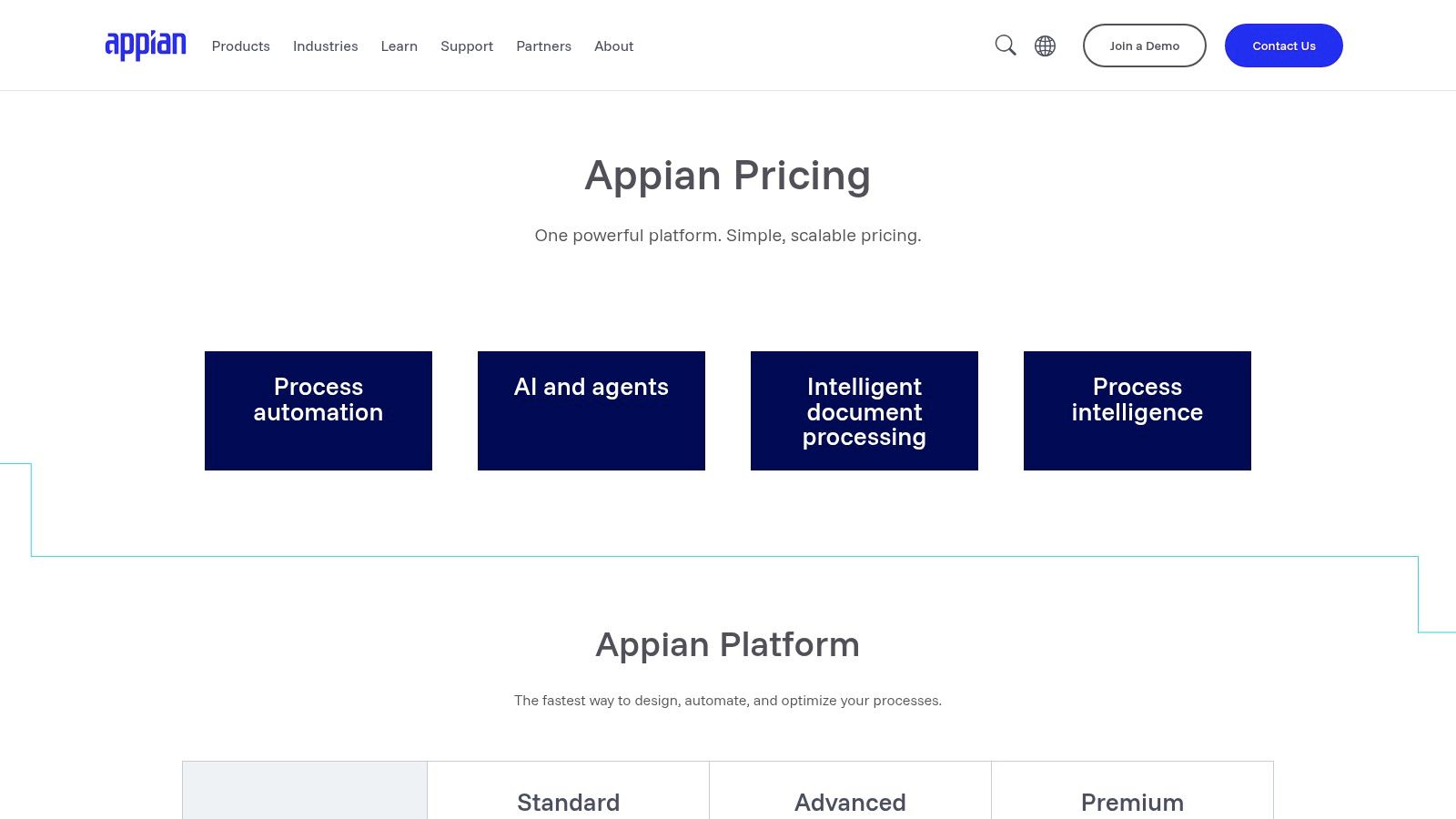
Appian's data fabric, case management features, process intelligence, and document processing add-ons make it relevant to enterprise operations teams with formal governance needs. The Appian pricing model should be evaluated against user, application, implementation, and ongoing administration requirements.
The main trade-off is implementation effort. Appian can replace a patchwork of forms, spreadsheets, approvals, and integrations, but that benefit comes with architecture, design, testing, and change-management work. It isn't a lightweight tool for a single department's quick experiment.
Choose Appian when the process needs a durable application interface and controlled data model. Look elsewhere when the requirement is only to pass data between existing SaaS tools without creating a new operational system.
7. Workato
Workato is an enterprise iPaaS for cross-application business processes, using recipe-based automations, connectors, workspaces, monitoring, and governance. It works well when a workflow crosses departments and systems, such as a customer handoff that touches CRM, billing, project management, support, and internal provisioning.
The important capability isn't just the connector catalog. Workato gives teams ways to manage versions, roles, audit information, lifecycle controls, and reusable integration logic. That makes it more suitable than a basic automation tool when multiple teams depend on shared recipes and production failures need clear ownership.
Watch usage and entitlement design
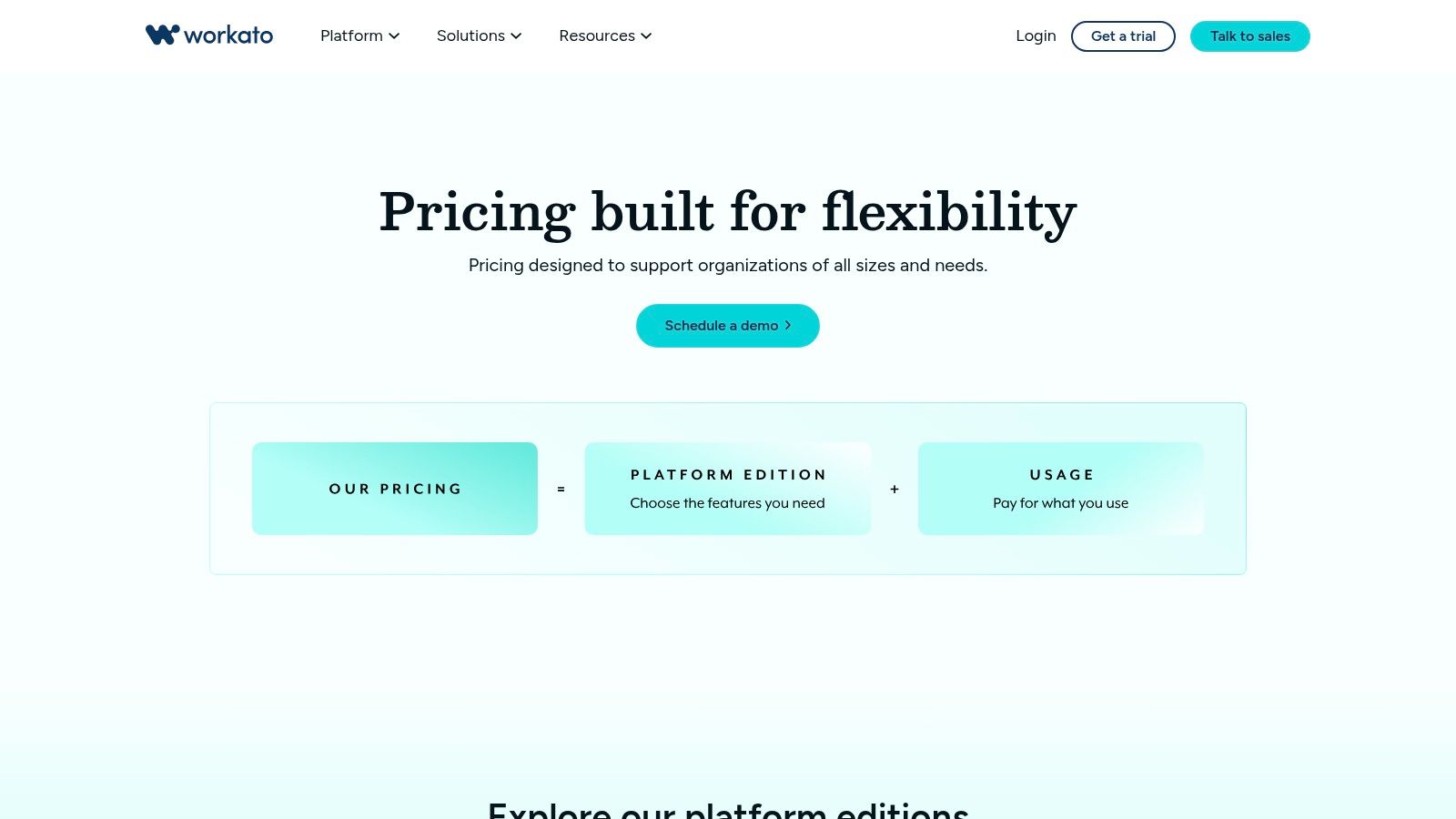
The Workato pricing structure is usage and entitlement based, so a team should model expected activity, environments, users, and connector needs before committing. Cost visibility is part of architecture here. A workflow that looks inexpensive in isolation can become material when many departments reuse it.
Workato is a strong choice for a central automation or integration team that needs reusable assets and controlled releases. It can be overbuilt for a founder who wants to connect a form to a CRM, and it may require more technical administration than a business-owned tool.
Use it when integration is the primary problem and governance is essential. Don't use it to disguise an unclear process. Define ownership, data contracts, retry behavior, and exception routing before turning a recipe into a shared dependency.
8. Tray.io
Tray.io balances low-code integration design with developer control. Its visual builder supports SaaS applications, data services, and internal APIs, while reusable components, secrets management, granular entitlements, usage dashboards, SSO, role-based access, and audit controls support more mature environments.
This makes Tray.io useful for B2B and SaaS companies that need flexible integration logic but aren't ready to build every workflow as custom software. A team can create reusable components for authentication, data transformation, validation, and error handling, then expose controlled building blocks to other workflow owners.
Flexibility creates design responsibility
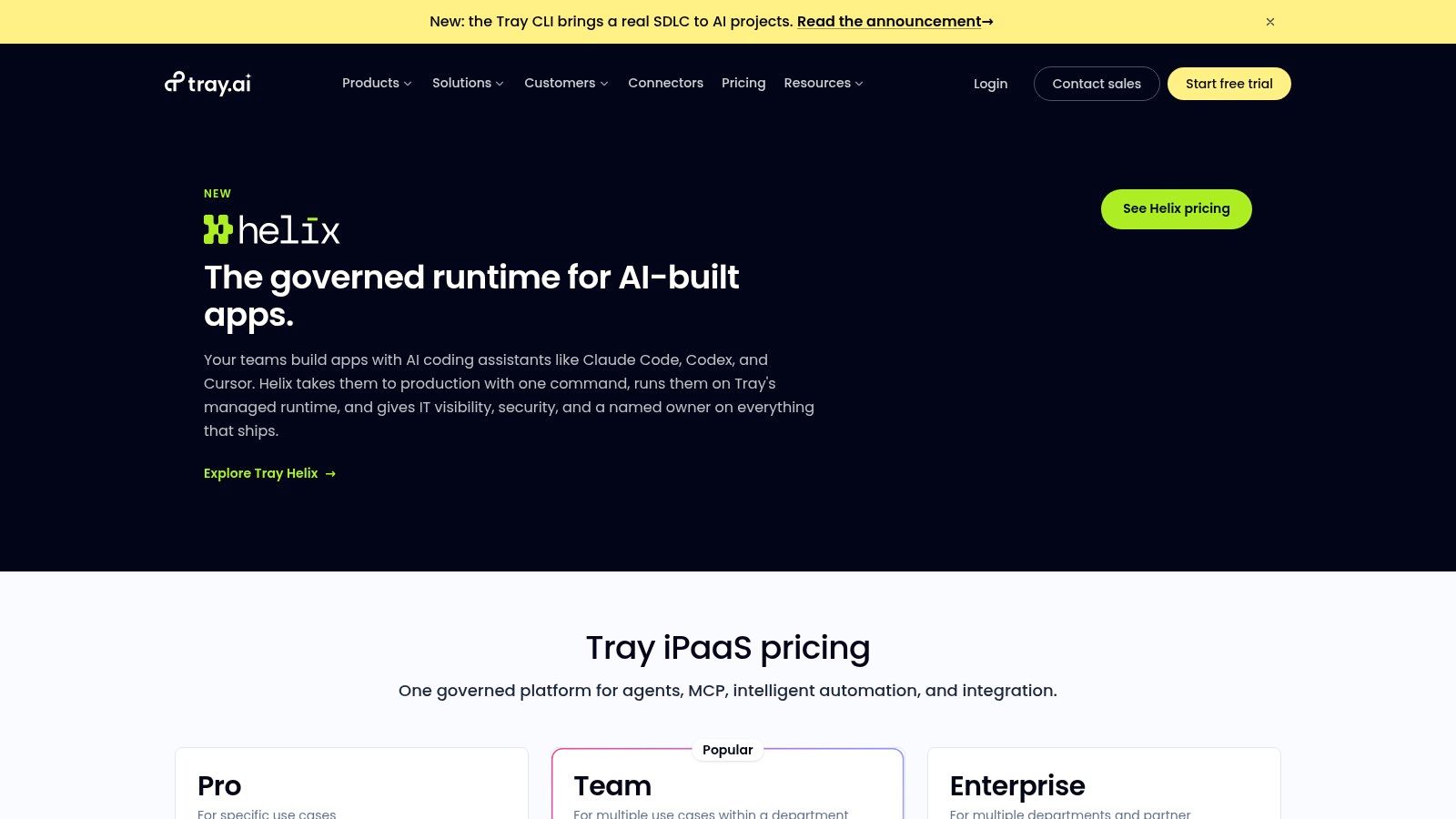
The Tray.io pricing information should be considered with token or task consumption, environment design, and expected workflow volume. Usage dashboards can help, but they don't remove the need for forecasting and limits.
Tray.io is a good fit when integrations have branching logic, internal APIs, transformations, and security requirements that exceed simple recipes. Its library may feel less immediately prescriptive than platforms with many starter templates, so teams need to be comfortable designing the workflow rather than assembling a prebuilt one.
It becomes a poor fit when the process is simple enough for a basic trigger-and-action tool or when no one owns reusable components and production monitoring. Low-code doesn't mean low-maintenance. Someone still needs to review dependencies, manage secrets, test changes, and handle failed runs.
9. Make
Make is a visual-first automation and iPaaS platform for teams that need more control than a basic trigger-and-action builder. Its scenario designer supports routers, iterators, branching paths, scheduling, HTTP and API modules, and multi-step transformations across a broad application ecosystem.
That flexibility is particularly useful for marketing operations, revenue operations, and product-led growth teams. A scenario can qualify an inbound lead, enrich a record, create tasks across systems, route different segments, and notify the right owner without requiring a fully custom integration service.
Design for failure, not just the happy path
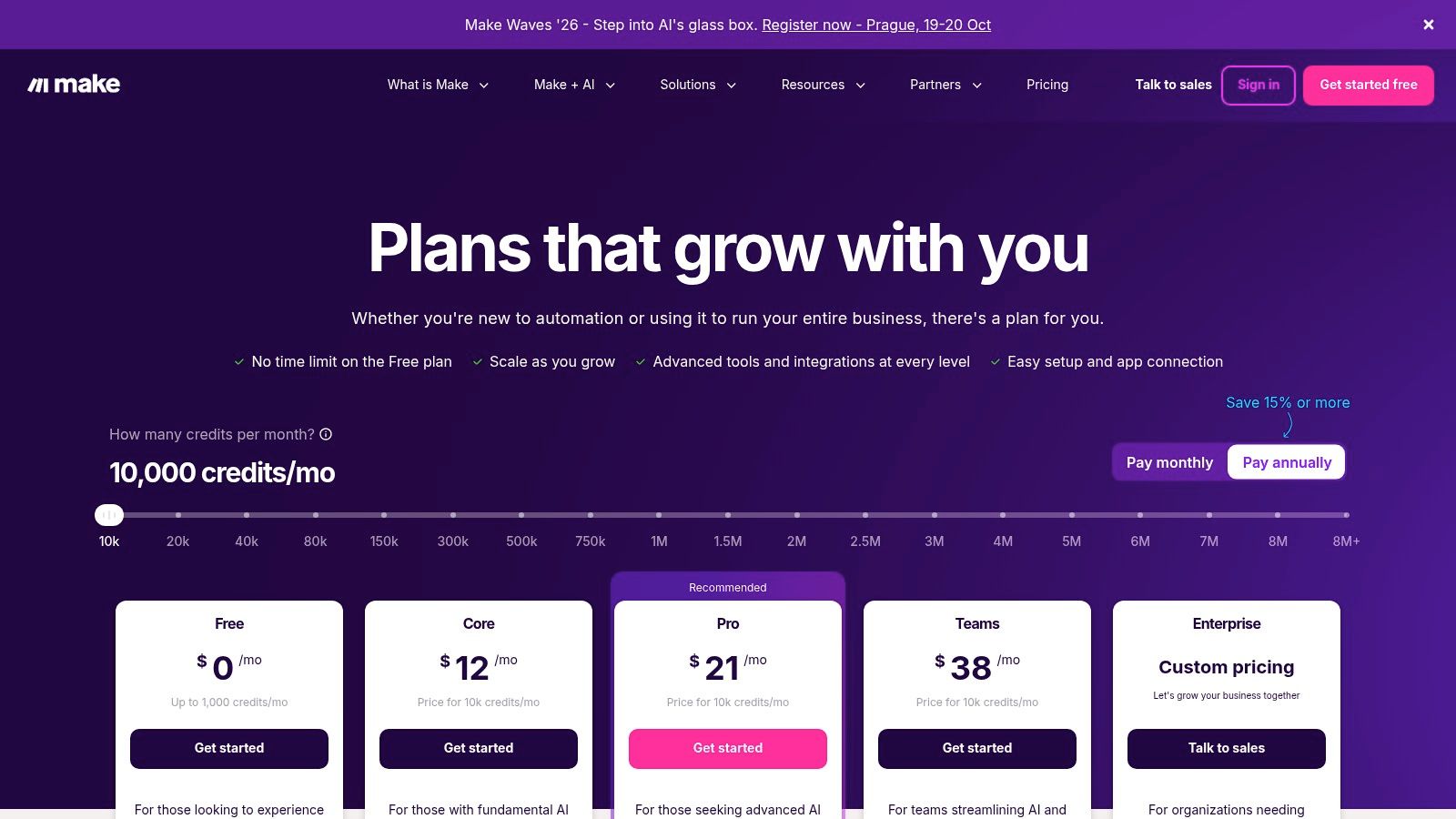
The Make pricing model uses credits, so teams need to monitor consumption as scenarios become more frequent or complex. A scenario that branches across many modules can consume resources differently from a simple automation.
Make is accessible enough for operations teams but expressive enough for technical builders. The risk is that a visual workflow can become difficult to debug when it contains nested routers, inconsistent data, and loosely defined retries. Build clear error routes, log important fields, separate reusable logic, and document the business owner.
It is a strong fit for teams that want rapid iteration and detailed control across SaaS tools and APIs. It is less suitable for mission-critical orchestration that requires durable process state, formal application development, or enterprise RPA across desktop systems.
10. Zapier
Zapier remains one of the fastest ways for a business team to connect SaaS applications. Its trigger-and-action model, large connector catalog, templates, and learning resources make it practical for lead notifications, task creation, record updates, alerts, and other short workflows.
The platform has expanded into AI Agents and Chatbots, while team and enterprise capabilities add permissions, folders, and SSO. The Zapier pricing plans should be checked before broad rollout because task or activity-based consumption can become difficult to predict as workflow volume and action count grow.
Fast value, clear boundaries
Zapier is excellent for prototyping and for automations owned by non-technical teams. It reduces the time between identifying a repetitive handoff and testing a practical solution. That speed is valuable when the process is low-risk, short, and easy to reverse.
The platform becomes less suitable when a workflow is long-running, stateful, heavily branched, or dependent on complex exception handling. Teams can also create hidden operational dependencies when every department builds its own Zaps without naming standards, ownership, monitoring, or documentation.
Operational advice: Use Zapier to validate whether an automation is useful. Move critical, high-volume, or deeply integrated workflows to a platform whose governance and execution model match their importance.
Top 10 Business Process Optimization Tools Comparison
| Platform | Core focus / Key capabilities | Best for / Target audience | Unique selling points | Pricing & licensing |
|---|---|---|---|---|
| Microsoft Power Automate | Cloud + desktop RPA, UI/API automation, AI Builder, process mining | Organizations on Microsoft 365 / Dynamics / Azure | Deep native MS integration; enterprise security via AAD/Entra | Complex licensing (per-user vs per-flow); premium connectors may cost extra |
| UiPath | Enterprise RPA: Studio, Orchestrator, process & task mining | Large-scale back-office automation teams | Broad RPA ecosystem, marketplace & training | Sales-led pricing; varies by deployment footprint |
| Automation Anywhere | Cloud-native Automation 360, bot orchestration, Responsible AI | Enterprises seeking cloud-first RPA; builders (Community Edition) | Strong cloud posture; robust governance & security | Pricing via sales; best value at scale |
| Celonis | Process mining & intelligence; event-log ingestion; digital twin | Enterprise process discovery & ops optimization for ERP/CRM systems | Best-in-class process insights; prebuilt accelerators | Enterprise quotes via sales; requires data plumbing & change mgmt |
| Camunda 8 | BPMN/DMN orchestration (Zeebe); SaaS & self-managed; developer tooling | Engineering teams building complex, long-running workflows | Open standards; strong developer tooling & scalable orchestration | Usage-based SaaS editions; requires engineering resources |
| Appian | Low-code apps + workflow, case mgmt, embedded RPA & AI | Enterprises wanting unified app + automation platform | Unified platform for apps, workflows & data with governance | Per-user/app pricing via sales; higher implementation effort |
| Workato | Enterprise iPaaS with recipe-based automations, governance & monitoring | Cross-application, cross-department automations at scale | Strong lifecycle controls, workspaces & roles | Usage/entitlement-based pricing; can be complex |
| Tray.io | Low-code visual builder for integrations; secrets & RBAC | Teams needing flexible integrations without full custom code | Granular entitlements, usage dashboards, developer flexibility | Sales-led pricing; token/task planning required |
| Make (Integromat) | Visual scenario builder, routers/iterators, 3,000+ connectors | Marketing, RevOps, product-led teams and SMBs | Highly flexible visual modeling at competitive price | Credit/usage-based plans; monitor consumption at scale |
| Zapier | No/low-code trigger-action automations; AI Agents & chatbots | Non-technical users and rapid prototyping across SaaS apps | Fast time-to-value; vast connector ecosystem | Task/activity-based pricing that can escalate with volume |
Choose the Smallest Platform That Can Scale
The best business process optimization tools aren't the ones with the longest feature lists. They're the ones that solve the actual process problem without creating a larger ownership burden than the original workflow.
Start by mapping the current process. Identify every system, manual handoff, approval, wait state, data transformation, exception, and rework loop. Establish a baseline for the failure points that matter to the business, such as incomplete records, missed approvals, duplicate work, slow handoffs, or inconsistent customer communication. You don't need perfect process documentation before starting, but you do need agreement about what the process is supposed to achieve and where it currently breaks.
Then confirm the system and data requirements. Does the process run through APIs, or does it depend on desktop interfaces? Does it need event-log analysis before automation? Will it run for minutes, days, or months? Does it require human decisions, audit history, data residency, role-based access, or a durable record of every state change?
The next decision is architectural:
- Choose integration automation when the main problem is moving data and triggering actions across SaaS tools.
- Choose RPA when the required work depends on legacy interfaces or applications without adequate APIs.
- Choose process mining when leadership lacks reliable evidence about how the process runs.
- Choose BPM orchestration when the workflow has complex state, long-running transactions, human tasks, or mission-critical service dependencies.
- Choose an application platform when the process needs new forms, case management, records, permissions, and a governed user experience.
Test one representative workflow before expanding. Select a process with enough complexity to expose integration, exception, and ownership issues, but not one so critical that an early design mistake threatens operations. Measure successful completion, failed runs, manual intervention, data quality, recovery time, and usage-based cost. A demo proves that a platform can perform a task. A production pilot shows whether your team can maintain it.
Governance should be designed alongside the workflow. Assign a business owner and a technical owner. Define who approves changes, who receives failure alerts, how credentials are managed, how versions are released, and when a workflow should be retired. Monitoring isn't an optional add-on. Without it, automation can create incomplete records or delay work while appearing operational.
Implementation friction deserves equal attention. The workflow automation market is becoming enterprise infrastructure, with cloud deployment accounting for 62.15% of market size in 2025 and software platforms representing 66.55% of spending, according to Mordor Intelligence's workflow automation analysis. That maturity makes platform capability important, but it doesn't eliminate integration design, change management, or operational ownership.
For B2B and SaaS teams, MakeAutomation can support the practical work around the selected stack, including workflow documentation, CRM and operational automation, AI-enhanced processes, SOP development, lead handling, and hands-on implementation. Its value is most relevant when the team knows it needs a scalable process but doesn't yet have the architecture, documentation, or internal capacity to build and maintain it alone.
Select the smallest platform that can support the process's real complexity today and its credible next stage. Avoid building an enterprise control layer around a simple notification, but don't force a mission-critical workflow into a tool that can't manage state, exceptions, security, or ownership.
MakeAutomation helps B2B and SaaS teams document workflows, identify bottlenecks, automate CRM and operational processes, and implement AI or Voice AI agents across the selected stack. If you want practical help choosing and building business process optimization tools around your real workflows, visit MakeAutomation to discuss your process and implementation needs.