Top 10 Data Deduplication Tools for SaaS Teams in 2026
Duplicate data is undermining your growth.
Marketing celebrates a surge in MQLs, then Sales discovers the same buyer entered the system three different ways. An AE spends time preparing for an account that another rep already owns. Finance pulls a forecast from CRM, then leadership questions the numbers because pipeline stages are bloated by duplicates. None of this looks dramatic in the moment, but it compounds into slower handoffs, bad attribution, and wasted rep time.
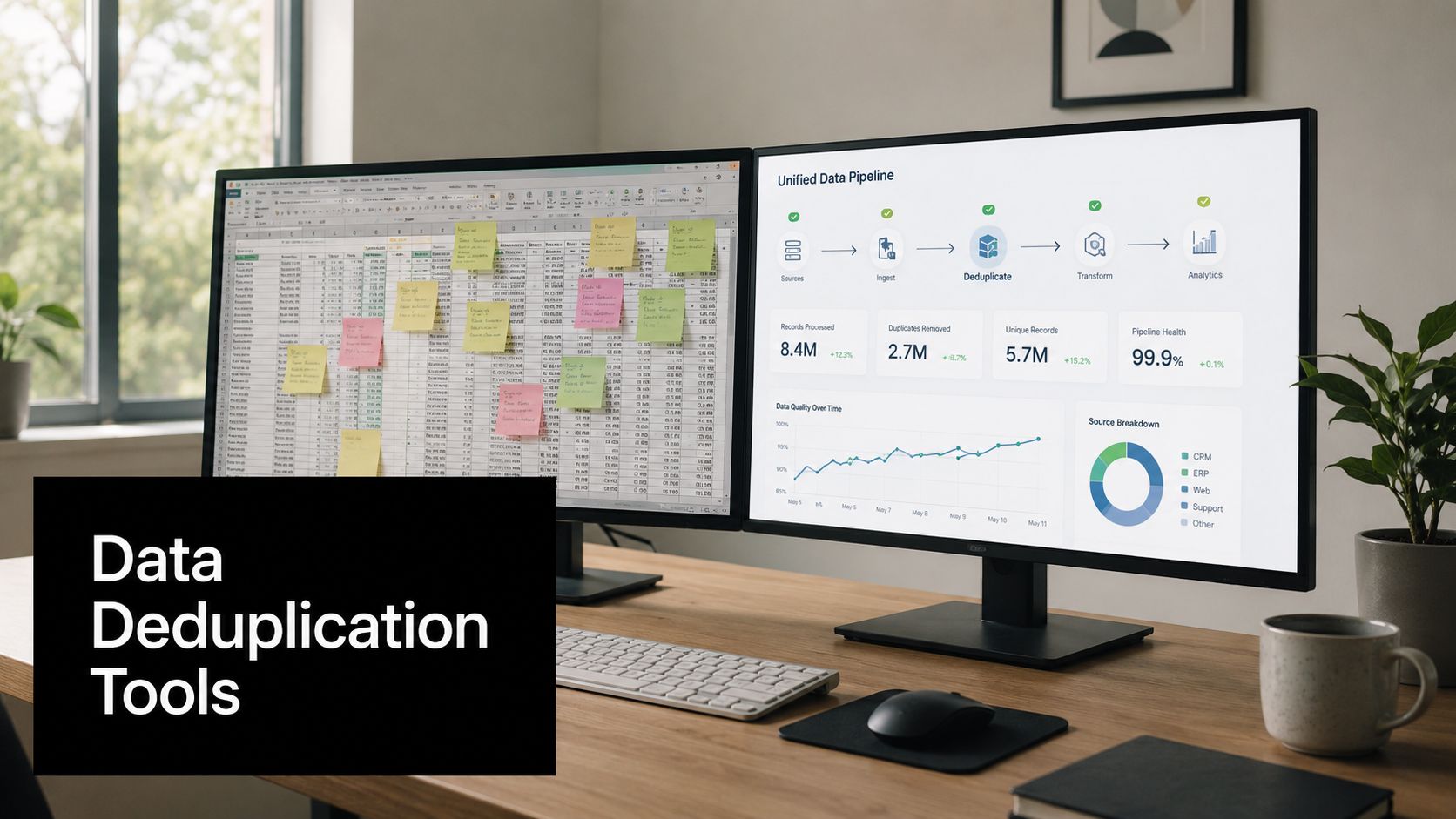
Many start with the wrong question. They ask for the best dedupe tool. That's usually too broad to be useful. Oracle's framing of deduplication differs from what customer-data platforms and CRM cleanup tools do. Storage dedupe scans volumes, compares hashes, and removes duplicate file or block data, while record dedupe tools match and merge customer or company records using exact, fuzzy, phonetic, or probabilistic logic, as explained in Oracle's overview of data deduplication. If you don't separate those categories first, you can buy the right product for the wrong problem.
That distinction matters more now because modern deduplication tools don't just run as periodic cleanup jobs. They can work in real time, use match IDs like email or web domain, and normalize fields before comparison, such as lowercasing emails or stripping URL prefixes, as described in Syncari's explanation of deduplication software. For SaaS teams, that means dedupe has moved from back-office hygiene to a front-line operational control.
If you're dealing with messy company names before records even reach your CRM, Fypion Marketing's data cleaner is a useful upstream step.
Below are the data deduplication tools I'd shortlist for a SaaS team, with the trade-offs that matter once you're the person responsible for revenue data, routing, reporting, and trust in the system.
1. Validity DemandTools
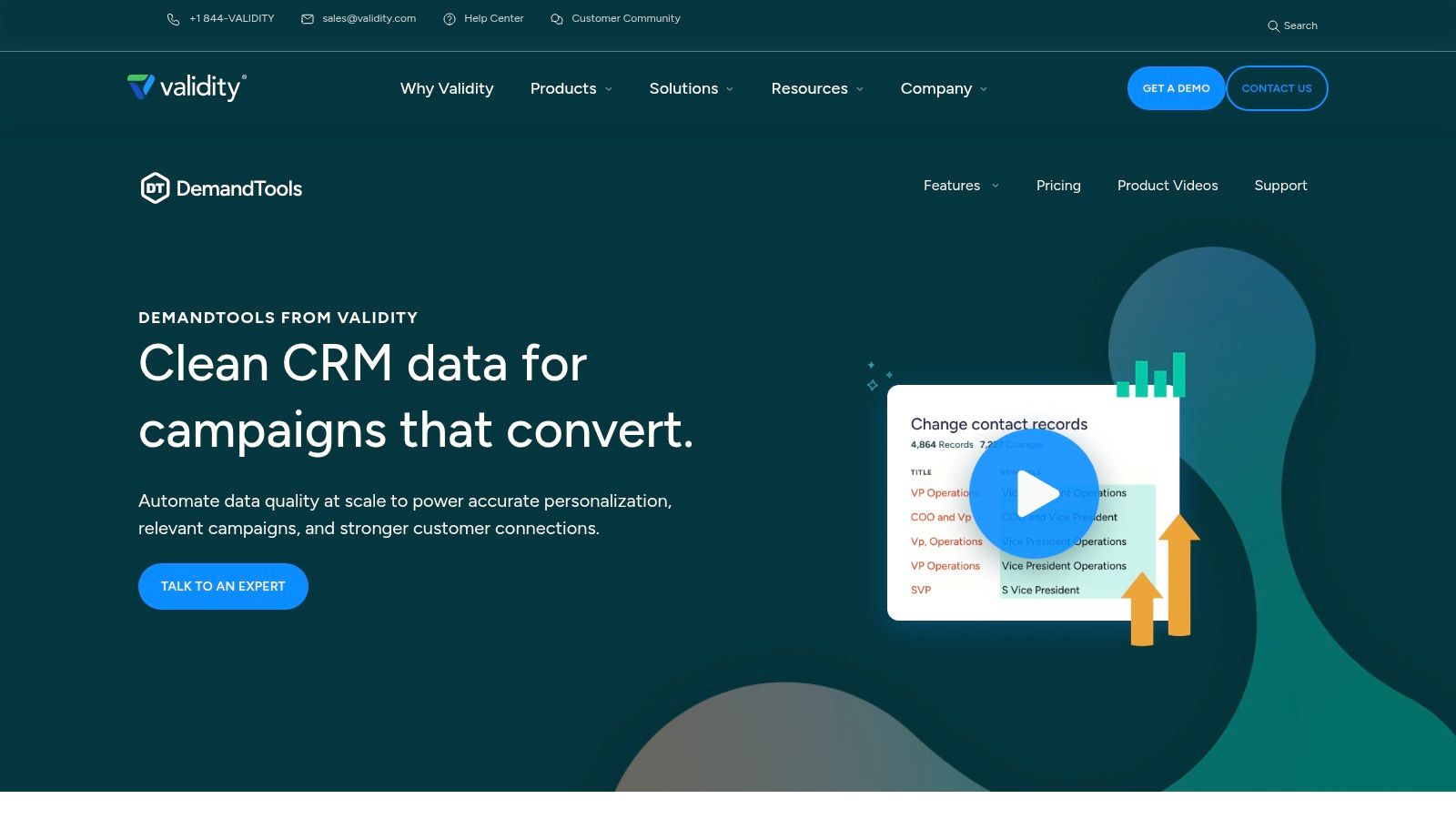
Validity DemandTools is one of the first tools I think about when a Salesforce org has years of duplicate buildup and nobody wants to risk a sloppy mass merge. It has deep Salesforce heritage, and that shows in the way it handles bulk operations, survivorship logic, and repeatable admin workflows.
The main reason teams buy DemandTools isn't because it has dedupe. Plenty of tools have dedupe. They buy it because they need controlled dedupe inside a wider CRM data management process that also includes imports, standardization, and mass updates.
Where DemandTools works best
DemandTools is strongest when duplicates aren't isolated to one object and the cleanup needs to be repeatable. If your org has Accounts, Contacts, Leads, and custom objects all carrying slightly different versions of the same entity, cross-object logic matters more than a flashy interface.
A few strengths stand out:
- Multi-object matching: It can compare records across objects instead of forcing you into one-table cleanup.
- Survivorship control: You can decide which record wins and which field values survive, which matters when one record has better ownership data and another has better enrichment.
- Templates and scheduled jobs: Once you've built a safe process, you can run it again instead of reinventing it every month.
- Permission-aware merges: In Salesforce environments with strict sharing rules, that's not a nice-to-have.
If your team is also tightening larger CRM standards, this pairs well with a broader data quality improvement approach.
Practical rule: Don't hand DemandTools to a junior admin and say “clean up the org.” Start with one object, one segment, one survivorship policy, and a rollback plan.
The trade-offs
DemandTools feels enterprise-oriented because it is. The Windows client footprint can be annoying for Mac-heavy teams. Pricing also tends to make more sense when the cost of bad Salesforce data is already obvious to leadership.
I'd choose it when the requirement is safe, repeatable Salesforce operations. I wouldn't choose it if the team mostly needs lightweight cross-platform dedupe across HubSpot and a few GTM apps with minimal admin overhead.
2. Cloudingo
Cloudingo is a practical pick for Salesforce admins who want continuous hygiene without a complicated operational model. It's approachable, and that matters. A tool doesn't help if only one power user can run it safely.
Cloudingo's strength is that it gives admins enough control to build meaningful matching rules without making every cleanup project feel like a technical implementation. That's why it often lands well in growth-stage SaaS companies where one RevOps person owns large parts of the stack.
Why admins usually like it
Cloudingo makes it easier to operationalize the basics well. Fuzzy and phonetic matching catch many of the actual duplicates that exact-match logic misses. Merge previews and field-level control reduce bad decisions before they happen. Scheduling lets you shift from crisis cleanups to ongoing maintenance.
What I like in practice:
- Admin-friendly rule building: Teams can create sensible matching logic around names, domains, and contact details without a huge learning curve.
- Continuous cleanup: Scheduled jobs keep the org from sliding backward after the first cleanup.
- Merge review: Previewing the merge set before execution is critical in shared ownership models.
- Audit and rollback support: That adds confidence when you're merging production data.
This becomes more effective when it sits inside a documented data integration best practices workflow, especially if duplicates are entering from forms, imports, and syncs.
Where it falls short
Cloudingo is mostly a Salesforce answer to a Salesforce problem. If duplicate creation is happening across product databases, warehouses, billing systems, and CRM, it won't become your universal identity layer.
I'd also be careful when teams treat Cloudingo as the whole data quality strategy. It's very good at cleanup and prevention inside its lane. It won't replace governance, source-of-truth decisions, or a proper integration design.
Cloudingo is a strong fit when you want a CRM admin to own hygiene. It's a weaker fit when data engineering needs a broader entity-resolution platform.
3. Insycle
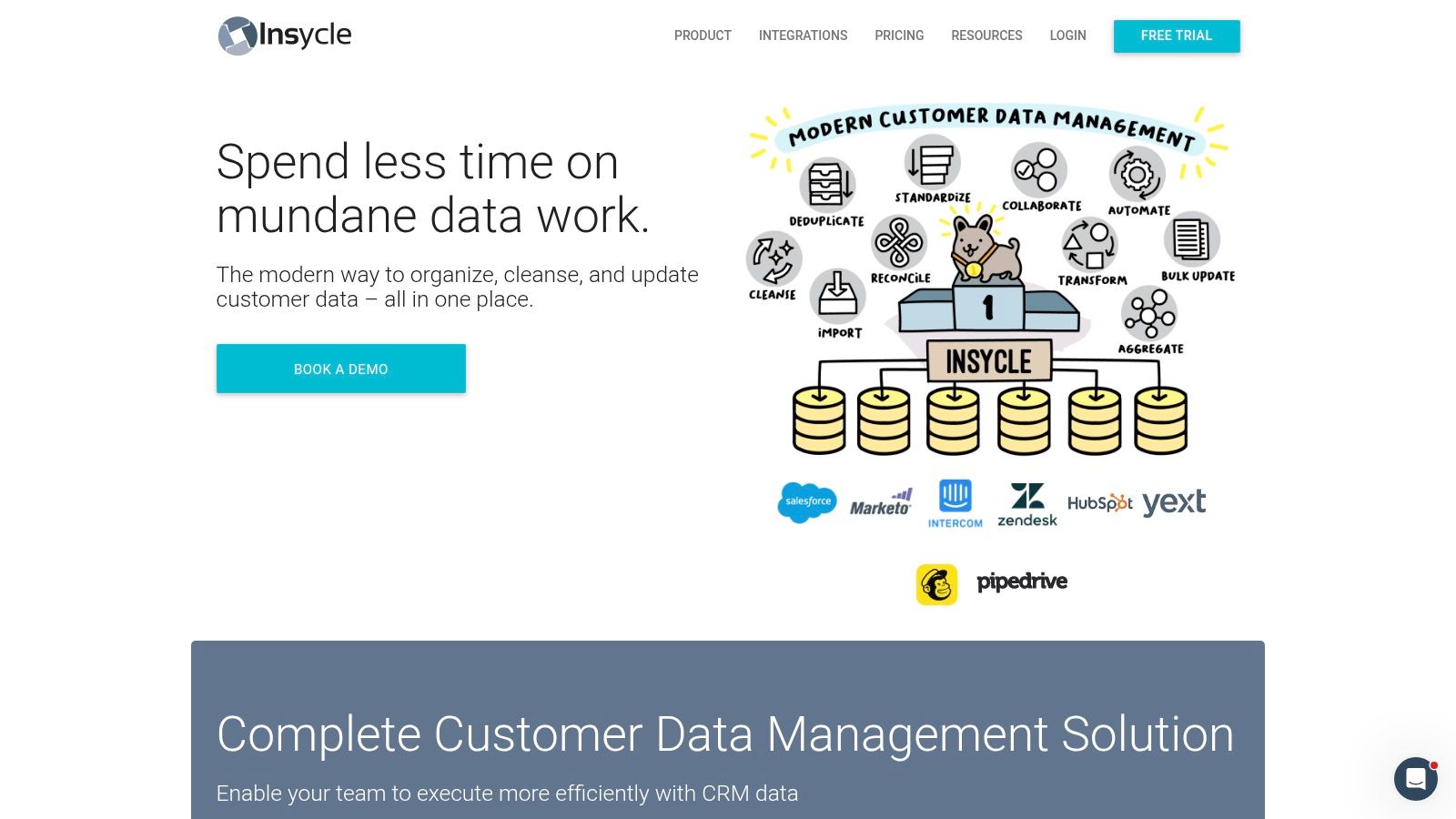
Insycle is one of the more useful options for teams that live across HubSpot, Salesforce, and adjacent GTM systems. If DemandTools feels like classic Salesforce administration, Insycle feels closer to a modern RevOps workbench.
That difference matters because many SaaS teams don't just have duplicate records. They have duplicate records moving between platforms with different schemas, naming conventions, and sync behavior. Insycle was built with that mess in mind.
The real advantage
The standout feature isn't only duplicate merging. It's policy-based cleanup across systems. Teams can define repeatable templates for standardization, dedupe, formatting, and field hygiene, then run those policies on schedule.
Its pre-import workflow is also useful. Catching messy records before they land is usually easier than cleaning the same issue downstream in multiple systems.
In practical use, these are the reasons it makes the shortlist:
- Multi-platform support: It fits teams that don't want one dedupe process for HubSpot and a separate one for Salesforce.
- Flexible matching logic: Good enough for common RevOps scenarios without demanding a data science project.
- Scheduled templates: Strong for recurring data operations.
- Pre-import controls: Helpful during migrations, list uploads, and system consolidations.
If a team is about to replatform or merge GTM databases, this is the kind of workflow I want connected to a disciplined data migration automation process.
Best fit and limits
Insycle is very practical for non-engineers, which is a real advantage. But like many SaaS-friendly platforms, cost sensitivity tends to rise as total connected record volume grows. You need to think about all records under management, not just the duplicates you plan to merge.
I'd use Insycle when the RevOps team needs operational consistency across several GTM systems. I'd look elsewhere if the core requirement is enterprise MDM, regulated data stewardship, or highly custom object models.
4. ZoomInfo OperationsOS (RingLead)
ZoomInfo OperationsOS, which includes RingLead capabilities, is for larger RevOps teams that don't want dedupe as a standalone function. They want dedupe tied to routing, enrichment, lead-to-account matching, and governance.
That's the right lens for this product. If you evaluate it only as a duplicate merge tool, you'll miss why it exists.
Where OperationsOS earns its keep
This platform makes sense when duplicate management is intertwined with go-to-market orchestration. A lead enters from paid search. It needs to be matched to an account, enriched, routed, and checked against existing contact and account records before ownership rules fire. That is a very different operational problem from “find dupes and merge them.”
The strongest use cases tend to share a few traits:
- High inbound volume: More incoming records means more chances to create duplicate entities and routing conflicts.
- Complex ownership rules: If territories, parent-child accounts, and account teams matter, dedupe can't be separated from routing.
- Enrichment dependencies: Matching improves when the system can use more context than raw form inputs.
- Governance needs: Enterprise roles and permissions matter once multiple teams touch the same records.
What to watch before buying
This is rarely the cheapest or simplest option. Procurement can be substantial, and you need to be honest about whether you'll use the orchestration layer or just a fraction of it.
I've seen teams overbuy here because leadership wanted one platform to “fix data.” That only works if the team is also ready to define ownership logic, standardization rules, and exception handling. Otherwise, you end up paying for sophistication you haven't operationalized.
A good fit is a mature RevOps function with routing pain, enrichment requirements, and CRM scale. A weak fit is a smaller SaaS company that mostly needs straightforward duplicate prevention and cleanup.
5. Data Ladder DataMatch Enterprise
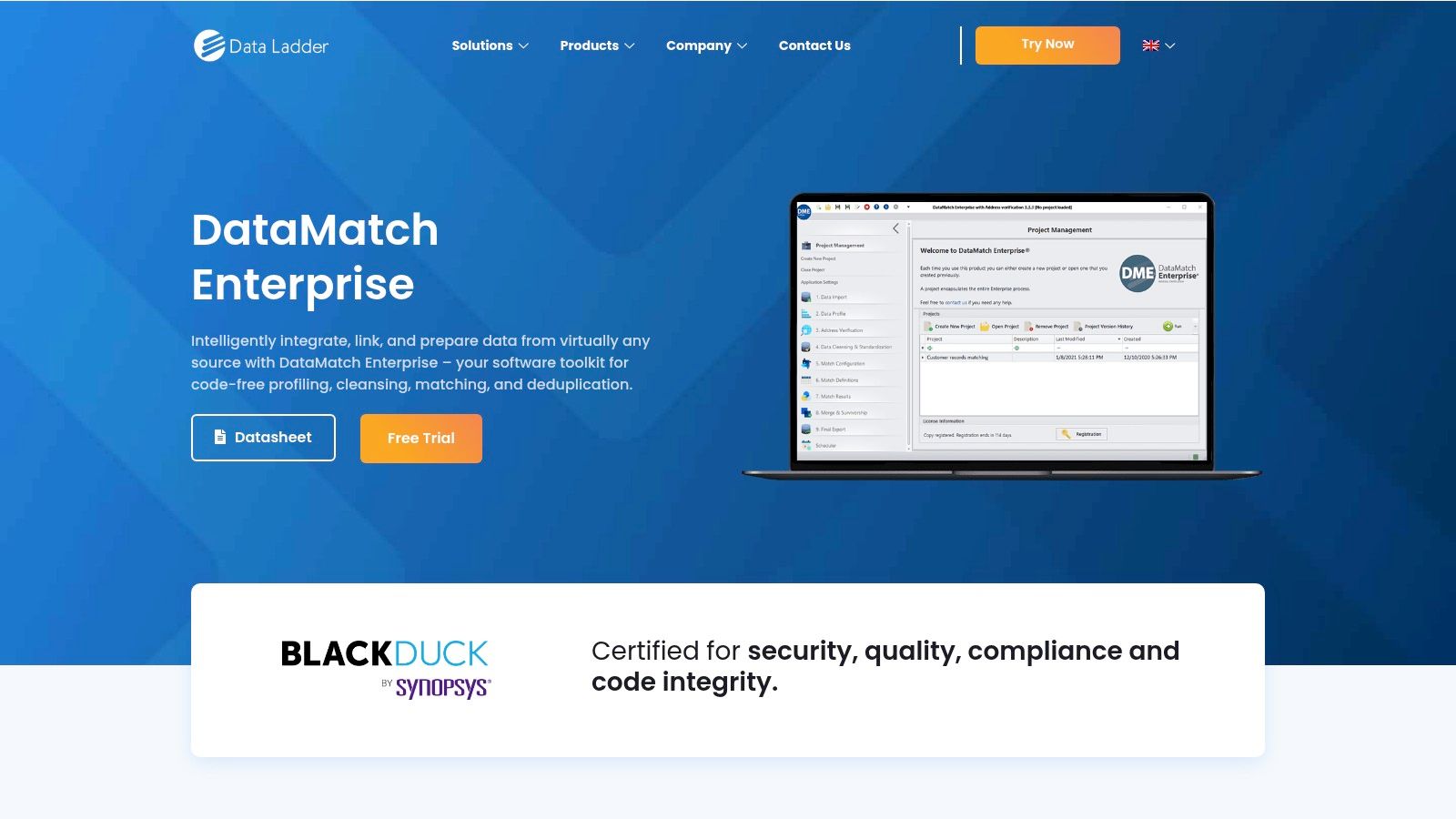
Data Ladder DataMatch Enterprise is one of the clearest examples of record dedupe done as a true matching discipline, not just CRM cleanup. If your duplicate problem extends across customer, product, and location datasets, it deserves attention.
This is the kind of tool I'd bring in when the first cleanup needs to be serious. Not cosmetic. Serious.
Why it stands out
Data Ladder is built around fuzzy matching, record linkage, and survivorship. That makes it suitable when duplicate detection requires more than “same email equals same person.” In B2B data, records often differ across abbreviations, naming styles, missing values, and inconsistent formatting. Matching thresholds and review workflows become more important than one-click merges.
Its strongest capabilities are typically these:
- Flexible matching: Useful when data quality is uneven across source systems.
- Golden record creation: Important if the goal is a mastered entity, not just fewer rows.
- Operationalization options: APIs and server workflows help teams turn a project into a process.
- Deployment choice: On-prem or cloud matters for security and architecture preferences.
Practical fit
This is a strong choice for organizations crossing the line from CRM hygiene into master data territory. It can support customer, product, and location dedupe in a more unified way than CRM-only tools.
The trade-off is usability. Non-technical operators usually need onboarding before they can tune thresholds and workflows with confidence. That's normal for software in this category. If your buyers expect a plug-and-play SaaS admin experience, this can feel heavier than expected.
If your end goal is a golden record, judge the tool on survivorship quality and review flow, not just on how many duplicate pairs it surfaces.
6. WinPure Clean & Match
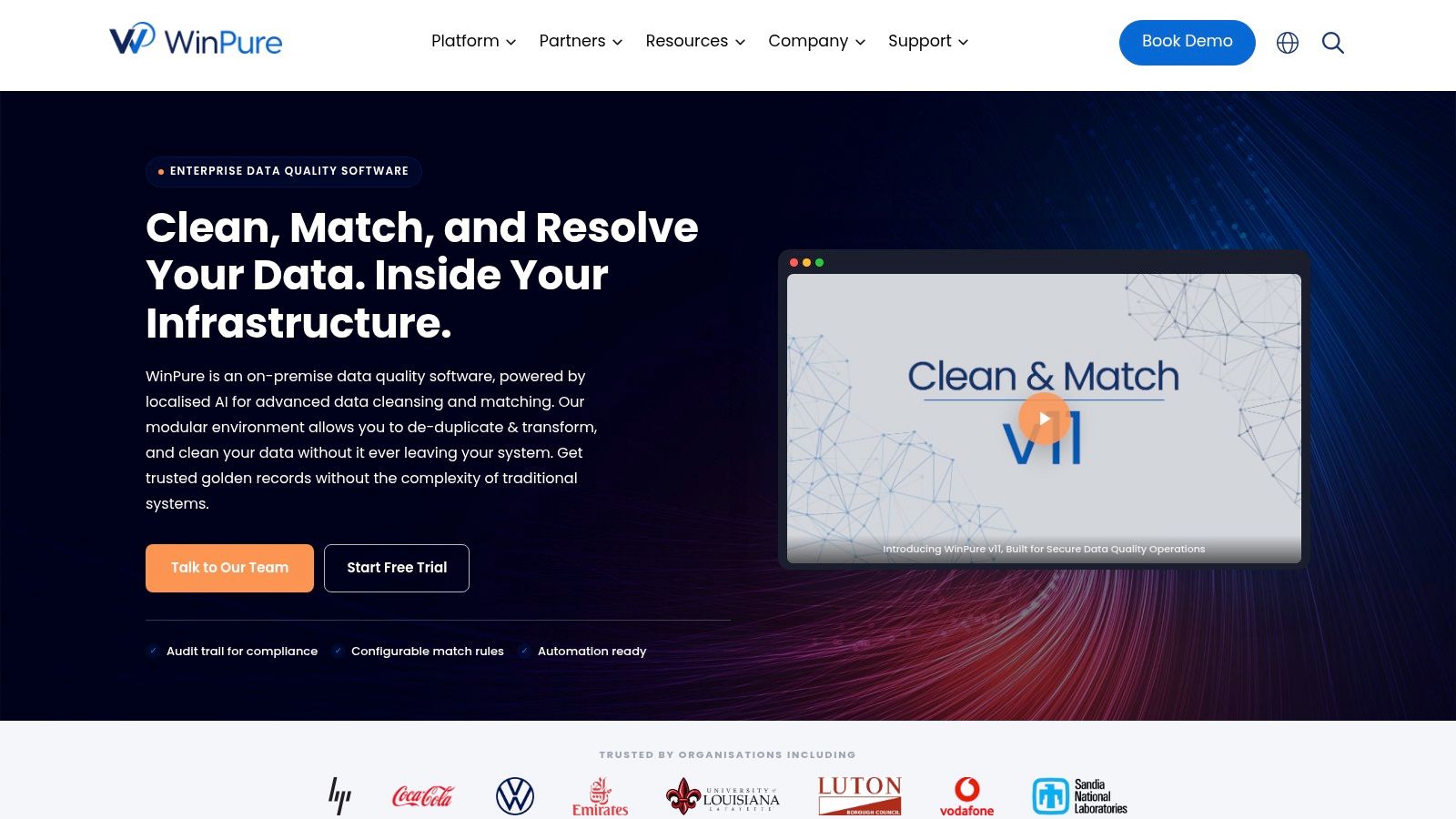
WinPure appeals to teams that want a traditional data quality platform with predictable licensing and strong on-prem control. That's not trendy, but in some environments it's exactly right.
I'd pay attention to WinPure when buyers care about profiling, matching, standardization, and address quality as one package, especially if they don't want pricing tied tightly to API usage or record volume growth.
What it does well
WinPure combines fuzzy matching, profiling, standardization, and address-related validation features in a way that's useful for operational databases and marketing lists. If your team still runs direct mail, regional territory assignment, or strict address validation workflows, that combination can matter more than sleek CRM-native UX.
Reasons teams choose it:
- Predictable licensing: Helpful for buyers who hate variable consumption models.
- Data profiling: Lets you understand the mess before trying to merge it.
- Golden record support: Useful for cleanup projects that need master selection.
- Address and geo-related validation: Valuable when location data quality affects operations.
Where it can frustrate SaaS teams
The interface can feel dense for casual users, and the platform is less naturally aligned with cloud-first SaaS stacks full of native app integrations. That doesn't mean it's weak. It means the operational center of gravity is different.
I'd recommend it for teams that treat data quality as a controlled internal process, often with compliance or postal accuracy requirements. I wouldn't lead with it for a lean RevOps team that lives mostly in SaaS apps and wants quick CRM-centric automation.
7. Melissa MatchUp and Clean Suite
Melissa becomes interesting when duplicate resolution depends on verification as much as matching. That's common in marketing operations. The record isn't just duplicated. It's also incomplete, inconsistently formatted, or carrying questionable contact data.
In those environments, MatchUp plus the broader Melissa stack can be more useful than a pure merge tool.
Why verification changes dedupe outcomes
A lot of duplicate logic gets sharper after standardization and verification. If one record says “St.” and another says “Street,” or one phone number is normalized and another isn't, the matching engine has a better chance once those values are cleaned first.
Melissa's appeal comes from that combination:
- Exact and fuzzy dedupe: Basic requirement, but important.
- Address, email, and phone verification: Better source quality improves match confidence.
- Cloud and on-prem deployment options: Gives teams architectural flexibility.
- Survivorship options: Supports practical merge decisions after matching.
The trade-off to think through
Credits-based models can work well, but they require better forecasting discipline. That's fine for steady-state operations and harder for exploratory projects where teams iterate repeatedly on match rules.
I'd look at Melissa when the business problem starts with outreach quality or direct contactability, not just duplicate count. If your team needs broad orchestration across GTM systems, you'll probably want Melissa as part of the stack, not the whole stack.
8. Informatica Data Quality (IDMC)
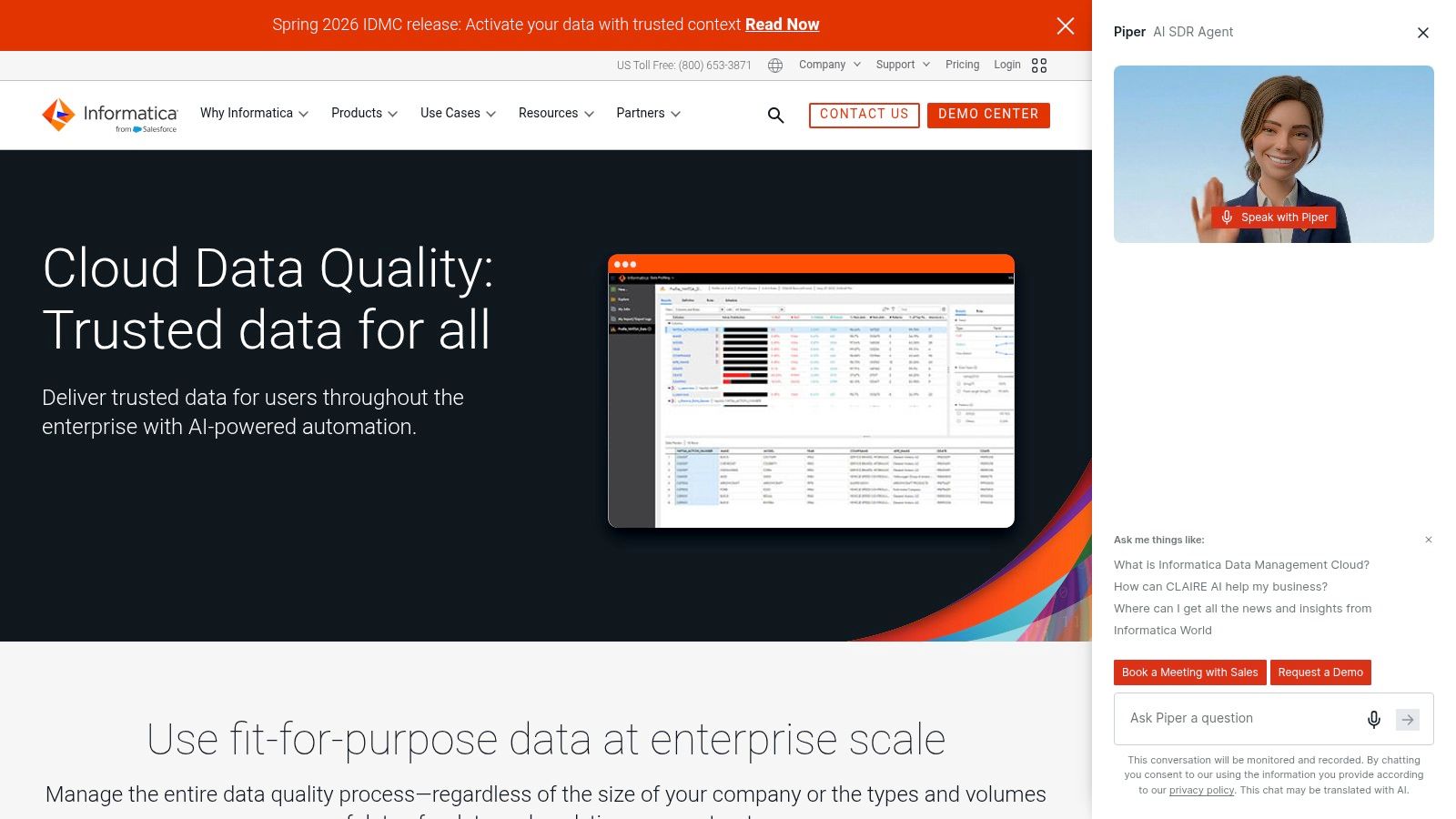
Informatica Data Quality is what you look at when dedupe is part of a governed data program, not a departmental cleanup effort. It fits enterprises that need matching, monitoring, connectors, reusable rules, and a path into MDM and analytics governance.
That last point matters more than most buyers admit. Deduplication doesn't stay isolated for long. It eventually touches reporting, segmentation, compliance, and AI inputs.
The enterprise upside
Informatica is strong when teams need reusable matching assets and broad connectivity across SaaS apps, databases, and data lakes. The platform approach matters because duplicate entities don't stop at CRM boundaries.
It's also one of the more relevant options if your team is worried about what dedupe can break downstream. Newer enterprise discussions increasingly tie deduplication to lineage, sensitive-data handling, and identity resolution rather than simple deletion, as discussed in this market analysis of data deduplication solutions.
The cost of sophistication
Informatica can be heavy for smaller teams. The implementation effort, governance model, and learning curve are real. That isn't a flaw. It's the price of operating at enterprise breadth.
I'd recommend it when data stewardship is already an organizational function with executive backing. I wouldn't recommend it for a startup trying to clean HubSpot and Salesforce with one ops manager and a limited budget.
9. IBM InfoSphere QualityStage
IBM InfoSphere QualityStage sits firmly in the enterprise matching and standardization camp. It's a fit for organizations that need tunable probabilistic and deterministic matching, especially in complex environments with legacy systems, regulated data, or large-scale entity resolution work.
This isn't where I'd send a typical startup. It is where I'd look if the data estate is messy, broad, and politically sensitive.
Where QualityStage makes sense
IBM's strength is configurability. When names, addresses, and organizational entities require nuanced parsing and matching, the platform gives teams room to tune the model instead of accepting a fixed SaaS workflow.
It makes the most sense in environments that already live in the IBM information stack, or where deployment constraints narrow the field. On-prem and mainframe alignment can be a deciding factor for buyers that can't adopt another cloud service.
The reality of adoption
The downside is familiar. Steep learning curve, infrastructure expectations, and implementation effort. If your team doesn't have data specialists or partner support, time-to-value can drag.
I'd shortlist QualityStage when matching quality and deployment flexibility matter more than ease of use. If the project owner mainly needs CRM duplicate cleanup, this is far more platform than they need.
10. Ataccama ONE
Ataccama ONE is for organizations that want data quality, monitoring, lineage, governance, and MDM in one operating model. That's a broad promise, but for centralized data teams it can reduce tool sprawl and make stewardship more coherent.
Its value shows up when duplicate management is one part of a trust program, not a one-off remediation project.
Why teams choose Ataccama
Ataccama combines configurable matching and survivorship with profiling, remediation, cataloging, and governance workflows. That's useful when one business unit's duplicate cleanup can't undermine another team's reporting, policy enforcement, or mastered records.
A few reasons it gets traction:
- Unified governance context: Matching decisions don't live in isolation.
- Stewardship workflows: Important when humans need to review and approve ambiguous merges.
- Hybrid deployment options: Helps large organizations fit it into existing architecture.
- MDM alignment: Supports broader source-of-truth initiatives.
When it's too much
If your problem is mostly duplicate Leads and Contacts in a CRM, Ataccama is usually overkill. You'll spend implementation energy on governance machinery you may not need yet.
I'd choose it when the organization already understands that “single source of truth” is an operating model, not a slogan. If that maturity isn't there, a narrower tool will usually produce better results faster.
Top 10 Data Deduplication Tools Comparison
| Solution | Core focus & key features | Best for / Target audience | Unique selling points (USP) | Pricing model | Deployment & ease |
|---|---|---|---|---|---|
| Validity DemandTools | Salesforce‑focused dedupe, survivorship, scheduled jobs, safe merges | RevOps/Admins with high‑volume Salesforce workloads | Deep Salesforce heritage; robust safe‑merge controls | Enterprise‑oriented pricing | Windows client; Mac workarounds; moderate setup |
| Cloudingo | Salesforce‑native fuzzy matching, rule builder, automation, rollback | Salesforce admins wanting continuous hygiene or one‑time cleanups | Admin‑friendly UI; option to outsource cleanups | Scales by record count | Native Salesforce app; easy admin UX |
| Insycle | Multi‑platform dedupe, standardization, Magical Import, templates | RevOps/Marketing Ops on HubSpot, SFDC, Marketo | Practical non‑engineer workflows; pre‑import dedupe | Pricing by connected‑record volume | Cloud SaaS; straightforward setup |
| ZoomInfo OperationsOS (RingLead) | Dedupe, normalization, lead/account routing, enrichment | Large RevOps needing orchestration and enrichment | Integrates routing + enrichment at scale (OperationsOS) | Enterprise / quote‑based | Salesforce & MA integrations; enterprise implementation |
| Data Ladder – DataMatch Enterprise | Fast fuzzy matching, golden record, APIs, configurable thresholds | Teams doing large cleanups across customer/product/location data | High matching accuracy and speed; rapid time‑to‑value | Enterprise licensing (not public) | On‑prem or cloud; moderate technical onboarding |
| WinPure Clean & Match | Profiling, AI/fuzzy matching, address verification, scheduling | Teams preferring predictable licensing and address validation | No per‑record fees; SmartMaster AI for master selection | Fixed license, no per‑record charges | Primarily on‑prem; dense UI; batch automation |
| Melissa MatchUp / Clean Suite | Deduplication plus address/email/phone verification; cloud services | Marketing ops needing verification + matching workflows | Strong verification + dedupe combo; flexible deployment | Credits‑based consumption model | Cloud or on‑prem; moderate complexity |
| Informatica Data Quality (IDMC) | Rule‑driven matching, scorecards, broad connectors, governance | Enterprises needing governance, lineage, reusable rules | Mature enterprise platform with deep governance tools | Enterprise / quote‑based | Cloud (IDMC) or on‑prem; complex implementation |
| IBM InfoSphere QualityStage | Probabilistic/deterministic matching, parsing, standardization | Regulated or large‑scale organizations (including mainframes) | Proven scale and deep configurability for entity resolution | Enterprise / quote‑based | On‑prem/mainframe options; steep learning curve |
| Ataccama ONE | Data quality + catalog + MDM, monitoring, remediation workflows | Centralized data teams supporting multiple business units | One‑platform approach for data trust and MDM synergy | Quote‑based enterprise pricing | Hybrid/cloud/on‑prem; substantial implementation effort |
Build Your Single Source of Truth, Starting Today
The biggest mistake teams make with data deduplication tools is treating them like a one-time cleanup purchase. They run a project, merge a backlog, celebrate, and then let the same duplicate pathways keep firing through forms, imports, product events, SDR uploads, enrichment syncs, and manual edits. A clean CRM can become a messy CRM again very quickly.
The selection process gets better when you separate the problem into three buckets. First, storage dedupe. Second, record dedupe. Third, master record creation. If you blur those together, the shortlist becomes noisy and the implementation gets worse. Microsoft's documentation shows why storage dedupe became foundational by noting that highly duplicated datasets can achieve up to 95% optimization, expressed as a 20x reduction in storage utilization, in Microsoft's data deduplication overview. That's a different operating goal from fixing duplicate accounts in Salesforce or creating a trusted golden customer record.
For SaaS and B2B teams, most buying decisions belong in the second or third bucket. You either need cleaner operational records, or you need an identity layer that survives across systems. Those are related, but they aren't the same.
Selection checklist
Use this before you book demos.
- Define the duplicate type: Are you eliminating duplicate storage blocks, duplicate CRM records, or duplicate entities across systems?
- Map the source systems: List every place duplicates originate, including forms, imports, enrichment tools, product databases, and sync middleware.
- Choose your match keys: Decide whether email, domain, legal company name, billing ID, or another identifier should be primary.
- Set survivorship rules: Define which system wins for owner, lifecycle stage, address, phone, and enrichment fields.
- Decide on review thresholds: Some matches should auto-merge. Others need steward review.
- Check operating model fit: A CRM admin tool, a RevOps platform, and an enterprise MDM product require different staffing and governance.
Implementation checklist
This is what keeps a deployment from turning into a risky bulk merge exercise.
- Start with profiling: Learn where duplicates cluster before changing production records.
- Normalize first: Lowercase emails, standardize domains, and clean naming conventions before matching.
- Pilot on a narrow segment: Use one object or one business unit before running org-wide jobs.
- Document rollback and exceptions: Ambiguous records need a manual review path.
- Wire in prevention: Add duplicate checks to forms, imports, and sync scenarios, not just monthly cleanup jobs.
- Monitor downstream effects: Reporting, routing, attribution, and AI workflows all need validation after merges.
Bad dedupe doesn't just remove duplicates. It can erase lineage, break attribution, and confuse ownership across systems.
That's especially important now. Recent market framing shows sustained enterprise demand for deduplication tools, with one estimate projecting growth from about USD 3.86 billion in 2023 to USD 6.51 billion by 2030 at a 12.3% CAGR in Verified Market Research's market outlook. Another practical signal is where these tools are most commonly deployed. Backup and restore remains the heaviest usage area, and buying models are often tied to storage capacity or protected server count, as noted in TrustRadius category guidance for data deduplication. In other words, the category is growing, but buyers are still mixing very different use cases under one label.
The ROI stories that matter most usually look simple. A sales team stops double-working accounts. Marketing gets cleaner attribution. CS sees one customer instead of three fragmented records. Ops stops spending Fridays on merge queues. Those gains are real even when you don't force them into a made-up percentage.
If you want to go one step further, automate duplicate prevention around your system edges. That's where workflow platforms become useful. MakeAutomation can help implement AI and automation processes around CRM operations, and Make's Data Store can function as a lookup layer to check whether a record already exists before a workflow creates another one. That's not a replacement for a dedicated dedupe platform, but it can be a practical control point in a modern SaaS stack.
If you're cleaning data as part of a broader GTM buildout, Dataforb2b project details offer another reference point for how these operational projects get scoped.
Pick the tool category first. Then pick the product. Then build the prevention layer. That's how you get from recurring cleanup projects to a single source of truth your team can trust.
If duplicate records, broken routing, and messy handoffs are slowing your team down, MakeAutomation can help you design and implement the workflows behind a cleaner revenue system. That includes automation logic to check for existing records before new ones are created, plus the operational setup needed to keep your CRM, enrichment, and outreach tools aligned.