Top 10 Security Automation Tools for 2026
It's 2 a.m., your pager is firing, and the alert looks urgent enough to wake up the whole team. By the time someone opens the console, you're already asking the same question you asked last night, is this a real attack, or just another false positive? That loop is exactly why security automation tools have moved from nice-to-have efficiency projects to core parts of the modern security stack, especially for B2B and SaaS teams that need fast response, clean audit trails, and fewer midnight escalations. Independent market research now places the security automation market at $10.81 billion in 2024 and $12.3 billion in 2025, with a 13.8% CAGR in one forecast, while another projects the market at $39.65 billion by 2034 from $12.12 billion in 2025 at about 14.08% CAGR (market report). The category is no longer fringe, and the buying question is no longer whether to automate, but which platform fits your stack, your team, and your tolerance for risk.
1. Palo Alto Networks Cortex XSOAR
Cortex XSOAR fits teams that want a full SOAR layer, not a lightweight workflow toy. It's built for incident response orchestration, case management, and broad integration coverage, which is why it keeps showing up in larger SOC shortlists.
Visit Palo Alto Networks Cortex XSOAR
The strongest reason to look at it is the content depth. Palo Alto Networks positions the platform around 1,000+ integrations, a large prebuilt playbook library, and the War Room for collaborative investigations and evidence tracking, plus deployment options that cover both SaaS and on-prem environments. It also ties directly into Cortex products like XDR, Xpanse, and XSIAM, which matters if your team already runs parts of the Palo Alto ecosystem.
Where it works and where it slows you down
For mature SecOps teams, the upside is predictable. You get enterprise-grade case handling, centralized investigation context, and a platform that can absorb a lot of process complexity without collapsing into spreadsheets and ad hoc scripts. The downside is just as predictable, the pricing is enterprise-oriented and quote-based, and non-specialists often need real ramp-up time before they can build and maintain playbooks confidently.
Practical rule: If your analysts still rely on manual handoffs between SIEM, ticketing, and endpoint tools, Cortex XSOAR can reduce that fragmentation. If your team is small and still defining response standards, the platform may be more machinery than you need on day one.
For B2B and SaaS operators, Cortex XSOAR makes the most sense when security operations already have enough structure to benefit from orchestration breadth, not when the team is still trying to standardize basics.
2. Splunk SOAR
Splunk SOAR is a strong choice when your security data already lives in Splunk or you want a SOAR platform that doesn't force a single narrow deployment model. It's one of the more established options for teams that care about auditability and playbook visibility.
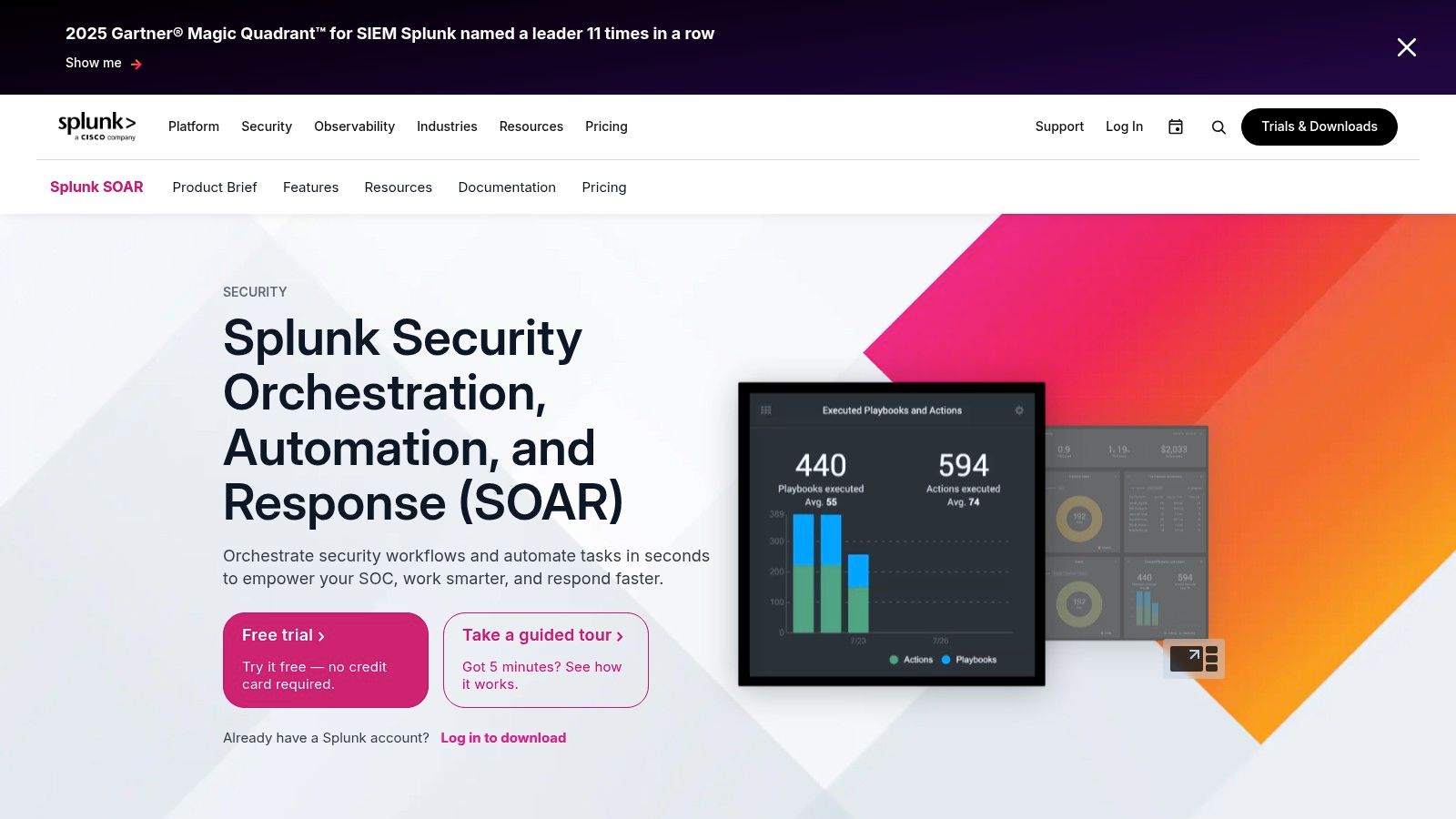
The appeal starts with the visual playbook editor and the app framework. Splunk also supports cloud, on-prem, and hybrid deployment, which matters for companies with mixed environments or compliance constraints. If you're already using Splunk Enterprise Security, the pairing is natural because detection and response live closer together.
The trade-off to watch
Splunk SOAR usually feels strongest when it's part of a larger Splunk footprint. That's not a flaw, it's a buying reality. The documentation and community are mature, but the overall platform can get expensive as you scale, so teams need to model not just the SOAR license, but the broader platform costs that often come with it.
If your SOC values consistency, Splunk SOAR is good at turning tribal knowledge into repeatable actions. If you only need a narrow set of automations, the platform can be more expensive than the problem you're solving.
The free trial helps with hands-on validation, which is useful because SOAR buying mistakes usually show up in playbook maintenance, not the demo.
3. Microsoft Sentinel
Microsoft Sentinel is the obvious candidate when your environment already runs on Microsoft 365, Azure, Defender, and Entra ID. The automation story is built into Automation Rules and Playbooks, with execution powered by Azure Logic Apps.
That architecture matters because it turns automation into part of the Azure control plane instead of a bolt-on. The connector library is huge through Logic Apps, and Sentinel's role and resource controls align well with organizations that already standardize identity and governance in Azure. Microsoft also exposes AI-assisted playbook generation in preview, which can help teams move faster on first drafts.
Good fit, but model the costs carefully
Sentinel is attractive for teams that want close integration with Microsoft security tooling and granular Azure controls. The catch is cost accounting. Playbook runs are billed separately under Logic Apps, so automation isn't “free” just because the SIEM is already in place. Some features are still maturing or in preview, so procurement and engineering both need to validate what's production-ready versus experimental.
For a SaaS company with most workforce identity and endpoint coverage already inside Microsoft, Sentinel can reduce tool sprawl quickly. It's especially useful when you want security automation tied to the same identity and policy fabric your IT team already understands.
Use this internal reference if you're mapping automation to secrets handling in DevOps workflows, DevOps secrets management, because many Sentinel playbooks end up touching credentials, tokens, or access revocation logic.
4. Google Security Operations SOAR
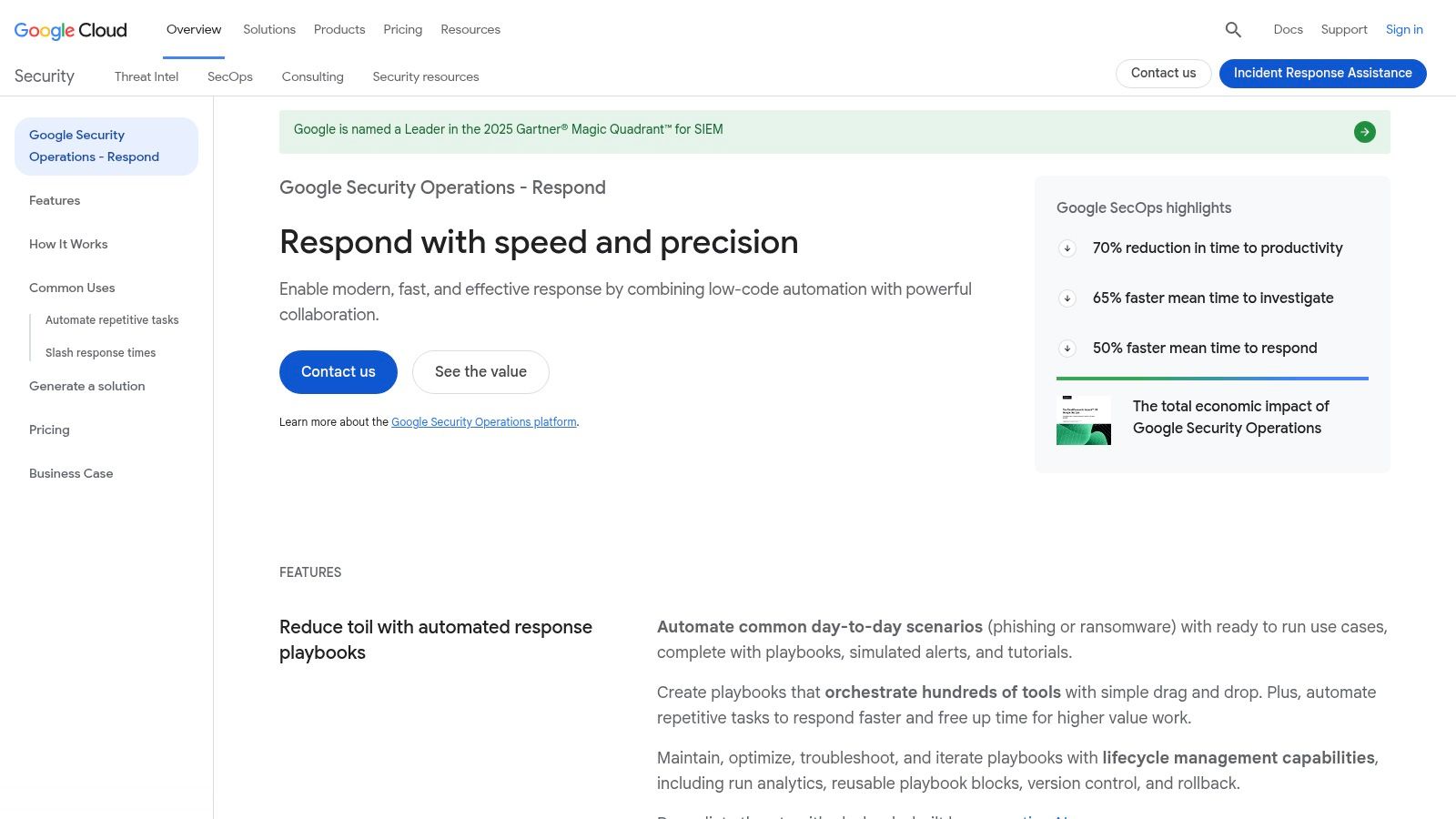
Google Security Operations, often still called SecOps in the field, is the option many teams explore when they want SIEM, SOAR, and threat intelligence in one cloud-native workspace. The SOAR layer is designed to automate and orchestrate response across enterprise estates, not just Google Cloud.
Open Google Security Operations SOAR
The differentiator is the threat-intel linkage. Google connects the platform with Mandiant and VirusTotal, which helps analysts enrich incidents without constantly jumping across separate tools. The cloud-native scale story is also relevant for teams that generate a lot of telemetry and need a platform that can keep up without constantly re-architecting storage and ingest paths.
Expect packaging changes and do the homework
The biggest operational caution is naming and packaging drift. Google has renamed and reshaped parts of the product over time, so buyers need to verify current SKU boundaries, data retention assumptions, and hybrid deployment implications before they commit. Pricing is generally quote-based, which means the sales conversation can take longer than the proof-of-value phase.
Pro tip: If your team values threat intelligence enrichment as much as workflow automation, Google Security Operations deserves serious review. If your environment is mostly on-prem or deeply hybrid, the due diligence burden goes up fast.
For regulated B2B services with cloud-first telemetry, it can be a strong fit. For smaller teams, the complexity of the package conversation can slow adoption unless there's a clear operating model already in place.
5. IBM Security QRadar SOAR
QRadar SOAR is built for teams that care about process rigor, escalation discipline, and governance. It's a natural fit in environments where security operations must prove that every incident followed a controlled path.
Its strengths are straightforward. The platform offers incident response orchestration, alert enrichment, case management with SLA tracking, and deep QRadar SIEM integration alongside third-party connectors. IBM's enterprise support model and documentation are part of the value, especially in compliance-heavy environments that need clear evidence chains.
Where the platform feels heavy
QRadar SOAR is less about flashy no-code convenience and more about controlled operations. That's good when the business needs formal approval paths, but the UI and content can feel heavier than newer tools that were built around speed-first playbook design. The pricing is quote-based and tends to land in enterprise territory, so mid-market teams need a strong use case to justify the overhead.
If your security program already speaks in terms of SLAs, exceptions, and governance reviews, QRadar SOAR can fit cleanly. If your team wants quick automation with minimal ceremony, it may feel slower than the market's newer entrants.
The right test is simple, can your team map one high-volume workflow to a controlled response path without creating extra admin work? If the answer is yes, IBM starts to make sense.
6. Rapid7 InsightConnect
Rapid7 InsightConnect is one of the more practical choices for mid-market teams that want automation without heavy scripting. It pairs naturally with Rapid7's own detection and vulnerability products, but it still supports third-party workflows.
The no-code builder and plugin library are the main reasons people shortlist it. The platform also supports an on-prem and cloud Orchestrator, which helps when a workflow needs to touch a protected network segment or a customer environment that can't reach out freely. For teams already using InsightIDR or InsightVM, the adoption path is smoother because the automation layer sits next to tools they already trust.
Best when you want useful, not elaborate
InsightConnect works well for teams staffing up their first meaningful automation program. The documentation and community forum support that journey, and some Rapid7 tiers bundle “unlimited SOAR,” which can be attractive if you're trying to avoid piecemeal purchases. The trade-off is that the best experience usually comes when you're already inside the Rapid7 ecosystem, and pricing still tends to be quote-based.
A useful pattern here is to automate the workflows that are repetitive and bounded, not the ones that require constant human judgment. Phishing triage, enrichment, and ticket routing are better starting points than complex incident containment on day one.
For SaaS teams that need a lower-friction path into automation, InsightConnect is one of the more honest options, it's practical before it's glamorous.
7. Tines
A security team can get from idea to working workflow quickly in Tines, which is why it often comes up when the goal is practical automation rather than a heavy SOC console. It fits security, IT, and operations teams that need shared workflows, especially when those workflows cross team boundaries and need to stay easy to maintain. For organizations comparing security automation tools with broader business process automation tools, Tines is often evaluated on how well it can handle both operational and security use cases without turning every change into a development task.
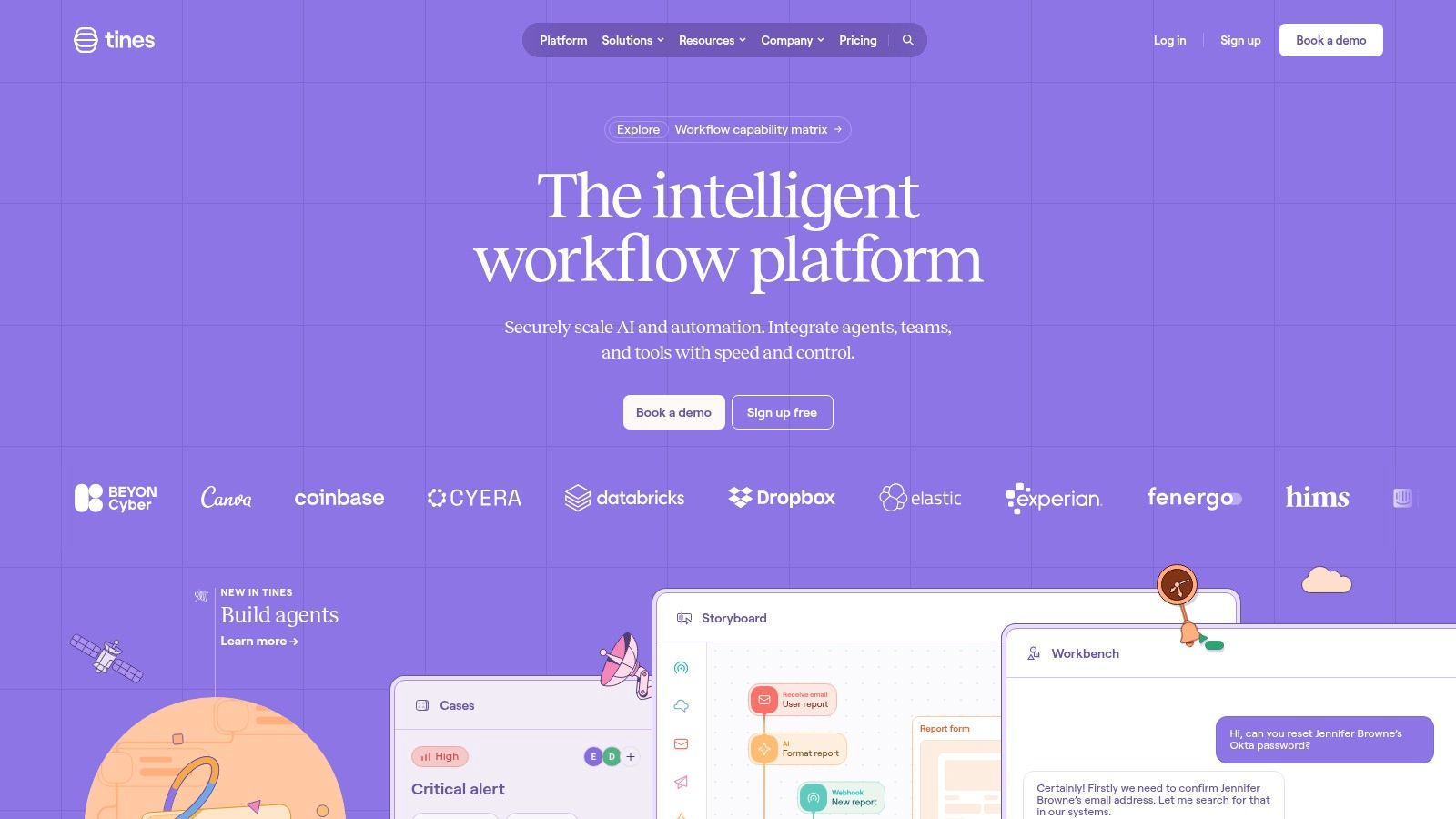
The main draw is the Stories and Actions model, which is easier to teach than many classic playbook systems. That matters in B2B and SaaS environments where a small security team may need to build and hand off workflows without waiting for dedicated automation engineers. Broad integrations and tenant-scoped AI features help teams move from pilot to production, and the Community Edition gives teams a way to test how they build before anyone commits to a larger contract.
Where Tines is strong, and where it isn't
Tines lowers the barrier to entry, which is a real advantage for B2B companies that want quick wins without a long implementation cycle. The trade-off is that it is less prescriptive than a classic SOAR for incident case management, so teams that want a rigid incident response workflow may need to define more of that structure themselves. Enterprise pricing is quote-based, and usage growth can change the economics as the platform takes on more of the team's operational load.
Shared workflows are where Tines often shows its value. Security operations can route alerts, IT can handle access requests, and operations can automate routine approvals in the same platform, which reduces handoffs and gives the team one place to maintain logic. That flexibility is helpful, but it also means governance matters early, because a platform that is easy to use can spread if ownership and review rules are unclear.
If your team values speed, clean iteration, and a low-friction path for automation experiments, Tines is a strong fit. It is especially useful when security operations and business operations need to collaborate on the same workflow, because the same structure can support both without forcing a separate tool for every department.
Good automation teams do not start by trying to automate the entire SOC. They start with the workflow everybody hates, then prove the platform can carry real load.
For B2B and SaaS companies, that often means alerts, access requests, or repetitive enrichment tasks before anything else.
8. Torq
Torq is aimed at teams that want hyperautomation without living in scripts all day. It's a strong fit for alert triage, case workflows, and AI-assisted response where speed matters and the integration footprint is broad.
The platform leans hard into templates, guided setup, and an extensive integration catalog. That combination matters because teams rarely fail on the idea of automation, they fail on the time it takes to connect systems and build reliable paths between them. Torq's published security and trust disclosures also help procurement conversations move faster when a security review comes up.
Fast to start, but governance still matters
Torq's value is quick time-to-value with an “integrate everything” posture. That said, any AI-assisted feature set needs clear guardrails, especially when a workflow can trigger response actions that affect production systems or customer accounts. Pricing is not public, so the commercial discussion is enterprise-style and usually requires a deeper evaluation cycle.
For organizations trying to unify disparate alerts into a single response fabric, Torq is compelling. For teams with a narrow use case and no appetite for governance design, the platform can be more capable than necessary.
The product works best when the automation owner is willing to define what can run hands-off, what needs approval, and what should only enrich a case.
9. Swimlane Turbine
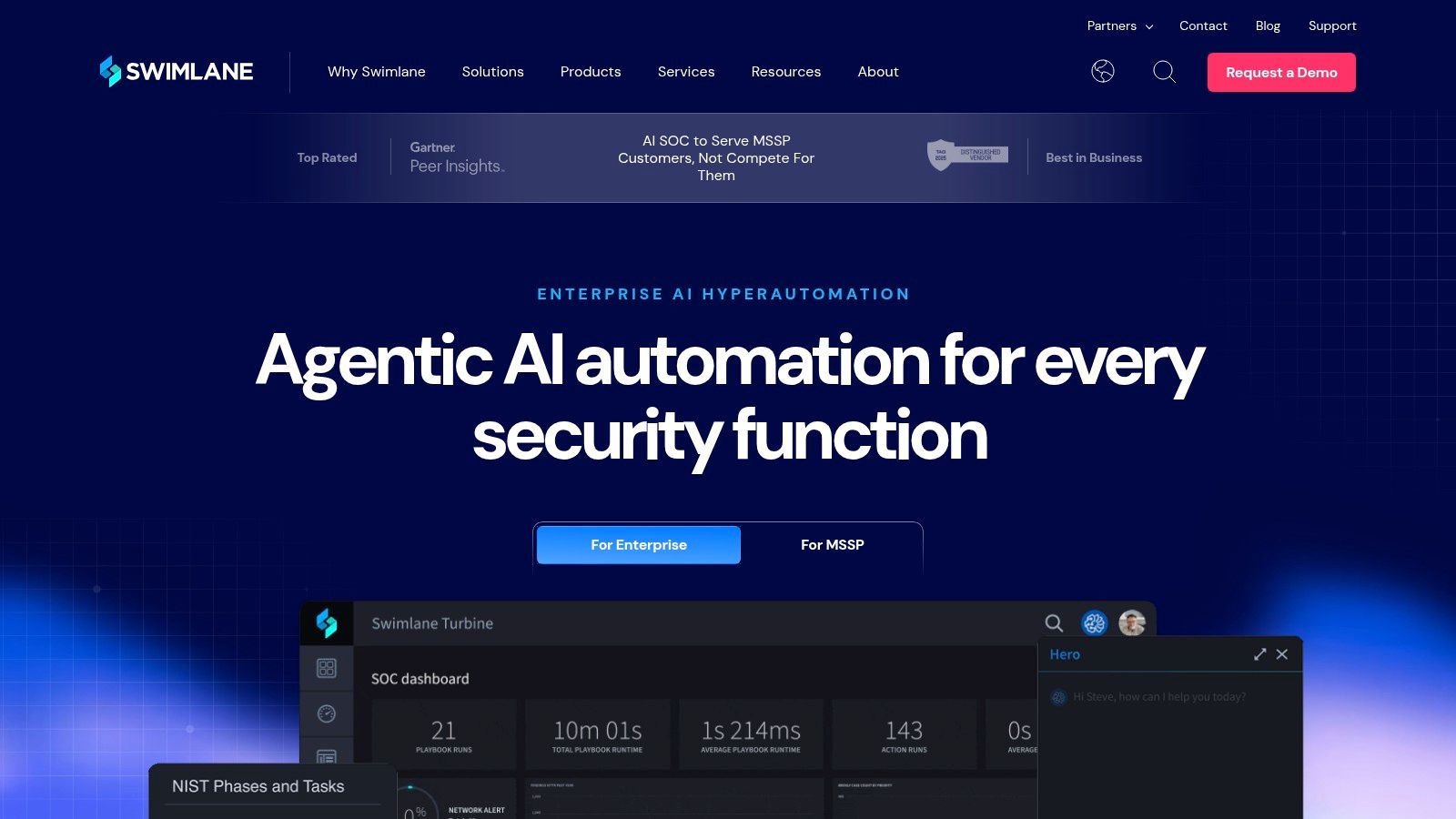
Swimlane Turbine is built for scale, multi-tenancy, and operational control. It's a particularly strong fit for MSSPs, MDRs, and internal teams that have to support multiple business units or customer environments.
The platform's architecture is one of its biggest selling points. Swimlane supports cloud, on-prem, and air-gapped deployment, and its multi-tenant design is useful when security operations have to isolate customers, regions, or internal divisions. Visual playbooks and content libraries round out the operational side, while remote agents give teams more flexibility in complex environments.
What makes it different in practice
Swimlane is often evaluated by teams that know they'll outgrow a simpler workflow tool. The benefit is architectural headroom. The downside is that implementation for complex estates can require professional services, and the sales motion is still enterprise-oriented with quote-based pricing.
For service providers, the platform's scale characteristics are a genuine advantage. For a single lean SaaS security team, the question is whether you need multi-tenant power now or whether you're paying for capability you won't use yet.
The right SOAR choice isn't the one with the longest feature list. It's the one your team can operate without creating a second support queue for the automation platform itself.
If your roadmap includes customer-facing security operations or internal shared-services automation, Swimlane deserves attention.
Use this reference if you're comparing it with broader automation patterns, what intelligent automation means in practice, because the distinction between workflow automation and governance-heavy orchestration matters a lot here.
10. D3 Security Smart SOAR
D3 Security Smart SOAR is a strong option for MSSPs and MDRs that need multi-tenant operations, case management, and a codeless automation layer. It's designed for teams that care as much about reporting and operational consistency as they do about playbooks.
The platform combines visual playbooks, a large integration set, comprehensive case management, and multi-tenant tooling. That combination is valuable when an MDR needs to standardize response across clients without copying the same logic into separate systems. D3 also emphasizes marketplace presence and compliance alignments, which helps in managed-service sales cycles.
Why managed-service teams shortlist it
The major upside is balance. You get automation, case management, and reporting in one place, which is exactly what service providers need when they're proving outcomes to customers. The main drawbacks are familiar ones, pricing is quote-based, and the platform has fewer native ties to one dominant SIEM or XDR vendor than some of the bigger stack-integrated products.
For B2B companies building internal security operations, D3 can still make sense if the team wants a platform with a more managed-service mindset. If your environment is already standardized on another major stack, you'll need to judge whether the extra neutrality is a benefit or just one more integration layer.
Top 10 Security Automation Tools: Comparison
| Product | Core features | Target audience | Unique selling points | Pricing & deployment |
|---|---|---|---|---|
| Palo Alto Networks Cortex XSOAR | 1,000+ integrations, large playbook library, War Room, SaaS & on‑prem | Mature SecOps / SOC teams, large enterprises | Deep Palo Alto ecosystem ties (XDR, XSIAM), SOC‑grade case management | Enterprise quote‑based; SaaS & on‑prem |
| Splunk SOAR | Visual playbook editor, app framework, case management, cloud/on‑prem/hybrid | Teams using Splunk ES, large orgs | Strong Splunk SIEM integration, large community & docs | Flexible deployment; platform costs can be high; free trial |
| Microsoft Sentinel (Playbooks/Logic Apps) | Automation rules, Logic Apps playbooks, large connector library, AI preview | Azure / M365‑centric environments | Seamless Defender/Entra/M365 integration, Azure RBAC & scale | Cloud‑native; pay‑as‑you‑go Logic Apps billing; some features in preview |
| Google Security Operations (SOAR) | Unified SecOps workspace, SOAR playbooks, Mandiant/VirusTotal intel, cloud scale | Cloud‑first enterprises, MSSPs | Strong threat intel linkage (Mandiant/VirusTotal), Google scale | Quote‑based pricing; cloud‑native (hybrid pricing can be complex) |
| IBM Security QRadar SOAR | Orchestration & playbooks, alert enrichment, SLA case management, QRadar integration | Regulated industries, IBM‑stack customers | Enterprise governance and compliance focus, mature support | Enterprise quote‑based; on‑prem/cloud options |
| Rapid7 InsightConnect | No‑code workflow builder, hundreds of plugins, on‑prem/cloud orchestrator | Mid‑market teams, Rapid7 customers | Smooth path when using Rapid7 suite; practical for automation adoption | Quote‑based; bundled options in some Rapid7 tiers |
| Tines | Visual no‑code "stories", tenant AI features, broad integrations, Community Edition | Small teams, pilots, SecOps/IT wanting quick POCs | Low barrier to entry, fast iteration, free community tier | Free Community Edition; enterprise quote‑based for scale |
| Torq | Extensive integrations, auto‑triage, AI‑assisted triage, templates & KB | Teams focused on rapid alert triage & automation | Fast time‑to‑value, AI‑assisted workflows, strong templates | Enterprise quotes; cloud service |
| Swimlane Turbine | Visual playbooks, multi‑tenant design, cloud/on‑prem/air‑gapped, remote agents | MSSPs, MDRs, large enterprises | Built for scale and service providers, flexible deployment models | Enterprise quote‑based; multi deployment options |
| D3 Security Smart SOAR | No‑code playbooks, large integration set, case mgmt, MSSP tooling | MSSPs, MDRs, managed‑service operators | MSSP‑focused features, ATT&CK‑aligned content, fast onboarding claims | Subscription/quote‑based; multi‑tenant options |
From Selection to ROI
A Framework for Choosing Your Tool
The right platform starts with your stack, not the vendor demo. If your environment is Microsoft-heavy, Sentinel will feel natural. If you already run Splunk, QRadar, or a Palo Alto estate, the ecosystem tie-in can save real integration time. If your team is smaller and wants faster iteration, Tines, Torq, or Rapid7 often reduce the implementation burden.
Skill mix matters just as much. A team with strong scripting and security engineering can tolerate a heavier SOAR. A lean ops group needs lower-friction workflow design, clearer templates, and less platform maintenance. Scalable automation also needs governance, which means deciding which actions run automatically, which require approval, and which stay as enrichment only.
TCO is where many buyers get surprised. License cost is only one piece. You also need to account for playbook maintenance, connector upkeep, approval design, audit logging, and the operational cost of changing workflows as your stack evolves. If you want a broad market overview of no-code options outside security, this comparison of no-code automation tools is useful context, but security buyers should still weigh incident response controls more heavily than general workflow convenience.
Your First 90 Days
Start with a workflow that is high-volume, low-risk, and easy to validate. Phishing triage is usually the best place to begin because it's common, repetitive, and easy to measure. After that, move into alert enrichment, ticket routing, and safe containment steps like isolating obvious bad domains or revoking clearly compromised access.
Don't begin with your most complex incident type. Complex response paths need maturity in logging, approval flows, and rollback logic. If you automate a fragile workflow too early, the team will blame the platform instead of the design.
A good rollout usually has three phases. First, map the existing manual process. Second, automate a narrow version in a test environment. Third, measure whether the workflow reduces analyst touch time and shortens response cycles. The IBM benchmark earlier in this article, 80 days faster breach handling on average and $1.9 million lower breach costs with security automation, is a reminder of why this discipline matters (IBM security automation overview).
For B2B and SaaS companies that don't have an in-house automation practice, a specialist can accelerate the hard parts. MakeAutomation can handle the technical integration, custom playbook development, and documentation work, so your internal team can stay focused on security outcomes, approvals, and continuous improvement rather than wiring every connector by hand. That kind of support is especially useful when you need automation to work across security, IT, CRM, and operations systems without turning your analysts into part-time developers.
A CTA for MakeAutomation.