10 Team Productivity Tools for B2B SaaS Teams
The best stack is not the biggest stack. Adding another dashboard, chat channel, or AI feature won't automatically make a B2B or SaaS team faster. Productivity improves when software removes handoffs, protects context, standardizes repeatable work, and keeps important information from being duplicated across five systems.
That makes selection harder than comparing feature lists. The right team productivity tools depend on the workflow problem you're solving, the systems already in place, the team's tolerance for change, and the governance you can realistically maintain. Collaboration platforms are already mainstream in large enterprises, with 91% using messaging collaboration platforms, 89% using video conferencing, and 77% using project management tools, according to industry collaboration data. The question isn't whether your team needs software. It's whether the stack reduces coordination load or creates more of it.
The list below organizes tools by the work they improve: automation, orchestration, knowledge, communication, engineering, structured operations, and visual collaboration. Each entry covers the primary use case, integration fit, adoption friction, governance, pricing considerations, and one practical implementation move. If you're also comparing broader options for distributed work, this guide to top tools for remote teams provides useful context.
1. MakeAutomation
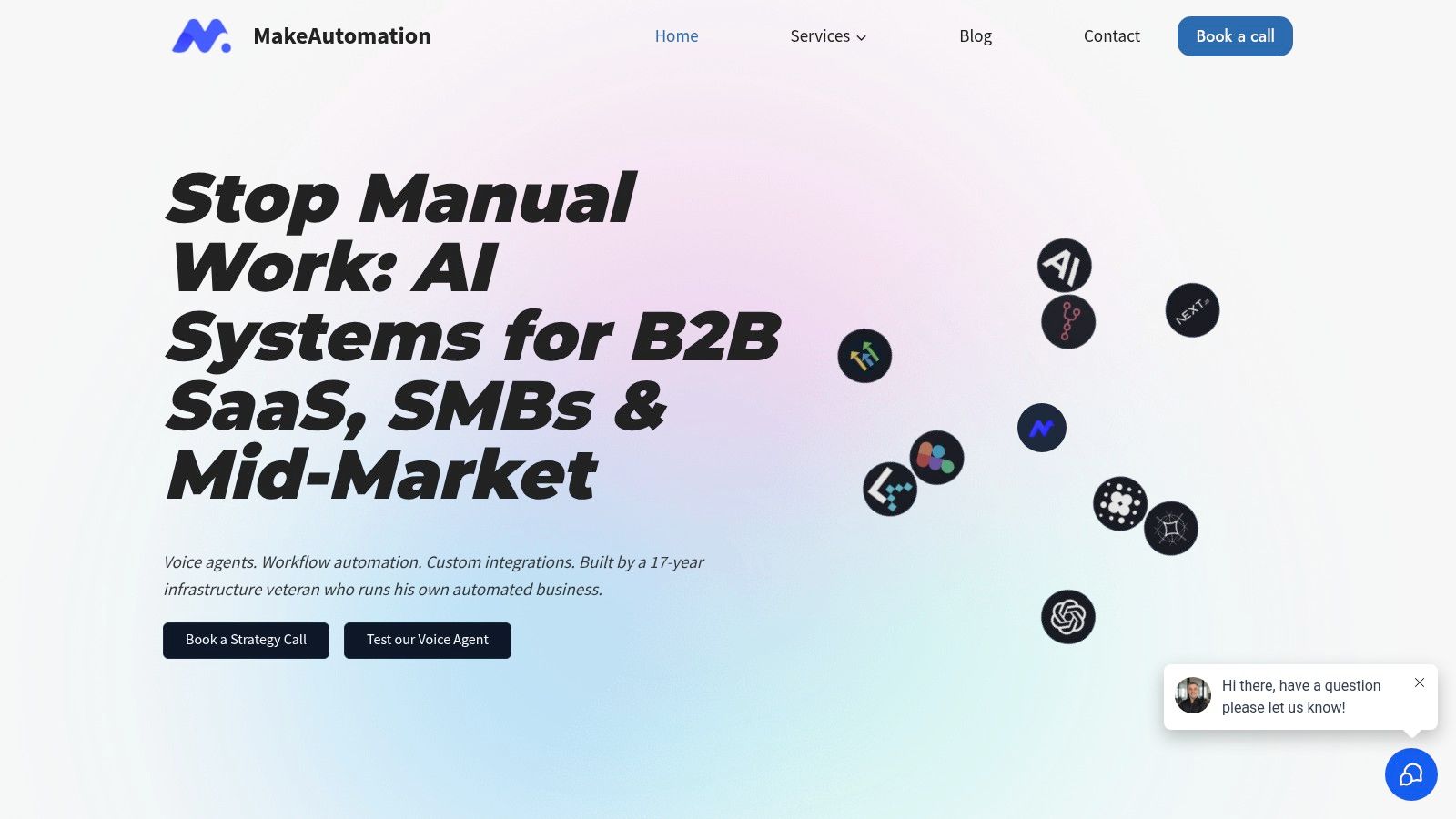
MakeAutomation fits teams whose bottleneck sits between existing apps. It operates as a hands-on AI and automation consultancy for B2B and SaaS teams, mapping processes, building internal tools, connecting APIs, and delivering production-ready automations instead of leaving teams with disconnected recipes.
The practical advantage is its blueprint-first delivery. MakeAutomation can map lead handling or client onboarding, design an operations dashboard or portal, connect forms, calls, email, CRM records, AI agents, and task systems, then deliver a usable first phase with documentation and SOPs. Simple workflows may take 1 to 3 business days, while multi-system builds may take 2 to 4 weeks, according to the service information provided by MakeAutomation.
The implementation method should match the workflow. A straightforward handoff may work with Zapier or n8n. A sensitive or highly customized process may require custom APIs or code. Choosing the right layer matters because forcing every workflow through one automation platform can produce brittle logic, unclear ownership, and unnecessary operating cost.
Where it fits best
MakeAutomation suits growth teams working on CRM synchronization, lead qualification, follow-up, recruitment workflows, AI operations, or Voice AI agents. These agents can answer, qualify, route, log, hand off, update a CRM, and produce transcripts. Its flagship Voice AI offering is described as providing sub-600ms real-time responses, with a WebRTC demonstration available through the provider.
The delivery model covers discovery, a mapped blueprint, a fixed-price proposal, iterative development, documentation, training, and ownership of the workflows and code. A monthly subscription is listed at $6,200 per month, and a quarterly option at $5,200 per quarter, with the provider noting a $3,000 saving. Project terms specify 50% at proposal acceptance and 50% at delivery. Confirm the current scope, support coverage, and terms before purchasing.
Practical rule: Automate a defined handoff, not an abstract desire to “use more AI.”
The trade-off is cost and capacity. This premium, founder-led service may suit teams with costly manual work, while smaller teams should clarify ongoing support. Larger enterprises should verify delivery capacity, service levels, security requirements, and rollout timelines. The free discovery call, live voice demo, readiness assessment, workflow diagram builder, cost estimator, integration compatibility checker, and automation ROI calculator can help assess the opportunity before a larger commitment.
Best for: B2B and SaaS companies with manual, cross-system workflows.
Watch for: Premium pricing and the need to confirm enterprise-scale delivery expectations.
Implementation move: Choose one high-friction handoff, map every trigger and owner, and launch a narrow phase one before expanding.
2. Asana
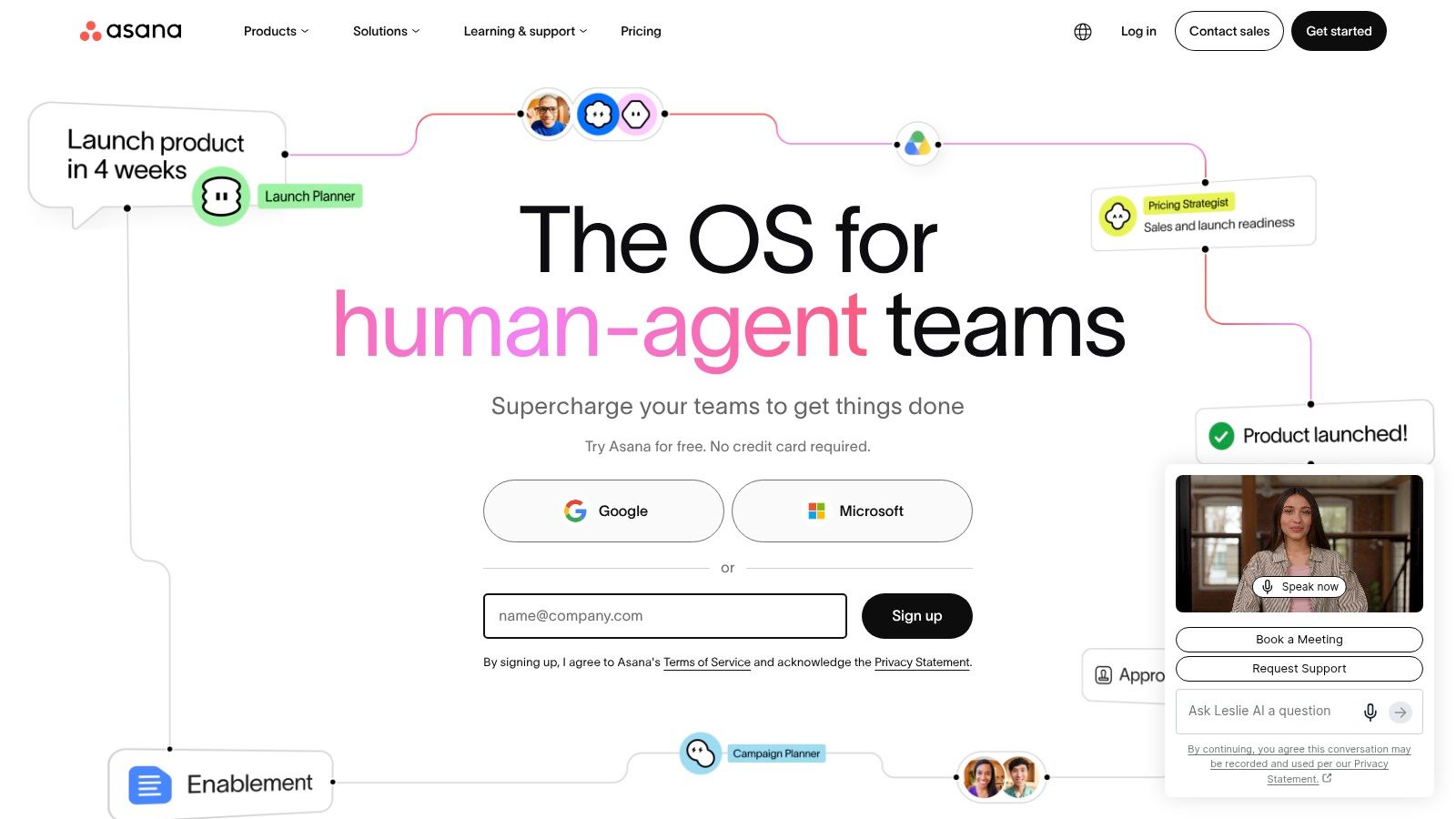
Asana is a balanced choice for cross-functional work that needs structure without forcing every department into a strict Scrum process. Product, marketing, sales, operations, and customer teams can coordinate requests, projects, approvals, dependencies, and milestones in one workspace.
Its strength is the link between day-to-day execution and management visibility. Timeline and Gantt views help teams understand sequencing, while Workload, Portfolios, Goals, and reporting support broader planning. Rules can assign work, update fields, and move handoffs forward. The platform also includes AI Studio for summaries, smart fields, work routing, and status updates, plus approvals and proofing for creative assets.
The main advantage is adoption. Non-technical teams usually understand tasks, owners, due dates, and project views quickly, so Asana can become a common operating layer across departments. It also gives executives a clearer path from individual work to portfolio and goal reporting.
The friction appears at scale. Cross-workspace governance needs active administration, and advanced features such as Goals, Portfolios, and Workload sit on higher-priced tiers. Teams should also decide whether conversations belong in task comments, a communication platform, or both. Without that rule, Asana becomes a second inbox.
For a closer look at how it compares with similar platforms, use this project management tools comparison.
Best for: Cross-functional teams coordinating many concurrent initiatives.
Watch for: Workspace sprawl and higher-tier planning features.
Implementation move: Create one intake project, define standard fields, and require every approved request to become an owned task.
3. monday.com
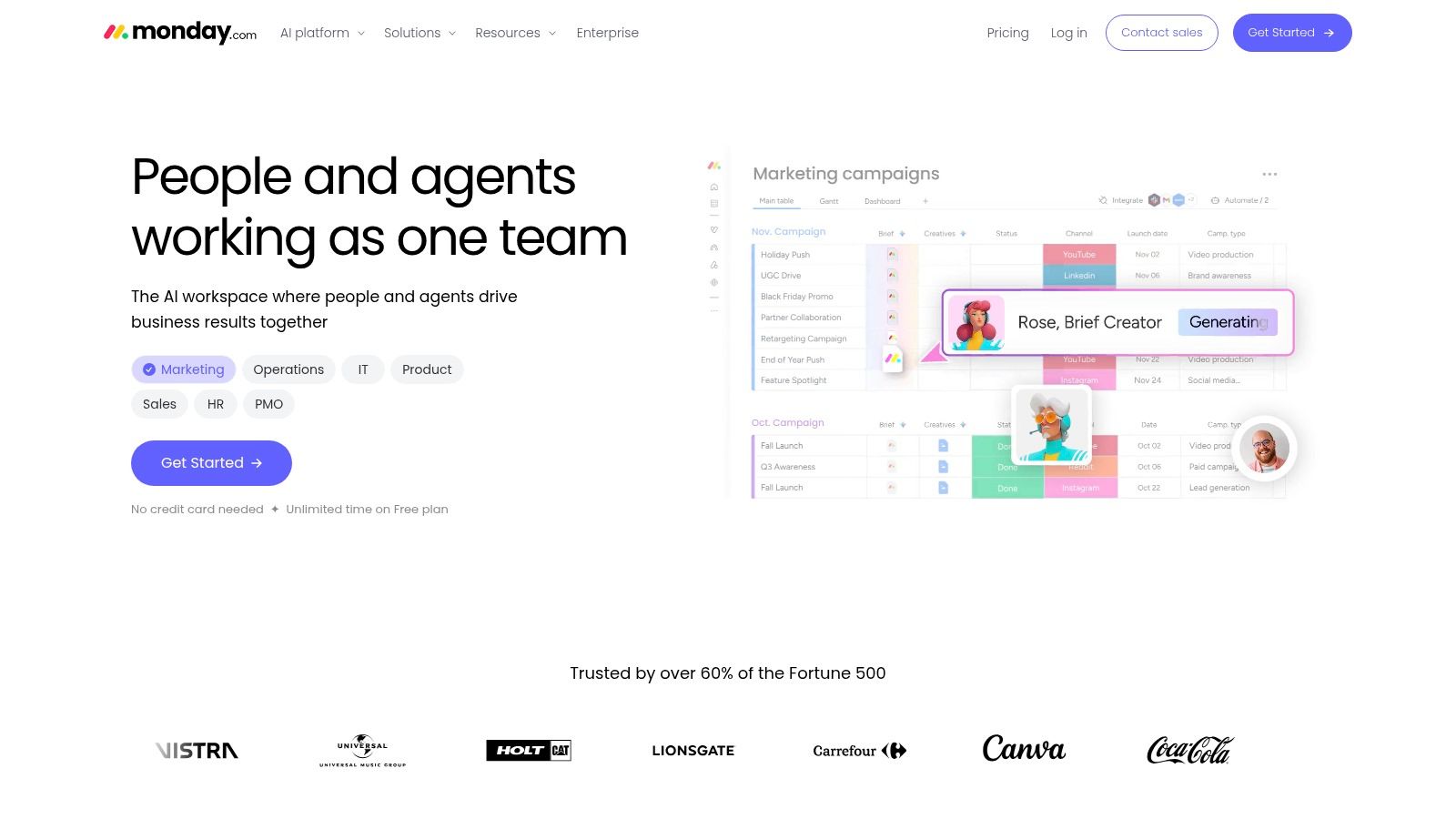
monday.com works well when teams need to model different workflows quickly. A marketing team can build a campaign tracker, sales can manage a pipeline, operations can create a service desk, and a project team can organize delivery, all through visual boards and configurable views.
The platform's flexibility comes from board-based data, Timeline, Gantt, Calendar, automations, integrations, and templates. It also offers AI columns and Sidekick features for generating workflows and summaries. The broader ecosystem includes CRM, development, and service capabilities, which makes monday.com attractive to fast-growing go-to-market teams that want fewer disconnected systems.
That flexibility is also the main risk. A workspace can accumulate boards that look useful individually but don't share consistent definitions, owners, or lifecycle rules. Teams then spend time reconciling boards instead of completing work.
Keep the visual layer governed
Pricing scales through seat bundles, and automation or integration quotas apply by tier. Model the cost against expected users and workflow volume, not just the initial plan. Establish naming conventions, archive rules, ownership, and a rule for when a new board needs approval.
monday.com is a good fit when the process is changing and the team needs to configure without heavy technical administration. It isn't automatically the best choice for highly controlled engineering workflows or relational operational data.
Best for: Fast-moving GTM teams with varied, configurable processes.
Watch for: Seat-bundle costs, usage limits, and board sprawl.
Implementation move: Start with one process, such as campaign intake, and publish a board standard before departments create their own versions.
4. ClickUp
ClickUp is built for teams trying to consolidate task management, documentation, dashboards, whiteboards, and chat. Product teams, agencies, and startups often choose it because one workspace can cover a broad range of work without requiring a separate tool for every activity.
Tasks support List, Board, and Calendar views, custom fields, statuses, dependencies, and sprint workflows. Collaborative Docs can contain inline tasks, Dashboards can report on KPIs, and Whiteboards and chat keep planning close to execution. The breadth can reduce tool sprawl for small and mid-sized teams, especially when the alternative is stitching together several specialized products.
The cost of that breadth is complexity. ClickUp gives teams many ways to represent the same process, and different departments can create incompatible statuses, fields, and naming conventions. New users may struggle to understand where work belongs if the workspace reflects every administrator's preference.
A unified app only reduces switching when the team agrees where each kind of work lives.
Pricing is competitive at entry level, but the value depends on whether the team uses enough of the platform to replace other subscriptions. If everyone still keeps separate project, document, whiteboard, and chat tools, ClickUp may become another layer rather than a consolidation strategy.
Best for: Startups and agencies seeking broad coverage in one workspace.
Watch for: Over-customization and inconsistent workspace standards.
Implementation move: Define the hierarchy, statuses, required fields, and archive policy before importing legacy projects.
5. Notion
Notion solves a knowledge problem first. It gives teams a flexible home for SOPs, product documentation, meeting notes, roadmaps, internal wikis, and lightweight project databases. For B2B and SaaS companies, that makes it useful as the place people go to understand how work should happen, not merely what task is due next.
Pages and relational databases support tables, Kanban boards, timelines, calendars, and linked views. Teamspaces and granular permissions help separate departments or audiences. Notion Calendar and Sites extend the workspace beyond internal pages, while Notion Agent, AI Meeting Notes, and Enterprise Search support capture, summarization, and retrieval.
The platform's flexibility rewards thoughtful design. A simple database can become a useful launch tracker, but complex relations and permission structures can become difficult to maintain. Notion also isn't a full replacement for a rigorous delivery platform when teams need deep dependencies, resource planning, or detailed execution controls.
Treat documentation as an operating asset
Create a small information architecture before migrating content. Define canonical locations for policies, process documents, decision records, and project artifacts. Give each page an owner and review date, even if the team manages those fields informally.
Some AI and enterprise controls require higher tiers or additional credits, so evaluate those needs separately from the core workspace. Notion is most effective when it complements a work orchestration system rather than trying to become every system at once.
Best for: Knowledge management, SOPs, product context, and lightweight project tracking.
Watch for: Database complexity, permissions, and unclear ownership.
Implementation move: Build a single searchable team handbook and link execution tools from it instead of duplicating project data.
6. Slack
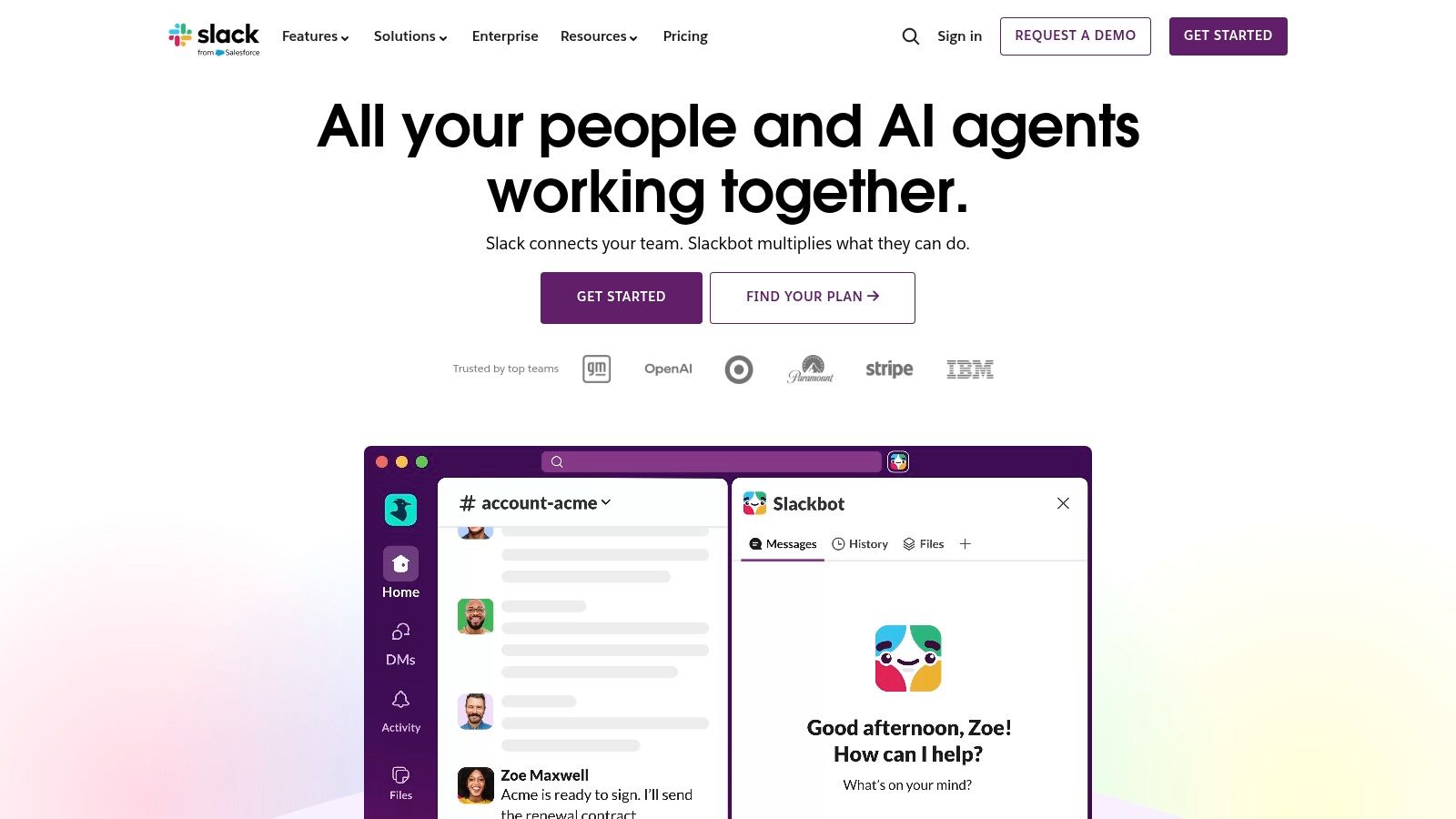
Slack is the communication layer for teams that need fast decisions, searchable conversations, and broad integration coverage. Channels organize discussions by team, project, customer, or subject. Huddles support quick audio and video collaboration, canvases hold shared context, and Slack Connect supports external collaboration with customers and partners.
The integration ecosystem is a major reason teams adopt it. Slack connects with platforms such as Salesforce, Jira, and Asana, allowing alerts and updates to reach the channel where people already work. AI features support conversation and channel summaries and enhance search. Slack lists 2,600 or more app integrations on its product information, which gives administrators considerable flexibility but also creates a governance responsibility.
Slack should not become the system of record for deadlines, customer commitments, or project scope. Messages move quickly, and important decisions can disappear into busy channels unless someone captures the outcome in the appropriate project or knowledge system.
Set channel naming rules, notification expectations, escalation paths, and a decision-capture habit. Teams using the Slack API key setup guide can also connect custom workflows, but technical access should be governed like any other production integration.
Recent pricing and feature changes noted as effective in June 2025 may affect cost and expectations, so review the current plan details before renewal.
Best for: Real-time communication and integrations across a modern SaaS stack.
Watch for: Notification overload and decisions that never leave chat.
Implementation move: Add a “decision and owner” convention, then link every project channel to its system of record.
7. Microsoft Teams
Microsoft Teams is the practical default for organizations already invested in Microsoft 365. It combines chat, meetings, calling, file collaboration, and task integration around SharePoint, OneDrive, Outlook, Word, Excel, and PowerPoint.
The benefit is less about novelty and more about reducing vendor sprawl. Teams can keep meeting transcripts, captions, shared files, and follow-up work close to the Microsoft environment the company already administers. Teams Premium adds AI-powered meeting recap along with advanced branding and security capabilities, while Teams Essentials provides an economical entry option for smaller organizations.

The trade-off is licensing dependency. The best experience typically assumes broader Microsoft 365 usage, and advanced features may require Premium or higher licensing tiers. Teams can also feel heavier than a lightweight chat application when a group only needs quick messages and occasional calls.
Use Teams when governance, compliance, document control, and existing Microsoft investment matter. Don't introduce it alongside Slack without a clear division of labor. Running both as equal internal communication hubs usually creates duplicated conversations and missed decisions.
Best for: Microsoft 365 organizations that need governed communication and meetings.
Watch for: Tier dependencies and overlapping chat environments.
Implementation move: Choose Teams or Slack as the default internal communication layer, then migrate only the channels and files that support that decision.
8. Jira Software
Jira Software is the specialist choice for engineering teams that need rigorous backlog, release, and issue management. Scrum and Kanban boards, roadmaps, reports, dashboards, rich workflows, and granular permissions support software delivery where work requires traceability and controlled transitions.
The depth is valuable for SaaS product organizations. Engineering leaders can manage epics, stories, bugs, releases, and dependencies while teams use workflows that reflect review, testing, deployment, and verification. Jira also includes automation rules, with quotas that vary by plan, and Rovo AI features for search, chat, and agents across Jira Cloud and related Atlassian data.
Jira's strength becomes a weakness when non-engineering teams inherit its complexity. Marketing, sales, and operations groups may find the terminology and configuration burdensome, especially if they only need simple requests and deadlines. Many organizations solve this by keeping Jira as the engineering system of record and connecting it to a broader work management or communication platform.
Protect the engineering model
Don't flatten Jira into a generic task list for executive convenience. Build reporting views that translate engineering progress into delivery language while preserving the workflows developers use.
Teams introducing Jira should pair configuration with training. This Jira training for beginners can help new users learn the model before administrators add custom fields and automation.
Best for: Product and engineering teams managing backlogs and releases.
Watch for: Heavy configuration outside engineering and plan-based automation limits.
Implementation move: Define the minimum workflow needed for a release, then add fields only when a real reporting or delivery decision requires them.
9. Airtable
Airtable sits between a spreadsheet, a relational database, and a no-code internal application. It suits operations teams that need structured records, forms, interfaces, automations, and reporting without commissioning a custom application for every process.
Marketing operations can use it for campaign and content systems. Sales operations can model requests and account data. PMOs can manage roadmaps, inventories, or intake workflows. Interfaces provide front ends for different users, while automations move records or trigger actions across connected tools. Business and Enterprise plans add governance capabilities, and AI credits support selected workflows.
The best Airtable implementations have a clear data model. Tables represent durable entities, linked records express relationships, and interfaces expose only what each audience needs. Without that discipline, teams create duplicate bases, inconsistent fields, and permissions that become difficult to audit.
A useful pricing detail is that read-only collaborators and form submissions don't consume paid seats on Team and Business plans, according to Airtable's product information. Even so, review automation volume, AI credit needs, permissions, and integration requirements before treating the platform as an inexpensive database replacement.
Best for: Structured operations, PMO workflows, marketing operations, and internal tools.
Watch for: Poorly designed relational models and uncontrolled base growth.
Implementation move: Draw the entities and relationships on paper first, then build one interface for one operational audience.
10. Miro
Miro solves a different problem from project management software. It gives distributed teams a shared visual space for discovery, workshops, journey mapping, diagrams, retrospectives, roadmapping, and early-stage planning.
The infinite canvas supports Docs, Tables, Slides, Kanban, and a large template library. AI features can summarize content, assist with diagramming, and generate workflows. Integrations with Microsoft, Slack, Google, and Adobe help teams move from visual collaboration to execution, while Business and Enterprise plans add governance, user management, advanced shapes, and data residency controls.
Miro is strongest before the work becomes a standardized queue of tasks. A product team can map a user journey, a leadership group can explore a new operating model, and an agency can run a client workshop without forcing every idea into a structured database too early.
The risk is duplication. Teams may create a roadmap in Miro, repeat it in Notion, and then rebuild it in Jira or Asana. Establish an explicit handoff: Miro holds exploration and workshop output, while the approved decision and resulting work live elsewhere.
Best for: Visual discovery, remote workshops, product planning, and ideation.
Watch for: Unstructured boards and duplicated roadmaps or documentation.
Implementation move: End every workshop with a decision, an owner, and links to the system where follow-up work will be tracked.
Top 10 Team Productivity Tools Comparison
| Product | Core features | Key differentiator | UX / Delivery | Price & Best for |
|---|---|---|---|---|
| MakeAutomation (Recommended) | Workflow mapping, CRM syncs, lead handling, Voice AI, n8n/custom APIs, SOPs & docs | Flagship sub‑600ms Voice AI; blueprint‑first; platform‑agnostic; ownership of code | Hands‑on, iterative builds; white‑glove AI ops; simple automations 1–3 days, multi‑system 2–4 weeks | $6,200/mo (monthly) or $5,200/quarter; ideal for B2B/SaaS growth teams and teams scaling to 7‑figures |
| Asana | Timelines, Portfolios, Rules automations, AI Studio, approvals | Strong portfolio→goal linkage and exec reporting | Easy adoption for non‑technical teams; rules‑based automation | Free→tiered pricing; best for cross‑functional GTM and ops teams |
| monday.com | Visual boards, 200+ templates, automations, integrations, AI columns | Fast to configure multi‑use workflows; broad ecosystem | Flexible low‑code setup; watch seat/automation costs | Tiered per seat; great for fast‑scaling GTM teams |
| ClickUp | Tasks, Docs, Dashboards, Whiteboards, custom fields | Broad feature set that reduces tool sprawl | Highly customizable, can be complex without governance | Competitive entry pricing; suited for startups, agencies, SMBs |
| Notion | Pages + relational DBs, teamspaces, Notion Agent, meeting notes | Extremely flexible for SOPs, docs and light project tracking | Excellent for knowledge capture; requires design for scale | Free→paid tiers; ideal for docs/SOP consolidation and product teams |
| Slack | Channels, huddles, canvases, 2,600+ integrations, AI summaries | Ubiquitous integrations and external collaboration (Slack Connect) | Real‑time communication; can be noisy without guidelines | Freemium→paid plans; best for team communication and partner/customer chat |
| Microsoft Teams | Meetings, chat, calling, M365 file/task integration, transcripts | Deep Microsoft 365 integration and enterprise governance | Seamless for M365 orgs; some features tied to higher M365 tiers | Included with M365 plans or Teams tiers; fits enterprises and regulated orgs |
| Jira Software | Scrum/Kanban boards, roadmaps, workflows, automation, Rovo AI | Industry standard for Agile backlog & release management | Powerful for engineering; can be heavy for non‑dev teams | Tiered cloud pricing; targeted at product and engineering teams |
| Airtable | Relational bases, Interfaces, automations, templates | No‑code operational apps with front‑end interfaces | Rapid prototyping; needs governance for scale | Tiered pricing; suited for PMO, marketing/sales/product ops |
| Miro | Infinite canvas, templates, AI diagramming, visitor editing | Best‑in‑class visual collaboration for workshops & mapping | Excellent for discovery/ideation; needs facilitation norms | Freemium→Enterprise; ideal for UX, product and cross‑team workshops |
Turn the Shortlist Into a Working System
The market is growing, but growth doesn't make selection simpler. The global work management software market was valued at about $12.4 billion in 2025 and is projected to reach $33.8 billion by 2034, implying a 13.2% CAGR, according to work management software market data. Cloud deployment accounts for 73.4% of that market, which reinforces the importance of evaluating permissions, integrations, data portability, and administration before adopting another cloud workspace.
Start with the workflow, not the brand. Choose one system of record for structured work, define where conversations live, decide which platform owns documentation, and map the handoffs between them. A SaaS team might use Jira for engineering delivery, Slack or Teams for communication, Notion for durable knowledge, and MakeAutomation for the CRM and AI workflows that connect those systems.
The rollout sequence should stay deliberately narrow:
- Choose the bottleneck: Select one process where work stalls, such as lead follow-up, product intake, campaign approval, or customer onboarding.
- Define ownership: Assign a business owner for the workflow and technical owners for permissions, integrations, automation rules, and data quality.
- Set boundaries: Document what belongs in chat, what belongs in the work system, and what belongs in the knowledge base.
- Pilot the handoff: Test one complete path from request to delivery, including exceptions and failed integrations.
- Review adoption: Remove fields, notifications, and approval steps that don't support a real decision.
Collaboration overload deserves special attention. Independent benchmarks report that collaboration time reaches 48% of the workday at the median and 62% at the 75th percentile, with productivity degradation often appearing in teams above 5 hours of daily meetings or 350 weekly messages, according to 2025 productivity benchmarks. Those figures make tool consolidation and notification design operational concerns, not cosmetic preferences.
Compare total cost, not just seat price. Include higher-tier planning features, automation quotas, AI credits, administration, migration, training, integration maintenance, and the time people spend reconciling duplicate records. A cheaper tool can cost more when nobody owns its configuration. A more expensive platform can be sensible when it replaces several systems and gives managers trustworthy visibility.
MakeAutomation becomes relevant when configuration alone won't solve the problem. If your team needs workflow mapping, production automation, CRM synchronization, custom APIs, documentation, or an AI or Voice AI agent, a scoped technical partner can connect the existing stack without forcing the company into another all-in-one platform. The best system is the one people can follow, maintain, and improve after launch.
MakeAutomation maps messy B2B and SaaS workflows, builds production-ready automations, and connects tools such as CRMs, project platforms, APIs, n8n, and AI or Voice AI agents. If your current stack creates manual handoffs or duplicated work, visit MakeAutomation to book a discovery call and explore a practical automation blueprint.