Guide to the Top Project Management Tools for SaaS in 2026
Monday morning at a growing SaaS company often looks the same. The launch plan sits in a spreadsheet, approvals live in Slack, client requests come through email, and the status meeting turns into a manual audit of who owns what. That setup creates delay, rework, and missed handoffs long before anyone calls it a project management problem.
The right project management tool gives teams one place to run work, but its core value is bigger than task tracking. In practice, the tool has to support how the business functions. That means clear ownership, reliable reporting, repeatable workflows, and enough automation to cut down on the follow-up work that drains managers and operators every week.
That distinction matters for agencies and SaaS teams. A marketing agency may need intake forms, client delivery views, time tracking, and standardized production pipelines. A SaaS company may care more about cross-functional launches, product planning, support handoffs, and executive visibility. The best choice is rarely the tool with the longest feature list. It is the one that fits your operating model and connects cleanly with CRM, documentation, reporting, and the calendars people already use.
I evaluate these platforms as parts of a system, not isolated apps. A good setup should reduce manual coordination, keep work visible across departments, and make automation easier as the company grows. If your own schedule is already fragmented, tighten that first with better time management techniques for entrepreneurs. Then choose the platform that can hold your workflows without adding another layer of admin.
1. Asana
Asana works best when one team needs to coordinate with several others. Marketing, sales enablement, product ops, customer success, and leadership can all live in the same system without it feeling like a developer tool forced onto non-technical users. That's a big reason Asana stays in the shortlist for growing SaaS companies.
Where Asana earns its keep is structure. You get list, board, calendar, and timeline views, plus workload, portfolio tracking, goals, dashboards, rules, and stronger governance at higher tiers. For companies that need clearer handoffs across departments, that combination is hard to beat.
Where Asana fits
Asana is strong when your biggest issue isn't task capture. It's coordination. Teams can standardize launch plans, onboarding workflows, campaign calendars, and recurring operational processes with templates that people will use.
A practical Asana setup usually includes:
- Project templates: Standardize launches, onboarding, audits, and recurring ops so teams don't rebuild workflows every month.
- Rules and automations: Route tasks, assign owners, move work between stages, and trigger reminders without relying on manual follow-up.
- Portfolio oversight: Give department heads a clean way to see status across many active projects.
The trade-off is that Asana can feel heavy for engineering-first teams that want issue tracking, sprint discipline, and tighter dev workflows. It's also one of those tools where the best features often sit above the entry plan, so you need to know whether you're buying a team task manager or a cross-functional operating system.
Practical rule: Use Asana when work moves across departments. Don't use it as a Jira substitute for a dev org that needs deep backlog management.
Asana also suits companies that want executive reporting without building an entire PMO process. If leadership wants goals, status views, dependencies, and a clearer picture of who owns what, Asana gives you that without forcing everyone into spreadsheet logic.
2. ClickUp
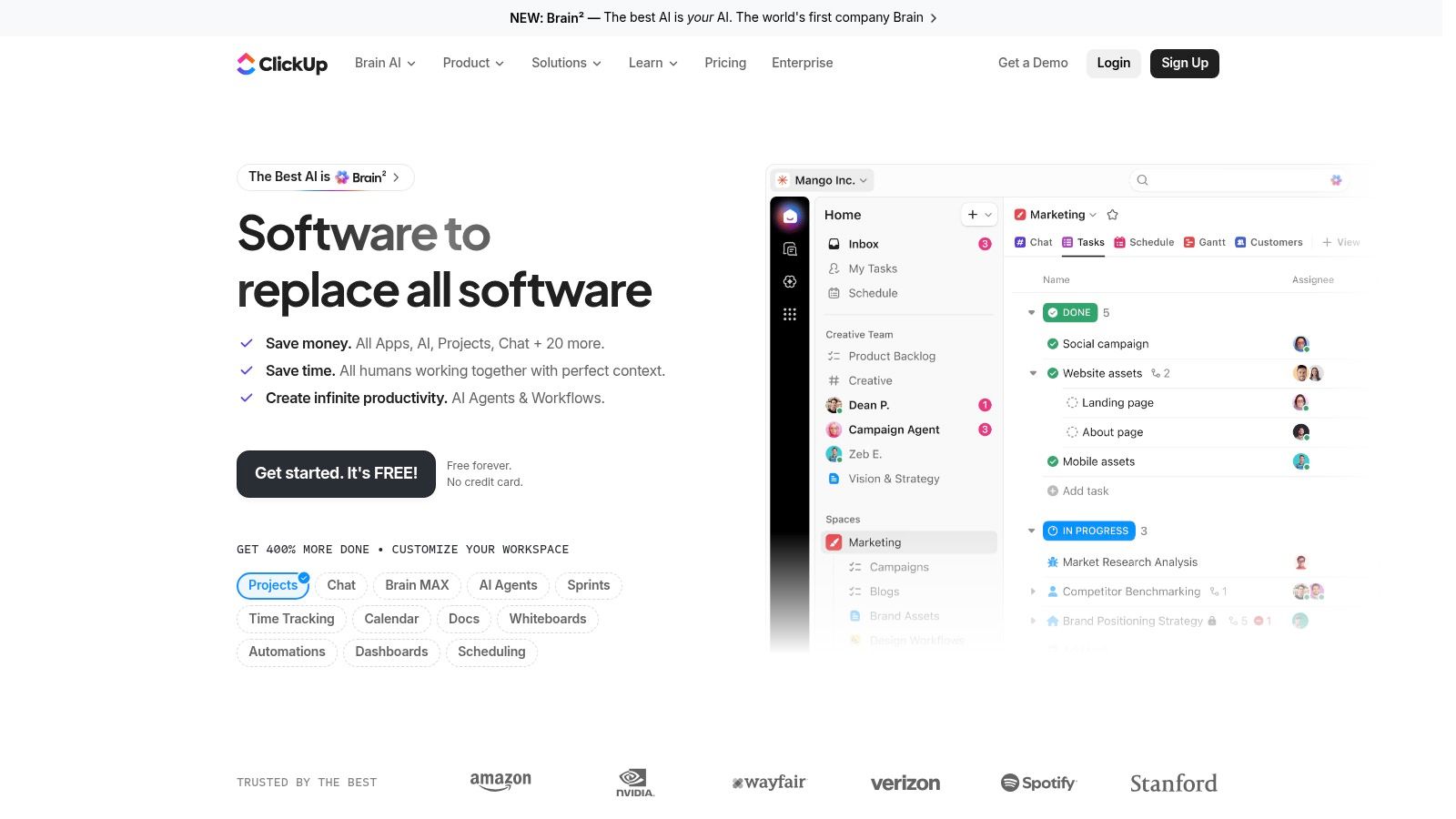
ClickUp is what many founders reach for when they want one platform to do almost everything. Tasks, docs, dashboards, whiteboards, chat, time tracking, screen recording, automations, and AI features all sit under one roof. For some teams, that replaces several separate tools. For others, it becomes a messy warehouse of features nobody fully governs.
ClickUp is powerful because it can model almost any workflow. You can build internal ops, campaign planning, client delivery, SOP libraries, lightweight CRM pipelines, and hiring workflows in one workspace. That flexibility makes it attractive to lean SaaS teams that don't want to maintain five different systems.
What works and what breaks
The best ClickUp implementations start small. One delivery model, one naming convention, one status system, and a short list of custom fields. Teams that try to use every view and every feature during setup usually create a workspace people avoid.
ClickUp is especially appealing if automation is part of the buying decision. In the verified data, only 3 of the top 15 reviewed project management tools are noted as offering native automation for lead generation, client outreach, or recruitment workflows without external integrations, and ClickUp is one of them, according to Harvest's project management tool roundup. That matters for B2B teams trying to connect project work with growth workflows, not just internal task lists.
A few practical realities:
- Breadth is the advantage: ClickUp can replace docs, task management, lightweight chat, and internal knowledge workflows.
- Complexity is the cost: If nobody owns information architecture, spaces and lists multiply fast.
- Reporting has limits: Many scaling companies eventually export data into BI tools for cleaner executive reporting.
ClickUp is one of the top project management tools for operators who want flexibility and are willing to design the system properly. It's less ideal for teams that want a strong opinionated workflow out of the box.
3. monday.com Work Management
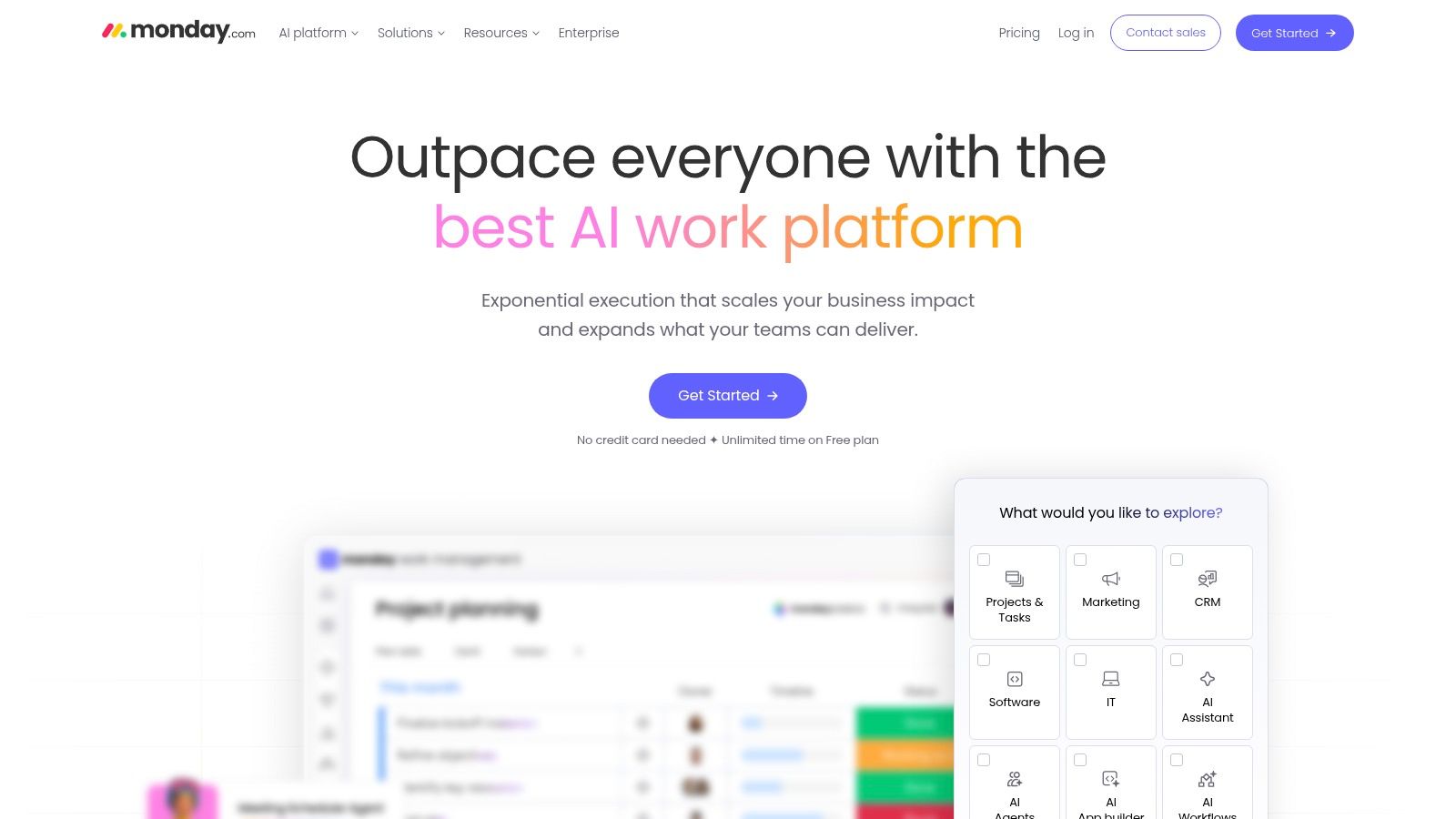
monday.com Work Management is one of the easiest tools to roll out to mixed teams. If you need account managers, marketers, operators, and leadership to adopt the same system quickly, its visual design helps. Stakeholders understand boards and dashboards fast, which reduces training friction.
This is a strong option for agencies and SaaS companies that want project tracking with a polished front end. It's also useful when external visibility matters, because the dashboards are easier for non-operators to read than what you'll usually get from more technical tools.
Best use case
monday.com works well when the main problem is visibility. You need a cleaner way to track campaign delivery, implementation work, creative production, or cross-functional launch timelines, and you want a system people can scan without explanation.
Its strengths include:
- Visual boards and views: Gantt, Kanban, calendar, and dashboards cover most planning styles.
- Template-driven setup: Departments can launch quickly without building from scratch.
- Cross-product potential: Teams already using monday CRM or monday dev can keep more workflows inside the same vendor ecosystem.
The downside is packaging. monday.com's pricing structure and product split can confuse buyers because exact capabilities depend on the SKU and plan. That's manageable, but it means you should map your must-have features before the sales process starts.
Buy monday.com for clarity and adoption. Don't buy it assuming every advanced function is included by default.
I've seen monday.com succeed in teams that value speed of rollout over process purity. I've also seen it become a colorful reporting layer sitting on top of messy delivery habits. The tool won't fix unclear ownership. It just makes that problem more visible.
4. Jira Software
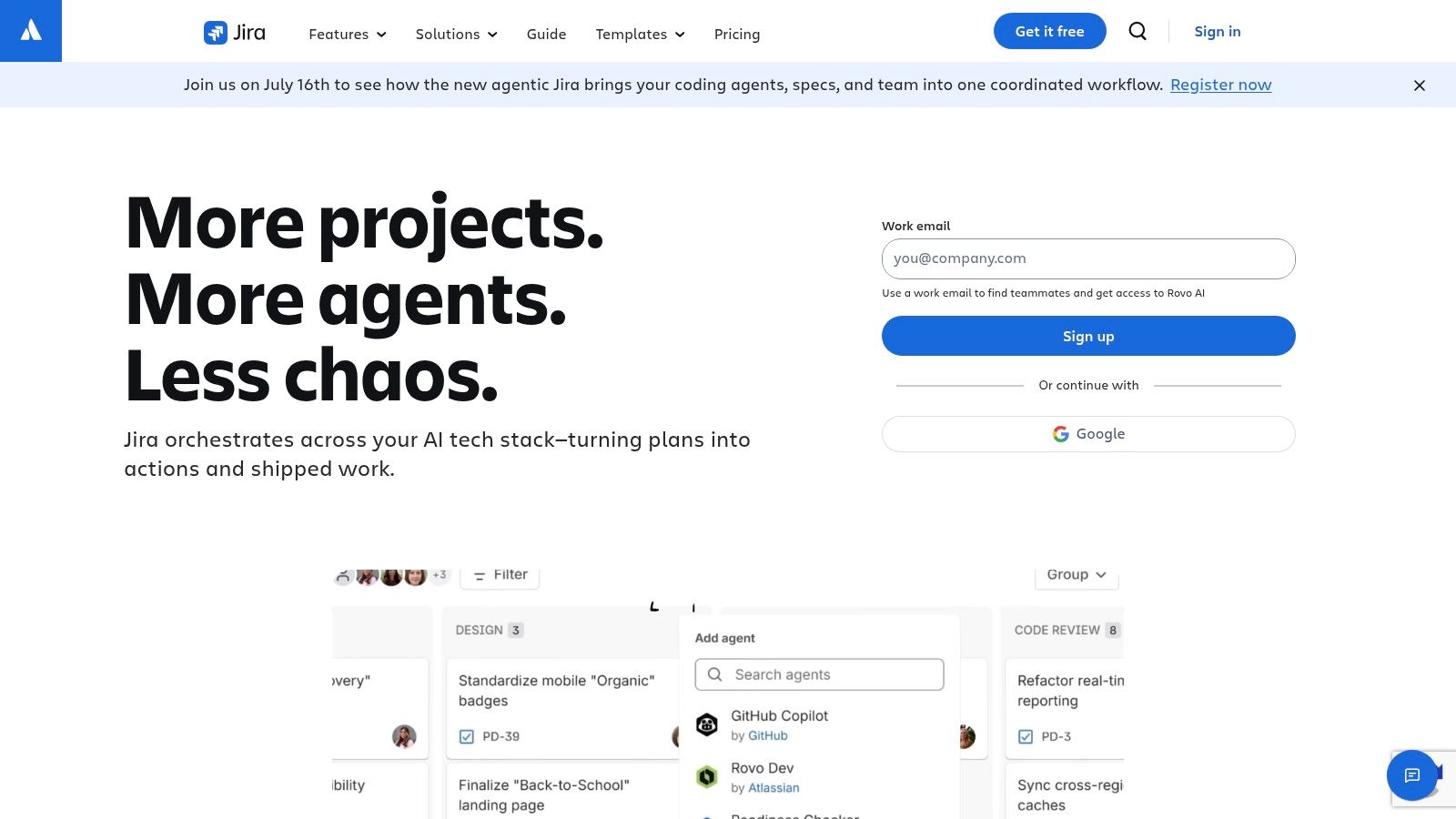
A SaaS company usually reaches for Jira after the same failure pattern shows up a few times. Product asks for clearer prioritization. Engineering wants cleaner sprint planning. Support needs bugs routed with context instead of tossed into a shared board. General-purpose tools start to feel too loose once delivery depends on handoffs between product, engineering, QA, and customer-facing teams.
Jira Software is still the strongest option in this list when software delivery is the core operating system of the business. It handles backlogs, sprints, issue types, workflows, roadmaps, and automations with much more control than a general work management platform. That control matters most for SaaS companies with multiple squads, active release cycles, and a real need to connect planning with execution.
Where Jira earns its keep
Jira works best when the team needs process precision, not just task tracking.
It is a strong fit for:
- Structured product and engineering workflows: Bug triage, sprint planning, release management, and dependency tracking all live in one system.
- A connected technical stack: Confluence, Bitbucket, and the Atlassian marketplace make Jira easier to extend into documentation, development, and incident workflows.
- Standardized delivery at scale: Admin controls, permissions, and shared workflow logic give larger teams a better chance of reporting consistently.
The trade-off is overhead. Jira gives teams a lot of configuration power, and badly governed setups become slow, noisy, and hard to trust. I have seen companies create five versions of the same issue type, three competing definitions of "in progress," and dashboards nobody believes. Jira itself was not the problem. Loose operating standards were.
That is why I rarely evaluate Jira as a standalone tool. I evaluate it as part of a system. For a growth-stage SaaS company, Jira often works best as the execution layer under a broader operating stack. Product requirements may start in docs, engineering work moves through Jira, customer issues flow in from support tools, and status reporting rolls out to leadership through dashboards or BI. If those connections are clean, Jira becomes a reliable source of truth. If they are not, it turns into a ticket warehouse.
Buy Jira if your team needs discipline, traceability, and an environment built around software delivery. Skip it if the business mainly needs lightweight project visibility for mixed departments. Jira is excellent for engineering organizations. It is often too heavy for teams that just need a shared task board and fast adoption.
5. Smartsheet
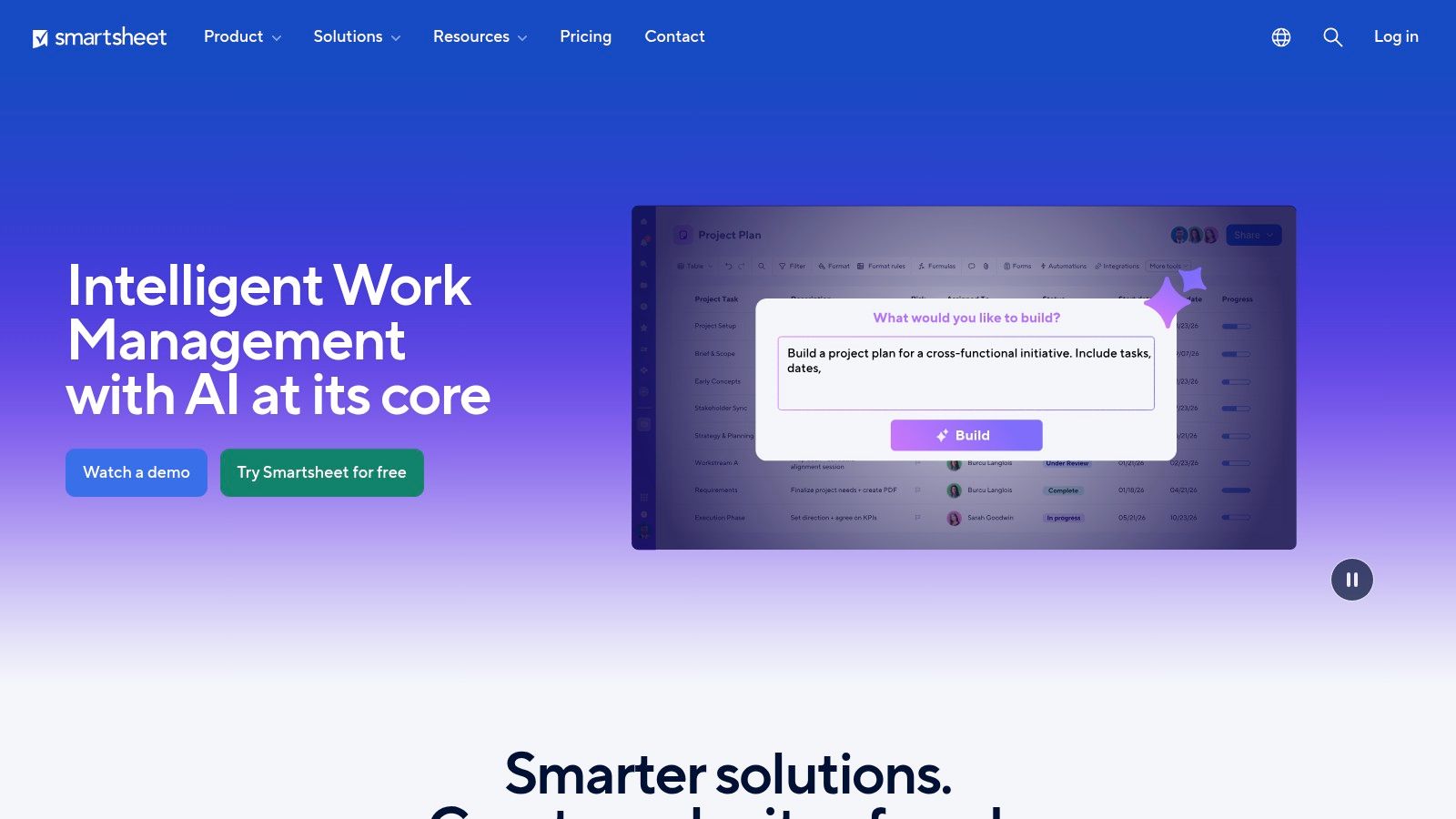
Smartsheet is what I recommend when a company wants project management with PMO rigor, not startup-style flexibility. If your operators love spreadsheets, need portfolio reporting, and care about governance, Smartsheet often lands better than prettier tools.
It's especially effective for implementation teams, transformation programs, revops, and enterprise operations groups. The spreadsheet-native model makes it approachable for people who already manage critical workflows in Excel or Google Sheets, but it adds structure, permissions, dashboards, and more reliable standardization.
Where Smartsheet earns trust
Smartsheet shines when you need process consistency across many projects. Teams can build repeatable project frameworks, roll up reporting to leadership, and extend the platform with premium modules like Control Center, DataMesh, Connectors, and Bridge.
That makes it useful for:
- PMO standardization: Consistent templates, reporting fields, and status definitions.
- Executive reporting: Cleaner cross-project dashboards than most ad hoc spreadsheet systems.
- Structured operations: Resource planning and program oversight without moving to a full ERP-style environment.
The trade-off is cultural. Teams that prefer lightweight kanban workflows can find Smartsheet rigid. It's not the tool I'd pick for a fast-moving product team that wants speed and minimal admin. It is the tool I'd pick when leadership wants reliable reporting and operators need controlled rollout across many workstreams.
Smartsheet is less glamorous than some of the top project management tools on this list. In the right environment, that's exactly why it works.
6. Wrike
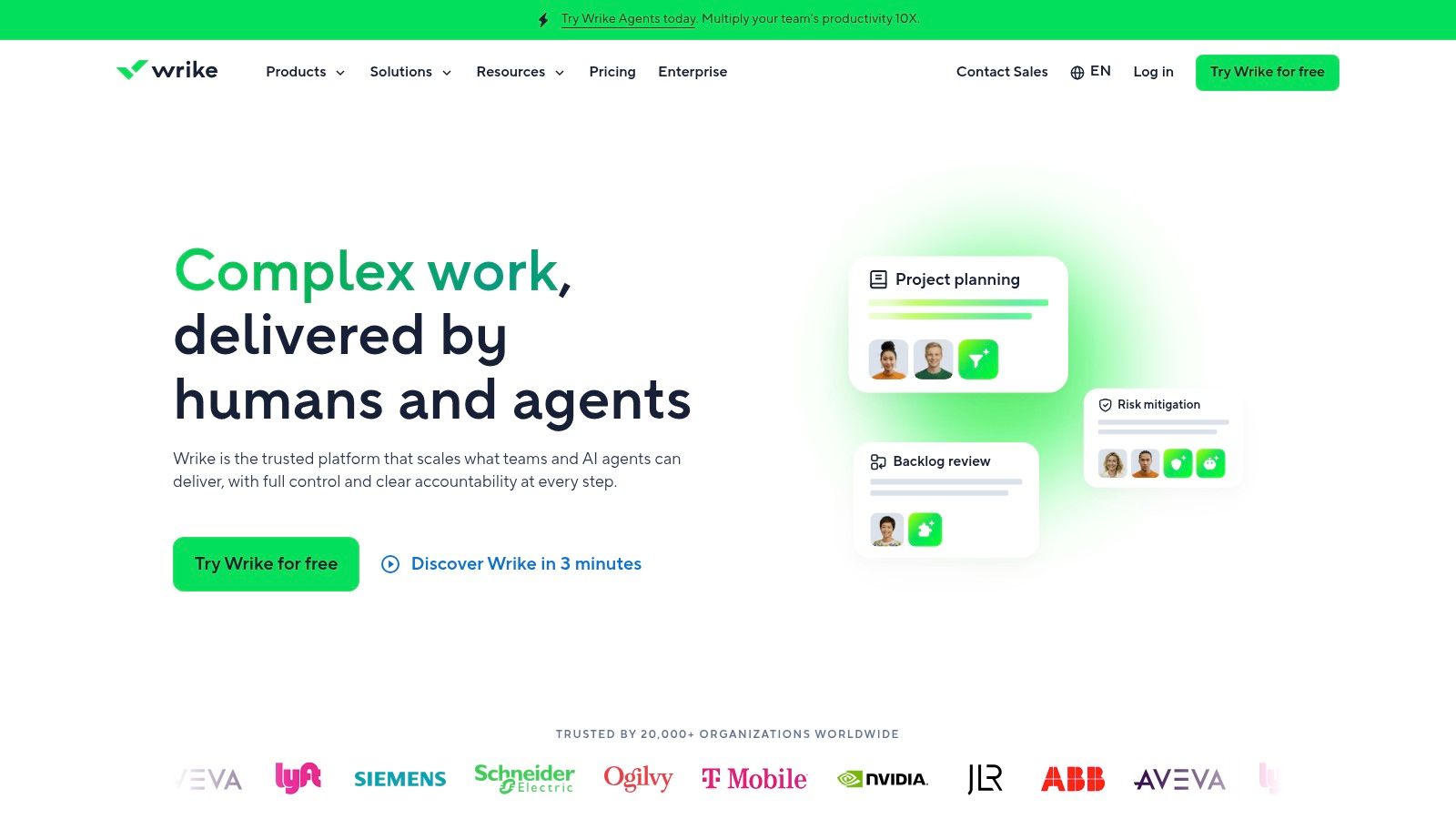
Wrike tends to perform well in organizations that have real approval chains. Creative teams, marketing departments, and professional services groups often need more than task lists. They need intake, proofing, review cycles, resource planning, and portfolio visibility in one place. Wrike handles that better than many generalist tools.
When a team produces assets that move through multiple reviewers, Wrike's approval and proofing features are often the deciding factor. That matters in agencies and in-house marketing teams where delays usually happen in review, not in task creation.
Good fit for delivery-heavy organizations
Wrike is one of the few tools that can bridge operational control and creative collaboration without too many workarounds. Request forms, proofing, approvals, whiteboards, integrations, resource planning, and AI features make it more capable than its interface first suggests.
What I like most in Wrike deployments:
- Request intake: Good for centralizing work requests before they become project clutter.
- Approval workflows: Stronger than many competitors for creative review environments.
- Capacity planning: Helpful for services teams balancing utilization and delivery load.
The caution is setup weight. Smaller teams can end up overbuilding the system and then resenting the admin overhead. Wrike is at its best when the organization already accepts process discipline and needs the tool to support it.
If your work requires approvals, proofs, and resourcing in the same system, Wrike deserves a serious look.
For internal-only teams with simpler workflows, Wrike can feel like more platform than they need. For delivery teams with deadlines, reviewers, and utilization pressure, that extra structure often pays for itself.
7. Notion
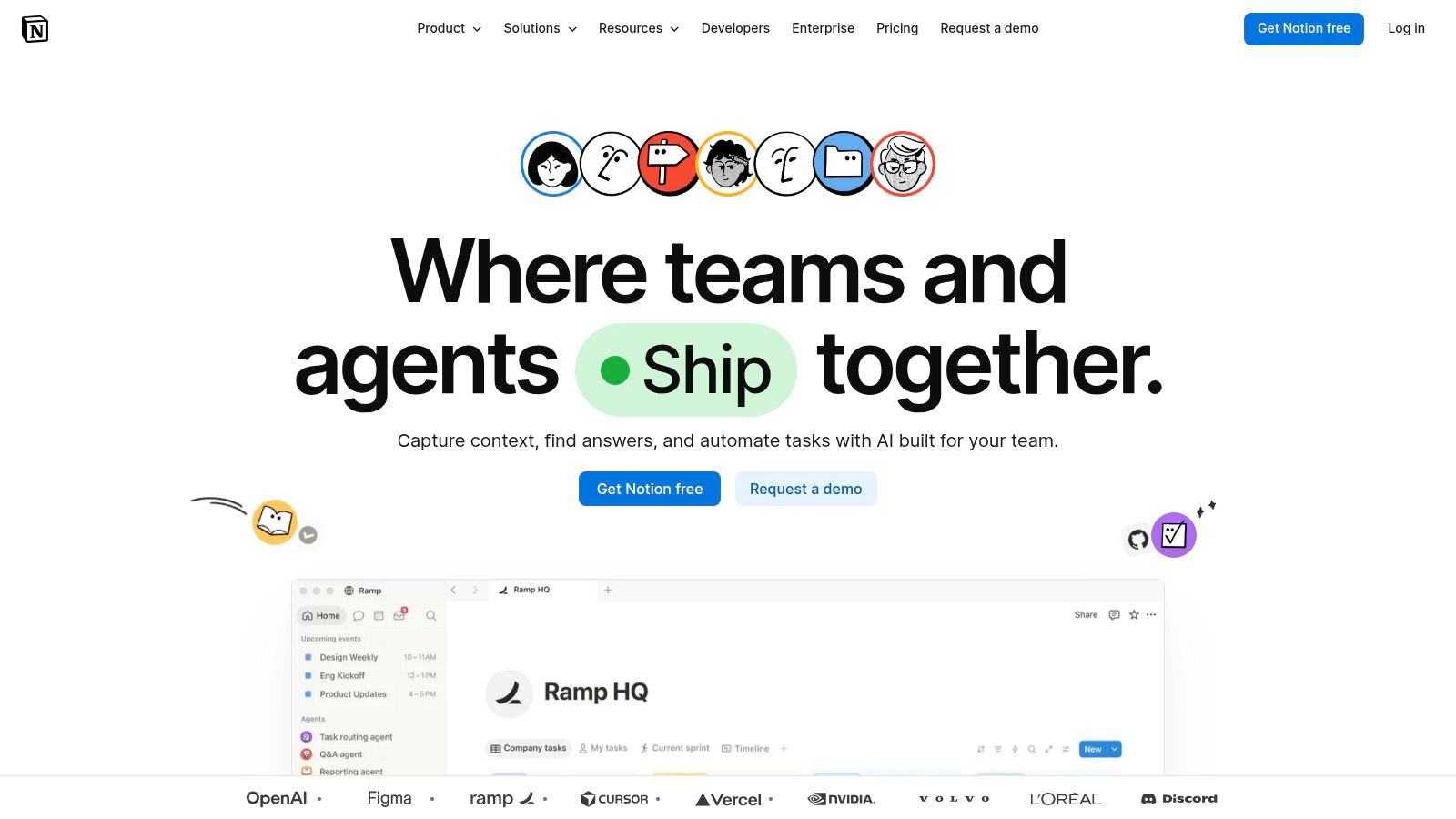
Notion is not the most prescriptive project management platform here. That's the point. It's a flexible workspace that combines docs, databases, wikis, dashboards, and lightweight task management. For documentation-heavy SaaS teams, that blend can be more useful than a rigid PM tool.
Notion works best when knowledge and execution need to sit together. Product briefs, SOPs, meeting notes, launch plans, client information, hiring pipelines, and internal project trackers can all connect in one workspace. That's powerful for small to mid-sized teams that care about context as much as they care about task status.
Best for SOP-driven operations
If your company runs on documented processes, Notion can become the system behind the system. You can tie tasks to operating procedures, embed reference material directly in project pages, and build internal hubs for onboarding, campaigns, client delivery, or recurring operations.
Its strongest use cases include:
- Knowledge plus execution: Keep SOPs, playbooks, and projects together.
- Custom operating hubs: Useful for founders and ops leads building process libraries.
- Documentation-first collaboration: Better than many PM-first tools for company memory.
The weakness is task rigor. Notion can track work, but it doesn't naturally enforce the same discipline you get in Asana, Jira, or Teamwork. If your team already struggles with ownership and deadlines, too much flexibility can make that worse.
Notion is one of the top project management tools only if you define project management broadly. For many SaaS teams, that's fair. Their problem isn't just delivery tracking. It's fragmented knowledge.
8. Linear
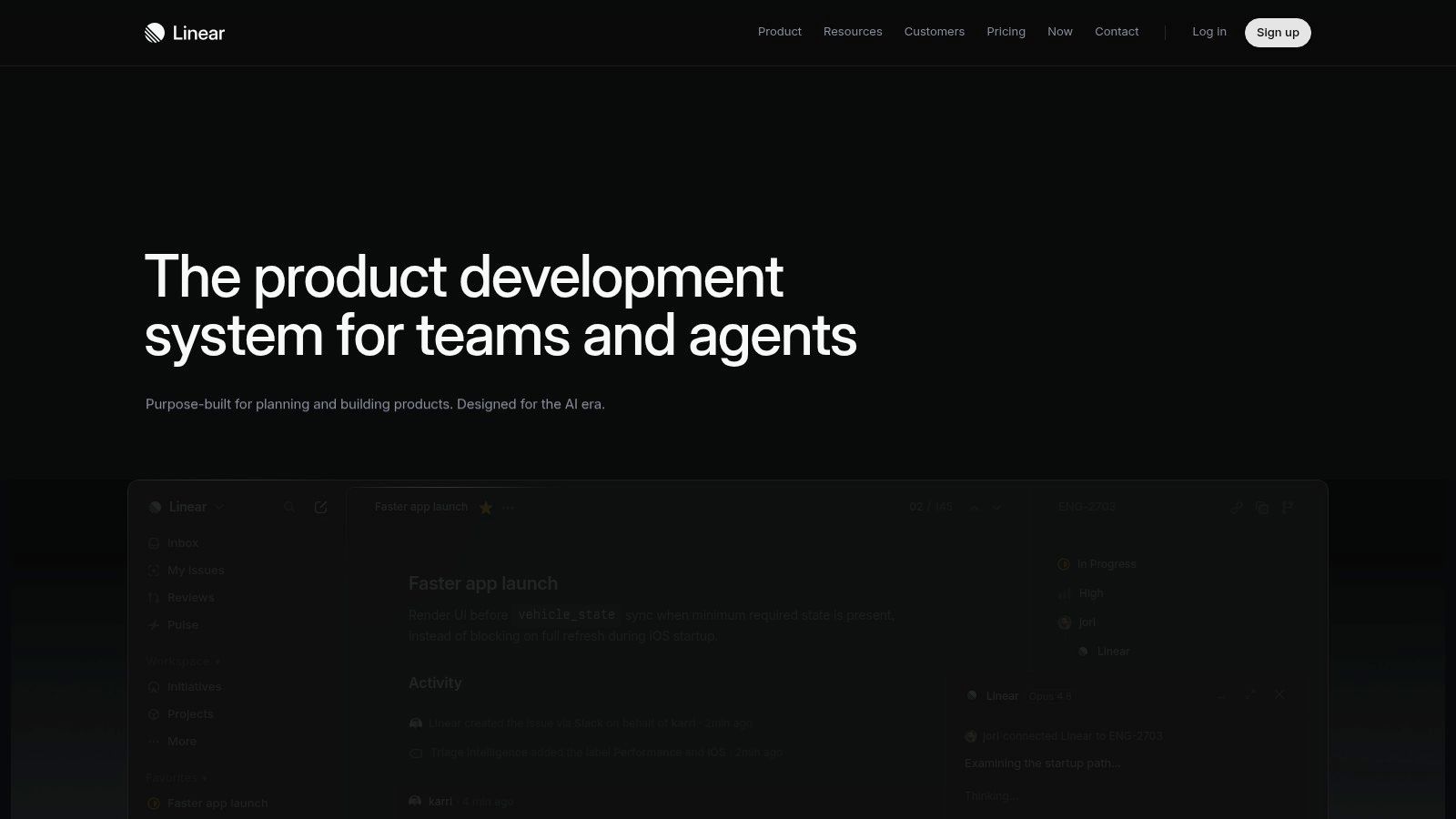
Linear is what you choose when speed matters and you don't want your issue tracker fighting you. Product and engineering teams love it because it feels fast, opinionated, and clean. It doesn't try to be everything for everyone.
That focus is Linear's biggest advantage. Teams get issues, cycles, initiatives, roadmaps, triage flows, Slack and Git workflows, and newer AI capabilities without the sprawl that often comes with more configurable systems. For startup product orgs, that simplicity helps people stay focused.
Why teams move to Linear
Linear works well for teams that have outgrown ad hoc product management but don't want the operational weight of Jira. The interface encourages cleaner habits. Work gets scoped more tightly, triaged faster, and presented in a way engineers usually adopt quickly.
It's strongest when you need:
- Developer-friendly experience: Keyboard-first UX and fast interactions.
- Opinionated workflows: Helpful for keeping product work disciplined.
- Modern product planning: Better for lean product orgs than for broad cross-functional operations.
Its limitations show up outside engineering. If you need large-scale portfolio management, deep PMO reporting, or strong support for non-technical departments, Linear isn't the broadest choice. It's a product delivery tool first.
I usually recommend Linear to software companies where engineering execution is the bottleneck and cross-functional coordination can live elsewhere. If you try to force all company operations into Linear, you'll hit its edges quickly.
9. Teamwork.com
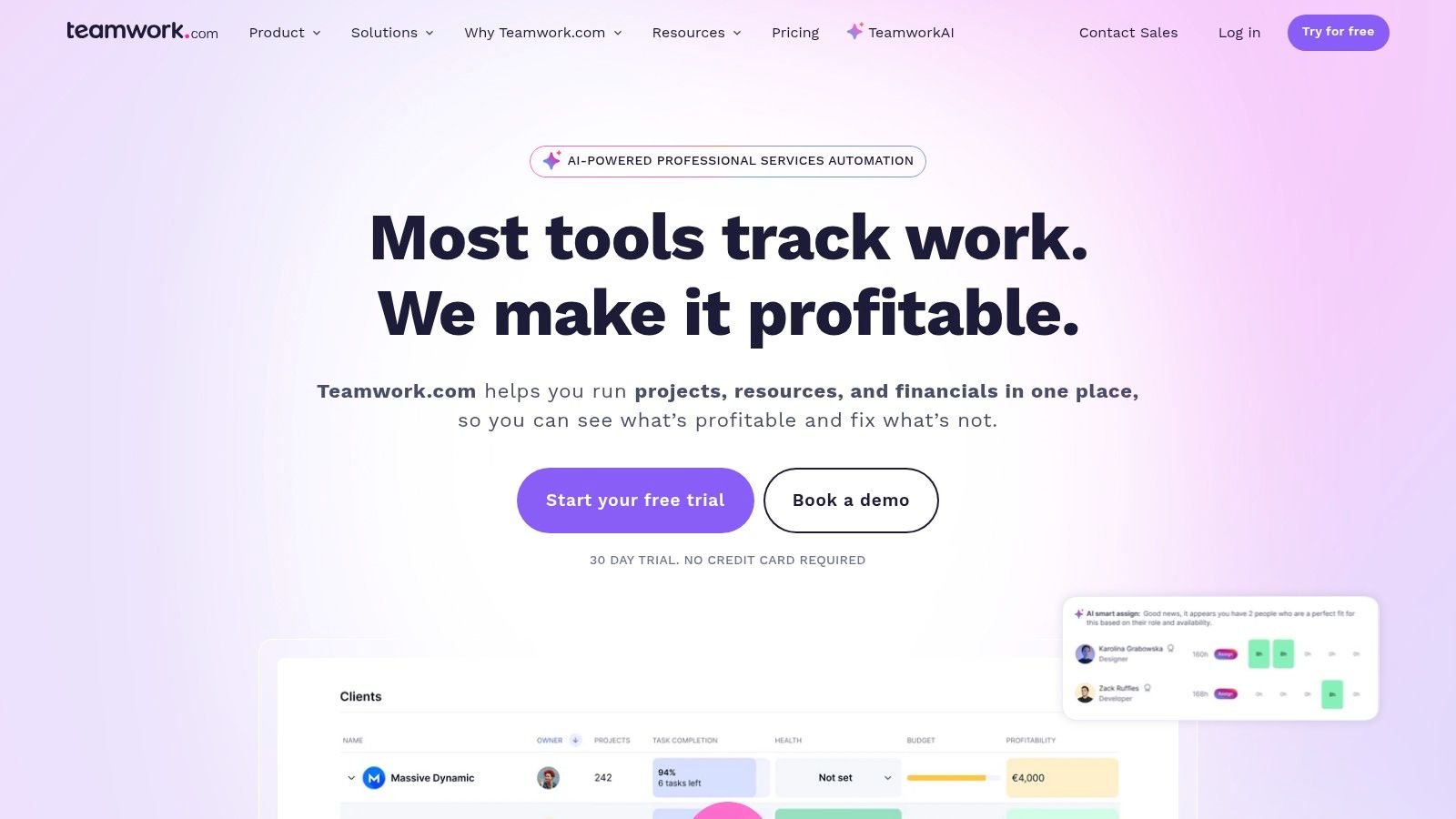
Teamwork.com is one of the few tools in this list that feels purpose-built for agencies and client services businesses. If your delivery model depends on billable time, utilization, budgets, client collaboration, and invoicing, Teamwork deserves much more attention than it usually gets in generic software roundups.
A lot of project tools can manage agency tasks. Fewer can connect tasks to time, time to budget, and budget to profitability in a way service teams can run on. Teamwork is designed for that reality.
Strong option for agencies and service teams
Teamwork stands out when revenue depends on delivery efficiency. Built-in time tracking, resource planning, client access, budgeting, invoicing, and profitability reporting give operations leaders a more complete picture than a standard task manager can.
What it does especially well:
- Task to invoice visibility: Teams can trace delivery work to hours and billing outcomes.
- Client services workflows: Better suited to retainers, projects, and managed service work.
- Capacity planning: Useful when staffing decisions affect both margins and client experience.
The caveat is that internal product teams may not need all that operational depth. If you're not running billable work, some of Teamwork's biggest strengths become extra complexity.
For digital agencies, though, Teamwork often solves a real operational gap. It combines project control with commercial visibility, which is exactly where many agency systems break.
10. Basecamp
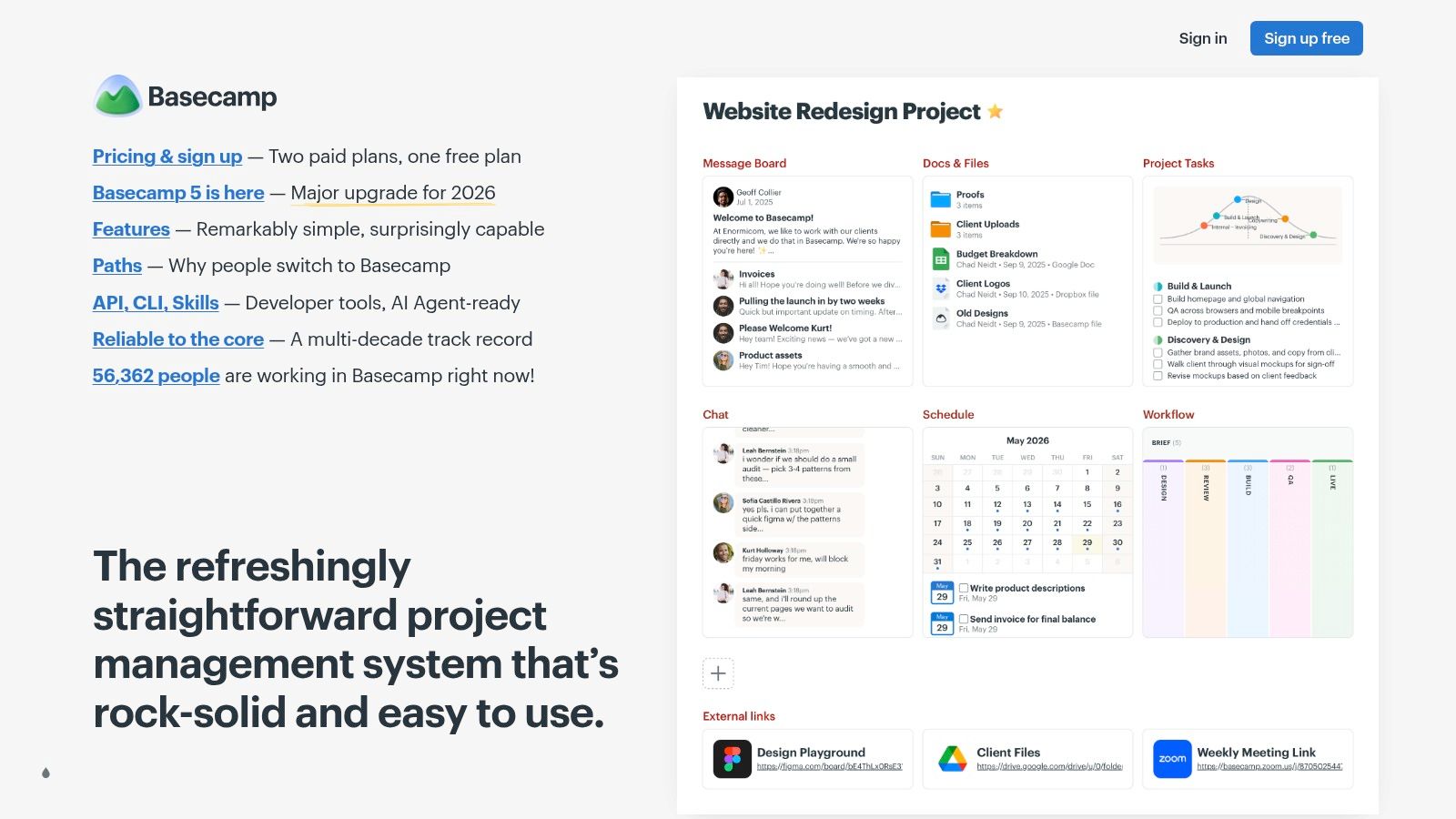
Basecamp is the simplest product in this lineup, and that simplicity is either the reason to buy it or the reason to avoid it. If your team hates overconfigured software and just wants one place for messages, to-dos, schedules, files, and check-ins, Basecamp can work surprisingly well.
I wouldn't choose it for heavy PMO reporting, advanced resource planning, or detailed budget control. I would choose it for small teams, founder-led companies, and agencies that need straightforward collaboration without a dedicated operations admin.
When simple is the better system
Basecamp's value comes from low maintenance. Setup is fast, admin is light, and people understand the structure almost immediately. The built-in communication model also reduces the “task tool in one tab, chat tool in another” problem that creates missed context.
Basecamp is strongest for teams that want:
- Low admin overhead: Minimal setup and less temptation to overengineer workflows.
- Project-centric communication: Message boards, pings, campfires, and check-ins in one place.
- Predictable cost structure: Especially useful for larger headcounts that value flat pricing.
The compromise is capability. If your business needs granular reporting, tighter automation, deeper portfolio views, or native budget controls, Basecamp will feel limited. Still, I've seen teams become more consistent in Basecamp because they use it every day.
That matters more than feature count. Plenty of companies buy advanced software and then continue managing work in Slack anyway.
Top 10 Project Management Tools Comparison
| Product | Core focus & key features | Best for | Strengths (unique selling points) | Limitations | Pricing / value |
|---|---|---|---|---|---|
| Asana | Work & portfolio management; multiple views, automations, goals, AI Studio | Cross-functional B2B/SaaS teams; enterprise portfolios | Rich templates, portfolio/goals tracking, strong integrations & governance | Advanced portfolio/governance locked to higher tiers; can feel heavy for small engineering teams | Tiered (Free → Premium → Business → Enterprise); advanced features on higher plans |
| ClickUp | All‑in‑one tasks, docs, whiteboards, native AI agents | Teams that want to replace multiple point tools with one platform | Extremely feature‑dense, competitive entry pricing, 24/7 support | High configuration complexity; some orgs export to BI for advanced reporting | Competitive entry pricing; many features included across tiers; add‑ons for AI |
| monday.com Work Management | Visual work OS with boards, dashboards, automations, product SKUs | Stakeholder-facing teams (PM/CRM/service/dev) | Fast onboarding, visual dashboards, broad template library | Seat “bucket” pricing and SKU-dependent capabilities; plan complexity | Seat-based bucket pricing; different SKUs and tiers affect cost |
| Jira Software (Atlassian) | Agile backlog, sprints, configurable workflows, Advanced Roadmaps | Engineering/product teams at scale | Deep backlog/roadmap control, highly configurable, strong security & ecosystem | Configuration overhead; costs grow with add-ons and premium needs | Tiered (Free → Standard → Premium → Enterprise); advanced features require higher tiers |
| Smartsheet | Spreadsheet-native PMO, portfolio reporting, premium modules | PMO, portfolio/resource planning, executive reporting | Familiar grid + formulas, strong portfolio dashboards, enterprise modules | Best value with Business/Enterprise + add‑ons; spreadsheet paradigm can feel rigid | Tiered plans; premium modules (Control Center, DataMesh, Bridge) add cost |
| Wrike | Enterprise work mgmt with proofing, approvals, resource planning, AI agents | Marketing, creative, professional services, enterprise teams | Strong proofing/approvals, capacity planning, governance & integrations | Complex packaging and add‑ons; heavier setup for small teams | Tiered with many add‑ons; enterprise pricing for advanced features |
| Notion | Modular docs & databases, teamspaces, AI & custom agents | Documentation‑centric teams, SOPs, lightweight PM & CRM | Flexible workspace for wikis/SOPs, fast customization | Task mgmt less prescriptive than PM tools; some AI features cost credits | Free → Team → Enterprise; AI/custom agents may incur extra costs |
| Linear | Fast issue tracking, cycles, roadmaps, Git integrations, agents | Product & engineering teams prioritizing speed and simplicity | Exceptional performance, keyboard-driven UX, developer integrations | Less suited for non-engineering teams; lighter portfolio/reporting | Tiered plans; advanced data/agent features on higher tiers |
| Teamwork.com | Client services PM with time tracking, invoicing, budgets | Agencies and services firms focused on billable work | End‑to‑end agency delivery (quote → invoice), strong utilization reporting | Evolving plan names/features; may be more than internal‑only teams need | Tiered plans; agency features (invoicing/time) on mid‑to‑higher tiers |
| Basecamp | Opinionated project collaboration: messaging, to‑dos, schedules, simple Kanban | Small teams, consultants, client projects needing simplicity | Very low admin overhead, quick adoption, flat unlimited pricing option | Fewer advanced PM/portfolio features; limited native time/budget controls | Flat-rate Pro Unlimited (predictable pricing) and free personal tier |
From Tool to System: Your Next Steps
Monday morning usually exposes the underlying problem. Sales marks a deal as closed. The delivery team still waits on a handoff. Engineering has work in Jira or Linear, account managers track client follow-ups elsewhere, and leadership asks for a status update built from three different tools and a few Slack messages. At that point, the question is not which project management app has the nicest interface. The question is which setup can run your operating model with less friction.
That is the standard I use with SaaS companies and agencies. Choose the platform that fits your work shape first, then design the system around it.
Asana and monday.com fit cross-functional teams that need visibility across marketing, operations, client delivery, and internal projects. Jira and Linear fit product-led companies where engineering planning drives deadlines and priorities. Teamwork and Wrike make more sense for service businesses that care about utilization, client-facing work, and repeatable delivery. Smartsheet is often the practical choice for teams that already manage planning in grids and need more control than a basic task board gives them. Notion works best when documentation, SOPs, and lightweight execution need to live in the same workspace. Basecamp still earns its place for small teams that value low admin overhead over reporting depth.
The mistake is stopping at tool selection.
A project management system has to connect intake, delivery, reporting, and recurring operations. New deals should trigger onboarding steps. Approved requests should create structured work with the right owner, due date, and template. Weekly reporting should pull from live project data instead of asking managers to rebuild updates by hand. If those connections are missing, even a strong platform turns into another place to manually copy information.
Kissflow's analysis of project management tooling gaps points to a problem I see often in implementation work: many tools cover task management well, but fall short once teams need direct automation across CRM, SOPs, and operational triggers without extra middleware. That is why teams can buy a platform with plenty of features and still feel disappointed a few months later. They bought project tracking. They needed process control.
Methodology matters too, but rigid adherence usually hurts more than it helps in growing companies. SaaS and agency teams rarely work in a single mode. Product work may run in sprints. Client delivery may depend on deadlines, approvals, and billable milestones. Internal ops often run on recurring checklists and service-level expectations. The better system supports all three without forcing the team into awkward workarounds.
Founders and operators usually ask a simpler question. Will this setup save time once the company gets busier?
That is the right filter. Buy for the next stage of complexity, not just the current headcount. More clients, more campaigns, more hires, and more product work all create more handoffs. The right platform is the one that can handle cleaner architecture as that load increases, without requiring a full rebuild six months later.
If you're also thinking about the bigger ecosystem around delivery software, funding, and category growth, this list of leading project management VCs in the US is a useful signal on where the market keeps investing.
The best results come from treating project management as part of an operating system, not as a standalone app. MakeAutomation helps SaaS and B2B teams design that system around actual workflows: CRM handoffs, AI automation, SOP execution, lead generation ops, client delivery, recruitment processes, and Voice AI Agents for inbound and outbound calls. If your team is stuck between manual workarounds and an overbuilt stack, MakeAutomation can build a setup that reduces coordination drag and holds up as the business grows.