10 API Automation Tools for Growth-Stage Teams
The popular advice is to pick one API automation platform and standardize everything around it. That sounds efficient, but it usually creates the wrong kind of dependency. Integration workflows, API testing, load testing, CI/CD quality gates, self-hosting, and enterprise governance are different jobs, with different owners, deployment constraints, and cost risks.
The market reflects that separation. One industry report estimates the API testing market at $1.75 billion in 2025, rising to $2.14 billion in 2026 and projecting $4.72 billion by 2030, a 21.9% CAGR (Kusho's State of Agentic API Testing 2026). Broader API development and management markets include design, documentation, governance, monitoring, and integration, not only test execution (Business Research Insights API management tools market).
This guide compares ten API automation tools by the job they perform. The evaluation focuses on technical ownership, deployment model, workflow complexity, billing unit, collaboration, governance, and the point at which each product becomes difficult or expensive to operate. The short list includes API lifecycle platforms, developer-centric frameworks, performance tools, no-code integration products, self-hosted workflow engines, and enterprise iPaaS options.
1. Postman
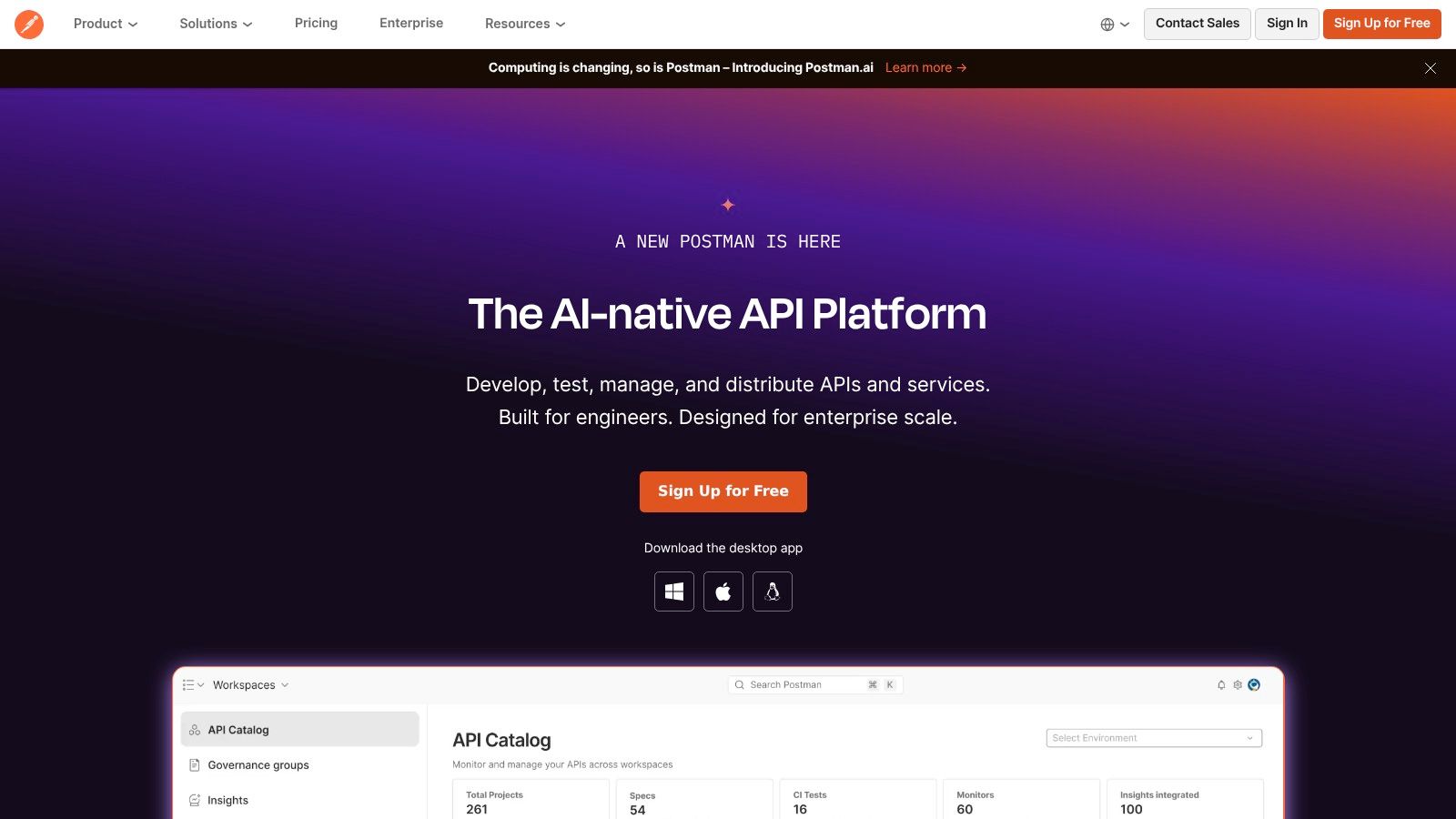
Postman is the strongest general-purpose choice when a growth-stage team wants one shared workbench for API design, debugging, testing, mocking, documentation, and monitoring. It supports REST, GraphQL, gRPC, and WebSocket workflows, while collections turn exploratory requests into repeatable automated tests.
The practical advantage is continuity. A developer can design a request, save it in a collection, add assertions, mock a dependency, publish documentation, and run the same collection in CI/CD through the Postman CLI. Git workflows, workspaces, collaboration features, RBAC, AI-assisted capabilities, and the API Catalog make it useful for teams moving from individual utilities toward shared API ownership.
Postman's position in enterprise workflows is reinforced by the 2025 State of the API Report, which reports that 75% of organizations use CI/CD pipelines for API deployment. The report also identifies Postman as used by 40% of organizations for API documentation, testing, and inventory management, so it's a familiar option for teams trying to consolidate scattered API practices.
Where Postman fits
Postman works best when developers, QA engineers, technical product managers, and platform teams need a common interface. It's especially useful for API-first SaaS companies that need documentation and test assets to stay close to the implementation.
Authentication deserves careful design. Teams managing API keys, OAuth 2.0, JWTs, or mTLS should define credential storage, rotation, and environment separation before turning collections into pipeline gates. This API authentication methods guide provides useful context for that implementation work.
Practical rule: Use Postman as the shared API workbench, but keep production credentials and environment configuration under strict ownership.
The trade-off is commercial complexity. Team and enterprise collaboration features require paid plans, while AI credits and possible overages can make long-term budgeting less predictable. Postman is a good default for broad lifecycle coverage, but teams focused only on code-native tests or high-volume performance testing may be paying for capabilities they don't use.
2. SmartBear ReadyAPI
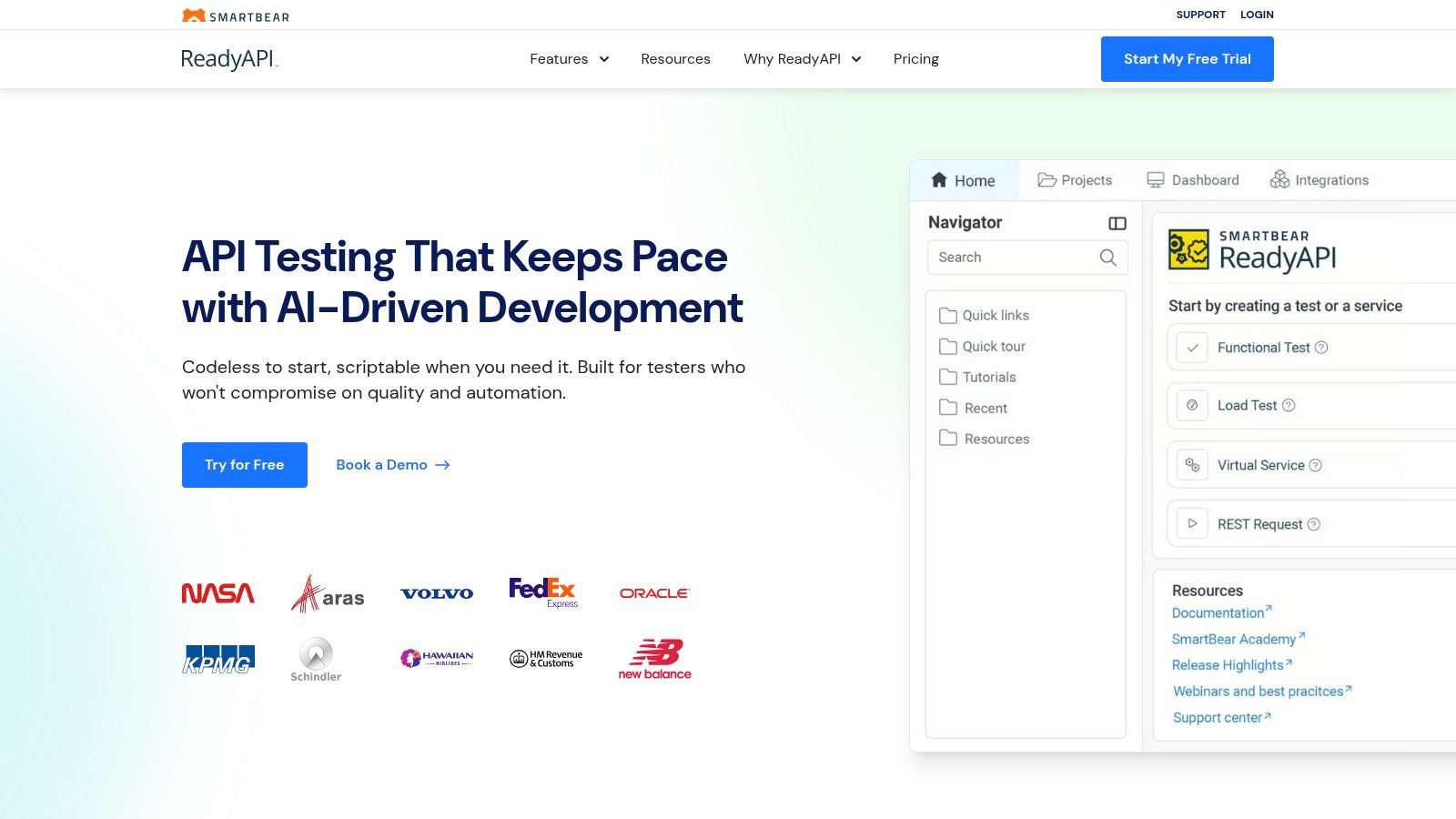
SmartBear ReadyAPI is designed for organizations that need broad API test coverage under centralized control. It brings functional, security, and performance testing into one commercial suite, with API virtualization, reporting, CI/CD integrations, and support for parallel execution.
That breadth matters when several teams test dependent services across shared environments. Instead of building separate processes for functional assertions, virtualized dependencies, load scenarios, and security checks, QA and platform teams can manage them within the SmartBear ecosystem. ReadyAPI is also the commercial evolution of SoapUI, which makes it a familiar path for organizations with established SOAP and enterprise integration estates.
Control comes with overhead
ReadyAPI's main strength is also its main limitation. Its feature depth suits regulated, integration-heavy, or highly coordinated environments, but the learning curve is steeper than that of lightweight API clients and code-based frameworks. The Windows-first user experience can feel less natural for developers who prefer command-line workflows, pull requests, and test files reviewed as code.
Licensing is another consideration. ReadyAPI is a commercial enterprise product, so the cost may be justified when centralized reporting, vendor support, virtualization, and broad testing coverage replace several internal tools. Smaller teams should test whether they need the complete suite or only functional API checks.
A broad testing platform helps most when one team owns quality across multiple services. It can be excessive when individual developers only need fast request debugging.
ReadyAPI fits mature QA organizations that value governance and vendor accountability over minimal setup. It's less compelling for a small engineering team that wants self-hosting, a lightweight developer experience, or a framework that can live entirely inside its existing programming language and repository conventions.
3. Karate
Karate combines API, UI, contract, mocking, and performance automation in an open-source framework built around a readable domain-specific language. The syntax reduces boilerplate, so QA engineers and developers can express requests, assertions, data setup, and scenario flows without constructing a large supporting codebase.
Karate supports REST, GraphQL, and SOAP testing. Built-in mocks and stubs help teams isolate external services, while performance testing works through Gatling. CLI and JUnit integration make it suitable for CI/CD, and IDE plugins for IntelliJ and VS Code improve the experience for teams that want test assets versioned beside application code.

Self-hosting is the differentiator
Karate is a strong fit for teams that need local execution, restricted network access, or control over test data. The open-source core runs without per-run metering, which makes the execution model easier to understand than usage-based cloud products. That doesn't remove operational work, however. Your team still owns runtime maintenance, dependency updates, test architecture, and CI reliability.
Karate Labs adds commercial capabilities such as async protocol packs for Kafka, gRPC, and WebSocket workflows, governance and coverage features, IDE tooling, and an AI-native agent. Those additions can help as the organization expands beyond straightforward synchronous API testing, but enterprise features require paid licenses.
Teams considering the framework should understand its testing automation framework fundamentals before standardizing on it. The central question isn't whether the DSL looks approachable. It's whether the organization has enough engineering discipline to keep a growing test suite modular, readable, and versioned.
Karate works especially well for compliance-sensitive teams and organizations that want one local framework for API and performance scenarios. It's less attractive if procurement requires a large legacy vendor or if business users need a visual, no-code interface.
4. Grafana k6
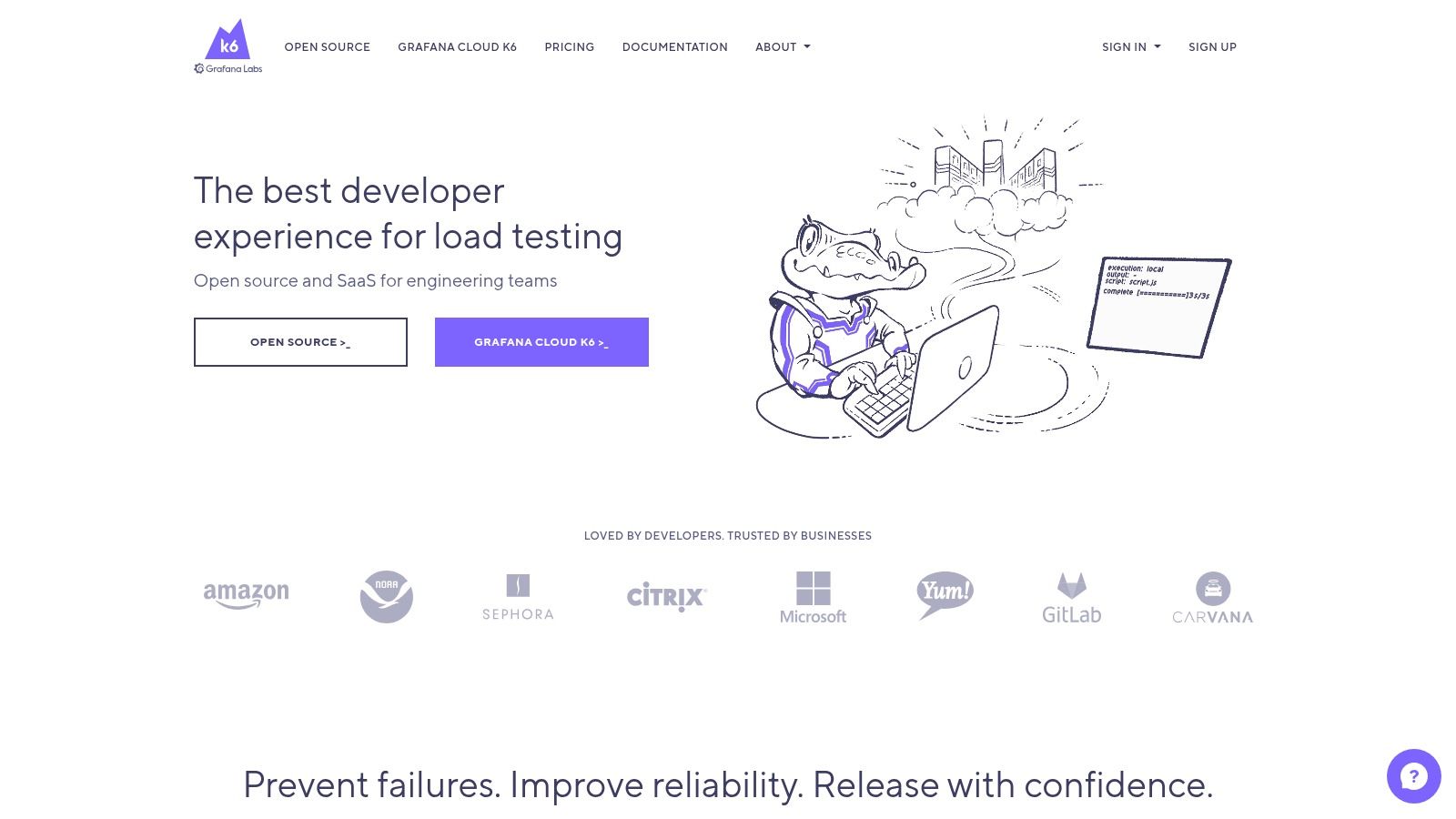
Grafana k6 is a performance and load-testing tool for teams that treat API behavior as part of application reliability. Its open-source core uses code-based tests with JavaScript and Go-oriented tooling, while checks and thresholds let engineers express release conditions directly in test scripts.
k6 isn't a replacement for a full API lifecycle platform. It's better understood as a focused performance layer that can run locally, inside CI, or through Grafana Cloud k6 for managed execution, dashboards, collaboration, and scaling. That focus is valuable for SaaS teams building performance regression baselines around critical endpoints, background jobs, and service-to-service traffic.
Connect tests to observability
Grafana's ecosystem is the natural reason to choose k6. Teams already using Grafana for metrics and SLO discussions can connect load-test results with the operational signals they use after deployment. Postman's 2025 report identifies Grafana as used for monitoring by 36% of organizations, with Sentry and Elastic each at 20% (Postman's 2025 API report). That fragmentation means k6 is most useful when it complements an existing observability stack rather than pretending to replace it.
The cost model needs attention. Grafana Cloud k6 offers free and pay-as-you-go options with VU-hour pricing, while browser limits, virtual-user limits, retention, and advanced enterprise support vary by plan. Capacity planning should include test frequency, peak concurrency, result retention, and whether browser testing is required.
k6 is a strong choice for developer-led performance testing and CI quality gates. It isn't the right primary tool for API documentation, broad functional collaboration, or business-user integrations.
5. Insomnia
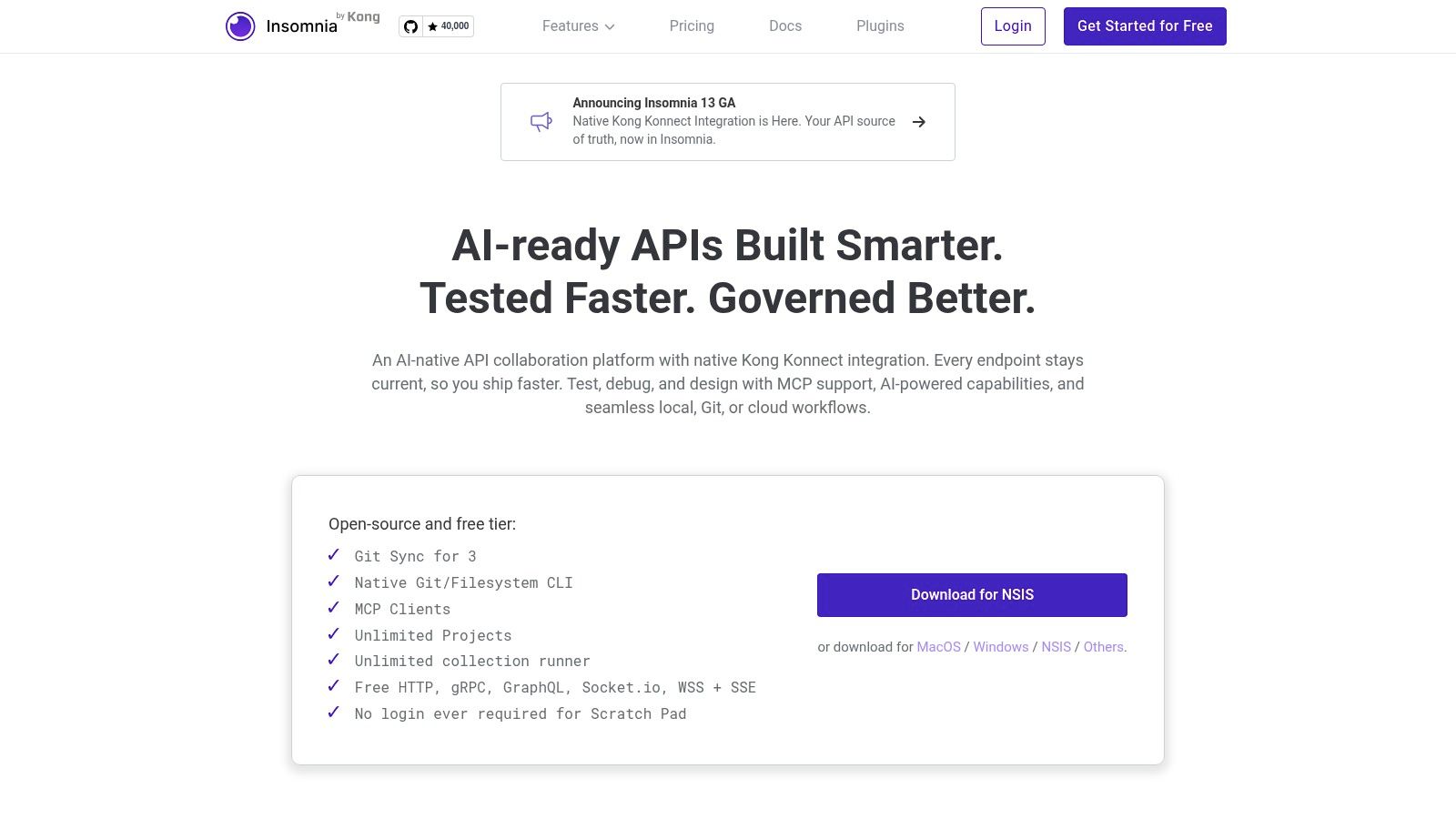
Insomnia offers a clean developer-focused workbench for designing, debugging, testing, and mocking APIs. It supports REST, GraphQL, gRPC, and WebSocket requests, with specification linting, scripting, and the Inso CLI for automated runs in CI/CD.
Its design-first workflow is a useful distinction. Developers can work from API specifications, validate them with linting, exercise endpoints interactively, and keep the artifacts close to source control. Mock servers support frontend and backend coordination before every service is available, while team capabilities help organizations introduce shared workspaces without adopting a heavy enterprise suite immediately.
A focused alternative to Postman
Insomnia is a good fit for teams that want an API client and specification workflow, particularly organizations already standardizing on Kong's API platform. Its entry plans are clearly separated from higher tiers, which can make early adoption easier to evaluate.
The trade-off is ecosystem depth. Postman has broader mindshare, documentation, and collaboration history, while Insomnia's advanced governance and security features, including RBAC, SSO, SCIM, and vault integrations, sit behind enterprise plans. That doesn't make Insomnia weak. It means platform teams should verify identity management, workspace controls, audit expectations, and CI behavior before a wider rollout.
Insomnia works best when developers own API quality and want fast feedback from a familiar local tool. It's less suitable as the sole platform for organizations needing extensive cataloging, centralized governance, multi-team reporting, or a large ecosystem of established integrations.
6. Zapier
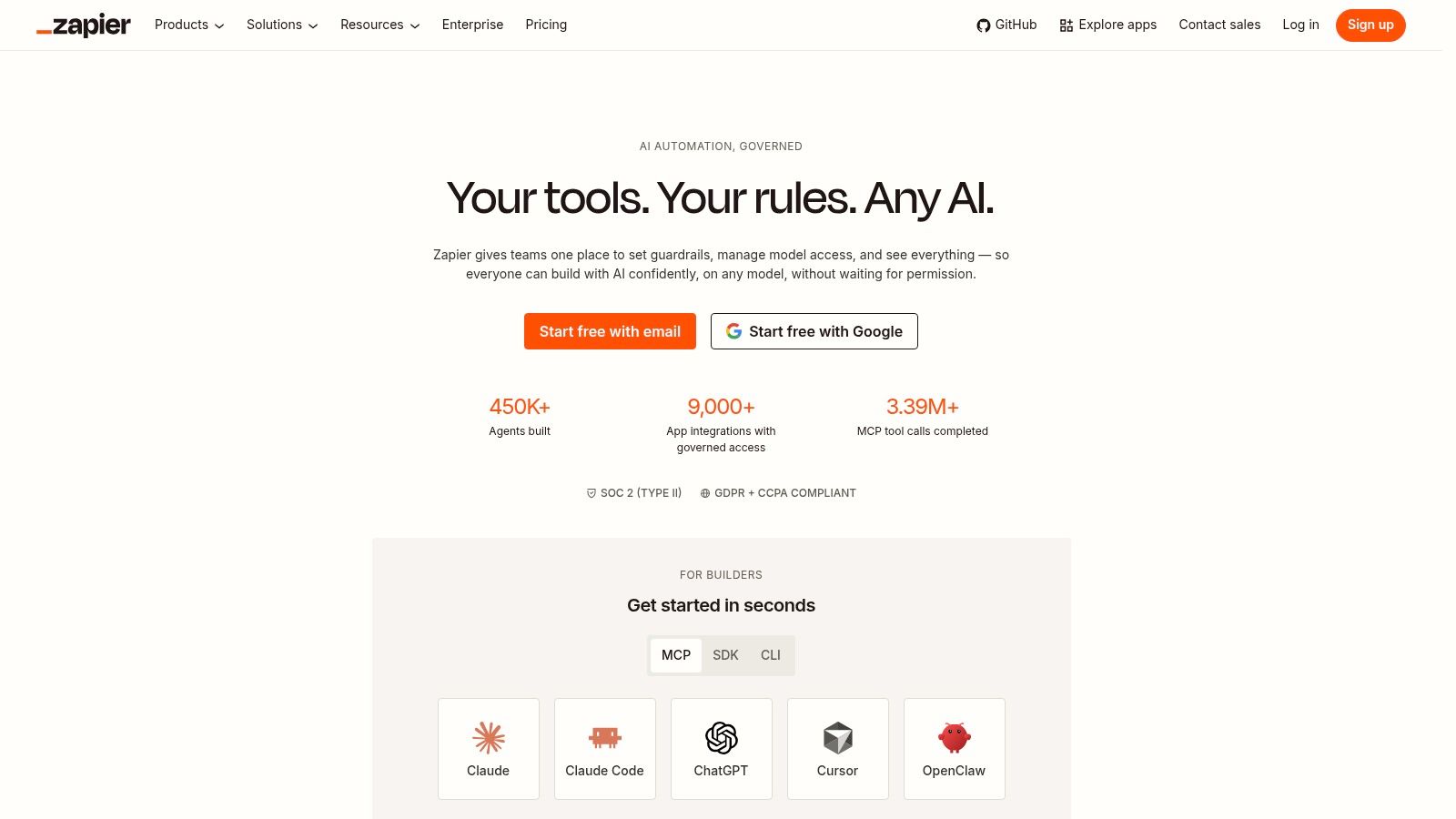
Zapier is built for integration orchestration rather than software test engineering. It connects business applications through no-code workflows, allowing sales, marketing, support, and operations teams to move data between systems without waiting for a developer to build and maintain every connector.
Its strength is speed. Users can combine app triggers, filters, paths, sub-zaps, Tables, Forms, and API steps to create workflows that connect CRM records, lead forms, notifications, project systems, and customer operations. Agents and Chatbots extend that model into more conversational automation, although teams still need clear permissions and review rules before allowing AI-assisted actions to update business systems.
Fast setup, variable economics
Zapier's connector coverage is the reason business users adopt it. The platform advertises 9,000+ app integrations, so a team can often assemble a useful workflow from existing connectors instead of commissioning custom API work. The API-based data collection automation guide is relevant when those workflows need structured data movement rather than simple notifications.
The limitation is the task-based billing model. Every workflow design should account for trigger frequency, action count, retries, paths, and error handling. A workflow that looks cheap during prototyping can become difficult to forecast when transaction volume grows or when one business event causes several downstream actions.
Zapier suits business-led automation with moderate complexity and a strong need for quick ownership. It's not an API test suite, a high-throughput integration runtime, or the best choice for workflows requiring custom orchestration, strict deployment controls, or extensive data transformation.
7. Make
Make uses a visual scenario builder for orchestrating APIs, SaaS applications, and data transformations. Routers, filters, scheduled execution, templates, logs, and team collaboration make it more expressive than a simple trigger-and-action builder, especially when workflows branch based on business rules.
The platform is useful for operations teams that need to understand the path data takes through a workflow. A scenario can retrieve records, transform fields, route different cases, call an API, and write results to several systems while keeping the logic visible on a canvas. Minute-level scheduling and the Make API support recurring operational processes, while enterprise applications and an on-prem agent provide options for higher-control deployments.
Model the workflow before buying capacity
Make uses credits based on module actions. That model can be more transparent than a vague usage allowance, but it requires capacity planning. Every module execution, router path, retry, and repeated operation can affect consumption, so teams should estimate the full scenario rather than counting only the visible business event.
This makes Make a strong option for complex branching and multi-step transformations. It can also expose poor workflow design quickly. Repeated searches, unnecessary modules, and broad polling patterns consume credits and create avoidable operational load.
Make fits growth-stage operations teams that want visual control without giving every workflow to engineering. Very high throughput may require enterprise features or an on-prem agent, and technical owners should review logs, failure recovery, authentication, and versioning before the scenario becomes business-critical.
Capacity check: Calculate credits from the complete execution path, including retries and branches, not from the number of workflows on the canvas.
8. Pipedream
Pipedream sits between no-code integration platforms and custom application development. Its workflows combine prebuilt steps with JavaScript, TypeScript, and Python, so developers can write the exact transformation or API logic that a visual connector doesn't support.
That makes Pipedream particularly useful for glue code. A team can receive a webhook, validate a payload, call several services, apply custom logic, handle an exception, and return a structured result without provisioning a separate server for every small integration. The CLI, component registry, usage APIs, and free development mode support teams that want to move from experiments into repeatable engineering workflows.
Embedded integrations change the use case
Pipedream's Connect SDK is designed to embed third-party integrations inside products and AI agents. That's a different requirement from internal automation. Product teams can use it when customers need connected accounts or when an application needs to expose integrations as part of its own user experience.
The billing model is compute-credit based, tied to compute time rather than a simple per-task count. That can be easier to reason about for code-heavy workloads, but execution duration, concurrency, plan limits, and workflow behavior still need monitoring. Feature and concurrency caps vary by plan, so teams should test their longest-running and most parallel workflow before committing.
Pipedream is a strong fit for developers who want serverless-style API logic with less infrastructure management. It's less friendly to business users than Zapier or Make, and it requires stronger code ownership, testing, secret management, and observability practices.
9. n8n
n8n gives technical teams a node-based workflow platform with a meaningful choice between self-hosting and managed cloud deployment. That flexibility is its central advantage. Teams can keep sensitive workflow data and credentials within their own environment, or use the cloud service when operational convenience matters more than infrastructure control.
The execution-based billing model is attractive for multi-step workflows. n8n bills by workflow execution, with one execution representing a complete run, so teams can use multiple steps without a separate task charge for every node in that run. That structure can provide strong value when each business event requires substantial transformation and orchestration.

Control requires operational maturity
Self-hosting gives teams more control over data location, networking, credentials, and deployment. It also makes the team responsible for upgrades, backups, queue behavior, scaling, monitoring, and incident response. Queue mode, environments, Git versioning, RBAC, and enterprise controls help larger teams, but some capabilities require higher plans.
n8n is a strong choice for technical operations groups that want to own the runtime or use a bring-your-own-key approach. It's less appropriate when nobody has time to operate another production service. Managed cloud reduces that burden, but cloud pricing and enterprise capabilities still need to be assessed against workflow volume and collaboration requirements.
Operational reality: Self-hosting improves control only when the team also owns maintenance, security patching, backups, and recovery testing.
n8n works well for internal automations, data pipelines, AI workflows, and API orchestration where execution-based economics matter. It isn't a dedicated API testing platform, so engineering teams should pair it with purpose-built testing tools when release quality gates are critical.
10. Workato
Workato targets organizations that need integration orchestration and enterprise governance in the same operating model. Its platform spans application and data integration, process automation, API management, bots, and embedded integrations, giving larger teams a route from internal workflows to productized integrations.
Governance is the differentiator. Environments, RBAC, audit logs, lifecycle controls, and on-prem agents help platform teams manage who can create, approve, deploy, and monitor automations. The embedded edition is relevant to SaaS companies that want to offer integrations as part of their product rather than treating every customer connection as a one-off internal workflow.
Start small, govern deliberately
Workato offers self-service, credit-based plans for Orchestrate and AI or agent capabilities, with a path toward enterprise contracts. That progression can work for a growth-stage company that expects its integration estate to become a formal platform. It also means teams must track credit consumption carefully, especially when workflows include retries, transformations, polling, or AI-assisted steps.
Enterprise pricing is quote-based and can be premium. The cost may make sense when auditability, lifecycle management, access controls, deployment separation, and vendor support are requirements rather than optional features. It may not make sense for a small operations team automating a limited number of straightforward SaaS handoffs.
Workato is best for organizations where IT, security, operations, and business teams share responsibility for automation. Its broad scope is powerful, but the implementation needs clear ownership, naming standards, environment promotion rules, and a review process for sensitive data.
Top 10 API Automation Tools Comparison
| Tool | Core focus & key features | Target audience | UX & scalability | Pricing model & value proposition |
|---|---|---|---|---|
| Postman | Full API lifecycle: design, test, mock, monitor; multi-protocol client; Postman CLI; API Catalog; AI-assisted | Dev & API teams; mid→large orgs formalizing API governance | Polished UI; strong collaboration & RBAC; scales with paid tiers; AI credits add cost complexity | Freemium → Team/Enterprise; value = unified platform + governance |
| SmartBear ReadyAPI | Enterprise API testing: functional, security, load; API virtualization; CI/CD integrations | Regulated enterprises, QA teams, large-scale testing needs | Deep feature set; higher learning curve; centralized reporting & scale | Commercial licensing (enterprise); value = comprehensive testing + vendor support |
| Karate (Karate Labs) | Open-source API & UI test framework; plain-English DSL; built-in mocks & perf; IDE plugins; commercial add-ons | Developer QA teams; air-gapped/data-sensitive orgs; CI-first workflows | Rapid authoring with minimal boilerplate; local/self-host execution; OSS reliability | OSS core; paid enterprise modules; value = fast authoring + full data control |
| Grafana k6 | Code-based load & performance testing (Go/JS); Grafana Cloud integration; managed scaling | SREs, performance teams, SaaS backends tracking SLOs | Developer-friendly scripting; strong observability ties; managed scaling via Grafana Cloud | Open-core + managed tiers; VU-hour / pay-as-you-go; value = perf engineering + Grafana integration |
| Insomnia (by Kong) | API client for design, debug, mock, lint; Inso CLI for CI; mock servers; Kong integrations | Developers and teams focused on API design; Kong platform users | Clean, lightweight UX; CI-friendly; enterprise RBAC/SSO on paid plans | Freemium → Enterprise; value = fast developer workflow + affordable entry |
| Zapier | No/low-code automation; 9,000+ integrations; paths, Tables, Agents/Chatbots | Business users, SMBs, marketing/sales/ops teams | Fast to build automations; highly accessible; task-based billing can get costly at scale | Freemium; task-based billing; value = speed to automate + massive connector library |
| Make (formerly Integromat) | Visual-first iPaaS: drag-and-drop scenarios, routers, filters, on-prem agent | Business & technical teams needing complex orchestration/transforms | Visual builder great for complex branching; requires credit planning for throughput | Credit-based pricing per module/action; value = visual control + transparent credits |
| Pipedream | Developer-centric workflows mixing low-code + code (JS/TS/Python); Connect SDK; CLI | Developers building embedded integrations, custom API logic & AI agents | Code-first flexibility; good for glue code; concurrency/feature caps vary by plan | Compute-credit pricing; free dev mode; value = embed-able SDK + code flexibility |
| n8n | Node-based workflow automation; self-host or cloud; executions billing; RBAC & AI assistant | Technical teams wanting self-hosting/data control; SMBs to mid-market | Unlimited steps per execution; self-host gives full control but needs ops; cloud simplifies ops | Open-source core; cloud/executions billing; value = predictable cost model + self-host control |
| Workato | Enterprise iPaaS: integrations, API platform, bots, Embedded edition; governance & lifecycle controls | Large enterprises needing governance, lifecycle & productized integrations | Enterprise-grade controls (RBAC, audit, agents); scalable but premium | Self-serve credits → quote-based enterprise; value = governance + ability to productize integrations |
Build a Stack That Scales With the Workflow
The right choice starts with the job, not the vendor logo. Define whether you're building an API workbench, a functional regression suite, a performance test, a business integration, a developer-owned glue workflow, a self-hosted runtime, or an enterprise integration platform. These jobs can coexist in one company, but they rarely benefit from being forced into one product.
Next, identify the owner. Developers usually need source-controlled tests, local execution, CLI support, and precise scripting. QA teams may prioritize reusable scenarios, mocks, reporting, and broad test coverage. Operations teams often need visual workflow design and manageable failure handling. Security and platform teams care about identity, secrets, audit logs, environment separation, deployment approval, and data residency.
Deployment requirements narrow the field quickly. Postman and Insomnia are strong API workbenches for interactive development and shared specifications. ReadyAPI is better suited to centralized functional, security, performance, and virtualization programs. Karate offers a self-hosted, code-adjacent framework for teams that want local execution and an open-source core. k6 belongs in the performance layer, particularly when load results need to connect with Grafana observability.
Integration orchestration requires a different comparison. Zapier is usually the fastest route for business-led workflows and broad SaaS connectivity. Make offers more visible branching and transformation logic. Pipedream is the better fit when the workflow needs JavaScript, TypeScript, or Python rather than only prebuilt modules. n8n stands out when self-hosting and execution-based economics matter. Workato is the enterprise option when integration delivery must include governance, lifecycle controls, auditability, and embedded integration capabilities.
Billing units deserve as much attention as feature lists. Check whether you're paying for seats, plan tiers, AI credits, VU-hours, tasks, module actions, compute credits, executions, or negotiated enterprise capacity. Then model retries, polling, branches, test frequency, retention, concurrency, and peak usage. A simple proof of concept can hide cost if it doesn't exercise the hardest production workflow.
A practical selection sequence looks like this:
- Define the job: Separate API quality, performance, integration, and governance requirements.
- Assign ownership: Name the team responsible for credentials, tests, workflow failures, upgrades, and incident response.
- Map sensitivity: Decide whether data can use a vendor cloud, needs private networking, or must remain self-hosted.
- Model the billing unit: Estimate realistic execution paths, retries, concurrency, and collaboration needs.
- Test the hardest workflow: Use real authentication, transformations, dependency behavior, CI/CD integration, and failure recovery.
- Set an exit plan: Keep specifications, test assets, workflow definitions, and documentation portable where possible.
API automation is now part of a broader software lifecycle. The API development tools market was estimated at $7.8 billion in 2025 and projected to reach $22.4 billion by 2034, while the API management market was projected at $10.32 billion in 2026 and $22.11 billion by 2031 (Business Research Insights market analysis). Those projections point to expanding infrastructure needs, but they don't eliminate the need for disciplined architecture.
Choose Postman or Insomnia for API workbenches, ReadyAPI or Karate for broad testing, k6 for performance testing, Zapier or Make for business-led integrations, Pipedream for code-heavy glue logic, n8n for control and self-hosting, and Workato for enterprise governance. For teams that need help designing, documenting, or deploying AI and API automation across growth operations, MakeAutomation is one relevant implementation partner.
MakeAutomation helps B2B and SaaS teams design, document, and deploy scalable API and AI automations across lead generation, CRM, outreach, project management, recruitment, and operations. If you need help selecting a stack or implementing a production workflow, visit MakeAutomation to discuss your requirements.